
1. Product Overview
This manual provides instructions for the NHOPEEW Android car stereo, model [4+64G], specifically designed for Dodge Ram ProMaster City vehicles manufactured between 2015 and 2021. This unit integrates advanced features such as a 9-inch touchscreen, Android operating system, wireless Carplay and Android Auto, GPS navigation, and a backup camera for an enhanced in-car experience.
2. Package Contents
Verify that all items listed below are included in your package. If any components are missing or damaged, please contact customer support.
- Android Car Radio Unit
- Wiring Harness
- AHD Backup Camera
- Microphone
- Canbus Decoder
- Radio Antenna
- GPS Antenna
- USB Cables (various)
- RCA Cable
- Installation Tool
- Users Manual

Figure 2.1: Included Package Components
3. Specifications
| Brand | NHOPEEW |
| Vehicle Service Type | Car |
| Screen Size | 9 inches |
| Operating System | Android |
| Memory Storage Capacity | 64 GB |
| RAM | 4 GB |
| Connectivity Technology | Bluetooth, USB, Wi-Fi |
| Special Features | Built-In Bluetooth, Built-In Wi-Fi, GPS Navigation, Steering Wheel Control, Wireless Carplay and Android Auto |
| Map Type | Worldwide (Online and Offline) |
| Included Components | AHD Backup Camera, Android Car Radio, Canbus, Microphone, Wiring Harness |
| Mounting Type | Dashboard Mount |
| Display Type | 9-inch HD Incell Touch Screen (1280x720 resolution) |
4. Setup and Installation
Professional installation is recommended for this car stereo system. Ensure the vehicle's ignition is off and the battery is disconnected before beginning installation.
4.1 Vehicle Compatibility
This unit is compatible with Dodge Ram ProMaster City models from 2015 to 2021. Verify your vehicle's model, year, and dashboard console shape before installation.
4.2 Wiring Connections
Connect the provided wiring harness to the car radio and the vehicle's existing wiring. Ensure all connections are secure. The Canbus decoder should be connected to enable steering wheel controls and other vehicle-specific functions.
4.3 Backup Camera Installation
Install the AHD backup camera at the rear of your vehicle. Connect the camera's power cable to the reverse light circuit (positive and negative terminals) and the video signal cable to the designated input on the car radio. Ensure the white plug is connected to the radio for Bluetooth and WiFi functionality, even if the backup camera is not used.

Figure 4.1: Reversing Camera Wiring Diagram
4.4 Initial Power-Up and Testing
After all connections are made, reconnect the vehicle battery and power on the unit. Test all functions, including audio, touchscreen response, GPS, Bluetooth, and the backup camera. Adjust the unit securely into the dashboard opening.

Figure 4.2: Installation Effect in Dodge Ram ProMaster City
5. Operating Instructions
5.1 Android System Navigation
The unit runs on an Android operating system with 4GB RAM and 64GB ROM, ensuring smooth performance. Connect to Wi-Fi or a mobile hotspot to download applications, stream media, and access online services. The 9-inch Incell HD touchscreen (1280x720 resolution) provides clear visuals and responsive touch control.

Figure 5.1: Android System and Touchscreen Display
5.2 Wireless Carplay & Android Auto
Connect your smartphone wirelessly via Bluetooth or USB cable to access Carplay or Android Auto. This allows for hands-free operation of navigation, music, calls, and messages through the intelligent voice assistant.

Figure 5.2: Wireless Carplay and Android Auto Interface
5.3 Audio Equalizer (EQ) Settings
Customize your audio experience using the built-in 32-band frequency adjustment function. Access the EQ settings to fine-tune sound output and create a personalized listening environment.

Figure 5.3: Audio Equalizer Settings
5.4 GPS Navigation and WiFi
The unit features a built-in GPS module for both online and offline navigation. Connect to 5G WiFi for real-time traffic updates, online maps, and access to various online applications.
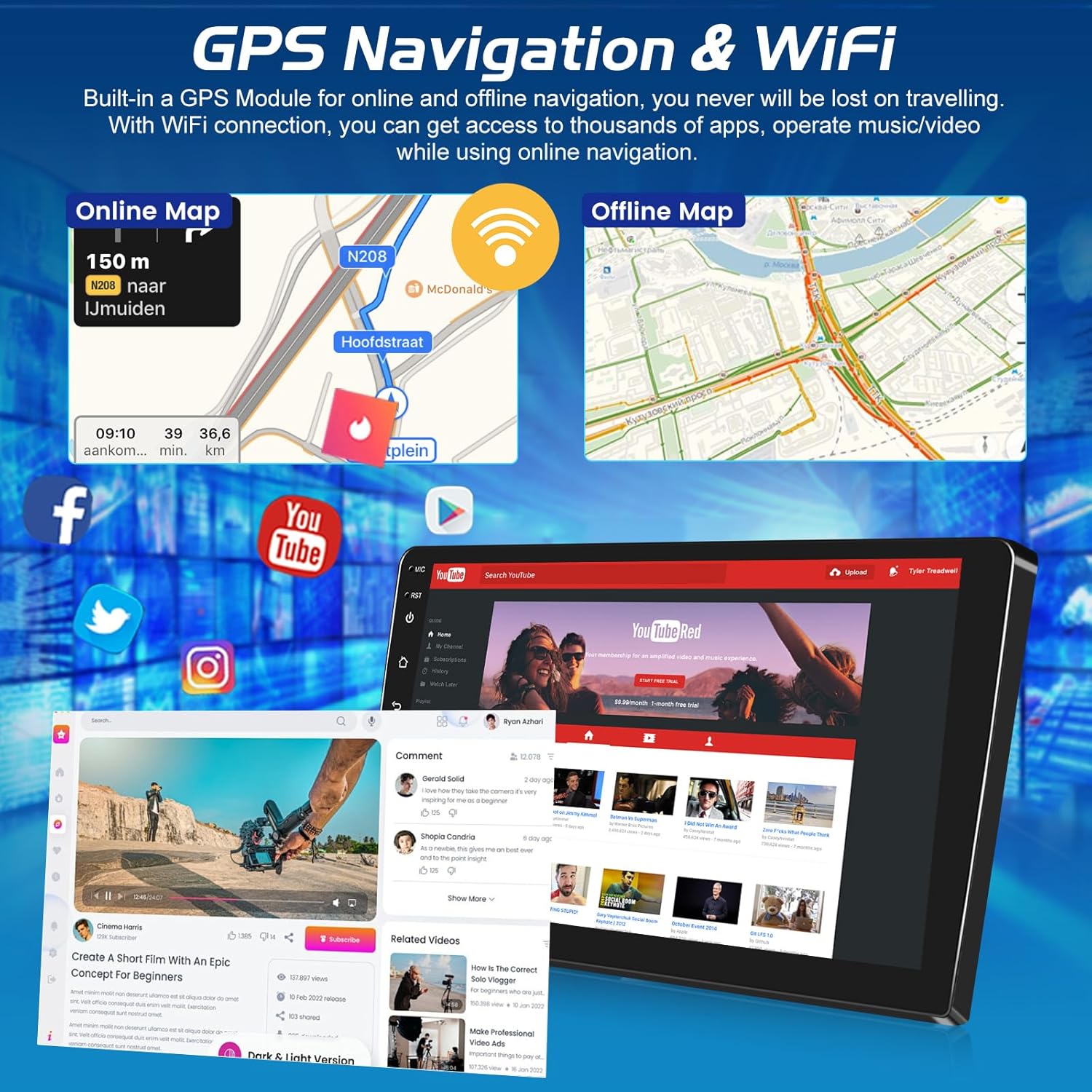
Figure 5.4: GPS Navigation and WiFi Connectivity
5.5 Steering Wheel Control (SWC)
The system supports your vehicle's original steering wheel controls. After connecting the Canbus, navigate to Settings > Factory Setup (password 1234) > Car settings, select your car model and year, then proceed to "Steering Learning" in the Factory Setting to program the buttons. This allows for safe adjustment of volume, track changes, and call management directly from your steering wheel.

Figure 5.5: Steering Wheel Control Setup
5.6 AHD Backup Camera Functionality
When the vehicle is shifted into reverse, the 9-inch screen automatically displays a clear, wide-angle view from the AHD reversing camera, aiding in safer parking and maneuvering.
5.7 FM/RDS Radio
Utilize the built-in FM/RDS tuner to listen to your favorite radio stations and receive relevant broadcast information.
5.8 Bluetooth Connectivity
Connect your phone via Bluetooth for hands-free calling and wireless audio streaming. Access your phonebook and manage calls directly from the car stereo.
5.9 Split Screen Display
The split-screen feature allows you to run two applications simultaneously on the display, such as navigation and music playback. You can adjust the size and position of each app.
6. Maintenance
To ensure optimal performance and longevity of your NHOPEEW car radio, follow these maintenance guidelines:
- Cleaning: Use a soft, dry cloth to clean the screen and unit. Avoid abrasive cleaners or solvents.
- Software Updates: Periodically check for and install available software updates to improve performance and add new features. These can usually be found through the unit's settings or the manufacturer's website.
- Environmental Conditions: Avoid exposing the unit to extreme temperatures, direct sunlight for prolonged periods, or excessive moisture.
7. Troubleshooting
If you encounter issues with your car radio, refer to the following common problems and solutions:
| Problem | Possible Cause | Solution |
|---|---|---|
| Unit does not power on | Incorrect wiring, blown fuse, loose connection | Check power connections, inspect vehicle fuses, ensure wiring harness is fully seated. |
| No sound | Speaker wiring issues, volume too low, mute activated | Verify speaker connections, increase volume, check if mute is active. |
| GPS not working or inaccurate | GPS antenna not connected, poor signal, outdated maps | Ensure GPS antenna is properly connected and has a clear view of the sky. Update map data if necessary. |
| Bluetooth connection issues | Bluetooth off, pairing mode not active, interference | Ensure Bluetooth is enabled on both devices. Put the unit in pairing mode. Check for the white plug connection for Bluetooth functionality. |
| Steering wheel controls not functioning | Canbus not connected, incorrect Canbus settings, controls not learned | Verify Canbus connection. Follow the steering wheel learning procedure in Section 5.5. |
| Backup camera not displaying | Camera wiring incorrect, camera faulty, reverse signal not detected | Check camera power and video signal connections. Ensure the reverse light signal is correctly wired. |
If these solutions do not resolve the issue, please contact NHOPEEW customer support.
8. Warranty and Support
Your NHOPEEW car radio comes with a 2-year warranty from the date of purchase. This warranty covers manufacturing defects and ensures product reliability.
NHOPEEW is committed to providing excellent customer service, including:
- 7*24 hours of Technical After-sales Guarantee
- 30-day Money Back Support
- 24 Months After-sales Service
For technical assistance, warranty claims, or any other inquiries, please refer to the contact information provided on the NHOPEEW official website or your purchase documentation.