
Introduction
This manual provides instructions for the NPET replacement filters designed for the WF210plus-WM Stainless Steel Wireless Pet Water Fountain. These filters are essential for maintaining clean and fresh drinking water for your pets. Each filter features a 5-stage filtration system to remove impurities and improve water quality.

Image: A cat drinking from the NPET WF210plus-WM pet water fountain, demonstrating the fountain's purpose of providing fresh water.
Compatibility
These replacement filters are specifically designed for use with the NPET WF210plus-WM Stainless Steel Wireless Pet Water Fountain. They are not compatible with other fountain models.

Image: The NPET WF210plus-WM fountain shown alongside its compatible filter and pump sponge components.
Package Contents
Each package contains:
- 4 x Replacement Fountain Filters
- 4 x Replacement Pump Sponges
All filters and pump sponges are individually packaged to ensure hygiene and safety.
Setup and Installation
Follow these steps to prepare and install your new replacement filter:
- Soak the Filter: Before first use, soak the new filter in clean water for 5-10 minutes. This helps to remove any loose carbon particles and ensures optimal filtration performance.
- Rinse the Filter: After soaking, rinse the filter thoroughly under running water for at least 30 seconds. This further cleans the filter and prepares it for use.
- Install the Filter: Place the prepared filter into the designated filter tray of your NPET WF210plus-WM pet water fountain. Ensure it is seated correctly.
- Install the Pump Sponge: Place the pump sponge around the pump in the fountain basin.
- Assemble and Fill: Reassemble the fountain components and fill the reservoir with fresh water.

Image: Visual guide demonstrating the soaking and rinsing process for the filter.
Video: Installation Guide
Video: An official NPET guide demonstrating the installation process for the WF210plus Smart Pet Fountain, including filter placement.
Operating Principle (Filtration System)
The NPET replacement filter utilizes a comprehensive 5-stage filtration system to ensure your pet receives clean and healthy water:
- High-density Sponge: Catches hair, debris, and other large particles.
- Activated Carbon: Effectively removes odors and chlorine from the water.
- Ion Exchange Resin: Softens hard tap water, reducing mineral buildup.
- Medical Stone: Further removes heavy metals and other harmful substances.
- Non-woven Fabric: Prevents mucus production and ensures water clarity.
This multi-layer approach provides fresh, odorless, and clean water for your pets.

Image: A visual representation of the improved and enhanced 5-stage filtration layers within the NPET filter.

Image: A detailed diagram explaining the function of each component in the 5-stage filtration system, including high-density sponge, activated carbon, medical stone, ion exchange resin, and non-woven fabric.
Maintenance Recommendations
Regular maintenance of the filter and pump sponge is crucial for optimal performance and your pet's health:
- Clean the Pump Sponge: It is recommended to clean the pump sponge once a week to remove accumulated debris and maintain proper water flow.
- Replace the Filter: Replace the main filter every 2 to 4 weeks. The exact replacement frequency depends on the number of pets using the fountain and the water quality in your area. More frequent replacement may be necessary for multiple pets or harder water.
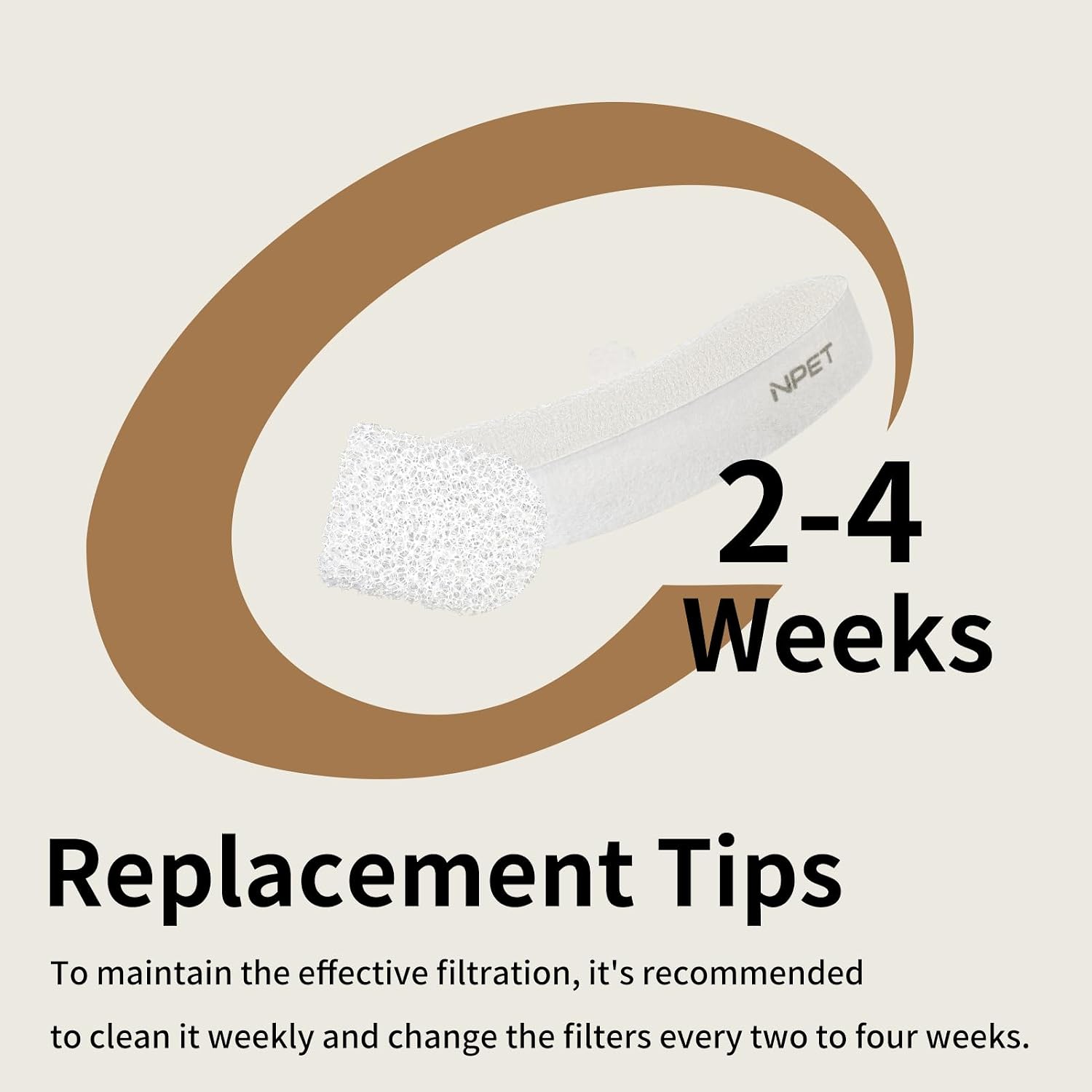
Image: A visual reminder for filter replacement every 2-4 weeks to maintain effective filtration.
Video: Cleaning Guide
Video: An official NPET guide demonstrating the cleaning process for the WF210plus Wireless Pet Fountain, including filter and pump maintenance.
Troubleshooting
| Problem | Possible Cause | Solution |
|---|---|---|
| Black particles in water after new filter installation | Loose activated carbon from the new filter. | Ensure the filter is thoroughly soaked and rinsed for at least 30 seconds before first use. This removes loose carbon. |
| Reduced water flow from the fountain | Filter or pump sponge is clogged with debris (hair, food particles). | Clean the pump sponge weekly. Replace the filter if it has been 2-4 weeks since the last replacement, or if cleaning the sponge does not restore flow. |
| Water has an unusual odor or taste | Filter is saturated and no longer effectively removing odors. | Replace the filter immediately. Ensure regular filter replacement every 2-4 weeks. |
Specifications
- Product Dimensions: 4.5 x 1.8 x 0.8 inches
- Item Weight: 1.13 ounces
- Model Number: PETWF210PlusWM-FS03-4PCS-US
- Material: Activated Carbon, High-density Sponge, Ion Exchange Resin, Medical Stone, Non-woven Fabric
- Number of Items: 4 filters and 4 pump sponges per pack
Warranty Information
NPET provides a one-month warranty for these replacement filters. Please retain your proof of purchase for any warranty claims.
Customer Support
For further assistance, questions, or to purchase additional replacement filters, please visit the official NPET store or contact NPET customer service through their website or the platform where you purchased the product.
NPET Official Store: Visit NPET Store on Amazon


