
Introduction
This manual provides essential instructions for the proper setup, operation, and maintenance of your DreamSky Outdoor Temperature and Humidity Sensor (Model DS24BW). This sensor is designed to accurately measure outdoor temperature and humidity, transmitting data to a compatible DreamSky main unit (sold separately).
What's in the Box
- 1 x DreamSky Outdoor Temperature and Humidity Sensor
Safety Information
- Placement: Do not place the sensor in direct sunlight. Direct sunlight can lead to inaccurate temperature readings and may shorten the lifespan of the device.
- Battery Safety: Ensure correct battery polarity when installing. Do not mix old and new batteries, or different types of batteries. Dispose of used batteries responsibly.
- Environmental Conditions: While designed for outdoor use, extreme weather conditions (e.g., heavy rain, snow, or prolonged exposure to corrosive elements) may affect performance and durability.
Product Overview
The DreamSky DS24BW is a compact, black electronic sensor designed to monitor outdoor environmental conditions. It transmits temperature and humidity data wirelessly to a compatible display unit.
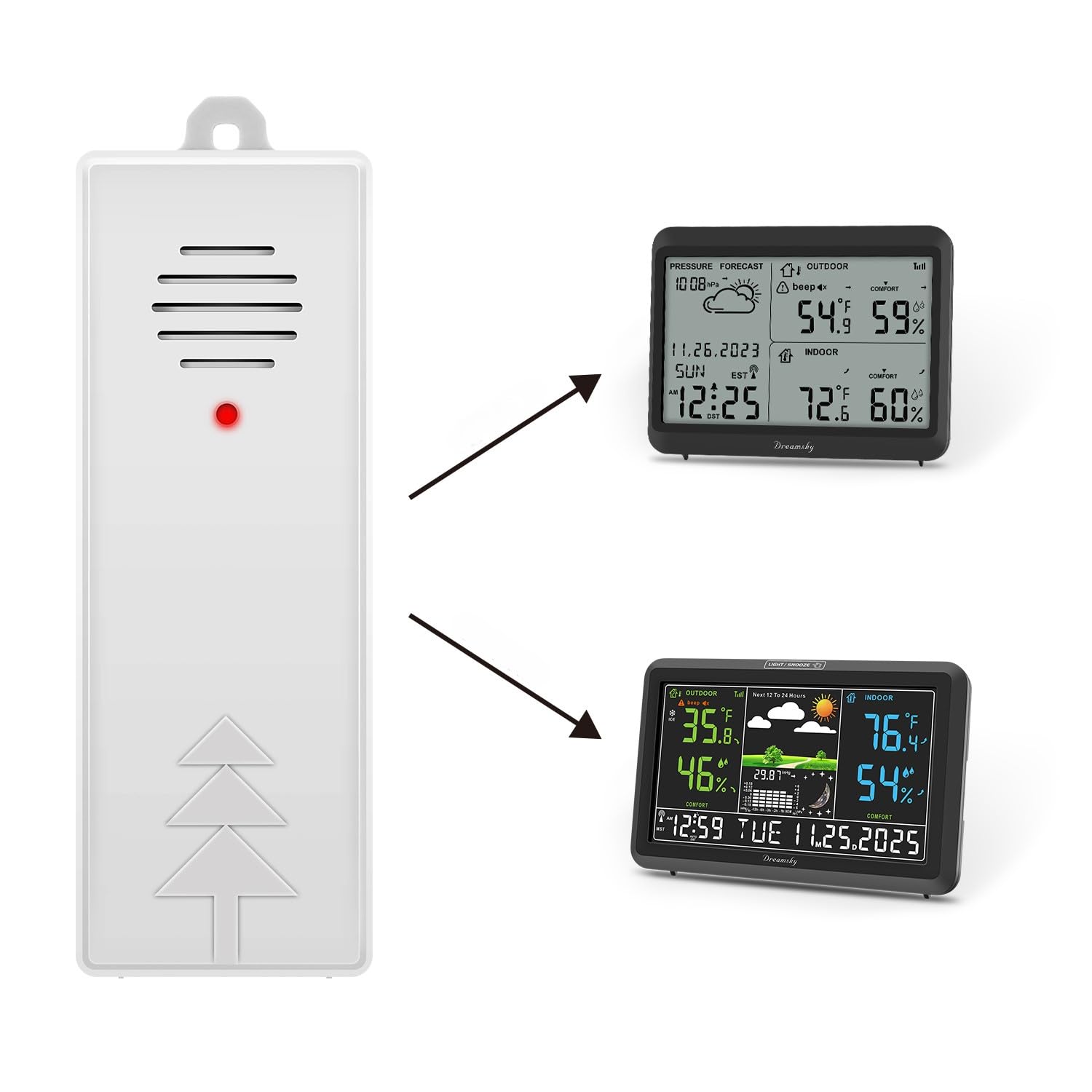
Image showing the Dreamsky Outdoor Temperature and Humidity Sensor, a compact black device designed for external environmental monitoring.
Setup
1. Battery Installation
- Locate the battery compartment on the sensor.
- Open the battery compartment cover.
- Insert the required batteries (typically AA or AAA, refer to the compartment markings) ensuring correct polarity (+/-).
- Close the battery compartment cover securely.
2. Pairing with Main Unit
Once batteries are installed, the sensor will automatically attempt to connect with your DreamSky main display unit. Ensure your main unit is powered on and within range. The connection process is typically automatic and should establish quickly.
3. Sensor Placement
- Choose an outdoor location that is sheltered from direct sunlight and heavy precipitation.
- Ensure the sensor is placed in an area with good air circulation for accurate readings.
- Position the sensor within the recommended wireless range of your main display unit. Obstacles like thick walls or metal structures can reduce signal strength.
Operation
The DreamSky DS24BW sensor continuously measures outdoor temperature and humidity. This data is then wirelessly transmitted to your compatible DreamSky main display unit, where it can be viewed. No direct interaction with the sensor is required after initial setup.
Maintenance
Battery Replacement
When the batteries are low, the main display unit may indicate a low battery warning for the sensor, or the sensor may stop transmitting data. Replace batteries following the steps in the 'Battery Installation' section.
Cleaning
Wipe the sensor periodically with a soft, damp cloth to remove dust or dirt. Do not use abrasive cleaners or immerse the sensor in water.
Environmental Protection
To prevent issues like rust, ensure the sensor is placed in a location that minimizes prolonged exposure to moisture and corrosive elements.
Troubleshooting
- Sensor Not Connecting: Ensure the main unit is powered on and within range. Check sensor batteries and replace if necessary. Try re-pairing the sensor with the main unit if your main unit has a re-pairing function.
- Inaccurate Readings: Verify the sensor's placement. Ensure it is not in direct sunlight or near heat sources. Allow some time for the sensor to stabilize after placement or battery change.
- Sensor Stops Working: This may indicate depleted batteries or a sensor malfunction. Replace batteries first. If the issue persists, the sensor may need replacement.
- Connectivity Issues (Intermittent): Ensure there are no significant obstructions between the sensor and the main unit. Move the sensor closer to the main unit if possible.
Specifications
| Feature | Detail |
|---|---|
| Brand | DreamSky |
| Model Number | DS24BW |
| Power Source | Battery Powered |
| Special Feature | Thermometer |
| Color | Black |
| Included Components | Sensor |
| Sensor Technology | Electronic |
| Usage Environment | Outdoor |
| Display Type | No display (data transmitted to main unit) |
Warranty and Support
DreamSky products are manufactured with quality in mind. For specific warranty details, please refer to the documentation included with your main display unit or visit the official DreamSky website. For technical support or inquiries, please contact DreamSky customer service through their official channels.