
RORRY CB4-10000
RORRY Flow Portable Charger (Model CB4-10000) User Manual
10000mAh 40W Fast Charging Power Bank with Built-in USB-C Cable and Foldable Wall Plug
Introduction
The RORRY Flow Portable Charger is a versatile 10000mAh power bank designed for efficient charging of multiple devices. It features a 40W fast charging capability, a built-in USB-C cable, and a foldable wall plug for convenience. This manual provides essential information for the safe and effective use of your RORRY Flow Portable Charger.
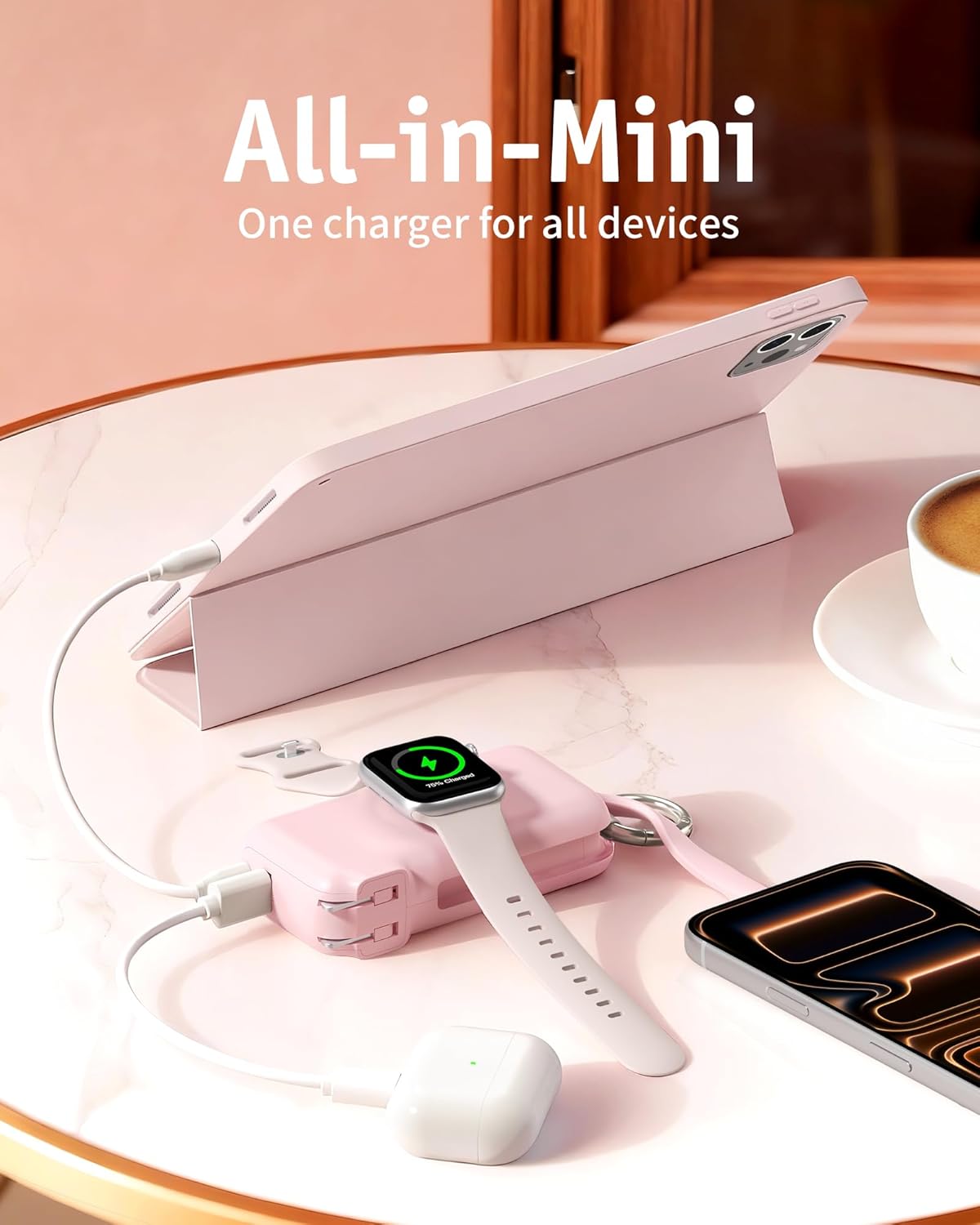
Image: RORRY Flow Portable Charger connected to an iPad, Apple Watch, and AirPods, demonstrating its multi-device charging capability.
What's in the Box
- 10000mAh Power Bank x 1
- 1M USB-C Cable x 1
- User Manual x 1
Setup
Charging the Power Bank
Before initial use, fully charge your RORRY Flow Portable Charger. You have two primary methods for charging:
- Using the Foldable Wall Plug: Extend the integrated foldable wall plug and insert it directly into a standard AC wall outlet. The LED display will show the charging progress.
- Using the USB-C Input Port: Connect the provided 1M USB-C cable to the power bank's USB-C input port and to a compatible USB wall adapter (not included).
A full charge typically takes approximately 2 hours. The LED display will show '100' when fully charged.

Image: RORRY Flow Portable Charger plugged into a wall outlet using its foldable plug, charging an iPhone and AirPods.
Checking Battery Level
Press the power button once to view the current battery percentage on the LED display.
Video: Demonstration of the RORRY Flow Portable Charger's features, including the foldable wall plug and built-in cables.
Operating
Charging Devices with Built-in USB-C Cable
Pull out the integrated USB-C cable from its storage slot. Connect the USB-C end to your compatible device (e.g., iPhone 15/16/17, iPad, MacBook). The power bank will automatically begin charging. For optimal fast charging, ensure your device supports USB Power Delivery (PD).

Image: Close-up of a RORRY Flow Portable Charger fast charging an iPhone 17 via its built-in USB-C cable.
Charging Apple Watch
Place your Apple Watch directly onto the wireless charging pad located on the top surface of the power bank. Ensure the watch is centered for proper alignment. The power bank will initiate 5W wireless charging for your Apple Watch.
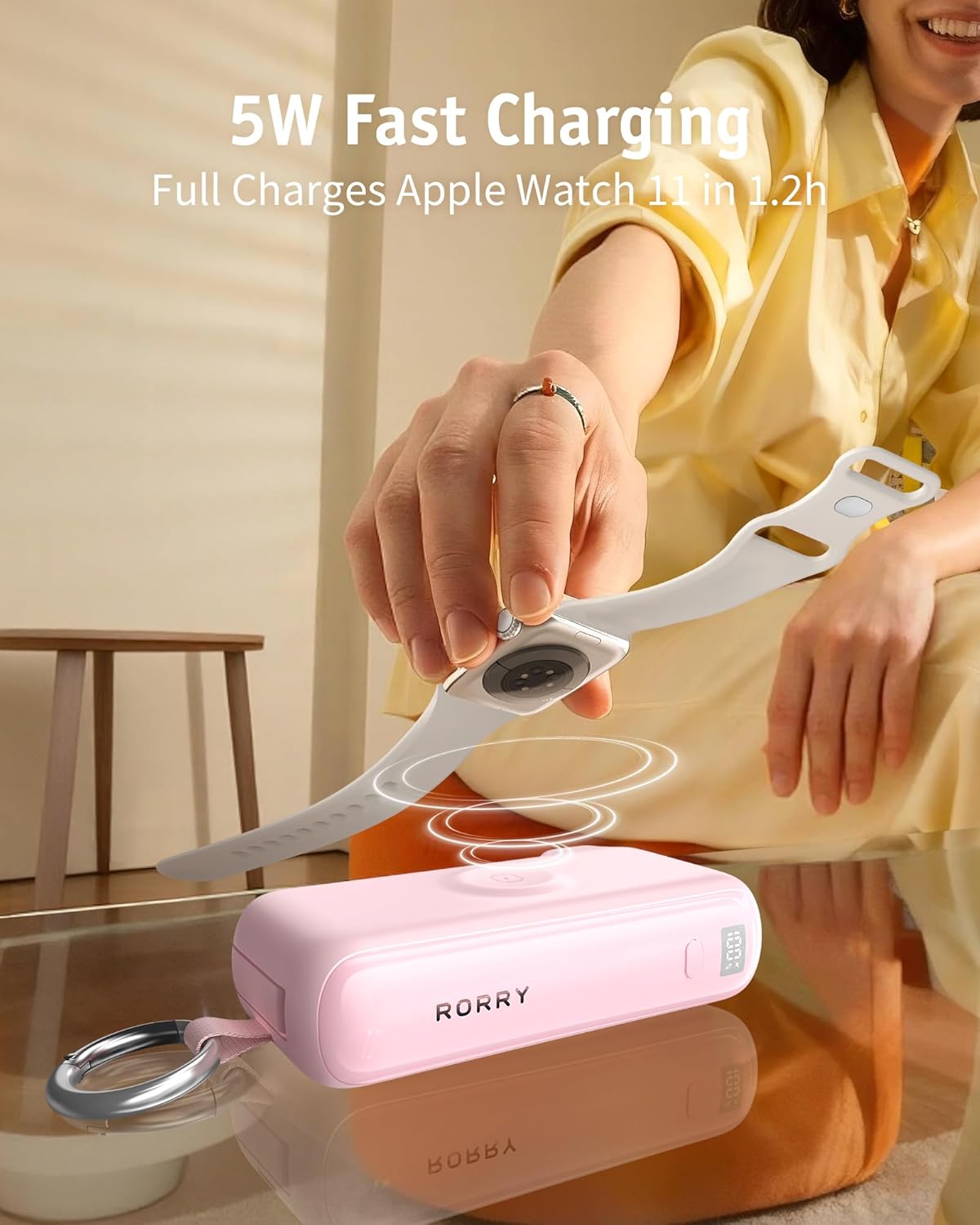
Image: RORRY Flow Portable Charger wirelessly charging an Apple Watch on its dedicated charging pad.
Video: Detailed review highlighting the RORRY Flow Portable Charger's compatibility with Apple Watch and its travel-friendly design.
Charging Devices via USB-A/USB-C Ports
For devices requiring a different cable, use the additional USB-A or USB-C output ports. Connect your device's charging cable to the appropriate port on the power bank. The power bank supports simultaneous charging of up to four devices (built-in USB-C, wireless Apple Watch, USB-A port, and USB-C output port).
Video: Overview of the RORRY Flow 10000mAh 40W Fast Charging Power Bank, showcasing its various charging options.
Maintenance
- Cleaning: Use a soft, dry cloth to clean the surface of the power bank. Avoid using harsh chemicals or abrasive materials.
- Storage: Store the power bank in a cool, dry place away from direct sunlight and extreme temperatures.
- Battery Care: To prolong battery life, fully charge the power bank at least once every three months if not in regular use. Avoid fully discharging the battery frequently.
Troubleshooting
- Device not charging:
- Ensure the power bank has sufficient charge.
- Verify that the charging cable is securely connected to both the power bank and the device.
- Try a different charging cable or port.
- Confirm your device is compatible with the power bank's output specifications.
- Power bank not charging:
- Ensure the foldable wall plug is fully inserted into a live AC outlet, or the USB-C input cable is properly connected to a working power source.
- Check if the wall outlet is functional.
- Try a different wall outlet or USB adapter.
- Slow charging:
- Ensure your device supports fast charging protocols (e.g., PD) to utilize the 40W output.
- Using multiple output ports simultaneously may distribute power, potentially reducing individual port speeds.
- Check if the charging cable is rated for fast charging.
Specifications
| Model Name | CB4-10000 |
| Battery Capacity | 10000 Milliamp Hours |
| Output Wattage | 40 Watts |
| Output Current | 3 Amps |
| Voltage | 20 Volts |
| Connector Type | USB-C*2 + USB-A*1 |
| Number of Ports | 2 (plus built-in USB-C cable and wireless pad) |
| Battery Cell Type | Lithium Ion |
| Battery Charge Time | 2 Hours |
| Item Weight | 0.55 Pounds (approx. 250g) |
| Item Dimensions (L x W x Th) | 4.3" x 2.2" x 1.2" (10.9cm x 5.6cm x 3.0cm) |
| Compatible Devices | AirPods / AirPods Pro, Apple Watch Series 11/10/9/8/7/6/SE/5/4, Apple Watch Ultra 1/2/3, iPad Air/Pro/Mini, iPhone 17/16/15/Air |
Warranty and Support
The RORRY Flow Portable Charger comes with a 30-Day Money Back Guarantee, a 1-Year Warranty, and Lifetime Technical Support.
For any issues or inquiries, please contact our support team at support@rorry.com. We aim to reply within 24 hours.
Ask a question about this manual
Ask about setup, troubleshooting, compatibility, parts, safety, or missing instructions. Manuals+ will review the question and use this page’s manual context to help answer it.