
Gosvor LiteVac G1
Gosvor LiteVac G1 Pool Vacuum Instruction Manual
Brand: Gosvor | Model: LiteVac G1
Introduction
The Gosvor LiteVac G1 is an advanced cordless robotic pool cleaner designed for efficient and comprehensive pool maintenance. This manual provides essential information for setting up, operating, and maintaining your LiteVac G1 to ensure crystal-clear water and hassle-free cleaning.
- Pro-Level Thorough Cleaning: 3,960 GPH suction, 150-200 min battery life, covers 2,153 sq ft, double filtration (3-micron debris).
- Comprehensive 4-in-1 Cleaning: Cleans floor, walls, waterline, and shallow areas (>12" depth) with caterpillar treads and dual roller brushes.
- Ultra-Lightweight & Hassle-Free Design: Weighs 15.2 lbs, quick drainage, 3.6L top-load filter basket, color LED indicators.
- Intelligent Path Planning & Adaptive Navigation: Cross pattern for flat floors, adaptive planning for complex shapes, optimized routes.
- Smart App Control & 5 Modes: Customize modes, navigation, step/platform settings, OTA updates. App works on land only, no user data collected.
Package Contents
Ensure all items are present upon unboxing:
- Gosvor LiteVac G1 Robotic Pool Cleaner
- Charging Adapter
- User Manual
- Quick Start Guide
- Retrieval Hook
- Buoyancy Foam (2 pieces)
- Fine-filter box (180 micron)
- Replaceable Ultra-fine filter (3 micron)

Image: Gosvor LiteVac G1 with its included accessories, including the charger, user manual, hook, and buoyancy foam.
Setup
- Initial Charging: Before first use, fully charge the LiteVac G1. The charging time is approximately 3 hours. Ensure the device is kept in a cool, well-ventilated place and avoid direct sunlight during charging. The LED indicators will show charging status (Pulsing Red <15%, Pulsing Blue 15-50%, Pulsing Green >50%, Solid Green for complete).

Image: The Gosvor LiteVac G1 connected to its charger, displaying LED lights indicating the charging status.
- App Download & Pairing: Download the "Gosvor" app from your mobile phone's app store (requires Bluetooth 4.2 or higher, iOS 12.0+ or Android 8.0+). Follow the in-app instructions to pair your device.

Image: A smartphone displaying the Gosvor app interface next to the LiteVac G1 pool cleaner, illustrating app control capabilities.
- Buoyancy Foam Installation: For optimal performance, especially in certain pool types or for specific cleaning tasks, install the buoyancy foam pieces on the underside of the cleaner as instructed in the user manual.
Operating Instructions
- Placement: Gently lower the LiteVac G1 into your pool. Ensure it is fully submerged before starting.
- Power On: Press and hold the power button on the device for 2 seconds to turn it on. The LED indicators will light up.
- Select Cleaning Mode:
- Smart Mode (Floor & Wall Cleaning): Cleans both the pool floor and walls. (Status light green when battery >= 50%, light blue when battery < 50% for floor cleaning).
- Floor Mode: Cleans the pool floor only, utilizing an S-shaped route.
- Wall Mode: Cleans the pool walls only, utilizing an N-shaped route.
- Periodic Mode: When fully charged, automatically cleans the pool bottom every 48 hours for one week (approx. 45 minutes per cycle).
- ECO Mode: (App-only setting) Extends battery life up to 200 minutes for maximum coverage.
You can select modes directly on the device or via the Gosvor app for more advanced settings and customization (e.g., step/platform settings, path selection, OTA updates).
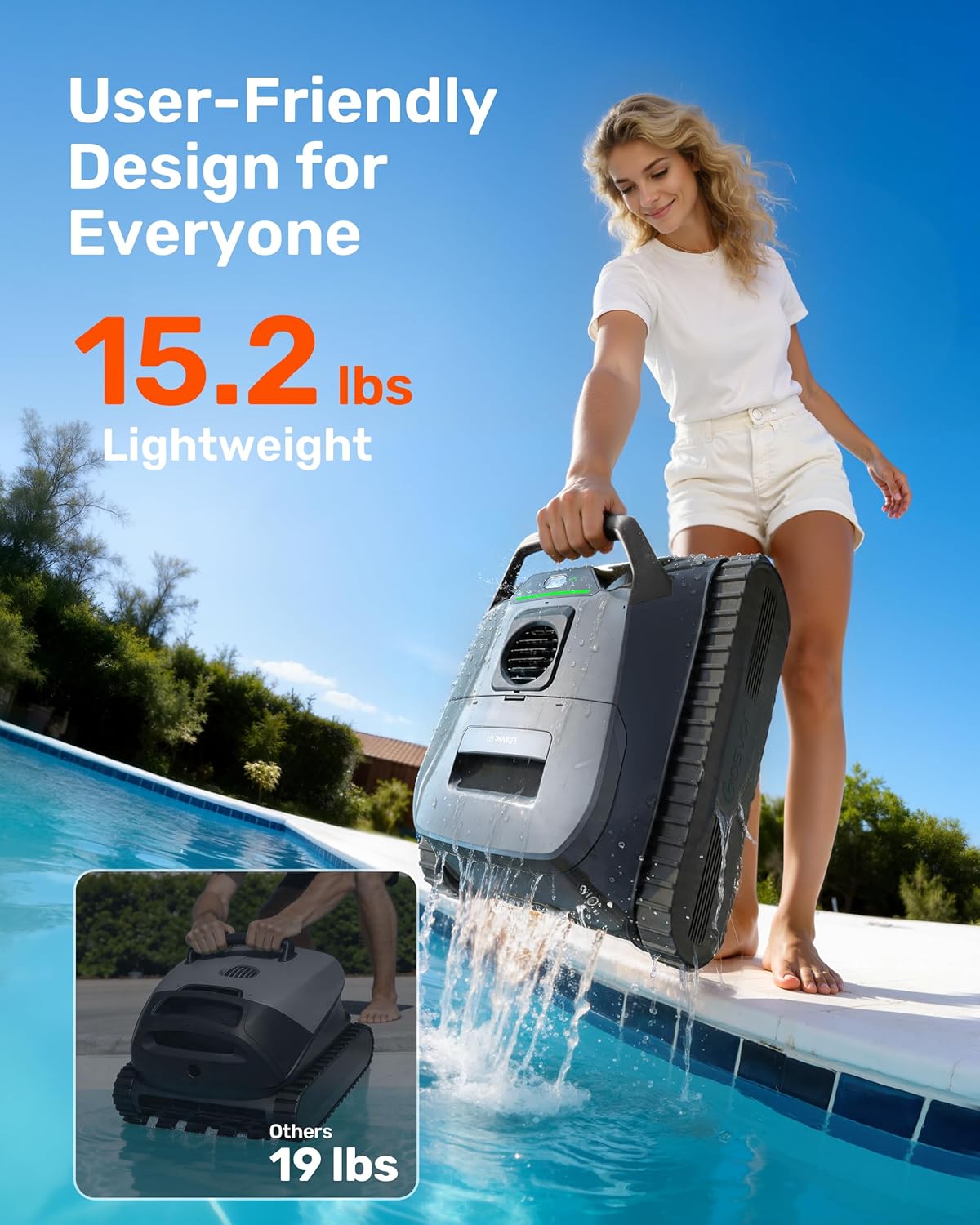
Image: The Gosvor LiteVac G1 showcasing its five distinct cleaning modes for various pool cleaning needs.
- Start Cleaning: Once the mode is selected, the cleaner will begin its cycle.
- Retrieval: After the cleaning cycle is complete or the battery is low, the cleaner will typically park itself near a wall. Use the provided retrieval hook attached to a standard pool pole to safely lift the unit out of the water. The lightweight design (15.2 lbs) and quick drainage feature make retrieval easy.
Video: Official Gosvor video demonstrating how to use the LiteVac G1, including placement, operation, and retrieval.
Maintenance
Regular maintenance ensures optimal performance and longevity of your Gosvor LiteVac G1.
- Filter Basket Cleaning: After each use, remove the top-load filter basket. Open the basket and empty collected debris. Rinse the filter with a high-pressure hose to remove fine particles.

Image: An exploded view of the Gosvor LiteVac G1's double filtration system, showing the 180µm standard filter and the 3µm ultra-fine filter, designed to capture various debris types.
- Ultra-fine Filter Replacement: Replace the 3-micron ultra-fine filter every 30 cleaning cycles or as needed, depending on pool conditions and debris levels.
- Drain Outlet Impeller Cleaning: Periodically check and clean the drain outlet impeller to prevent blockages and ensure proper suction. Refer to the user manual for detailed steps on accessing and cleaning the impeller.
- Storage: Store the cleaner in a cool, dry place away from direct sunlight when not in use.
Troubleshooting
| Problem | Possible Cause | Solution |
|---|---|---|
| Cleaner not moving or stuck | Low battery; Obstruction; Complex pool shape (for cross pattern) | Charge the device; Remove obstruction; Adjust app settings to adaptive path for complex pools. |
| Poor cleaning performance | Full or dirty filter basket; Clogged impeller; Low battery | Clean filter basket; Clean impeller; Fully charge the device. |
| App disconnection underwater | Bluetooth signal interruption (normal underwater behavior) | The app is designed to work on land. The device executes pre-scheduled tasks and resumes connection when out of water. |
| LED indicators flashing/other status | General troubleshooting or specific error | Refer to the detailed user manual for specific LED indicator meanings and troubleshooting steps. |
Specifications
| Feature | Detail |
|---|---|
| Brand | Gosvor |
| Model Name | LiteVac G1-GS |
| Material | High-grade, IPX8-rated waterproof materials |
| Product Dimensions | 17.4"L x 14.2"W x 8.3"H |
| Weight | 15.2 lbs |
| Power Source | Battery Powered (Lithium-Ion, 112.32 Watt Hours, 12 cells) |
| Battery Life | Up to 200 mins (ECO mode), 150 mins (Smart/Floor/Wall mode) |
| Charging Time | 3 Hours |
| Suction Power | 3,960 GPH |
| Filtration | Double filtration (180µm standard, 3µm ultra-fine) |
| Filter Basket Capacity | 3.6 Liters |
| Coverage Area | Up to 2,153 sq ft per cycle |
| Control Method | App, Push Button |
| Special Features | 4-in-1 Cleaning (Floor, Walls, Waterline, Shallow Areas), Caterpillar Treads, Smart Navigation, OTA Updates |
Warranty and Support
The Gosvor LiteVac G1 comes with a 2-Year Warranty and long-term technical support. For any issues or inquiries, please contact Gosvor customer service through their official website or the Gosvor app.
Related documentsLiteVac G1


Ask a question about this manual
Ask about setup, troubleshooting, compatibility, parts, safety, or missing instructions. Manuals+ will review the question and use this page’s manual context to help answer it.