
Important Safety Instructions
Please read and understand all instructions before beginning installation and use. Failure to follow these instructions may result in electric shock, fire, or serious personal injury.
- Always disconnect power at the main circuit breaker before installation, cleaning, or servicing.
- All electrical connections must be in accordance with local codes, ordinances, and the National Electric Code (NEC). If you are unfamiliar with proper electrical wiring, consult a qualified electrician.
- Ensure the mounting structure can support the weight of the fan (approximately 10 lbs).
- Do not bend the fan blades when installing or cleaning the fan.
- Keep hands, clothing, and other objects clear of the fan blades when the fan is operating.
- This fan is designed for indoor use only.
Package Contents
Verify that all components are present and undamaged before proceeding with installation.
- Boho Rattan Ceiling Fan with Light
- Remote Control
- Mounting Hardware Kit
- Instruction Manual
Note: This fan requires 4 E26 base bulbs, which are not included in the package.

Installation Guide
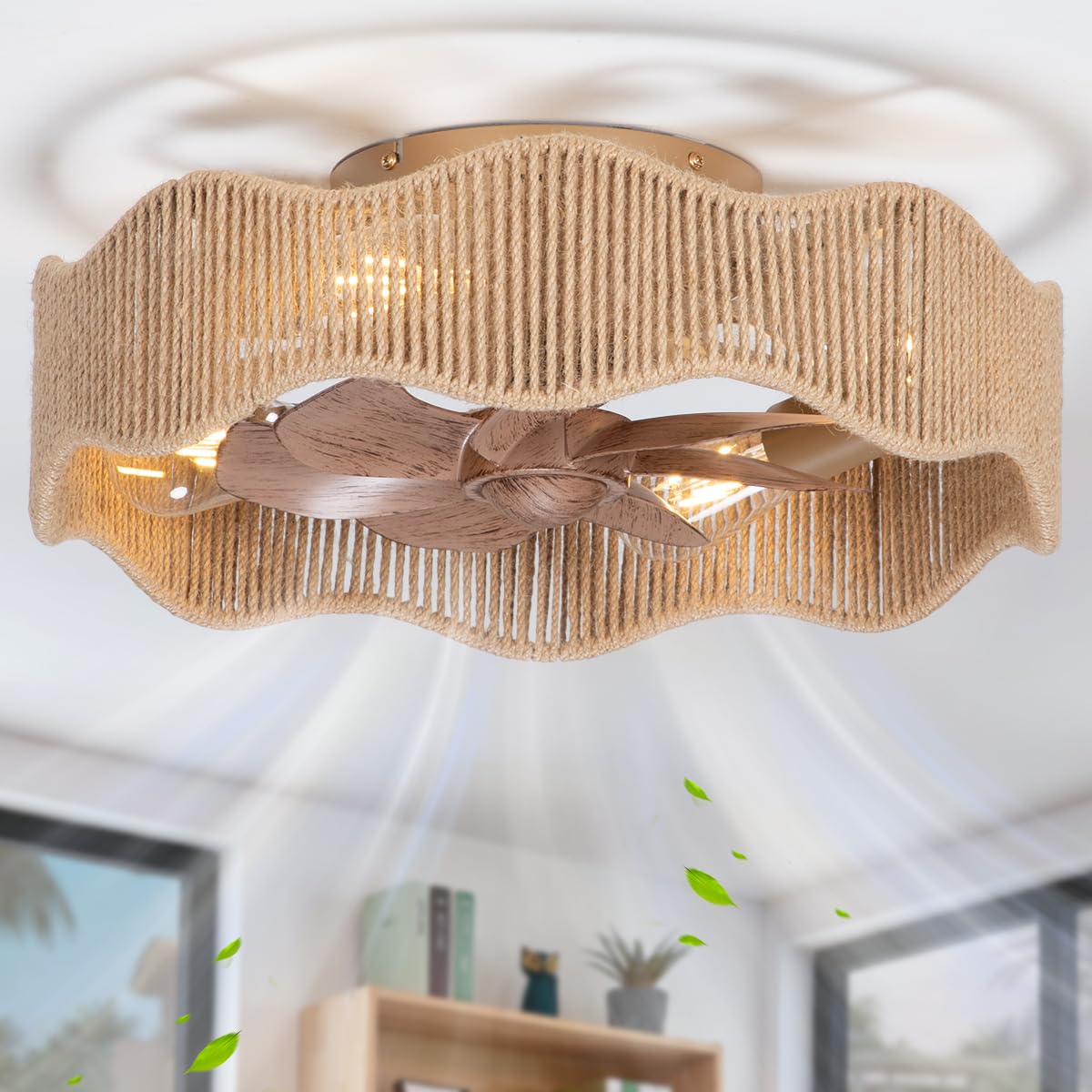
The SHLUCE Fandelier Ceiling Fan is designed for easy installation and comes pre-assembled. Follow these steps for a secure setup.
- Preparation: Turn off power at the circuit breaker to avoid electrical shock.
- Mounting Bracket Installation: Secure the provided mounting bracket to a ceiling junction box capable of supporting the fan's weight. Use appropriate screws and washers.
- Wiring Connections: Connect the fan's electrical wires to your household wiring according to the wiring diagram in the manual and local electrical codes. Ensure all connections are secure.
- Fan Body Attachment: Carefully lift the fan body and attach it to the mounting bracket, ensuring it is securely fastened.
- Bulb Installation: Install four E26 base bulbs (not included) into the sockets.
- Power Restoration: Once installation is complete and all connections are checked, restore power at the circuit breaker.

Operating Instructions
Your SHLUCE Fandelier Ceiling Fan is controlled by the included remote control. Ensure 2 AAA batteries (not included) are installed in the remote.
Remote Control Functions

- ALL ON/OFF: Turns both the lights and the fan on or off simultaneously.
- Light On/Off: Controls the light function independently.
- Fan Reverse Transmission (R): Activates the updraft mode, circulating warm air during cooler months.
- Fan Forward Transmission (F): Activates the downdraft mode, creating a cooling breeze during warmer months.
- Mute: Toggles the remote control's beeping sound on or off.
- Fan On/Off: Controls the fan function independently.
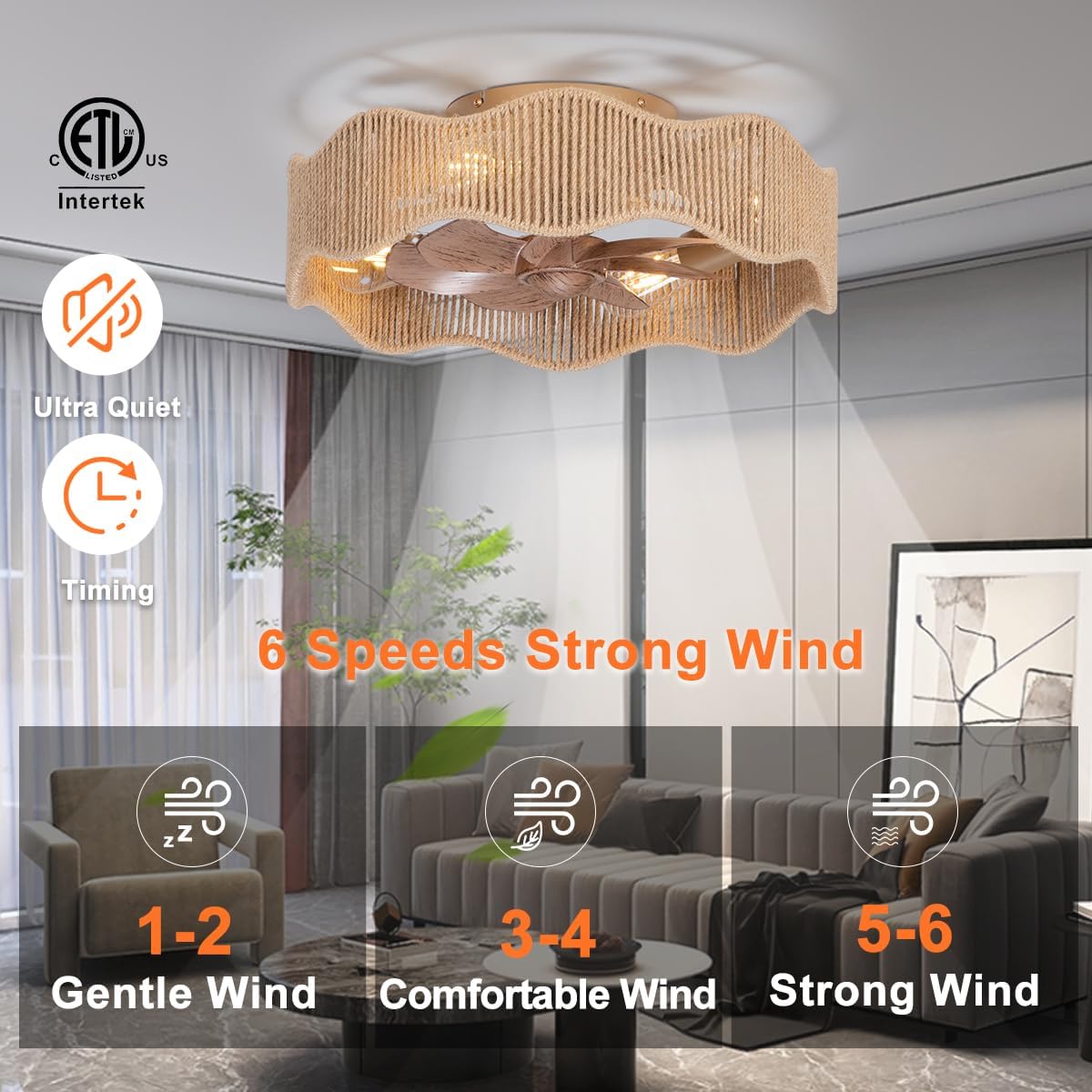
- Fan Speed Control (1-6): Adjusts the fan speed from level 1 (gentle) to level 6 (strong).
- Natural Wind: Activates a fluctuating fan speed to simulate a natural breeze.
- Timer (2H/4H): Sets the fan and light to automatically turn off after 2 or 4 hours.
Reversible Motor Function
The fan's reversible motor allows for year-round comfort. In summer, the downdraft mode creates a cooling effect. In winter, the updraft mode circulates warm air trapped near the ceiling.

Fan Speed Settings
The fan offers 6 distinct speed settings, in addition to a natural wind mode, to suit your comfort needs.

Quiet Operation
Equipped with an upgraded DC motor, the fan operates at a low noise level, not exceeding 30 decibels even at high speeds, ensuring a peaceful environment.

Product Video Demonstration
Watch this video for a visual demonstration of the SHLUCE ceiling fan's features and remote control operation.
Care and Maintenance
Proper care ensures the longevity and optimal performance of your ceiling fan.
- Cleaning: To clean the fan, wipe with a soft, damp cloth. Do not use abrasive cleaners or solvents, as these may damage the finish or rattan material.
- Bulb Replacement: Always turn off the power at the circuit breaker before replacing light bulbs. Allow bulbs to cool completely before handling.
- Periodic Inspection: Periodically check all connections and mounting hardware to ensure they remain secure.
Troubleshooting Guide
Refer to this guide for common issues and their solutions.
| Problem | Possible Cause | Solution |
|---|---|---|
| Fan does not operate | No power supply to the fan. | Check the circuit breaker and ensure the wall switch (if applicable) is ON. Verify all electrical connections are secure. |
| Remote control not working | Low or dead batteries in the remote. | Replace the remote control batteries (2 AAA). Ensure batteries are inserted with correct polarity. |
| Fan is noisy or wobbles | Loose screws or improper mounting. | Ensure all mounting screws and fan assembly screws are tightened. Check that the fan is securely attached to the ceiling bracket. |
| Light does not turn on | Faulty or loose light bulbs. | Turn off power, then check if bulbs are screwed in tightly. Replace any faulty E26 bulbs. |
Product Specifications
- Brand: SHLUCE
- Model: FLA014A
- Product Dimensions: 18"D x 18"W x 6.9"H
- Power Source: DC
- Voltage: 110 volts
- Wattage: 40 watts (max for light)
- Noise Level: <30 dB
- Number of Speeds: 7 (including natural wind)
- Bulb Type: 4 x E26 base (bulbs not included)
- Control Method: Remote Control
- Motor Type: Brushless DC
- Installation Type: Flush Mount
- Material: Metal, Rattan
- Certification: ETL
- Indoor/Outdoor Usage: Indoor
Warranty and Support
SHLUCE stands behind its products with a 2-year warranty and a 30-day refund policy.
If you encounter any issues such as lost, defective, or missing parts (e.g., remote control), please contact SHLUCE customer service directly through your Amazon orders for free spares support.
For additional information or support, you may visit the official SHLUCE store: SHLUCE Lighting Direct.