
1. Introduction
Thank you for choosing the Flagfront Golf Rangefinder N-N2. This device is designed to provide accurate distance measurements for an enhanced golf experience. It features 6X magnification, flag locking with vibration, and slope compensation. Please read this manual thoroughly before use to ensure proper operation and to maximize the product's lifespan.

Image 1: The Flagfront Golf Rangefinder N-N2, a compact and ergonomic device for precise distance measurement on the golf course.
2. Package Contents
Verify that all items listed below are included in your package:
- 1 x Flagfront Golf Rangefinder N-N2
- 1 x Type-C Charging Cable
- 1 x Portable Soft Case
- 1 x Lens Cleaning Cloth
- 1 x User Manual (this document)

Image 2: All components included in the Flagfront Golf Rangefinder N-N2 package: rangefinder, Type-C cable, soft case, lens cloth, and user manual.
3. Setup
3.1 Charging the Device
The Flagfront N-N2 rangefinder is equipped with a rechargeable lithium-based battery. Before first use, fully charge the device.
- Locate the Type-C charging port on the side of the rangefinder.
- Connect the provided Type-C cable to the rangefinder and a compatible USB power source (e.g., computer, wall adapter).
- The charging indicator light will illuminate (typically red) during charging and change color (typically green) when fully charged.
- A full charge provides approximately 30,000 uses.
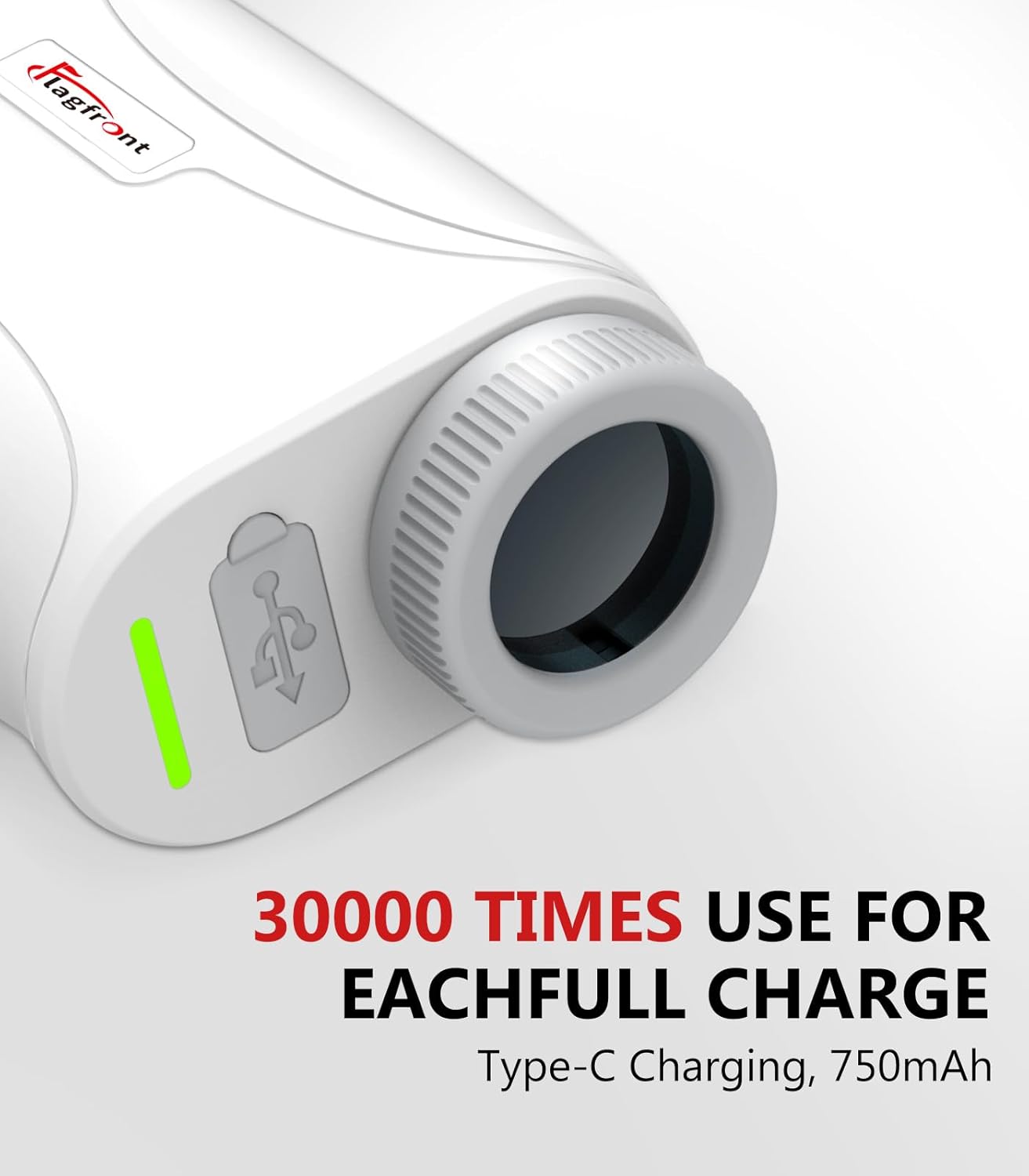
Image 3: Close-up of the Type-C charging port and battery indicator light on the Flagfront N-N2 rangefinder.
4. Operating the Rangefinder
4.1 Power On/Off
Press the power button once to turn on the device. The display will activate. The device will automatically power off after a period of inactivity to conserve battery.
4.2 Mode Selection
Press the 'M' button to cycle through the available measurement modes:
- Standard Measurement (Tour Mode): Provides direct line-of-sight distance.
- Flag Locking with Vibration: Identifies and locks onto the flagpole, providing a vibration confirmation.
- Slope Compensation: Calculates and displays the adjusted distance based on elevation changes.
4.3 Measuring Distance
- Look through the eyepiece and aim the crosshairs at your target.
- Press the power button once to initiate a measurement.
- The measured distance will be displayed in yards on the LCD screen.
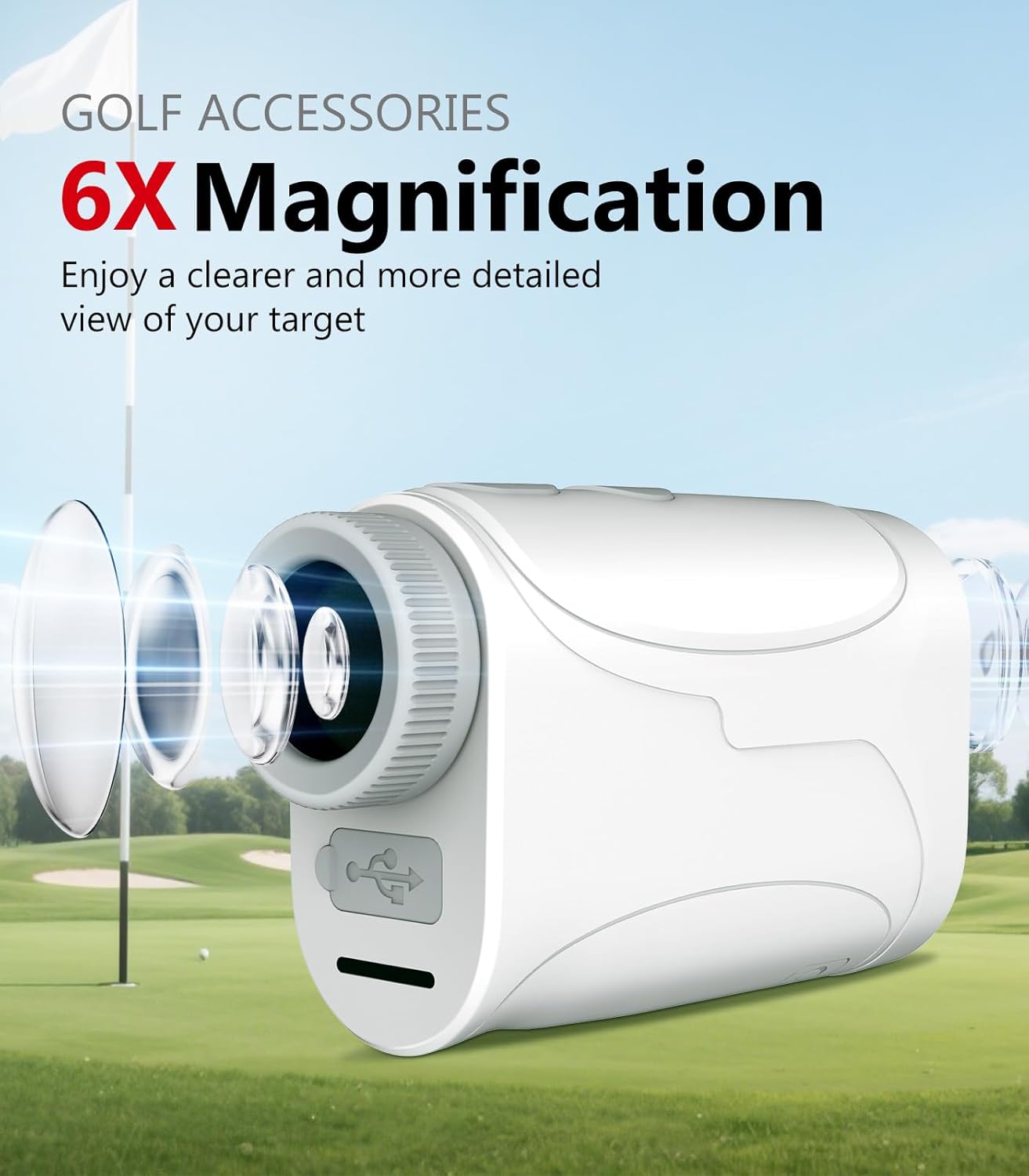
Image 4: The 6X magnification provides a clear and detailed view of the target, aiding in precise measurement.
4.4 Flag Locking with Vibration
In this mode, the rangefinder intelligently locks onto the flagpole, even in busy backgrounds. Once locked, the device will vibrate to confirm the measurement.
- Select the Flag Locking mode using the 'M' button.
- Aim the crosshairs at the flagpole.
- Press and hold the power button to scan. The device will lock onto the flag and vibrate.
- The distance to the flag will be displayed.
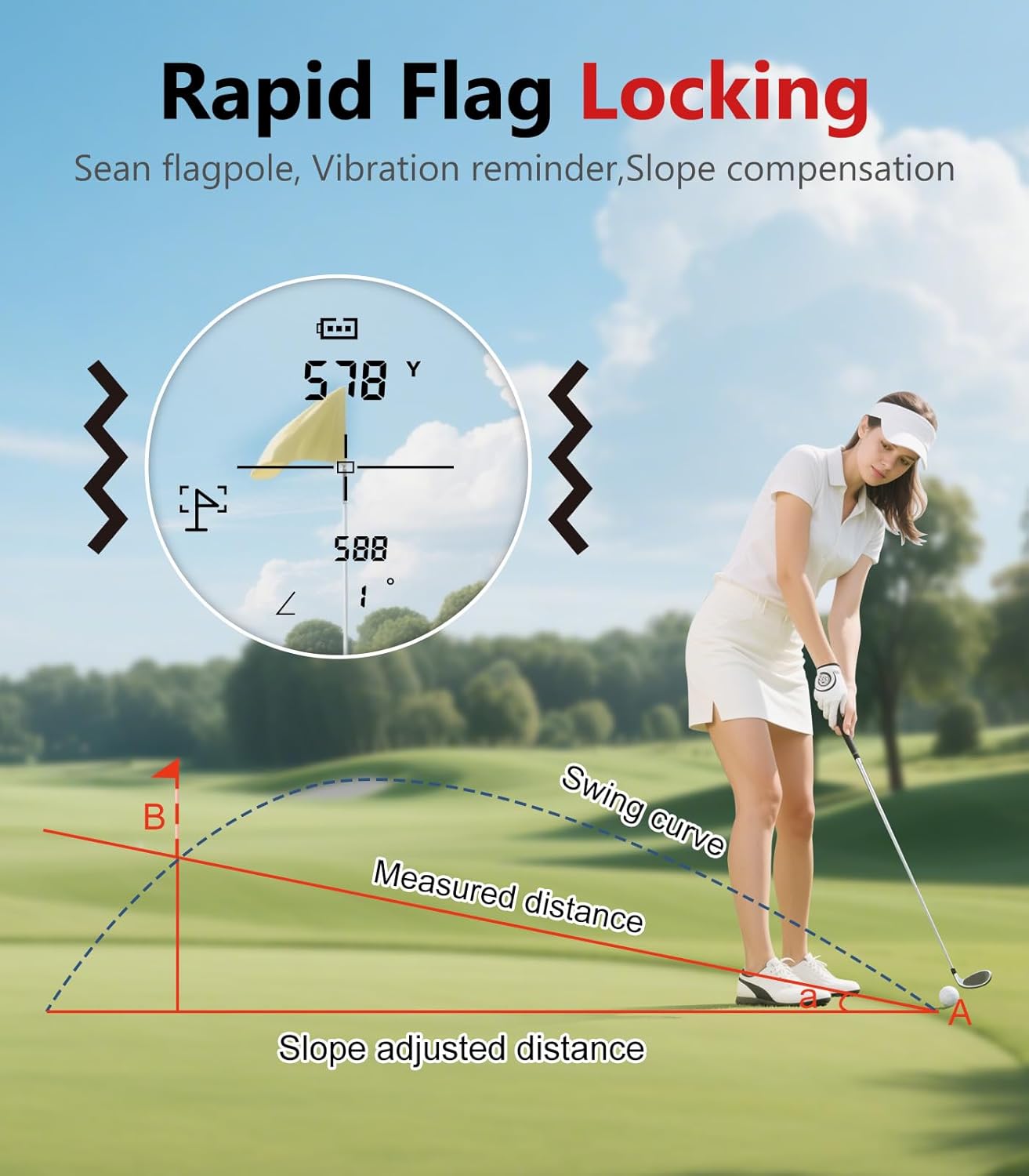
Image 5: The display showing the flag locking feature, indicating the measured distance and vibration reminder.
4.5 Slope Compensation Mode
This mode automatically calculates and corrects distance errors based on uphill or downhill slopes, providing a more accurate