
1. Introduction
Thank you for choosing the Superun BA10-B Walking Pad Treadmill. This manual provides essential information for the safe and efficient use of your new fitness equipment. Please read it thoroughly before operation and retain it for future reference.
The Superun BA10-B is a versatile 2-in-1 walking pad designed for home and office use. It features a compact, space-saving design, a 6% manual incline for enhanced calorie burning, a quiet 2.5HP motor, and smart tracking capabilities via the PitPat App.
2. Safety Information
To reduce the risk of serious injury, always read and follow all warnings and instructions before using this walking pad. The manufacturer assumes no responsibility for personal injury or property damage sustained by or through the use of this product.
- Read the Entire Manual: Familiarize yourself with all assembly, operation, and safety instructions before use.
- Placement: Place the walking pad on a flat, stable surface. Ensure there is at least 2 feet of clear space on each side and 6 feet behind the unit.
- Power Source: Connect the walking pad to a properly grounded outlet. Do not use extension cords or adapters.
- User Weight Limit: Do not exceed the maximum weight capacity of 300 pounds (136 kg).
- Children and Pets: Keep children and pets away from the walking pad at all times, especially during operation.
- Footwear: Always wear appropriate athletic footwear while using the walking pad.
- Emergency Stop: Know how to stop the walking pad quickly in an emergency.
- Maintenance: Perform regular maintenance as described in this manual to ensure safe operation.
- Unplug When Not in Use: Always unplug the walking pad from the power outlet when not in use, before cleaning, and before performing maintenance.
3. What's in the Box
Upon unpacking, please ensure all components are present and undamaged:
- Superun BA10-B Walking Pad Treadmill
- Remote Control
- Lubricant
- Tool Kit
- User Manual (this document)
4. Setup
The Superun BA10-B Walking Pad Treadmill requires zero assembly and is ready for use right out of the box.
4.1 Unpacking and Placement
- Carefully remove the walking pad from its packaging.
- Place the walking pad on a firm, level surface. Ensure adequate clearance around the unit for safe operation.
- Connect the power cord to the walking pad and then to a grounded electrical outlet.

Image: The Superun BA10-B Walking Pad Treadmill ready for use in a home environment.
4.2 Initial Checks
- Ensure the power switch is in the OFF position before plugging in.
- Check that the running belt is centered and free from any obstructions.
4.3 Setting the Manual Incline
The BA10-B features a 6% manual incline. To activate the incline, locate the adjustable feet or mechanism at the rear of the walking pad and adjust them to the desired incline position. Ensure both sides are evenly set.
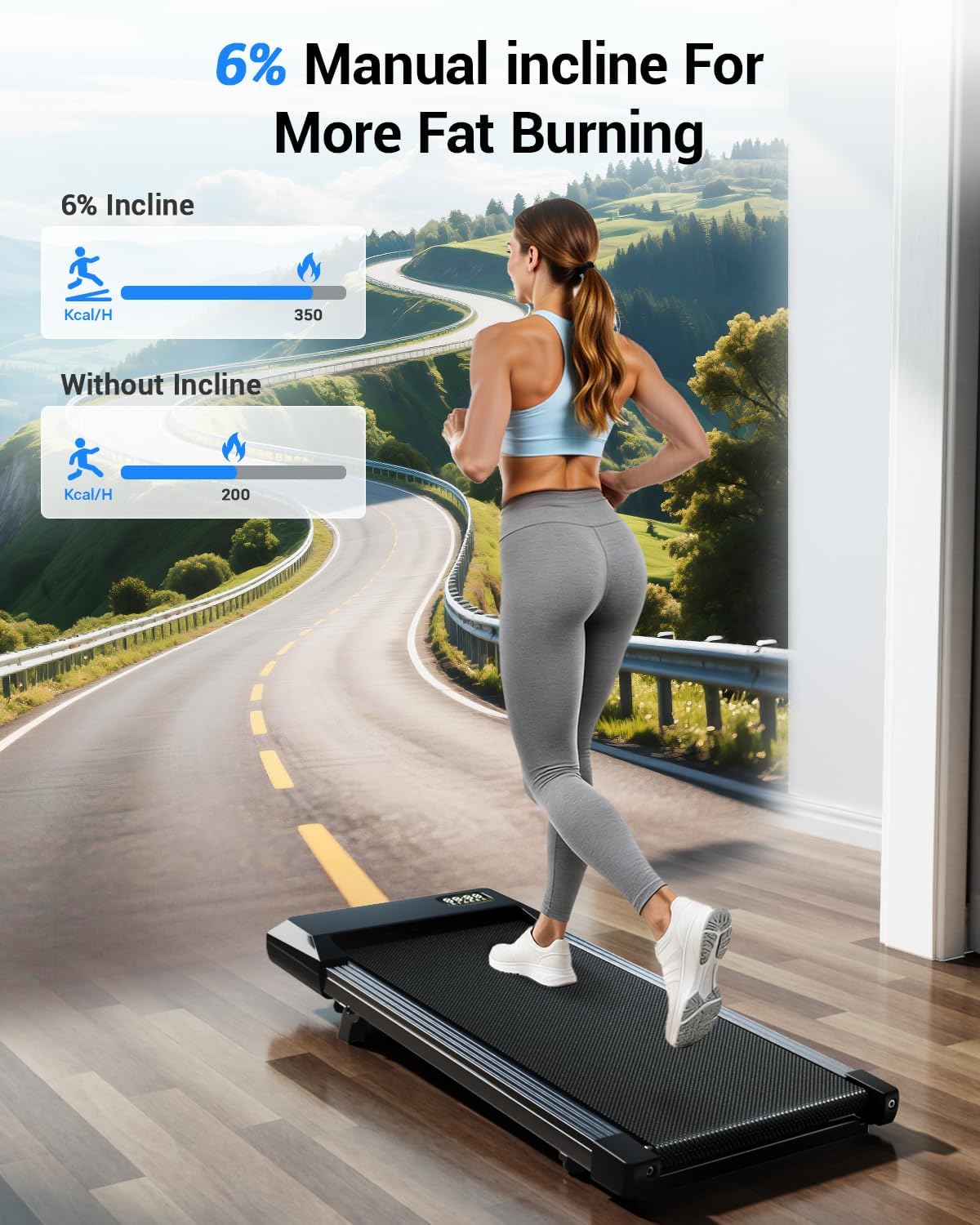
Image: Visual representation of the 6% manual incline feature and its effect on calorie burning.
Video: This video demonstrates how to use the Superun Walking Pad Treadmill, including initial setup and basic operation.
5. Operating Instructions
5.1 Powering On/Off
- Plug the power cord into a grounded outlet.
- Flip the main power switch (usually located near the power cord input) to the ON position. The LED display will illuminate.
- To power off, flip the main power switch to the OFF position and unplug the unit.
5.2 Using the Remote Control
The walking pad is controlled via the included remote control. Ensure the remote has working batteries.
- Start/Stop: Press the Start/Stop button to begin or end your workout.
- Speed Adjustment: Use the '+' and '-' buttons to increase or decrease the speed. The speed range is 0.6 to 3.8 miles per hour (MPH).
- Mode Selection: Some remotes may have a mode button to cycle through display metrics (Time, Distance, Calories, Speed).
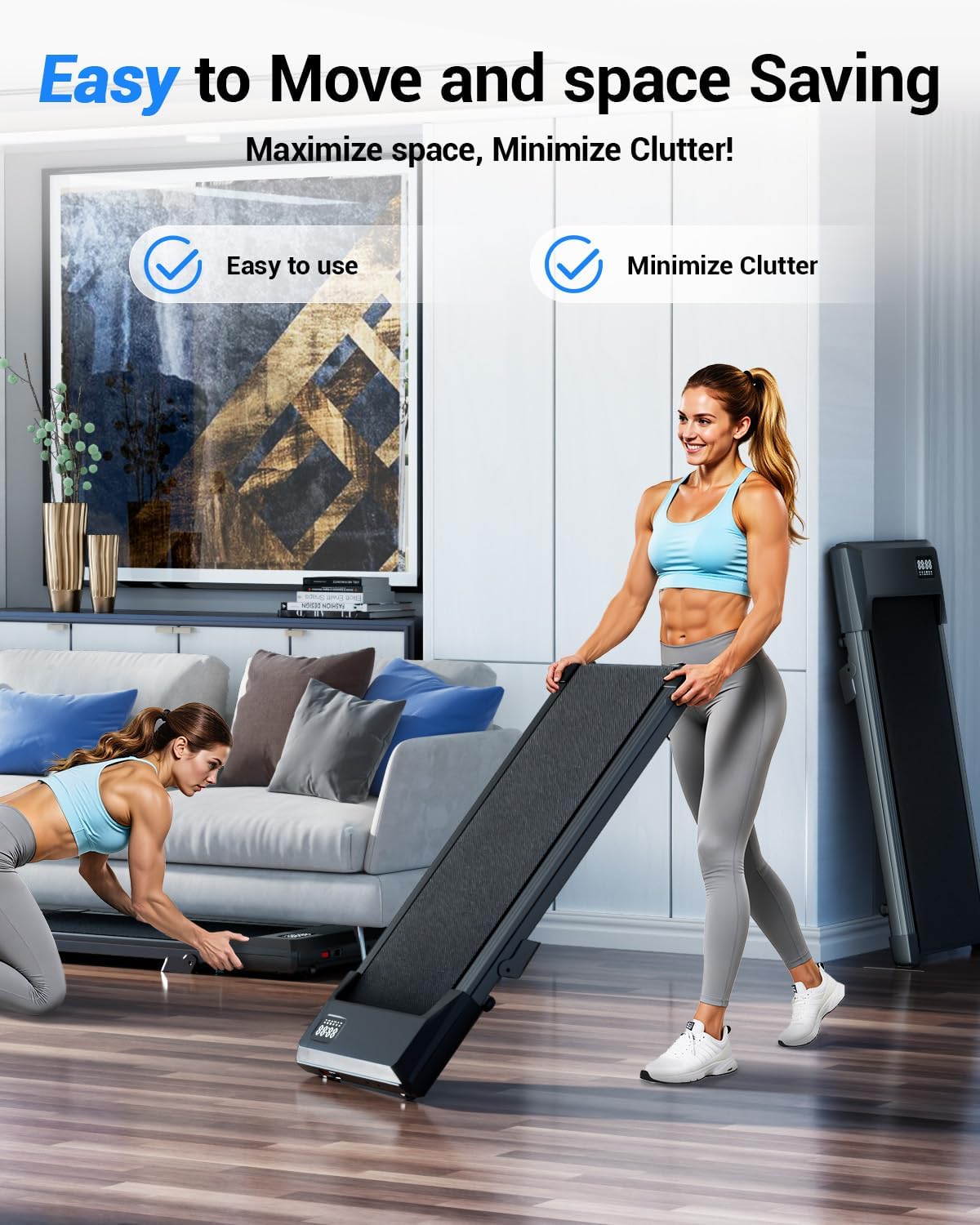
Image: The remote control and the LED display showing various fitness metrics.
5.3 Understanding Workout Modes
The Superun BA10-B supports various activities:
- Working Mode (0.6-1.6 MPH): Ideal for use under a standing desk for light activity while working.
- Walking Mode (0.6-2.6 MPH): Suitable for a steady walk.
- Jogging Mode (2.6-3.8 MPH): For a light jog or brisk walk.
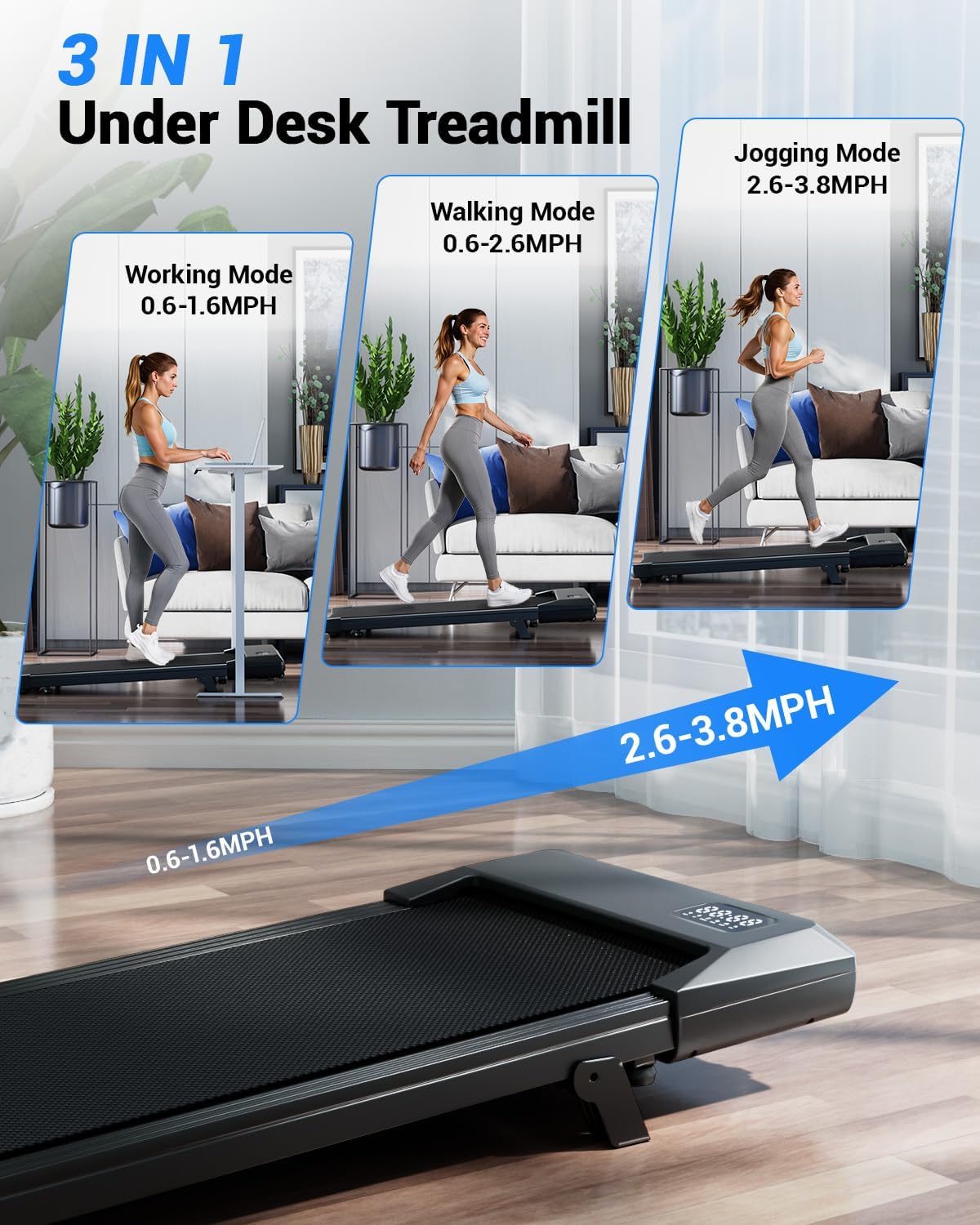
Image: Illustration of the three primary usage modes: Working, Walking, and Jogging.
Video: An overview of the SupeRun Flagship Model Walking Pad, highlighting its features and operation.
5.4 PitPat App Integration
Enhance your fitness experience by connecting your walking pad to the PitPat App. The app allows for smart tracking of your workout data, participation in virtual races, and competitive events.
- Download the PitPat App from your device's app store.
- Follow the in-app instructions to pair your walking pad via Bluetooth.
- Track metrics like distance, time, calories, speed, heart rate, and steps.
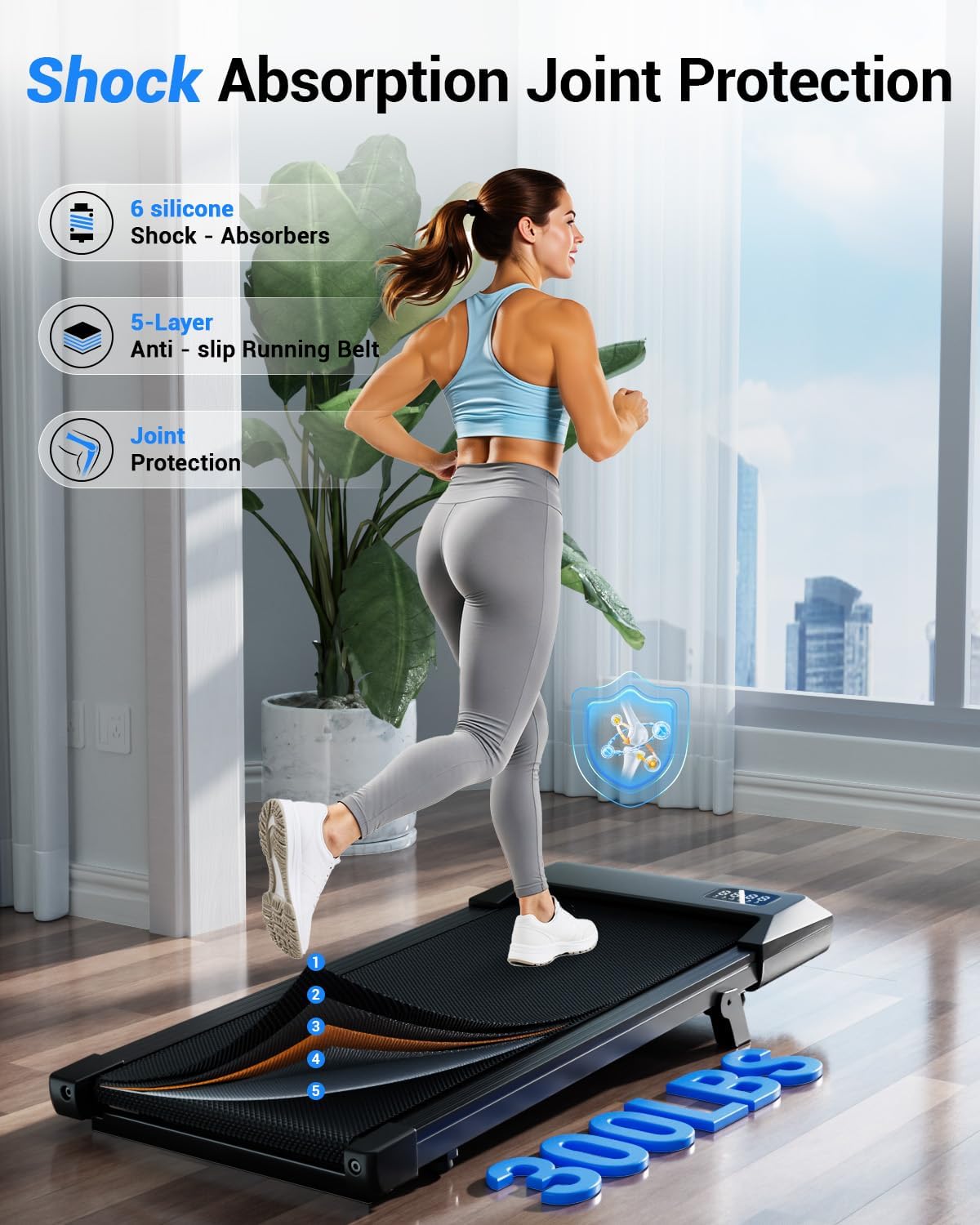
Image: Smart tracking and visualized data progress through the PitPat App.
6. Features
- Ultra-Light & Space-Saving Design: Weighing only 35 lbs with a slim 3.94" profile, this walking pad is highly portable. Built-in wheels allow for easy storage under a sofa, bed, or desk, making it ideal for small spaces.
- 6% Manual Incline for Enhanced Fat Burning: Unlike flat treadmills, the 6% manual incline simulates uphill climbing, helping to burn more calories in less time.
- Whisper-Quiet Operation: Equipped with a premium 2.5HP motor and a 5-layer shock-absorbing belt, it operates at less than 45dB. This ensures quiet use, suitable for office environments or late-night workouts without disturbance.
- Smart Tracking & PitPat App Integration: The bright LED display tracks 6 key metrics: distance, time, calories, speed, heart rate, and steps. Connect to the PitPat App for advanced tracking, virtual events, and social fitness.
- Heavy-Duty Power, Zero Assembly: Ready to use out of the box, powered by a 2.5HP motor for smooth and stable performance (0.6-3.8mph). Constructed with a rugged alloy chassis for durability and safety, supporting up to 300 lbs.
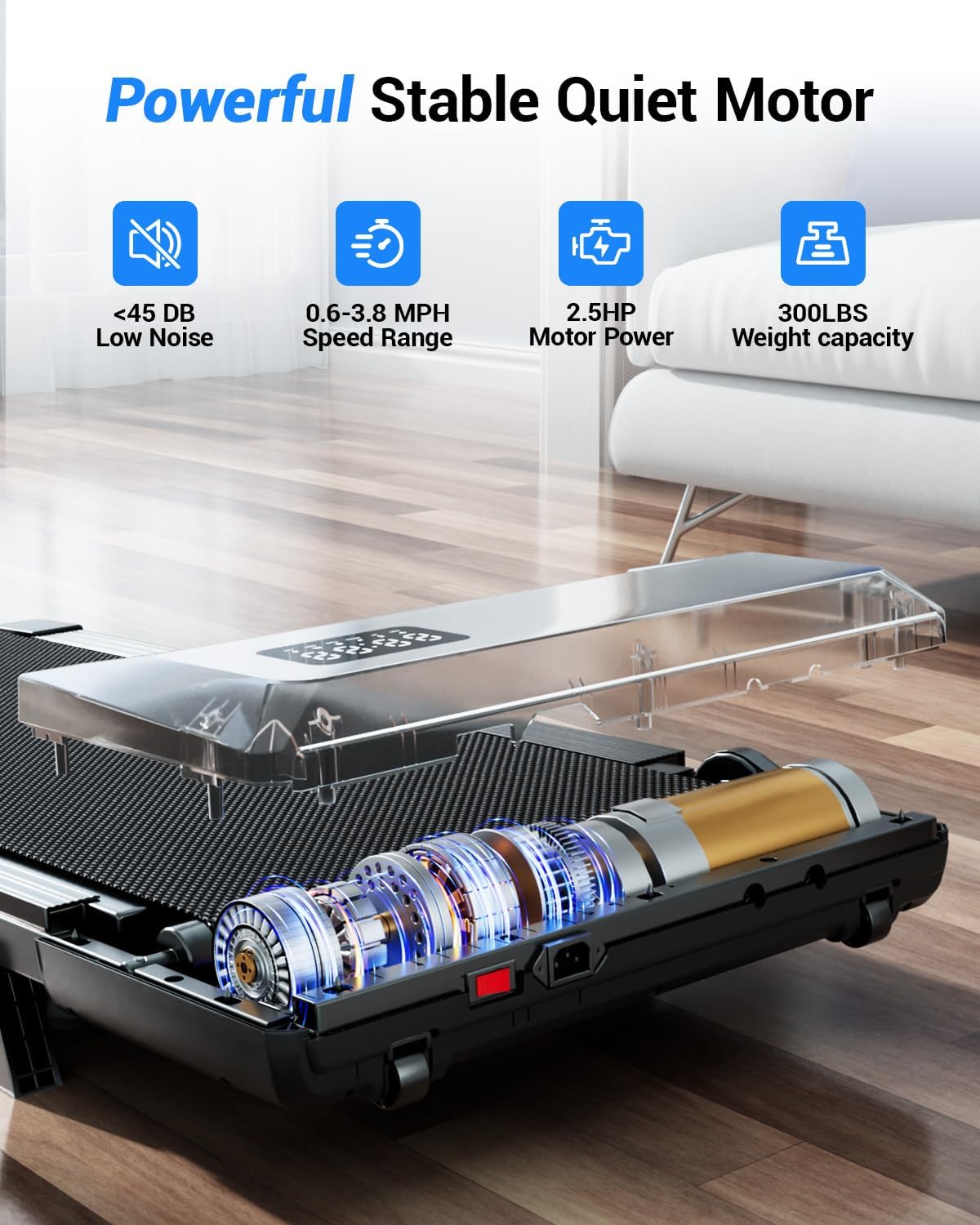
Image: Internal components highlighting the powerful and quiet motor, along with key performance metrics.
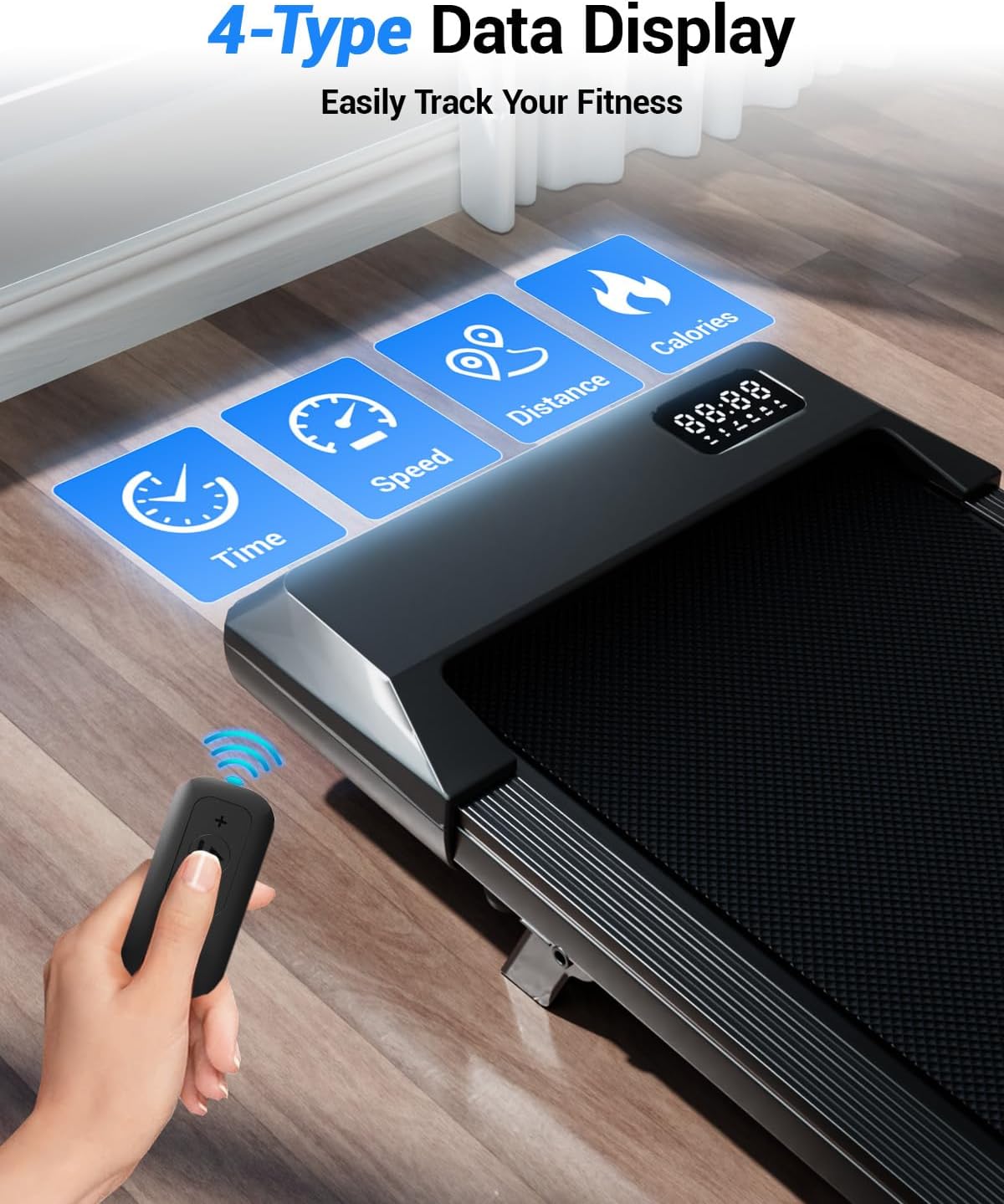
Image: Features like 300 lbs weight capacity, 6 silicone shock absorbers, and a 5-layer anti-slip running belt for joint protection.
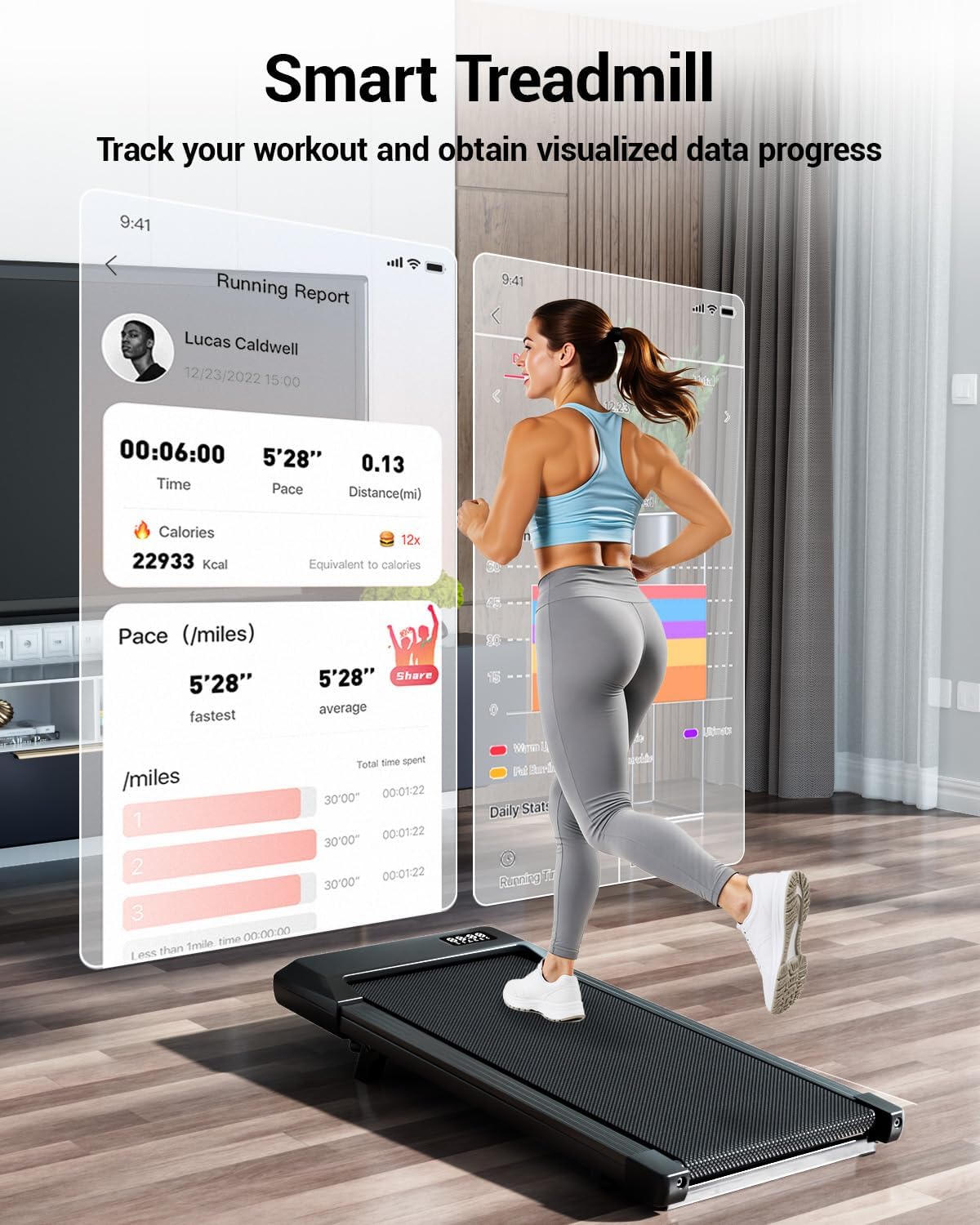
Image: Demonstrating the ease of movement and space-saving storage of the walking pad.
7. Maintenance
Regular maintenance ensures the longevity and optimal performance of your Superun BA10-B Walking Pad Treadmill.
7.1 Lubrication
The running belt requires periodic lubrication to reduce friction and wear. Use the provided lubricant or a silicone-based treadmill lubricant.
- Unplug the walking pad from the power outlet.
- Lift the edge of the running belt and apply a small amount of lubricant evenly onto the deck beneath the belt.
- Plug in the walking pad and run it at a low speed (e.g., 1 MPH) for 2-3 minutes to distribute the lubricant.
- Lubricate every 3-6 months, or after every 50-100 hours of use, depending on usage frequency.
7.2 Running Belt Adjustment
The running belt may require adjustment over time to ensure it remains centered and properly tensioned. A loose belt can slip, while an overly tight belt can cause excessive wear on the motor and belt.
- Centering the Belt: If the belt drifts to one side, use the included tool kit to turn the adjustment bolt on the side it drifted towards (usually a quarter turn at a time). Run the treadmill for a minute and re-check.
- Tightening the Belt: If the belt feels loose or slips during use, turn both rear adjustment bolts clockwise by a quarter turn. Test the belt and repeat if necessary. Do not overtighten. A good test for tension is if you can vertically place two fingers between the belt and the deck. If you can place more, it might be too loose.
Video: Instructions on how to tighten the running belt of your Superun Treadmill.
7.3 Cleaning
- Wipe down the walking pad with a damp cloth after each use to remove sweat and dust.
- Do not use abrasive cleaners or solvents.
- Keep the area around the walking pad clean and free of debris.
8. Troubleshooting
If you encounter issues with your Superun BA10-B, refer to the following common problems and solutions:
| Problem | Possible Cause | Solution |
|---|---|---|
| Walking pad does not power on. | Power cord not properly connected; main power switch off; circuit breaker tripped. | Ensure power cord is securely plugged in. Check main power switch. Reset circuit breaker if necessary. |
| Running belt slips or hesitates. | Belt is too loose; insufficient lubrication. | Refer to Section 7.2 for belt adjustment. Refer to Section 7.1 for lubrication. |
| Loud beeping noise from the unit. | Default sound setting. | Connect to the PitPat App; some users report the app allows for sound adjustment or deactivation. |
| Remote control not responding. | Dead batteries; remote not paired. | Replace remote control batteries. Refer to the app or specific pairing instructions if available. |
| Unit stopped working after a few uses. | Potential defect or internal issue. | Contact Superun customer support for assistance. |
| Smoking or burning smell. | Overheating, motor issue, or belt friction. | Immediately stop use and unplug the unit. Contact customer support. Do not attempt to use the unit again until inspected by a professional. |
If the problem persists after attempting these solutions, please contact Superun customer support.
9. Specifications
| Feature | Specification |
|---|---|
| Brand | Superun |
| Model Number | BA10-B |
| Color | Black |
| Product Dimensions (D x W x H) | 42.62" x 19.69" x 3.94" |
| Item Weight | 35.1 pounds |
| Material | Alloy Steel |
| Maximum Speed | 3.8 miles per hour |
| Minimum Speed | 0.6 miles per hour |
| Maximum Incline Percentage | 6% (Manual) |
| Maximum Horsepower | 2.5 hp |
| Maximum Weight Recommendation | 300 pounds |
| Display | LED |
| Metrics Measured | Calories Burned, Distance, Speed, Time |
| Power Source | Corded Electric |
| Included Components | Lubricant, Remote Control, Tool Kit, User Manual |
10. Warranty and Support
10.1 Warranty Information
The Superun BA10-B Walking Pad Treadmill comes with a 1-year warranty from the date of purchase. This warranty covers manufacturing defects and malfunctions under normal use. It does not cover damage caused by misuse, accidents, unauthorized modifications, or improper maintenance.
10.2 Customer Support
For technical assistance, warranty claims, or any questions regarding your Superun BA10-B Walking Pad Treadmill, please contact Superun customer support. Refer to the contact information provided on the product packaging or the official Superun website.
When contacting support, please have your model number (BA10-B) and proof of purchase readily available.
