
JTF P400-AMZ
Contents
JTF Sonic Electric Toothbrush P400-AMZ User Manual
Model: P400-AMZ
Introduction
Thank you for choosing the JTF Sonic Electric Toothbrush P400-AMZ. This advanced sonic electric toothbrush is designed to provide a thorough and gentle cleaning experience, featuring a UV sanitizing and drying base for optimal hygiene. Please read this manual carefully before use to ensure proper operation and maintenance.
Safety Information
- Read all instructions before use.
- For adult use only.
- Use the UV cleaning & drying base properly.
- Keep the UV & drying base away from water at all times.
- Do not handle the charger with wet hands.
- Discontinue use immediately if the charger or any part is damaged.
Package Contents
The JTF Sonic Electric Toothbrush P400-AMZ package includes:
- 1x JTF Electric Toothbrush Handle
- 6x Brush Heads
- 1x UV Cleaning, Drying & Wireless Charging Base
- 1x Rinse Cup
- 1x Type-C Cable
- 1x User Manual (this document)

Image: All components included in the JTF Sonic Electric Toothbrush P400-AMZ package, neatly arranged in its box.
Setup
1. Charging the Toothbrush
- Connect the Type-C cable to the UV Cleaning, Drying & Wireless Charging Base and plug it into a power source.
- Place the toothbrush handle onto the wireless charging post of the base. The battery indicator lights on the toothbrush will illuminate to show charging status.
- A full charge takes approximately 5 hours and provides up to 60 days of use.

Image: The JTF Sonic Electric Toothbrush handle placed on its wireless charging base, indicating the charging process.
2. Attaching a Brush Head
- Align the brush head with the metal shaft on the toothbrush handle.
- Push the brush head down firmly until it clicks into place.

Image: A detailed view of the W-shaped brush head design, highlighting its bristles and how it attaches to the toothbrush handle.
Operating Instructions
1. Brushing Your Teeth
- Wet the brush head and apply a small amount of toothpaste.
- Press the power button to turn on the toothbrush. It will start in the last used mode due to the memory function.
- Gently guide the brush head to your teeth at a slight angle towards the gum line. Move the brush slowly across each section of your mouth.
- The built-in 2-minute smart timer will pause briefly every 30 seconds to indicate when to move to a different quadrant of your mouth, ensuring a complete cleaning. The toothbrush will automatically turn off after 2 minutes.
- To change brushing modes, press the power button repeatedly while the toothbrush is on.
2. Brushing Modes
The JTF Sonic Electric Toothbrush offers 5 customized cleaning modes:
- White: For stain removal and brightening.
- Clean: For daily deep cleaning.
- Sensitive: Recommended for sensitive teeth.
- Refresh: Deep cleaning to freshen breath.
- Massage: For gum health and comfort.

Image: The JTF Sonic Electric Toothbrush handle displaying its five distinct cleaning modes: White, Clean, Sensitive, Refresh, and Massage.
3. UV Sanitizing & Drying Base
- After brushing, rinse your brush head and place it into the designated slot in the UV sanitizing & drying base.
- The base will automatically activate a 10-minute UV cleaning cycle, followed by a gentle drying cycle to reduce moisture.
- Both functions will automatically shut off after completion.

Image: The UV sanitizing and drying base with a toothbrush head inside, illustrating the UV cleaning process.
Video: Demonstration of the UV Clean Technology in the JTF Electric Toothbrush base.
Video: Overview of the JTF Sonic Electric Toothbrush, highlighting its UV Sanitizing & Drying features.
Maintenance
1. Cleaning the Toothbrush Handle
- After each use, rinse the toothbrush handle under running water.
- Wipe the handle with a soft cloth to dry it.
- The toothbrush handle is IPX7 waterproof and can be safely rinsed or used in the shower.

Image: The JTF Sonic Electric Toothbrush partially submerged in water, illustrating its IPX7 waterproof capability.
2. Cleaning the Brush Head
- Rinse the brush head thoroughly under running water after each use.
- For optimal hygiene, place the brush head in the UV sanitizing & drying base after rinsing.
3. Cleaning the UV Sanitizing & Drying Base
- Important: The UV sanitizing & wireless charging base is not waterproof. Do not immerse it in water or rinse it under running water.
- Unplug the base before cleaning.
- Wipe the base with a soft, dry cloth to remove any dust or residue.
4. Replacing Brush Heads
- It is recommended to replace brush heads every 3 months, or sooner if the bristles become frayed.
- To remove a brush head, pull it straight off the handle.
- To attach a new brush head, align it and push it down firmly until it clicks.
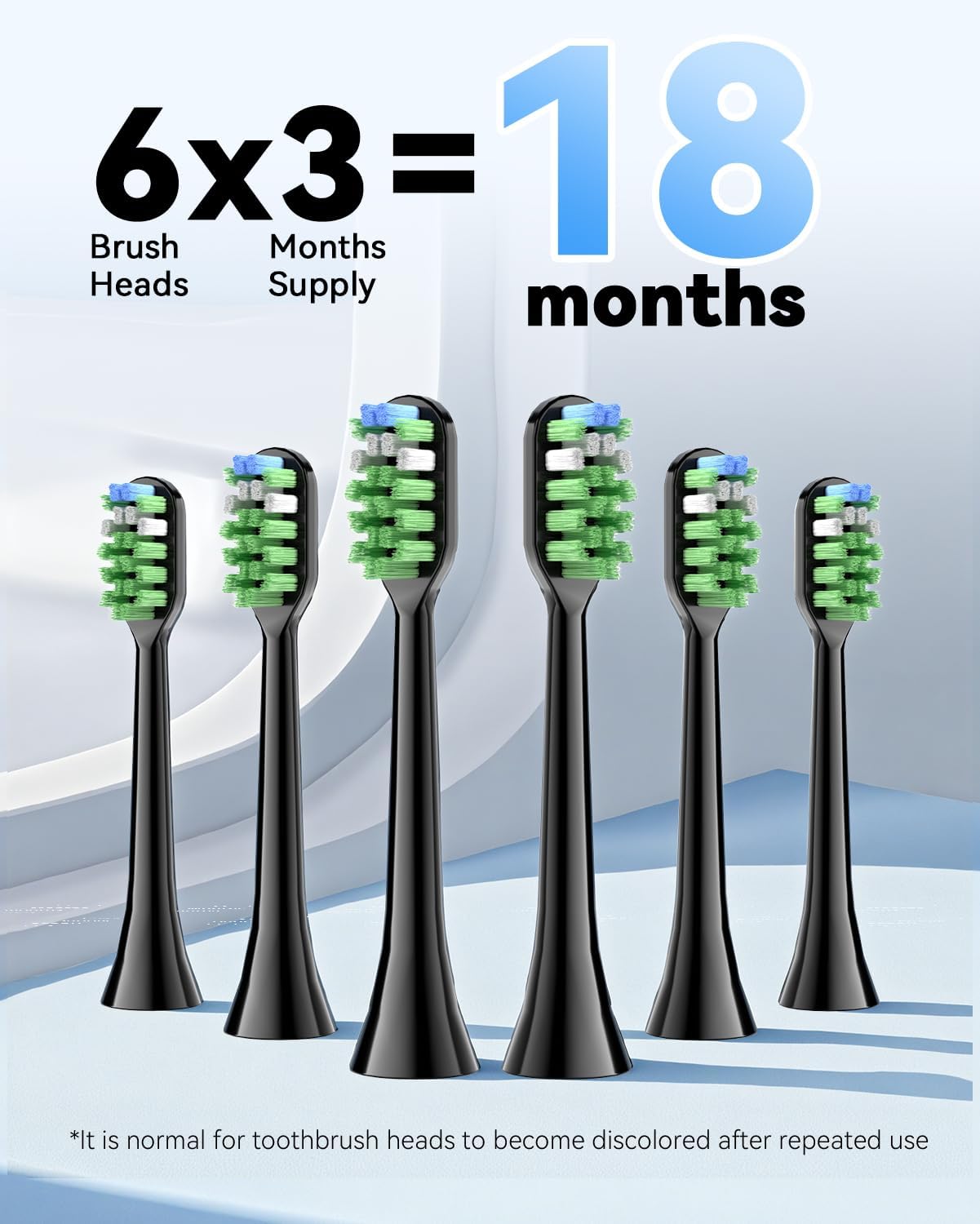
Image: Six JTF toothbrush brush heads, illustrating the recommended 18-month supply based on 3-month replacement intervals.
Troubleshooting
| Problem | Possible Cause | Solution |
|---|---|---|
| Toothbrush does not turn on. | Low battery or no charge. | Place the toothbrush on the charging base and ensure the base is plugged in. Allow it to charge for at least 30 minutes before attempting to turn it on. |
| Toothbrush does not charge. | Charging cable or adapter issue; improper placement on base. | Ensure the Type-C cable is securely connected to both the base and the power source. Verify the toothbrush is correctly seated on the wireless charging post. Try a different power outlet or adapter. |
| UV Sanitizing & Drying Base not working. | Not powered; brush head not placed correctly. | Ensure the base is plugged into a working power outlet. Make sure the brush head is fully inserted into the UV slot. |
| Reduced brushing performance. | Worn brush head; low battery. | Replace the brush head if bristles are frayed or discolored. Charge the toothbrush fully. |
Specifications
- Model Name: Sonic Electric Toothbrush with UV & Drying
- Model Number: P400-AMZ
- Power Source: Rechargeable Battery Powered
- Battery Type: 1 Lithium Polymer battery (included)
- Charging Time: Approximately 5 hours
- Battery Life: Up to 60 days on a single charge
- Brushing Modes: 5 (White, Clean, Sensitive, Refresh, Massage)
- Smart Timer: 2-minute auto-shutoff with 30-second interval reminders
- Waterproof Rating: IPX7 (toothbrush handle only)
- Bristle Material: Upgraded Food-grade Nylon Bristles
- Item Firmness: Medium
- Color: Black
- Item Weight: 0.2 kg (7.05 ounces)
- Target Audience: Unisex-Adults
- Special Features: UV Cleaning & Drying Modes, Memory Function, Non-Slip Grip, Battery Indicator, Wireless Charging, Travel-Friendly
Warranty & Support
JTF provides a 1-year warranty for this product from the date of purchase. This warranty covers manufacturing defects and issues arising from normal use.
Additionally, we offer a free 30-day refund/replacement policy. If you encounter any issues or have questions, please contact our customer service team. We are committed to providing 24-hour after-sales service to ensure your satisfaction.
For support, please refer to the contact information provided on the product packaging or visit the official JTF website.
Documents and downloads
Ask a question about this manual
Ask about setup, troubleshooting, compatibility, parts, safety, or missing instructions. Manuals+ will review the question and use this page’s manual context to help answer it.