
1. Introduction
Welcome to the Jasion Retrovolt 48V 13Ah Lithium-Ion Battery instruction manual. This guide provides important information for the safe and efficient use of your battery, specifically designed for the Jasion Retrovolt electric bike. Please read this manual thoroughly before installation and operation to ensure optimal performance and longevity of your battery.
2. Safety Information
Your Jasion Retrovolt battery is equipped with a built-in intelligent Battery Management System (BMS) that monitors cell status in real time, providing essential protection. Adhere to the following safety guidelines:
- The BMS provides overcharge, over-discharge, short-circuit, and temperature protection.
- Prevent external short circuits: Do not allow metal objects to contact the battery terminals.
- Do not disassemble, crush, or expose the battery to liquids.
- Keep the battery away from fire, excessive heat, and direct sunlight.
- Do not use the battery if it appears damaged, swollen, or leaking.
- If the battery is not in regular use, charge it every three months to maintain its health and prevent deep discharge.
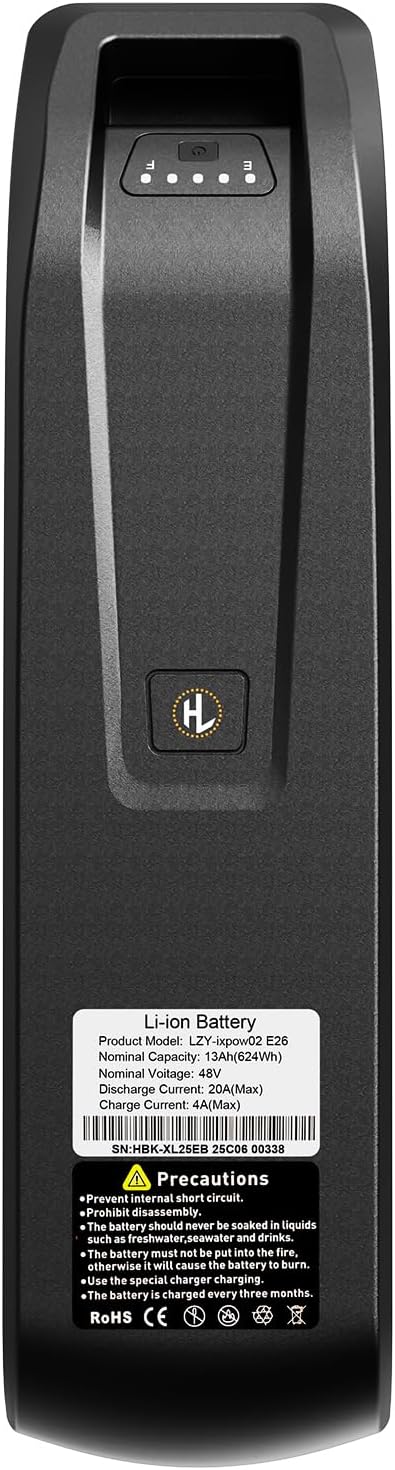
This image shows a detailed front view of the Jasion Retrovolt battery, displaying its product label with specifications such as model number, nominal capacity, and voltage, along with safety precautions.
3. Setup & Installation
The Jasion Retrovolt 48V 13Ah Lithium-Ion Battery is specifically designed for the Jasion Retrovolt electric bike model. Installation is straightforward and requires no modifications to your bike.
- Ensure your electric bike is powered off before attempting installation or removal of the battery.
- Align the battery with the designated slot in the bike frame (typically the downtube).
- Slide the battery firmly into place until it clicks and locks securely.
- Use the provided key to lock the battery into the frame, if applicable, to prevent theft and ensure it remains in place during rides.
- Verify the battery is securely seated and does not wobble before operating the bike.

The Jasion Retrovolt battery is shown securely installed within the downtube of an electric bike frame, demonstrating its integrated design.
4. Operation
4.1 Charging the Battery
To charge your Jasion Retrovolt battery:
- Connect the charger to the battery's charging port.
- Plug the charger into a standard wall outlet.
- The charging indicator on the charger will typically show a red light during charging and turn green when fully charged.
- A full charge takes approximately 4-5 hours. Avoid overcharging by disconnecting the charger once the battery is full.
4.2 Checking Battery Level
The battery features integrated indicator lights to show the current charge status. Press the button next to the lights to activate the display.
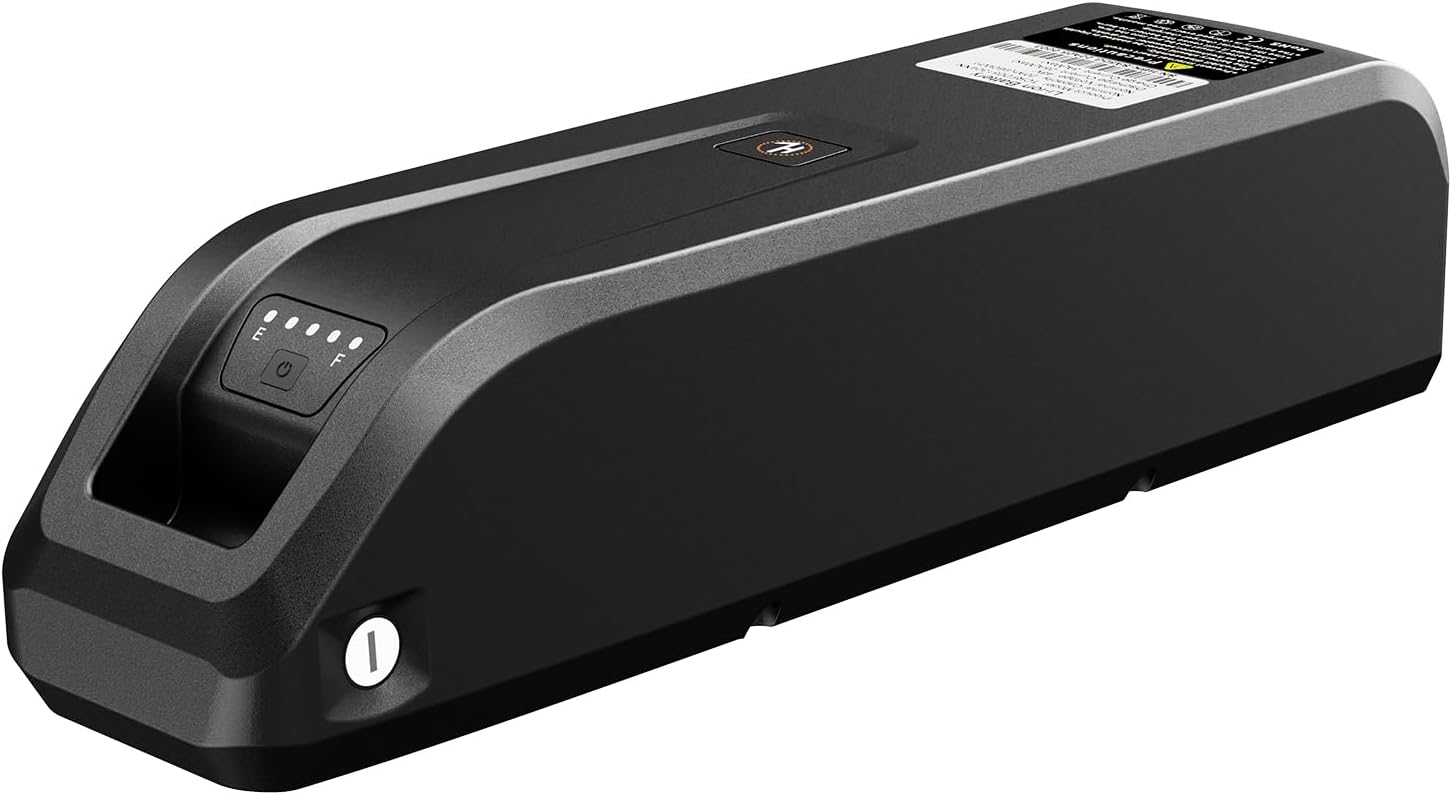
A top-down view of the Jasion Retrovolt battery, clearly showing the keyhole for securing the battery and the LED charge indicator lights.
4.3 Estimated Range
The 48V 13Ah battery provides an extended range of up to 70 miles on a single charge. Actual range may vary based on factors such as rider weight, terrain, pedal assist level, speed, and weather conditions.
5. Maintenance
Proper maintenance ensures the longevity and performance of your battery:
- Regular Inspection: Periodically inspect the battery casing for any signs of damage, cracks, or swelling. Do not use a damaged battery.
- Cleaning: Keep the battery clean and dry. Use a soft, damp cloth to wipe the exterior. Avoid using harsh chemicals or abrasive materials.
- Storage: When not in use, store the battery in a cool, dry place, away from direct sunlight and extreme temperatures (both hot and cold).
- Long-Term Storage: If storing the battery for an extended period (more than one month), ensure it is charged to approximately 50-70% capacity and recharge it every three months to prevent deep discharge and cell degradation.
- Temperature: Operate and charge the battery within the recommended temperature range specified by Jasion.
6. Troubleshooting
If you encounter issues with your Jasion Retrovolt battery, consider the following common troubleshooting steps:
- Battery Not Charging:
- Ensure the charger is properly connected to both the battery and a functional power outlet.
- Check for any visible damage to the charger cable, charging port, or battery.
- Verify the power outlet is working by testing it with another device.
- Reduced Range:
- Riding conditions such as steep hills, heavy loads, low tire pressure, or cold weather can significantly affect battery range.
- Ensure the battery is fully charged before each ride.
- Check tire pressure and ensure it is at the recommended level.
- Battery Indicator Not Working:
- Ensure the battery is securely installed in the bike frame and making proper contact.
- If the issue persists, contact Jasion customer support.
For issues not resolved by these steps, please contact Jasion customer support.
7. Specifications
| Feature | Specification |
|---|---|
| Brand | Jasion |
| Model Name | Retrovolt |
| Special Feature | Durable |
| Built-In Media | Battery |
| Nominal Voltage | 48V |
| Nominal Capacity | 13Ah (624Wh) |
| Charging Time | 4-5 hours |
| Estimated Range | Up to 70 miles |
| Protection | Smart BMS (Overcharge, Over-discharge, Short-circuit, Temperature protection) |
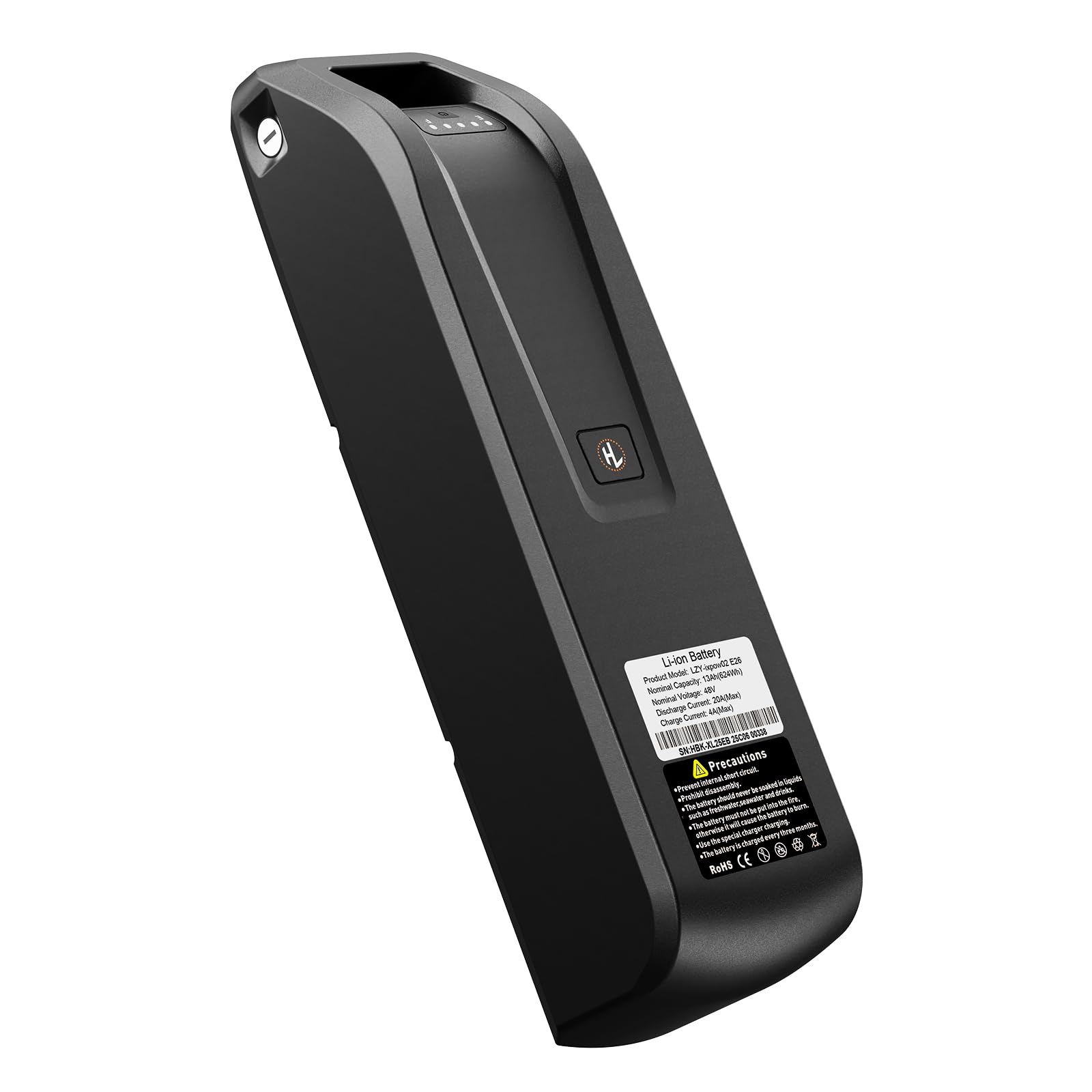
This image shows the Jasion Retrovolt 48V 13Ah Lithium-Ion Battery, highlighting its sleek black casing and integrated charge indicator lights.
8. Warranty Information
The Jasion Retrovolt 48V 13Ah Lithium-Ion Battery is covered by a 1-year warranty from the date of purchase. This warranty covers manufacturing defects under normal use. Please retain your proof of purchase for all warranty claims. The warranty does not cover damage resulting from misuse, accidents, unauthorized modifications, or failure to follow the instructions in this manual.
9. Customer Support
For technical assistance, warranty claims, or any other inquiries regarding your Jasion Retrovolt battery, please visit the official Jasion website or contact their customer service department. Refer to your purchase documentation or the Jasion website for specific contact details and support resources.
Website: Jasion Official Store


