
1. Introduction
This guide provides essential instructions for the installation, maintenance, and replacement of the side brushes for your Kilgone Robot Vacuum G20. Regular replacement and proper maintenance of these brushes are crucial for optimal cleaning performance and to extend the lifespan of your robot vacuum.
The side brushes are designed to sweep debris from edges and corners into the vacuum's main cleaning path. Ensure you are using genuine Kilgone replacement parts for the best results.
2. Package Contents
Before proceeding with installation, please verify that all components are present in your package:
- 2 x Kilgone Robot Vacuum G20 Side Brushes
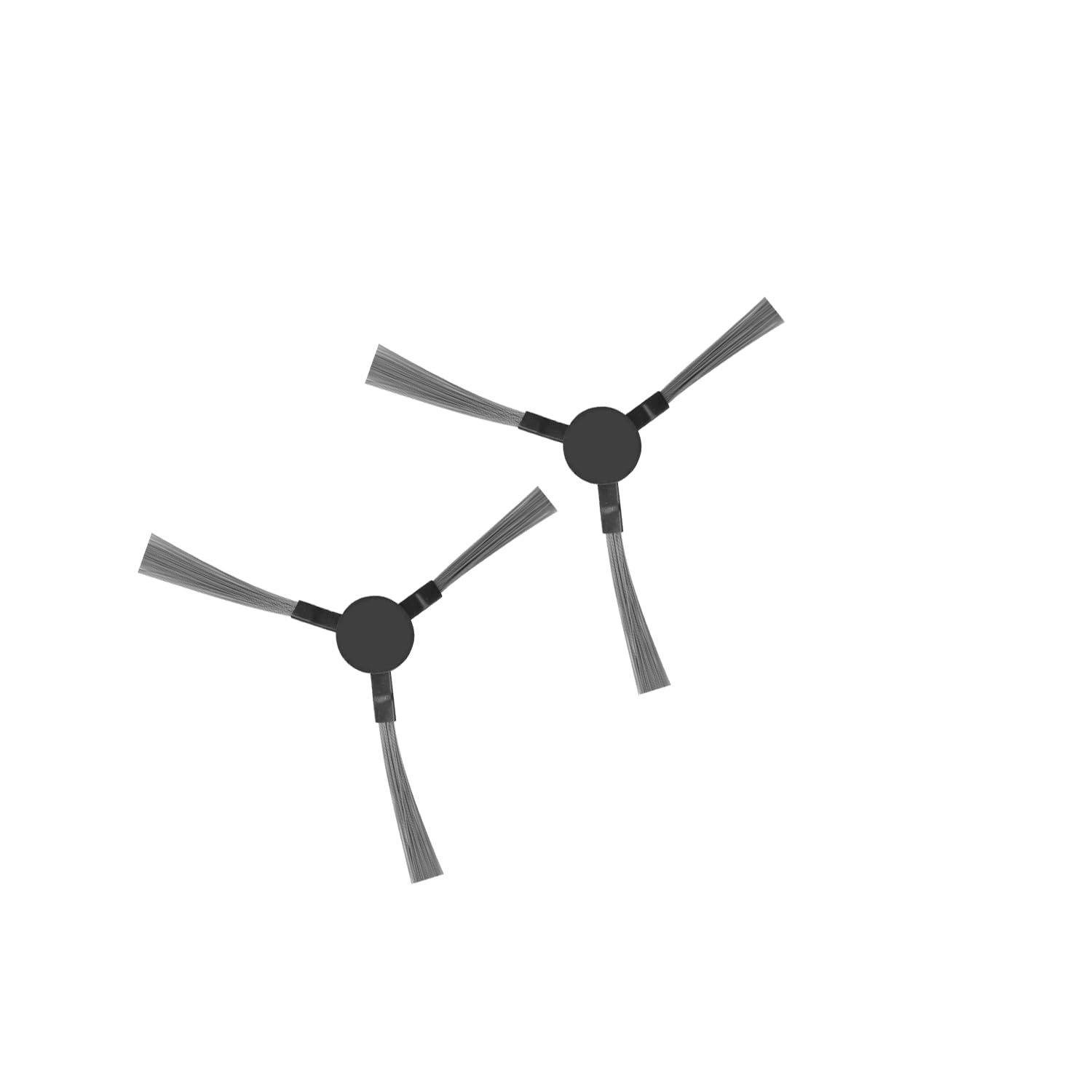
Image: The Kilgone Robot Vacuum G20 Side Brushes, supplied as a pack of two, shown in their original packaging.
3. Installation
Follow these steps to correctly install or replace the side brushes on your Kilgone Robot Vacuum G20:
- Power Off: Ensure your Kilgone Robot Vacuum G20 is powered off and disconnected from its charging base before beginning any maintenance or installation.
- Flip the Vacuum: Carefully turn the robot vacuum upside down on a soft, clean surface to access the underside.
- Locate Side Brush Screws: Identify the existing side brushes. Each brush is typically secured by a single screw in the center.
- Remove Old Brushes: Use a Phillips head screwdriver to unscrew and remove the old side brushes. Keep the screws in a safe place as they will be reused.
- Install New Brushes: Align the new side brush with the corresponding post on the vacuum's underside. Ensure the brush's arms are correctly oriented.
- Secure New Brushes: Reinsert the screw into the center of the new side brush and tighten it gently with the Phillips head screwdriver. Do not overtighten.
- Repeat for Second Brush: If replacing both brushes, repeat steps 3-6 for the other side brush.
- Return to Upright Position: Carefully flip the robot vacuum back to its upright position.
4. Maintenance
Regular cleaning and timely replacement of the side brushes are essential for maintaining your robot vacuum's cleaning efficiency.
4.1. Cleaning the Side Brushes
- Frequency: Inspect and clean the side brushes weekly, or more frequently if you have pets or high-traffic areas.
- Procedure:
- Power off the vacuum.
- Carefully remove any hair, string, or debris tangled around the brush arms or base. You may use a small pair of scissors or the cleaning tool provided with your vacuum (if applicable).
- Wipe the brushes with a dry cloth to remove dust.
4.2. Replacing the Side Brushes
- Frequency: It is recommended to replace the side brushes every 3-6 months, depending on usage. If brushes become visibly worn, bent, or damaged, replace them immediately.
- Procedure: Refer to the Installation section for detailed steps on replacing the brushes.
5. Troubleshooting
If you encounter issues related to the side brushes, consider the following:
- Brush Not Spinning:
- Check for tangled hair or debris around the brush and its motor shaft. Clean thoroughly.
- Ensure the brush is securely screwed in and not loose.
- If the brush is damaged or severely bent, replace it.
- Reduced Cleaning Performance:
- Worn or frayed brushes will not sweep effectively. Replace them if they show signs of wear.
- Ensure the brushes are clean and free from obstructions.
- Unusual Noise from Brushes:
- Inspect for foreign objects caught in the brush mechanism.
- Ensure the brush is installed correctly and not rubbing against other parts of the vacuum.
6. Specifications
| Component | Detail |
|---|---|
| Product Name | Kilgone Robot Vacuum G20 Side Brush |
| Compatibility | Kilgone Robot Vacuum G20 |
| Quantity | 2 Brushes per pack |
| Material | Durable plastic and bristles |
7. Warranty and Support
Kilgone products are manufactured to high-quality standards. For specific warranty information regarding your Kilgone Robot Vacuum G20 and its accessories, please refer to the main vacuum's user manual or visit the official Kilgone website.
If you require further assistance or have questions not covered in this manual, please contact Kilgone Customer Support through the official website or your purchase platform.


