
1. Introduction
Thank you for choosing the RITHEM Vibrating Alarm Clock Watch. This device is designed to provide a silent and effective wake-up experience through gentle vibrations on your wrist, ideal for heavy sleepers or those who wish to avoid disturbing others. This manual provides essential information for the proper setup, operation, and maintenance of your device.
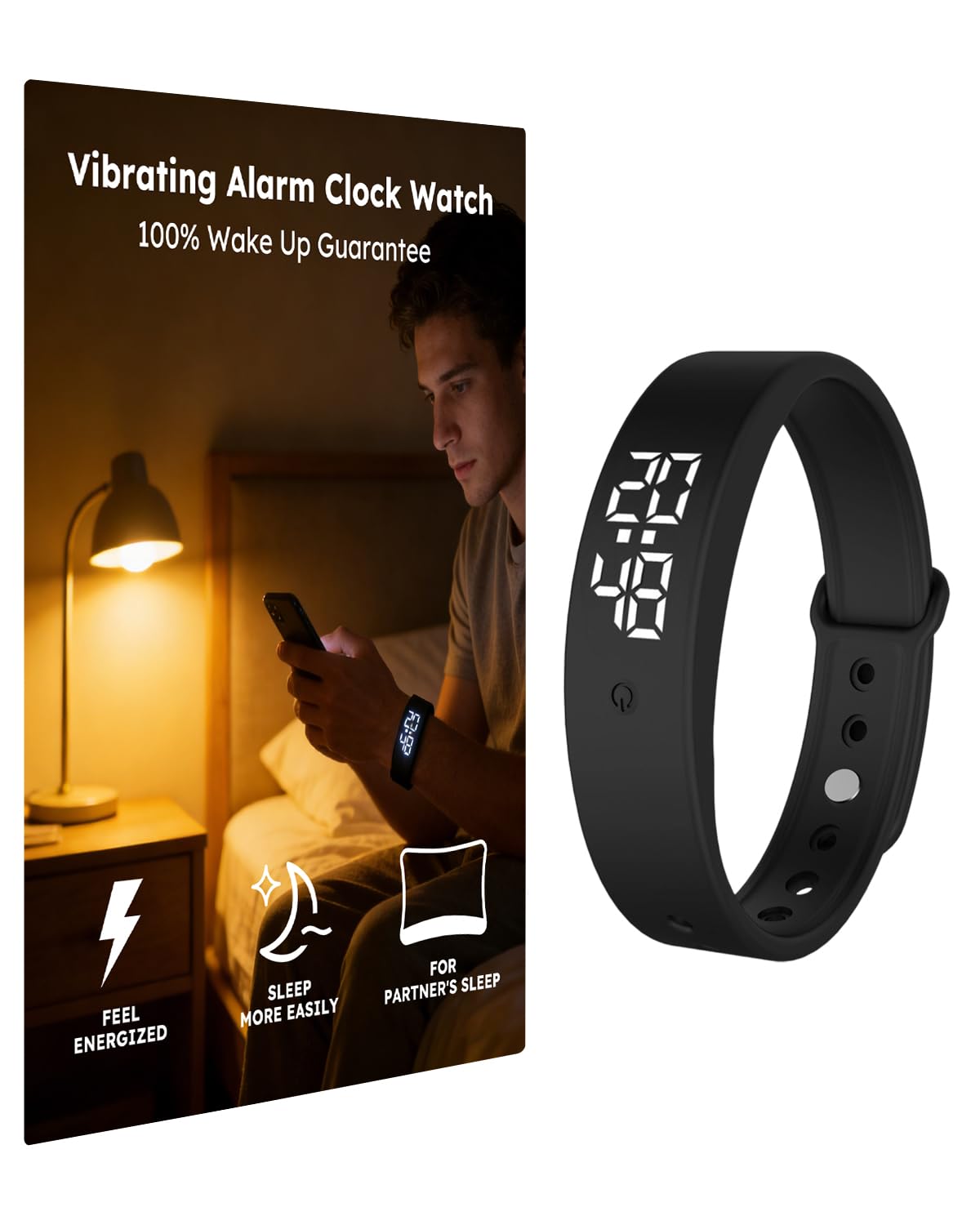
Image: The RITHEM Vibrating Alarm Clock Watch, a black wristband with a digital display, shown on a clean white surface.
2. Product Features
- Powerful Vibration: Delivers strong, silent vibrations to ensure wake-up without audible alarms.
- Comfortable Design: Lightweight and adjustable wristband for comfortable wear throughout the night.
- Digital Display: Clear LED display for time and settings.
- Water Resistance: IP65 waterproof rating for daily use.
- Activity Tracking: Includes step counter and calorie tracking.
- USB Charging: Convenient charging via USB.

Image: The RITHEM watch displaying time, accompanied by icons representing features like high brightness, calorie tracking, and distance sensing.
3. Setup
3.1 Initial Charging
Before first use, fully charge the device. Connect the watch to a USB power source using the provided charging cable. The display will indicate charging status. A full charge typically takes approximately 1-2 hours.
3.2 Wearing the Device
Place the wristband comfortably on your wrist. Ensure it is snug enough to maintain contact with your skin for effective vibration, but not so tight as to cause discomfort. The adjustable strap allows for various wrist sizes.

Image: A person wearing the RITHEM Vibrating Alarm Clock Watch on their wrist, demonstrating comfortable fit.
4. Operation
4.1 Setting Time and Date
Refer to the included mini-manual for detailed instructions on setting the current time and date. Typically, a single button press cycles through display modes, while a long press or multiple presses enter setting mode. Adjust values using subsequent presses.
4.2 Setting Alarms
The device supports multiple alarms. To set an alarm:
- Enter alarm setting mode (refer to manual for specific button sequence).
- Select the desired alarm slot (e.g., Alarm 1, Alarm 2).
- Adjust the hour and minute using the control button(s).
- Confirm the alarm setting.
When an alarm triggers, the watch will vibrate on your wrist. To stop the vibration, press the control button. Some models may offer a snooze function.
4.3 Activity Tracking
The watch automatically tracks steps and estimated calories burned. To view these metrics, cycle through the display modes by pressing the control button. No additional setup is typically required for basic tracking.
4.4 Video Guide: Setting Timer and Alarm
Video: This video demonstrates how to easily set the timer and alarm functions on a vibrating wristband, showing the digital display changing as settings are adjusted.
4.5 Video Guide: Basic Usage and Features
Video: A short video showcasing the basic functionality of the vibrating alarm clock watch, including how it is worn and its digital time display.
5. Maintenance
5.1 Cleaning
To clean your RITHEM Vibrating Alarm Clock Watch, wipe it with a soft, damp cloth. Avoid using harsh chemicals or abrasive materials, as these can damage the device. Ensure the charging port is dry before charging.
5.2 Storage
When not in use for extended periods, store the device in a cool, dry place. Avoid extreme temperatures and direct sunlight.
6. Troubleshooting
- Device not turning on: Ensure the device is fully charged. If it still doesn't turn on, try a different USB charging port or cable.
- Vibration is weak or absent: Check if the alarm is properly set and activated. Ensure the watch is worn snugly on the wrist. If the issue persists, the battery might be low.
- Incorrect time display: Re-enter the time setting mode and adjust the time and date as per the manual.
- Difficulty setting alarms: Refer to the detailed instructions in the included mini-manual for the correct button sequences.
7. Specifications
| Feature | Detail |
|---|---|
| Model Number | RITHEM |
| Weight | 1.45 ounces (approx. 41g) |
| Dimensions | 3.9 x 3.27 x 1.65 inches (packaging) |
| Water Resistance | IP65 |
| Strap Material | Silicone (adjustable) |
| Charging | USB |
8. Warranty and Support
For warranty information and customer support, please refer to the manufacturer's official website or contact the retailer where the product was purchased. Keep your proof of purchase for any warranty claims.