
1. Introduction
The AKREC A3 Voice Recorder is a compact and advanced recording device designed for high-quality audio capture, real-time transcription, and translation. It integrates AI technology to provide intelligent summaries and mind maps, making it suitable for various professional and academic uses. This manual provides essential information for setting up, operating, and maintaining your AKREC A3 Voice Recorder.
2. Package Contents
Please verify that all items are present in your package:
- 1 x AKREC A3 AI Voice Recorder
- 1 x Magnetic Charging Cable
- 1 x Magnetic Ring
- 1 x Product Manual
3. Product Overview
The AKREC A3 Voice Recorder features an ultra-slim design and magnetic capabilities for versatile use.
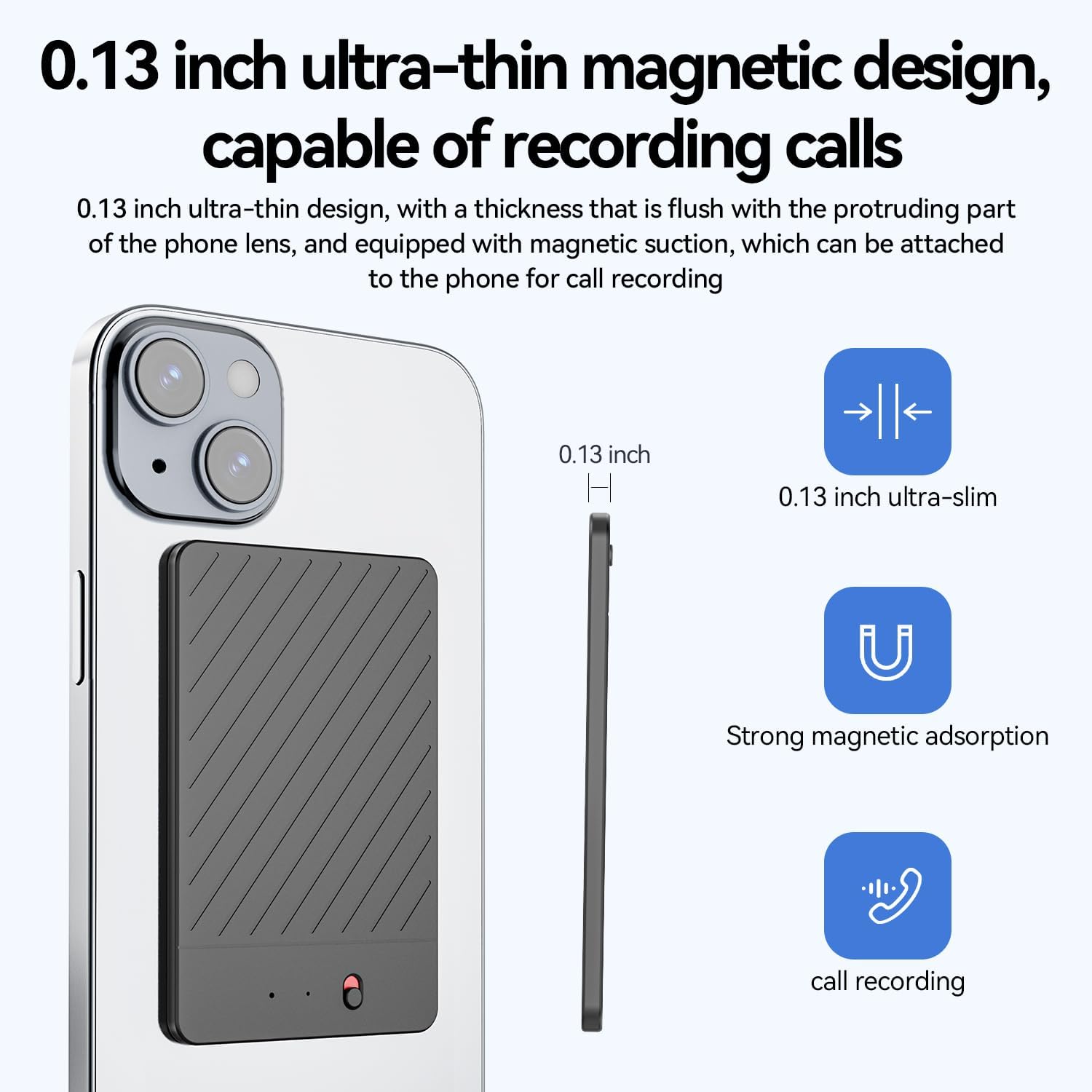
Figure 3.1: Front view of the AKREC A3 Voice Recorder, showcasing its sleek and minimalist design.

Figure 3.2: Side view illustrating the ultra-slim profile of the AKREC A3 Voice Recorder, measuring 0.13 inches in thickness.
Key Features:
- Ultra-Slim Design: At 0.13 inches, it is highly portable.
- Magnetic Mount: Allows for easy attachment to compatible devices, such as smartphones, for call recording.
- Dual Microphones: Equipped with intelligent noise cancellation for clear audio.
- USB Type-C Port: For charging and data transfer.
- Built-in Microphone: For direct audio capture.
4. Setup
4.1 Initial Charging
Before first use, fully charge your AKREC A3 Voice Recorder. Connect the magnetic charging cable to the device and a USB power source. The device will indicate charging status (e.g., LED indicator). A full charge provides up to 28 hours of continuous use (15 hours with noise reduction enabled).
4.2 App Connection
The AKREC A3 Voice Recorder is primarily controlled via the AIREC APP. Download the AIREC APP from your smartphone's app store. Follow the in-app instructions to pair your device. This connection enables wireless recording, transcription, translation, and other advanced features.
5. Operating Instructions
5.1 Basic Recording
Once connected to the AIREC APP, initiate recording directly through the application interface. The app provides controls for starting, pausing, and stopping recordings. The device's dual microphones with AI noise cancellation ensure high-fidelity audio capture.
5.2 Playback
Recorded audio files can be played back directly through the AIREC APP. The app allows you to review your recordings instantly and manage them.
5.3 Call and Conference Recording
The AKREC A3 can automatically record phone calls or remote conferences. Utilize the magnetic mount to attach the recorder to your smartphone. The device will detect and record calls, transcribing them in real-time.
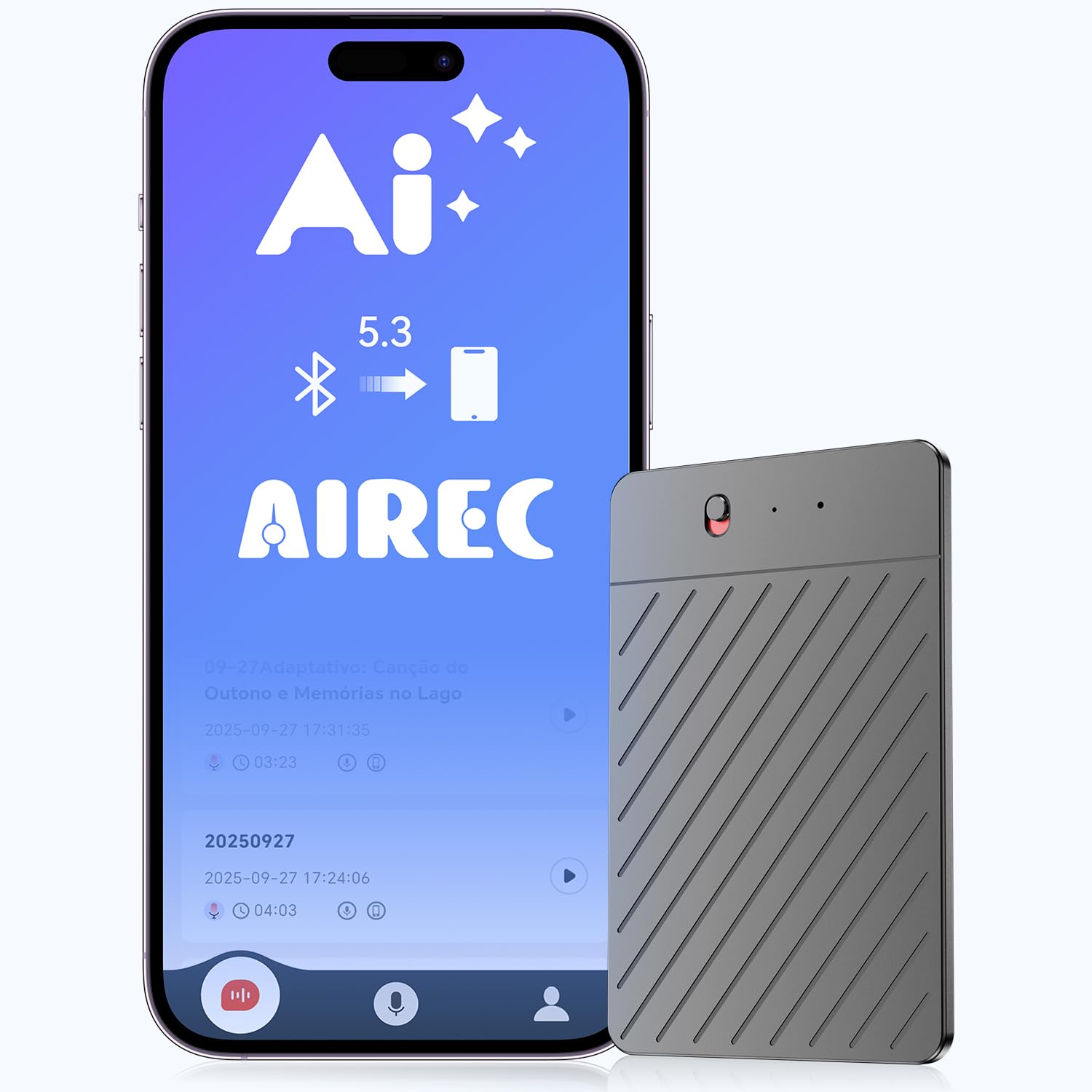
Figure 5.1: The AKREC A3 Voice Recorder magnetically attached to a smartphone, demonstrating its capability for call recording.

Figure 5.2: Illustration of the strong magnetic adsorption feature, enabling secure attachment for mobile call recording.
6. AIREC App Features
The AIREC APP unlocks the full potential of your AKREC A3 Voice Recorder.
6.1 Real-time Transcription and Translation
The app provides real-time voice-to-text conversion, transcription, and translation across 256 languages. This feature is powered by advanced AI technology.

Figure 6.1: AIREC App interface demonstrating intelligent transcription, summarization, and mind mapping features for enhanced productivity.

Figure 6.2: AIREC App interface showcasing panoramic translation capabilities across 256+ languages, including simultaneous interpretation and conversation translation.
6.2 Intelligent Summaries and Mind Maps
The app can instantly summarize recorded content and generate structured mind maps. You can select from context-specific summary templates (e.g., Meeting, Call, Interview, Speech, Sales) or create custom templates.
6.3 Sharing and External Audio Import
- Sharing: Export recordings, summaries, and mind maps to email, cloud services, or social platforms directly from the app.
- Import: Import external audio files (e.g., podcasts, lectures, interviews) into the app for transcription and analysis.
7. Storage and Battery Management
7.1 Storage Capacity
The AKREC A3 Voice Recorder comes with 64GB of local storage, capable of storing up to 540 hours of audio recordings securely and privately.
7.2 Battery Life
The device offers up to 28 hours of continuous use on a single charge. When noise reduction is actively used, the battery life is approximately 15 hours. Monitor battery status via the AIREC APP.
8. Maintenance
To ensure the longevity and optimal performance of your AKREC A3 Voice Recorder, follow these maintenance guidelines:
- Cleaning: Use a soft, dry cloth to clean the device. Avoid using liquid cleaners or solvents.
- Storage: Store the device in a cool, dry place away from direct sunlight and extreme temperatures.
- Charging: Use only the provided magnetic charging cable. Avoid overcharging the battery.
- Handling: Handle the device with care to prevent drops or impacts that could damage internal components.
9. Troubleshooting
If you encounter issues with your AKREC A3 Voice Recorder, refer to the following common solutions:
| Problem | Possible Cause | Solution |
|---|---|---|
| Device does not power on | Low battery; Device malfunction | Charge the device fully. If issue persists, contact support. |
| Cannot connect to AIREC APP | Bluetooth off; App not updated; Device not in pairing mode | Ensure Bluetooth is enabled on your phone. Update the AIREC APP. Restart both devices and try pairing again. |
| Poor audio quality | Microphone obstructed; Excessive background noise; Incorrect settings | Ensure microphones are clear. Enable noise reduction in the app. Record in a quieter environment. |
| Transcription errors | Unclear audio; Multiple speakers; Accent recognition issues | Improve audio clarity. Speak clearly and at a moderate pace. Review and edit transcriptions manually. |
10. Specifications
| Feature | Detail |
|---|---|
| Model Number | A3 |
| Product Dimensions | 0.1"D x 2"W x 3"H (0.1 x 2 x 3 inches) |
| Item Weight | 3.84 ounces |
| Memory Storage Capacity | 64 GB (up to 540 hours audio) |
| Battery Life | 28 Hours (15 hours with noise reduction) |
| Batteries Required | 1 AAA battery (included) |
| Hardware Interface | USB Type C |
| Microphone Form Factor | Built-In |
| Audio Format | WAV |
| Headphones Jack | 3.5 millimeters |
| Compatible Devices | Smartphone |
| Manufacturer | AKREC |
11. Warranty and Support
11.1 Warranty Information
Specific warranty details for the AKREC A3 Voice Recorder are typically provided at the point of purchase or within the product packaging. Please refer to your purchase documentation for information regarding warranty coverage and duration.
11.2 Customer Support
For technical assistance, troubleshooting beyond this manual, or warranty claims, please contact AKREC customer support. Contact information can usually be found on the official AKREC website or within your product packaging.