
1. Introduction
Welcome to the OPPO A6 Pro 5G user manual. This guide provides essential information to help you set up, operate, and maintain your new smartphone. Please read this manual thoroughly to ensure proper usage and to maximize your device's capabilities.

Image: Front and back view of the OPPO A6 Pro 5G smartphone, showcasing its design.

Image: Front view of the OPPO A6 Pro 5G smartphone, highlighting the display.

Image: Back view of the OPPO A6 Pro 5G smartphone, showing the camera module.
2. Setup
2.1 Box Contents
Verify that your package contains the following items:
- OPPO A6 Pro 5G Smartphone
- Power Adapter
- USB Cable (Type-C)
- Phone Case
- SIM Tray Ejector
2.2 Inserting SIM Card and microSD Card
- Locate the SIM card tray on the side of your device.
- Insert the SIM tray ejector tool into the small hole next to the tray and press gently until the tray pops out.
- Place your Nano-SIM card(s) and/or microSD card (up to 256GB) into the designated slots on the tray. Ensure the gold contacts face downwards.
- Carefully reinsert the tray into the phone until it clicks into place.
2.3 Initial Power On and Setup
- Press and hold the Power button until the OPPO logo appears.
- Follow the on-screen instructions to select your language, region, connect to Wi-Fi, and set up your Google account.
- Configure security features such as fingerprint recognition and screen lock.
3. Operating Instructions
3.1 Basic Navigation
- Touch and Tap: Interact with items on the screen.
- Swipe: Move across screens, scroll through lists, or open notification panels.
- Pinch-to-Zoom: Enlarge or reduce content on the screen.
- Long Press: Access contextual menus or move icons.
3.2 Audio Features
The OPPO A6 Pro 5G features Dual Stereo Speakers and an Ultra Volume Mode for enhanced audio experience.
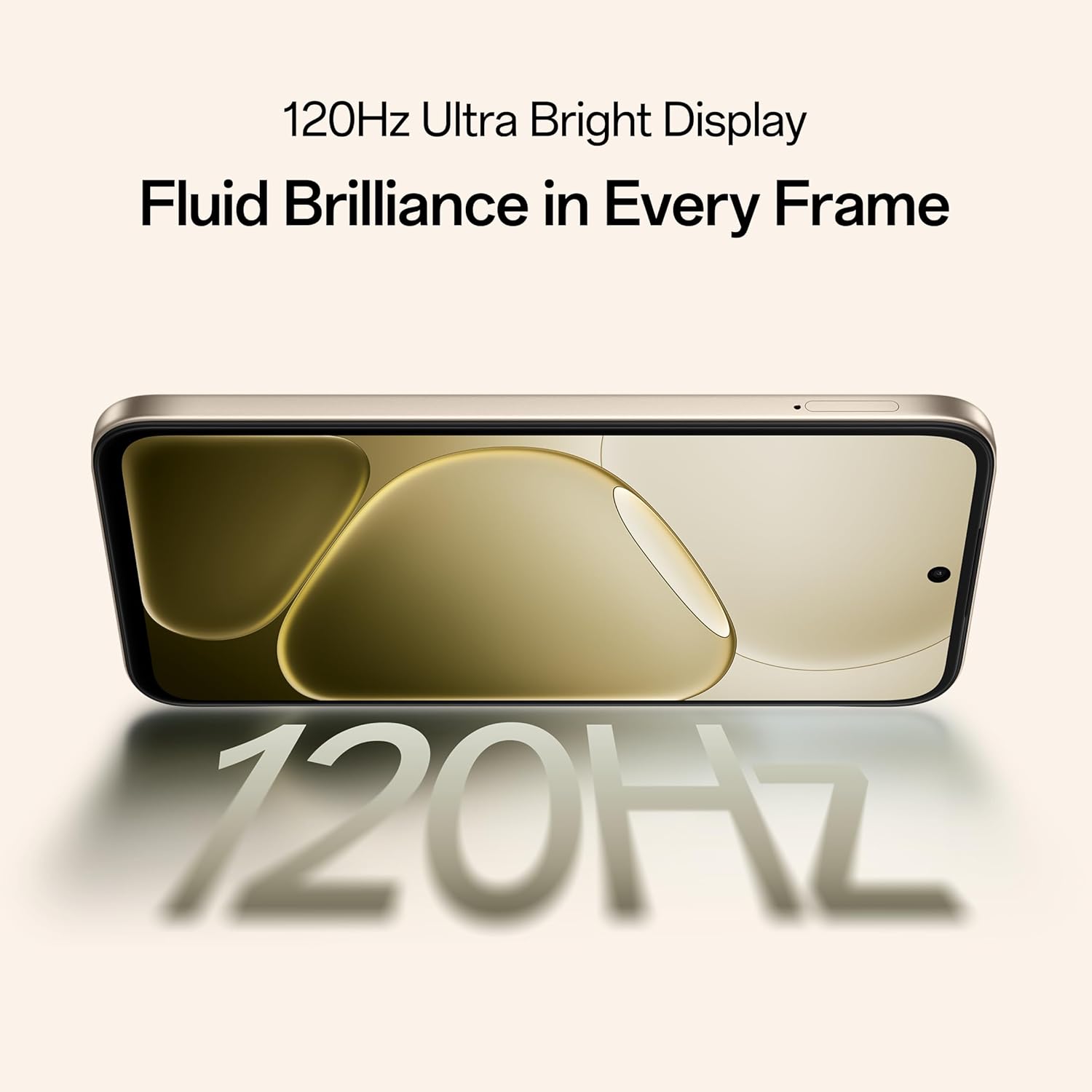
Image: Close-up of the OPPO A6 Pro 5G, illustrating the dual stereo speakers for surround sound.
To adjust volume, use the volume buttons on the side of the device. Ultra Volume Mode can be activated through sound settings for louder output.
4. Camera Usage
Your OPPO A6 Pro 5G is equipped with a 50MP main camera and a 16MP front camera, enhanced with AI features for optimal photography.

Image: The OPPO A6 Pro 5G camera interface, demonstrating its ability to capture ultra-clear details in a landscape.
4.1 Taking Photos and Videos
- Open the Camera application.
- Select your desired mode (Photo, Video, Portrait, Night, etc.).
- Tap the shutter button to capture a photo or start/stop video recording.
4.2 AI Camera Features
Utilize AI-enhanced tools such as AI Eraser, AI Recompose, and AI Perfect Shot for effortless photography and post-processing directly on your device.
5. Battery and Charging
The OPPO A6 Pro 5G is equipped with a large 7000mAh battery and supports 80W SUPERVOOC fast charging.

Image: Visual representation of the 7000mAh large battery capacity within the OPPO A6 Pro 5G.

Image: An internal view highlighting the large battery component of the OPPO A6 Pro 5G.
5.1 Charging Your Device
Use the provided 80W power adapter and USB Type-C cable for optimal fast charging. Connect the USB cable to the phone's charging port and the adapter to a power outlet.

Image: The OPPO A6 Pro 5G screen showing 80% charge with an 80W SUPERVOOC Flash Charge indicator.

Image: The OPPO A6 Pro 5G displaying its fast charging capability with a visual representation of power delivery.
5.2 Reverse Wired Charging
The device supports wired reverse charging, allowing you to charge other devices using a C-to-C data cable. Connect the cable from your OPPO A6 Pro 5G to the device you wish to charge.

Image: The OPPO A6 Pro 5G connected via a USB-C cable to another smartphone, demonstrating its reverse wired charging feature.
6. Display Features
Experience smooth visuals on the 17.14 cm (6.75-inch) HD+ IPS LCD Ultra Bright 1125nits Display with a 120Hz high refresh rate.
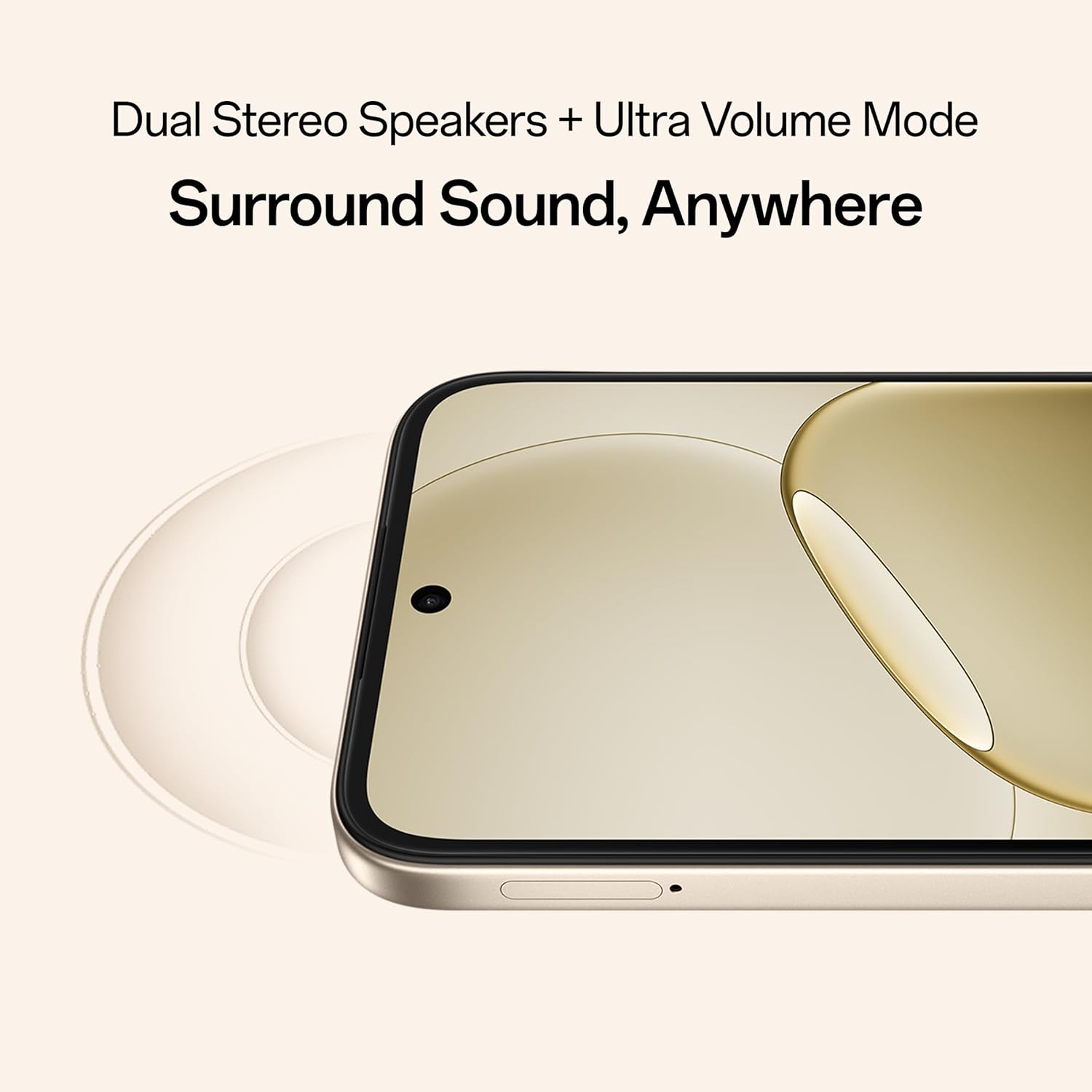
Image: The OPPO A6 Pro 5G display with a '120Hz' graphic, emphasizing its high refresh rate for fluid visuals.
6.1 Adjusting Display Settings
Navigate to Settings > Display & Brightness to customize:
- Brightness level
- Screen refresh rate (120Hz or adaptive)
- Color mode and temperature
- Dark mode
7. Performance and Connectivity
The OPPO A6 Pro 5G is powered by the 6nm MediaTek Dimensity 6300 chipset, ensuring efficient performance and reliable 5G connectivity.

Image: The OPPO A6 Pro 5G with a '60 Months' graphic, indicating its 5-year smooth performance assurance.
7.1 System Optimization
Optimized system-level performance ensures long-lasting smoothness, tested to deliver up to 60 months of fluency.
7.2 Advanced Cooling System
A large vapor chamber and expanded graphite layers maintain low temperatures, ensuring stable performance during gaming and multitasking.

Image: Exploded view of the OPPO A6 Pro 5G, highlighting the SuperCool VC System for thermal management.
7.3 Gaming Performance
AI GameBoost 2.0 further enhances gaming performance, providing a smoother and more responsive experience.

Image: A user playing a mobile game on the OPPO A6 Pro 5G, illustrating the AI GameBoost 2.0 feature for smooth gameplay.
7.4 Network Connectivity
The device supports 5G cellular technology, Bluetooth, USB, and Wi-Fi connectivity. AI LinkBoost 3.0 ensures stable and strong network connections.

Image: A user holding the OPPO A6 Pro 5G in an elevator, demonstrating AI LinkBoost 3.0 for reliable online connectivity anywhere.
8. Durability and Protection
The OPPO A6 Pro 5G boasts Triple IP-rated flagship durability (IP69, IP68, and IP66), offering protection against water jets, immersion, hot water, steam, and dust.

Image: The back of the OPPO A6 Pro 5G with water splashing around it, illustrating its IP69 water and dust resistance.
8.1 Water and Dust Resistance Guidelines
- While resistant, avoid intentional submersion or exposure to high-pressure water jets.
- Ensure all ports are dry before charging.
- Water and dust resistance may decrease over time with normal wear.
9. Maintenance
9.1 Cleaning Your Device
- Use a soft, lint-free cloth to clean the screen and body.
- Avoid abrasive materials or harsh chemicals.
- For stubborn smudges, slightly dampen the cloth with water.
9.2 Software Updates
Regularly check for and install software updates to ensure optimal performance, security, and access to new features. Go to Settings > About device > Software update.
9.3 Battery Care
- Avoid extreme temperatures.
- Do not let the battery drain completely frequently.
- Use only OPPO-approved chargers and cables.
10. Troubleshooting
10.1 Common Issues and Solutions
| Issue | Solution |
|---|---|
| Device not turning on | Ensure the battery is charged. Press and hold the Power button for at least 10 seconds. |
| Apps crashing or freezing | Close background apps. Clear app cache (Settings > Apps > [App Name] > Storage > Clear cache). Restart the device. |
| Poor network signal | Check SIM card insertion. Toggle Airplane Mode on/off. Restart the device. Contact your network provider. |
| Fingerprint sensor not working | Ensure your finger and the sensor are clean and dry. Re-register your fingerprints in Settings. |
10.2 Factory Reset
If issues persist, a factory reset may be necessary. This will erase all data on your device. Back up important data before proceeding. Go to Settings > System settings > Back up and reset > Reset phone > Erase all data.
11. Specifications
Key technical specifications for the OPPO A6 Pro 5G:
| Feature | Detail |
|---|---|
| Brand | OPPO |
| Model | A6 Pro 5G |
| Operating System | Android 15 |
| Processor | Mediatek Dimensity 6300 |
| RAM | 8 GB |
| Storage | 256 GB (Expandable up to 256 GB) |
| Display | 6.75-inch HD+ IPS LCD, 1280 x 720 Resolution, 120Hz Refresh Rate, 1125 nits brightness |
| Rear Camera | 50 MP |
| Front Camera | 16 MP |
| Battery Capacity | 7000 mAh |
| Charging | 80W SUPERVOOC Fast Charging |
| Water Resistance | IP69, IP68, IP66 Rated |
| Connectivity | 5G, Bluetooth, USB Type-C, Wi-Fi |
| Biometric Security | Fingerprint Recognition |
| Dimensions | 15.8 x 7.5 x 0.7 Centimeters |
| Weight | 198 Grams |
12. Warranty and Support
12.1 Warranty Information
Your OPPO A6 Pro 5G comes with a warranty:
- Handset: 12 Months
- Adapter & Cable: 6 Months
Please retain your proof of purchase for warranty claims.
12.2 Customer Support
For further assistance, please contact OPPO customer support:
- Manufacturer: OPPO MOBILES INDIA PVT LTD.
- Address: 5th FLOOR, Tower B, BUILDING, N-8, DLF Cyber City, DLF Phase 2, Gurugram, Haryana 122002
- Toll-Free Number: 18001032777


