
1. Introduction
This manual provides essential information for using your new OPPO A6 Pro 5G smartphone. Please read it carefully to ensure proper operation and to maximize the device's features. Keep this manual for future reference.
2. Setup
2.1. Unboxing and Initial Inspection
Carefully remove all components from the packaging. Verify that all items listed in the 'What's in the Box' section are present and undamaged.
2.2. SIM Card Insertion
- Locate the SIM card tray on the side of the device.
- Insert the SIM ejector tool into the small hole next to the tray and press firmly until the tray pops out.
- Place your Nano-SIM card(s) and/or microSD card (if applicable) into the tray with the gold contacts facing down. Ensure they are correctly seated.
- Gently push the tray back into the slot until it is flush with the phone's body.
2.3. Powering On and Initial Configuration
- Press and hold the Power button until the OPPO logo appears.
- Follow the on-screen prompts to select your language, region, connect to a Wi-Fi network, and set up your Google account.
- Complete the setup wizard to personalize your device settings.
3. Operating Instructions
3.1. Basic Navigation
- Touchscreen Gestures: Tap to select, swipe to scroll, pinch to zoom.
- Power Button: Press to lock/unlock the screen, press and hold for power options.
- Volume Buttons: Adjust media volume, call volume, and notification volume.
3.2. Operating System
The OPPO A6 Pro 5G runs on Android 15, providing a user-friendly interface and access to a wide range of applications through the Google Play Store.
3.3. Connectivity
- Wi-Fi: Connect to wireless networks for internet access.
- Bluetooth: Pair with wireless headphones, speakers, and other compatible devices.
- USB: Use the USB-C port for charging, data transfer, and connecting to other accessories.
- 5G Network: Utilize the device's 5G capabilities for faster mobile data speeds where available.
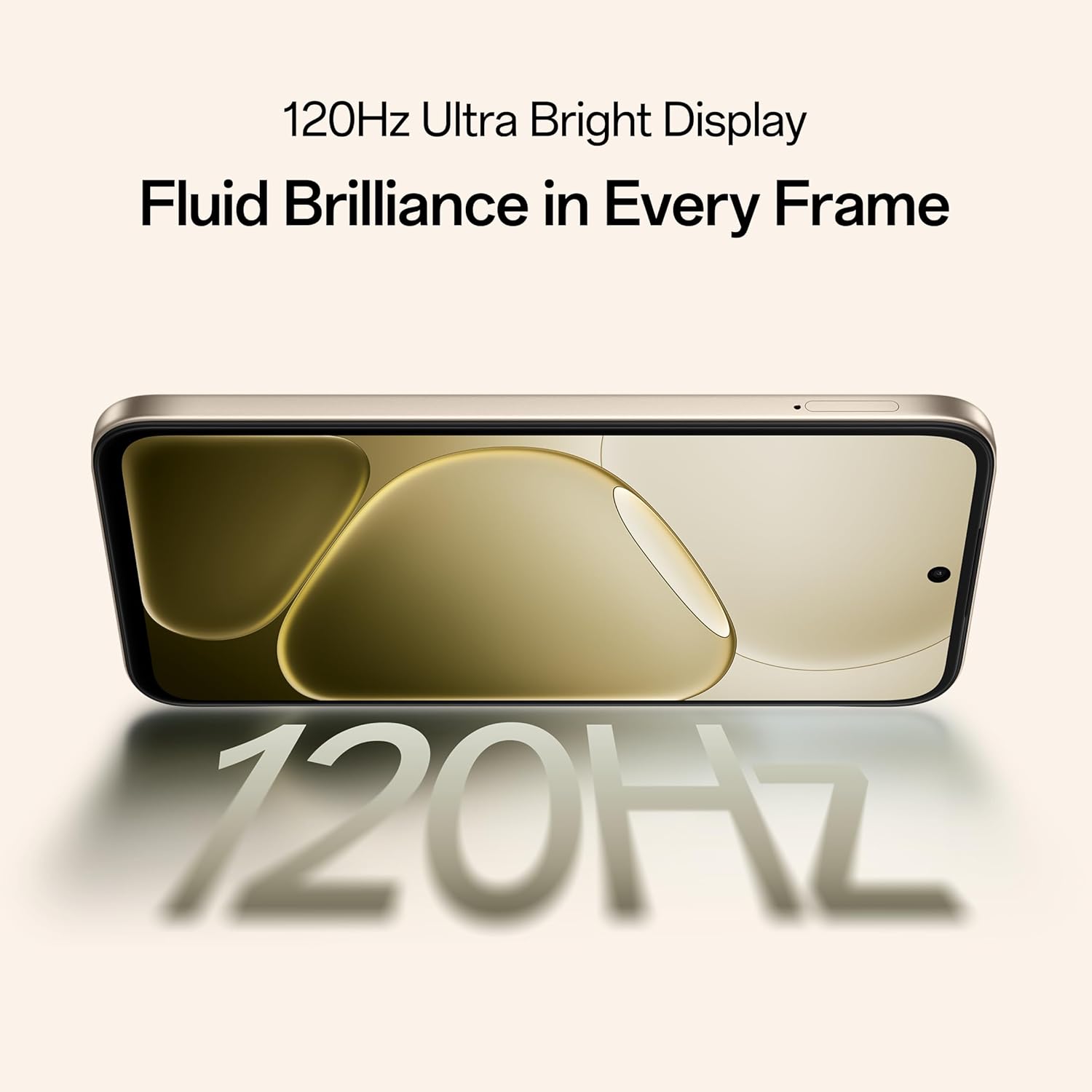
Image: The OPPO A6 Pro 5G demonstrating AI LinkBoost 3.0 for enhanced network connectivity.
4. Camera Features
The OPPO A6 Pro 5G is equipped with a 50MP AI camera, designed to capture high-quality photos and videos. It includes several intelligent features to enhance your photography experience.
- AI Eraser: Intelligently removes unwanted objects or people from your photos.
- AI Recompose: Helps to improve photo composition for more balanced and appealing shots.
- AI Perfect Shot: Optimizes camera settings to capture the best possible image in various scenarios.

Image: The OPPO A6 Pro 5G displaying a landscape photo captured with its 50MP Ultra-Clear Camera.
5. Battery and Charging
The device features a large capacity battery and fast charging technology to keep you powered throughout the day.
- 7000mAh Battery: Provides extended usage time.
- 80W SUPERVOOC Charging: Enables rapid charging, significantly reducing downtime.
- Reverse Wired Charging: Allows the phone to charge other compatible devices using a C-to-C data cable.

Image: An internal view of the OPPO A6 Pro 5G highlighting its 7000mAh large battery.

Image: The OPPO A6 Pro 5G screen displaying 80% charge with 80W SUPERVOOC Flash Charge indicator.

Image: The OPPO A6 Pro 5G using reverse wired charging to power another smartphone.
6. Durability and Protection
The OPPO A6 Pro 5G is built with robust protection features to withstand various environmental conditions.
- Triple IP-Rated Durability (IP69, IP68, IP66): Provides protection against water jets, immersion, hot water, steam, and dust. This ensures reliability in diverse environments.

Image: The back of the OPPO A6 Pro 5G being splashed with water, illustrating its IP69 water and dust resistance.
7. Performance and Display
Experience smooth performance and vibrant visuals with the advanced hardware and display technology of the OPPO A6 Pro 5G.
- 120Hz Adaptive Display: A 17.14 cm (6.75-inch) HD+ IPS LCD Ultra Bright 1125nits display with a 120Hz high refresh rate for smooth visuals and excellent outdoor visibility.
- MediaTek Dimensity 6300 Chipset: The 6nm MediaTek Dimensity 6300 processor delivers faster performance, improved power efficiency, and reliable 5G connectivity.
- 5-Year Smooth Performance Assurance: Optimized system-level performance ensures long-lasting smoothness, tested to deliver up to 60 months of fluency.
- Advanced Cooling System: Features a large vapor chamber and expanded graphite layers to maintain low temperatures during gaming and multitasking, ensuring stable performance.
- AI GameBoost 2.0: Enhances gaming performance for a smoother and more responsive experience.

Image: The OPPO A6 Pro 5G display showcasing its 120Hz refresh rate for fluid visuals.

Image: A close-up of the MediaTek Dimensity 6300 5G chipset, emphasizing its role in the phone's performance.
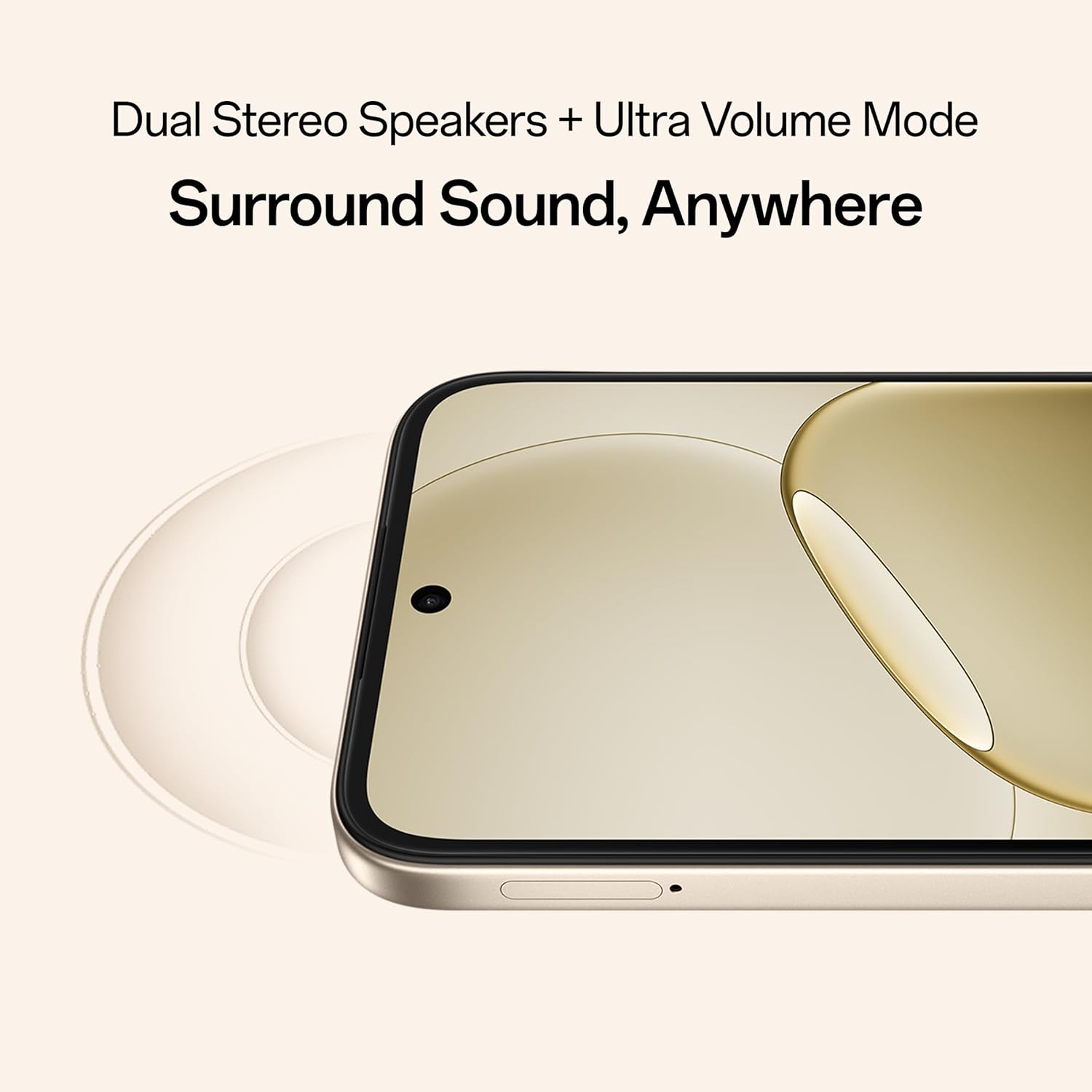
Image: An exploded view of the OPPO A6 Pro 5G showing the SuperCool VC System components for heat dissipation.

Image: A user playing a game on the OPPO A6 Pro 5G, illustrating the AI GameBoost 2.0 feature.
8. Audio Features
The OPPO A6 Pro 5G provides an immersive audio experience.
- Dual Stereo Speakers: Delivers rich and clear sound.
- Ultra Volume Mode: Boosts audio output for louder sound when needed.
9. Maintenance
To ensure the longevity and optimal performance of your OPPO A6 Pro 5G, follow these maintenance guidelines:
- Cleaning: Use a soft, lint-free cloth to clean the screen and body. Avoid abrasive materials or harsh chemicals.
- Software Updates: Regularly check for and install system updates to benefit from the latest features, security patches, and performance improvements.
- Battery Care: Avoid extreme temperatures. For long-term storage, charge the battery to around 50% and store in a cool, dry place.
- Storage: Keep the device away from direct sunlight, excessive heat, and moisture.
10. Troubleshooting
If you encounter issues with your device, refer to the following common troubleshooting steps:
- Device Not Responding: Press and hold the Power button for about 10-15 seconds to force a restart.
- Charging Issues: Ensure the charging cable and adapter are securely connected and undamaged. Try a different charger or outlet.
- Network Connectivity Problems: Toggle Airplane Mode on and off. Restart the device. Check your SIM card insertion.
- App Crashes: Clear the cache and data for the problematic app in Settings > Apps. If the issue persists, uninstall and reinstall the app.
- Slow Performance: Close unnecessary background apps. Clear cached data. Consider performing a factory reset if performance issues persist after other steps (back up your data first).
For more complex issues, contact OPPO customer support.
11. Specifications
| Feature | Specification |
|---|---|
| Model Number | CPH2827 |
| Operating System | Android 15 |
| Display | 17.14 cm (6.75-inch) HD+ IPS LCD, 120Hz, 1125 nits |
| Processor | MediaTek Dimensity 6300 (6nm) |
| RAM | 8 GB |
| Internal Storage | 128 GB |
| Rear Camera | 50MP AI Camera |
| Battery Capacity | 7000 mAh |
| Charging | 80W SUPERVOOC Flash Charge, Reverse Wired Charging |
| Durability Rating | IP69, IP68, IP66 Water and Dust Resistance |
| Connectivity | 5G, Bluetooth, USB, Wi-Fi |
| Dimensions (LxWxH) | 15.8 x 7.5 x 0.7 cm |
| Weight | 198 g |
| Manufacturer | OPPO MOBILES INDIA PVT LTD. |
| Country of Origin | India |
12. What's in the Box
The standard retail package for the OPPO A6 Pro 5G includes the following items:
- OPPO A6 Pro 5G Smartphone
- Power Adapter
- USB Cable
- Phone Case
- SIM Tray Ejector
13. Warranty and Support
Your OPPO A6 Pro 5G comes with a manufacturer's warranty. For specific warranty terms and conditions, please refer to the warranty card included in your product packaging or visit the official OPPO website.
OPPO provides a 5-year smooth performance assurance, indicating a commitment to long-term device fluency.
13.1. Manufacturer Contact Information
Manufacturer: OPPO MOBILES INDIA PVT LTD.
Address: 5th FLOOR, Tower B, BUILDING, N-8, DLF Cyber City, DLF Phase 2, Gurugram, Haryana 122002
Customer Service Tel: 18001032777
For technical support, service, or warranty claims, please contact OPPO customer service directly.


