
OnRetul V520
OnRetul V520 OBD2 Diagnostic Scanner Tool User Manual
Model: V520
1. Introduction
The OnRetul V520 OBD2 Diagnostic Scanner Tool is designed to assist in vehicle maintenance by providing comprehensive diagnostic capabilities. This tool allows users to quickly identify and resolve issues with their car's onboard systems, monitor performance in real-time, and ensure optimal vehicle efficiency. It is suitable for both professional mechanics and DIY enthusiasts seeking an efficient and cost-effective solution for vehicle diagnostics.
2. Package Contents
Please check the contents of your package upon opening. If any items are missing or damaged, contact customer support.
- OnRetul V520 OBD2 Diagnostic Scanner Tool
- User Manual (this document)
3. Safety Information
Always observe safety precautions when working on a vehicle. Ensure the vehicle is in a safe, well-ventilated area. Do not wear loose clothing or jewelry that could get caught in moving parts. Keep the scanner away from water, oil, and extreme temperatures. Refer to your vehicle's service manual for specific safety procedures.
4. Product Overview
The V520 scanner features a compact design with a 2.8-inch color screen for clear display of diagnostic information. It includes intuitive navigation buttons and status indicator lights for easy operation.

Figure 4.1: V520 Scanner with dimensions. The device measures approximately 3.4 inches in length, 3 inches in width, and 6 inches in height.
4.1 Key Features
- 2.8-inch color screen with adjustable brightness and dark/light modes.
- Audible beep notifications (can be disabled).
- Vehicle status indicator lights:
- Red: Faults detected.
- Yellow: Incompatibility or connection failure.
- Green: Successful connection.
- Dedicated buttons for DTC, I/M, BAT, EXIT, OK, and navigation.
5. Setup and Connection
The V520 scanner is powered directly from your vehicle's OBD2 port. No external batteries or power sources are required.
- Locate the 16-pin Data Link Connector (DLC) in your vehicle. This port is typically found under the dashboard on the driver's side.
- Ensure the vehicle's ignition is in the OFF position before connecting the scanner.
- Firmly plug the V520 scanner's cable into the vehicle's DLC.
- Turn the vehicle's ignition to the ON position (engine can be off or running, depending on the test). The scanner will power on automatically.
- Observe the status indicator light on the scanner. A green light indicates a successful connection.
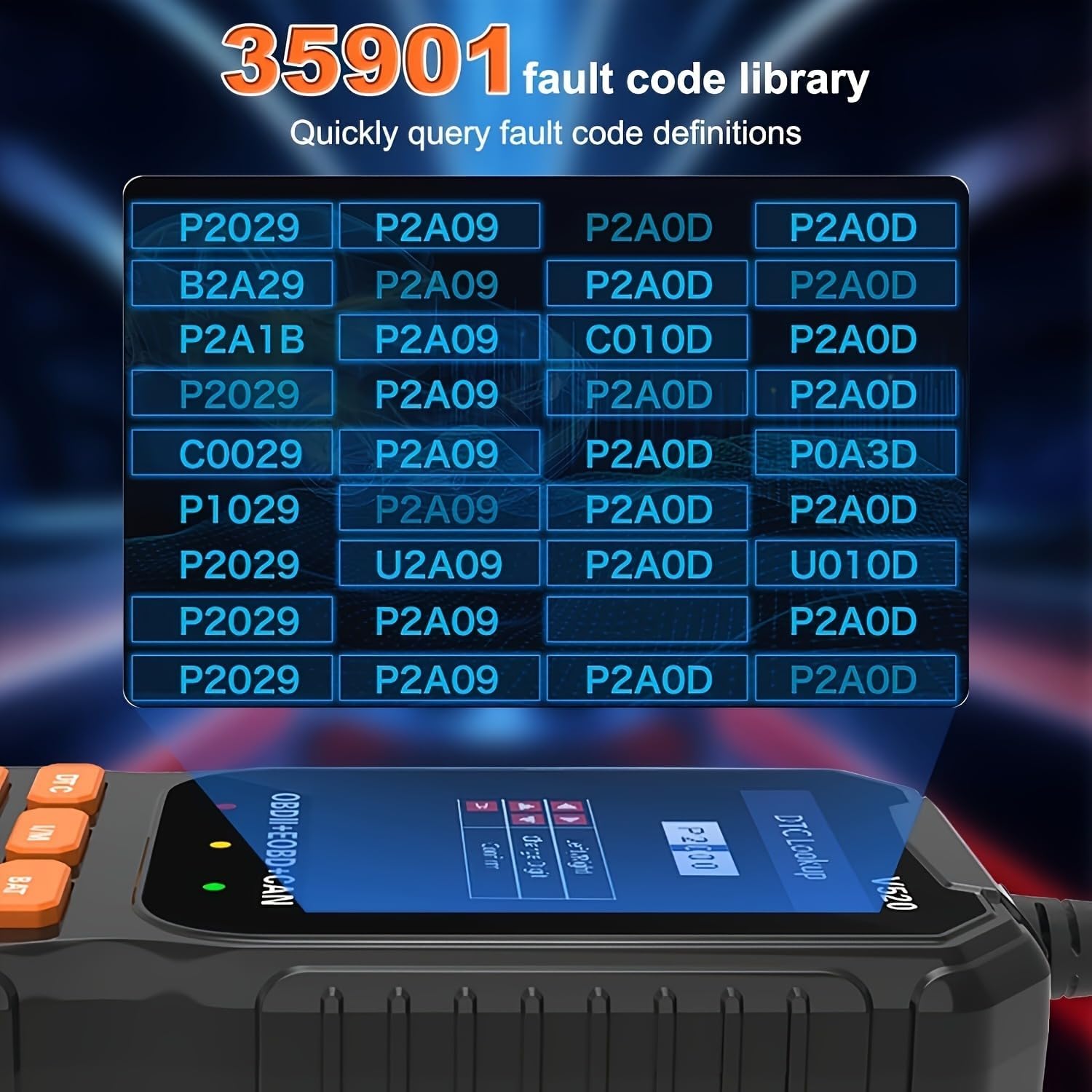
Figure 5.1: Typical location of the OBD2 universal interface in a car interior (marked C).
5.1 Vehicle Compatibility
The V520 OBD2 scanner is compatible with most vehicles manufactured:
- After 1996 (USA)
- After 2002 (EU)
- After 2008 (Asia)
Important: This scanner is not compatible with new energy vehicles, hybrid models, or vehicles that do not follow the standard OBD2 protocol.
6. Operating Instructions
Once connected, the V520 scanner provides access to various diagnostic functions. Use the navigation buttons (up, down, left, right) to move through menus and the OK button to select options. The EXIT button returns to the previous screen.
6.1 Main Menu Functions

Figure 6.1: Overview of main OBDII functions available on the V520 scanner.
- Read Codes: Displays Diagnostic Trouble Codes (DTCs) stored in the vehicle's Engine Control Unit (ECU).
- Erase Codes: Clears DTCs from the ECU and turns off the Malfunction Indicator Lamp (MIL) or "Check Engine Light." Note: Clearing codes does not fix the underlying problem. Address the fault before clearing codes.
- Live Data: Shows real-time parameters from the vehicle's sensors, such as engine RPM, vehicle speed, oxygen sensor readings, and more. This data can be displayed graphically.
- I/M Readiness: Checks the status of the vehicle's emission-related monitoring systems to determine if they are ready for an inspection/maintenance test.
- Freeze Frame: Records a snapshot of sensor data at the moment a fault code was set, providing valuable information for diagnosis.
- O2 Sensor Test: Retrieves O2 sensor monitoring test results for the most recently completed tests from the vehicle's onboard computer.
- On-board Monitor Test (Mode 6): Retrieves results for emission-related powertrain components and systems that are not continuously monitored.
- Vehicle Information (VIN): Displays the Vehicle Identification Number (VIN), Calibration ID (CALID), and Calibration Verification Number (CVN) of the vehicle.
- EVAP System (Mode 8): Initiates a test of the evaporative emission control system.
6.2 Battery Voltage Test
The V520 can test the vehicle's battery voltage in real-time, providing insights into its health and charging status.

Figure 6.2: Real-time battery voltage display and status check.
6.3 Engine Fault Diagnosis and Code Lookup
The scanner allows for quick identification and clearing of engine fault codes. It includes a comprehensive built-in DTC library.

Figure 6.3: Example of engine fault diagnosis, showing RPM before and after clearing codes.

Figure 6.4: The V520 features a built-in library of 35,901 Diagnostic Trouble Codes (DTCs) for quick reference and definition lookup.
7. Maintenance
7.1 Cleaning
Clean the scanner's exterior with a soft, damp cloth. Do not use abrasive cleaners or solvents. Ensure no liquid enters the device.
7.2 Storage
Store the V520 scanner in a dry, cool environment, away from direct sunlight and extreme temperatures. Keep the cable neatly coiled to prevent damage.
8. Troubleshooting
8.1 Common Issues and Solutions
- Scanner does not power on:
- Ensure the OBD2 cable is securely connected to the vehicle's DLC.
- Verify the vehicle's ignition is in the ON position.
- Check the vehicle's fuse for the OBD2 port (refer to your vehicle's manual).
- Connection failure (Yellow indicator light):
- Confirm your vehicle is OBD2 compliant (manufactured after 1996 for USA, 2002 for EU, 2008 for Asia).
- Ensure the vehicle is not a new energy vehicle or hybrid model, as these may not be supported.
- Try connecting to a different OBD2 compliant vehicle to rule out scanner malfunction.
- Cannot clear codes:
- Some fault codes are "hard codes" and cannot be cleared until the underlying issue is resolved.
- Ensure the ignition is ON and the engine is off when attempting to clear codes.
8.2 Important Compatibility Warnings
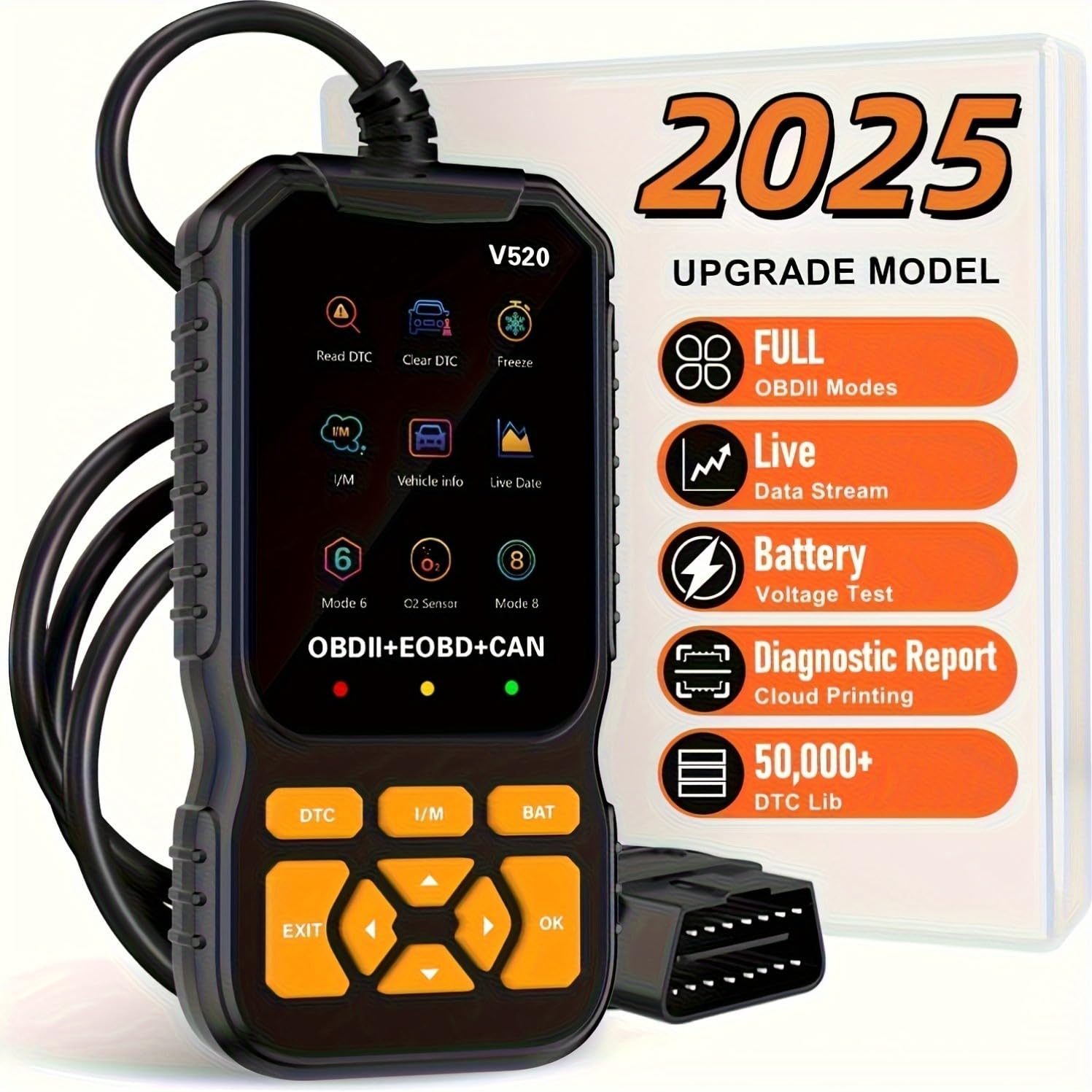
Figure 8.1: Important warnings regarding unsupported systems and vehicle protocols.
- This product does not support ABS, SRS, or TPMS (Tire Pressure Monitoring System) detection.
- For diesel vehicles, verify that one of the supported protocols is used. Some older fuel vehicles may also not comply with the OBD2 protocol.
- Supported Protocols:
- SAE J1850 PWM (41.6Kbaud)
- SAE J1850 VPW (10.4Kbaud)
- ISO9141-2 (5 baud init, 10.4Kbaud)
- ISO14230-4 KWP (5 baud init, 10.4 Kbaud)
- ISO14230-4 KWP (fast init, 10.4 Kbaud)
- ISO15765-4 CAN (11bit ID, 500 Kbaud)
- ISO15765-4 CAN (29bit ID, 500 Kbaud)
- ISO15765-4 CAN (11bit ID, 250 Kbaud)
- ISO15765-4 CAN (29bit ID, 251 Kbaud)
9. Specifications
| Feature | Detail |
|---|---|
| Brand | OnRetul |
| Model | V520 |
| Power Source | Corded Electric (via OBD2 port) |
| Product Dimensions (L x W x H) | 3.4" x 3" x 6" (86.4mm x 76.2mm x 152.4mm) |
| Screen Size | 2.8 Inches |
| Operating System | Proprietary (Note: "Windows 10" from source data is likely for a companion app, not the device itself) |
| DTC Library | 35,901 built-in codes |
| Supported Protocols | SAE J1850 PWM, SAE J1850 VPW, ISO9141-2, ISO14230-4 KWP (5 baud init & fast init), ISO15765-4 CAN (11bit ID & 29bit ID, 500 Kbaud & 250/251 Kbaud) |
10. Warranty and Support
10.1 Warranty Information
OnRetul products are manufactured to high-quality standards. For specific warranty details, please refer to the warranty card included with your purchase or contact OnRetul customer service. Keep your proof of purchase for warranty claims.
10.2 Customer Support
If you encounter any issues or have questions regarding your OnRetul V520 OBD2 Diagnostic Scanner Tool, please contact OnRetul customer support. Contact information can typically be found on the product packaging or the official OnRetul website.
Ask a question about this manual
Ask about setup, troubleshooting, compatibility, parts, safety, or missing instructions. Manuals+ will review the question and use this page’s manual context to help answer it.