Introduction
Thank you for choosing the iHome HandVac CV15 Cordless Hand Vacuum. This device is designed for quick, powerful, and versatile cleaning, effectively tackling dirt, crumbs, and pet hair in various environments, including your home or car. Its dual suction and air blow feature offers enhanced flexibility for cleaning tight spaces. This manual provides essential information for the proper setup, operation, maintenance, and troubleshooting of your HandVac to ensure optimal performance and longevity.
Important Safety Instructions
Please read and understand all safety instructions before using this appliance. Failure to follow these instructions may result in electric shock, fire, or serious injury.
- This appliance is for household use only. Do not use outdoors or on wet surfaces.
- Do not allow children to operate the vacuum. Close supervision is necessary when used near children.
- Do not pick up flammable or combustible liquids, such as gasoline, or use in areas where they may be present.
- Do not pick up anything that is burning or smoking, such as cigarettes, matches, or hot ashes.
- Do not use without the dust cup and filter in place.
- Use only as described in this manual. Use only manufacturer's recommended attachments.
- Do not handle the charger or appliance with wet hands.
- Keep hair, loose clothing, fingers, and all parts of body away from openings and moving parts.
- Turn off the appliance before connecting or disconnecting accessories.
- Use only the charging cable provided. A 5V - 1A adapter is required for charging.
Package Contents
Verify that all items listed below are included in your package:
- iHome HandVac CV15 Cordless Hand Vacuum Unit
- Blower Tool
- Crevice Tool
- Crevice Tool Brush
- Extension Hose
- USB Charging Cable

Image: All accessories included with the iHome HandVac CV15.
Setup
Charging the HandVac
- Locate the USB charging port on the HandVac unit.
- Connect the provided USB charging cable to the HandVac.
- Plug the other end of the USB cable into a 5V - 1A USB power adapter (not included).
- The charging indicator light will illuminate during charging and change color or turn off when fully charged.
- Allow approximately 2-3 hours for a full charge before first use.
Attaching Accessories
The HandVac CV15 is designed for easy attachment and detachment of its various tools.
- For Suction (Vacuum) Mode: Attach the desired tool (Crevice Tool, Crevice Tool Brush, or Extension Hose) to the main suction port at the front of the HandVac. Ensure it clicks securely into place.
- For Air Blow Mode: Attach the Blower Tool to the rear port of the HandVac. This port is specifically designed for the air blow function.
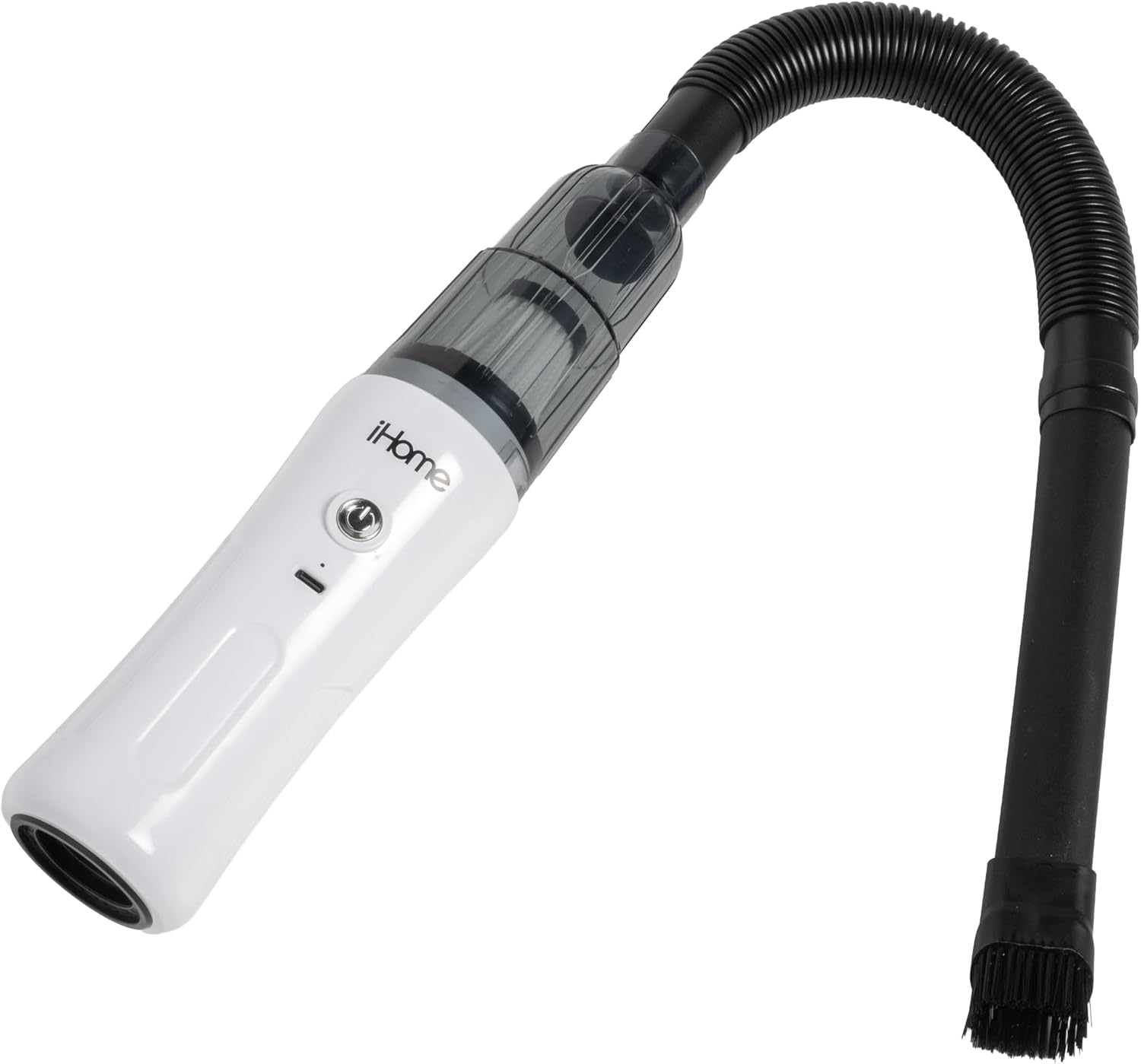
Image: iHome HandVac CV15 with extension hose and brush attached for vacuuming.
Operating Instructions
Powering On/Off
Press the power button located on the top of the HandVac unit to turn the device on. Press it again to turn the device off.
Using Suction (Vacuum) Mode
- Ensure the desired cleaning attachment (Crevice Tool, Crevice Tool Brush, or Extension Hose) is securely connected to the front suction port.
- Press the power button to turn on the HandVac.
- Direct the attachment towards the area to be cleaned. The HandVac delivers 6,000 Pa of suction power for effective debris removal.
- After cleaning, press the power button to turn off the device.
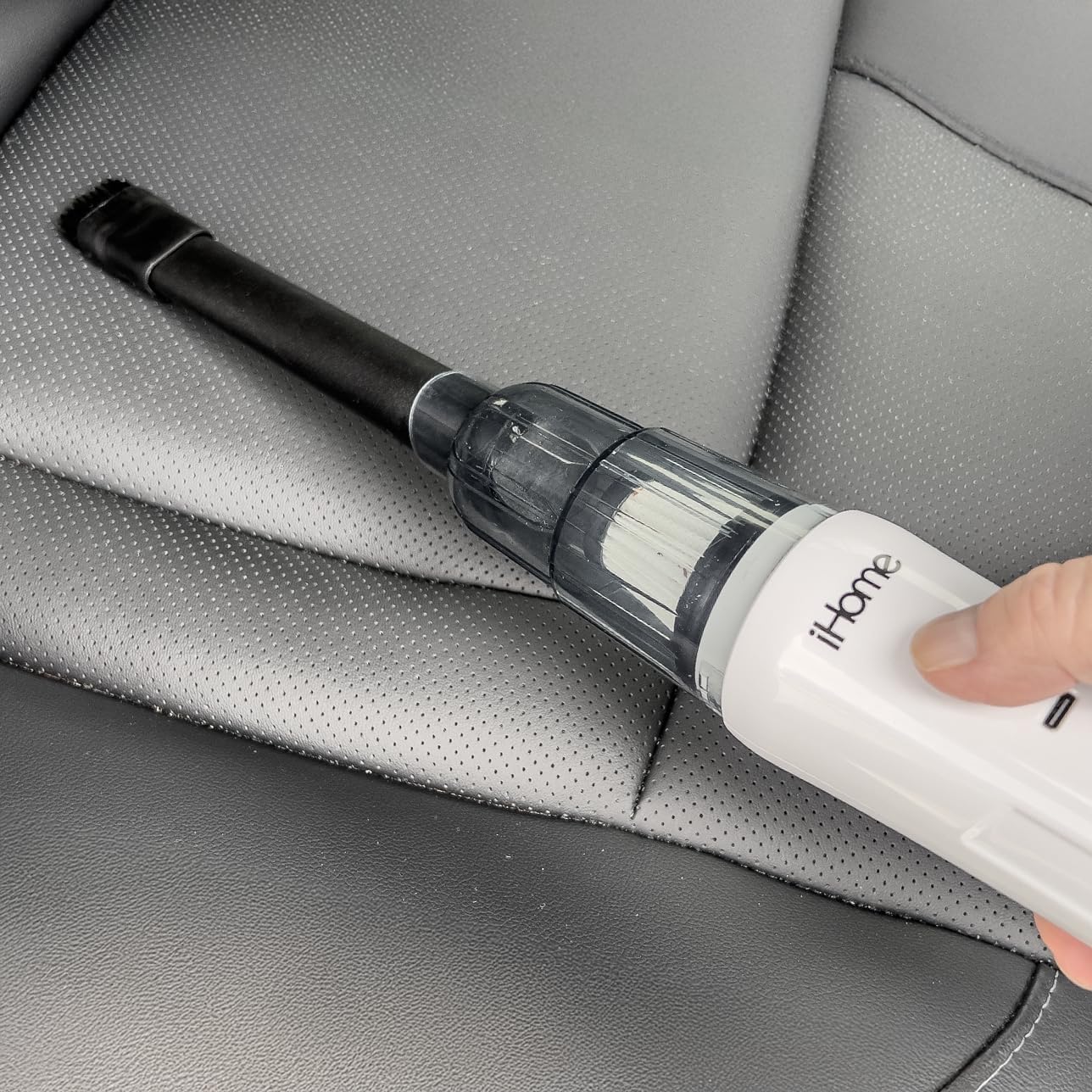
Image: Using the iHome HandVac CV15 with the crevice tool to clean a car interior.
Using Air Blow Mode
- Ensure the Blower Tool is securely connected to the rear port of the HandVac.
- Press the power button to turn on the HandVac.
- Direct the Blower Tool towards the area where you wish to blow away dust or debris.
- After use, press the power button to turn off the device.

Image: Rear port of the iHome HandVac CV15 for air blow function.
Using Specific Attachments
- Crevice Tool: Ideal for reaching into narrow gaps, corners, and tight spaces.
- Crevice Tool Brush: Attaches to the crevice tool to agitate stubborn dirt and dust from surfaces like upholstery or vents before vacuuming.
- Extension Hose: Provides extended reach and flexibility for cleaning awkward angles or areas further away from the main unit.
- Blower Tool: Used with the rear port for blowing away dust from keyboards, car vents, or other delicate items.

Image: Crevice tool brush attachment.
Maintenance
Regular maintenance ensures your iHome HandVac CV15 operates efficiently and extends its lifespan.
Emptying the Dust Cup
- Ensure the HandVac is turned off.
- Twist or unlatch the dust cup from the main unit.
- Carefully empty the collected debris into a waste bin.
- Reattach the dust cup securely to the HandVac.
Cleaning the HEPA Filter
The HandVac CV15 uses a HEPA filter, which should be cleaned regularly to maintain suction power.
- Ensure the HandVac is turned off and the dust cup is removed.
- Carefully remove the HEPA filter from the dust cup.
- Tap the filter gently over a waste bin to remove loose dust and debris.
- If necessary, rinse the filter under cool running water. Do not use detergent or hot water.
- Allow the filter to air dry completely for at least 24 hours before reinserting it into the dust cup. Do not use the vacuum with a wet filter.
- Once dry, place the filter back into the dust cup and reattach the dust cup to the HandVac.
Troubleshooting
If you encounter issues with your iHome HandVac CV15, refer to the following common problems and solutions:
| Problem | Possible Cause | Solution |
|---|---|---|
| No power / Does not turn on | Battery is depleted. | Charge the HandVac fully using the provided USB cable and a 5V-1A adapter. |
| Low suction power | Dust cup is full. Filter is clogged. Obstruction in nozzle/hose. | Empty the dust cup. Clean the HEPA filter. Check for and remove any blockages in the attachments or suction port. |
| Short operating time | Battery not fully charged. Battery degradation over time. | Ensure the device is fully charged before use. If the issue persists after full charge, battery life may be reduced due to normal wear. |
| Air blow function is weak | Blower tool not properly attached. Rear port obstructed. | Ensure the Blower Tool is securely attached to the rear port. Check the rear port for any obstructions. |
Specifications
- Model Name: Handvac Cordless 2-in-1
- Model Number: iHCV15-WHT
- Special Feature: Air blow or vacuum options, Cordless, Portable, Rechargeable
- Filter Type: HEPA Filter
- Suction Power: 6,000 Pa
- Motor Type: BLDC, 30,000 rpm
- Battery Life (Runtime): Up to 15 minutes
- Capacity: 170 Milliliters
- Charging Requirement: 5V - 1A adapter
- Product Dimensions: 4.13"L x 3"W x 11.38"H
- Item Weight: 1 pound
- Recommended Uses: Car, Carpet, Hard Floor, Home
- Indoor/Outdoor Usage: Indoor
Warranty and Support
Warranty Description: None.
For further assistance or inquiries regarding your iHome HandVac CV15, please refer to the manufacturer's official website or contact their customer support channels. Keep your purchase receipt as proof of purchase.


