
1. Product Overview
The RunStar Digital Bathroom Scale (Model BG2403-B) is designed for accurate body weight measurement. It features a sleek design with a clear LED backlight display and a durable 6mm tempered glass platform. Equipped with four high-precision gravity sensors, it provides quick and consistent readings up to 400 lb (180 kg).
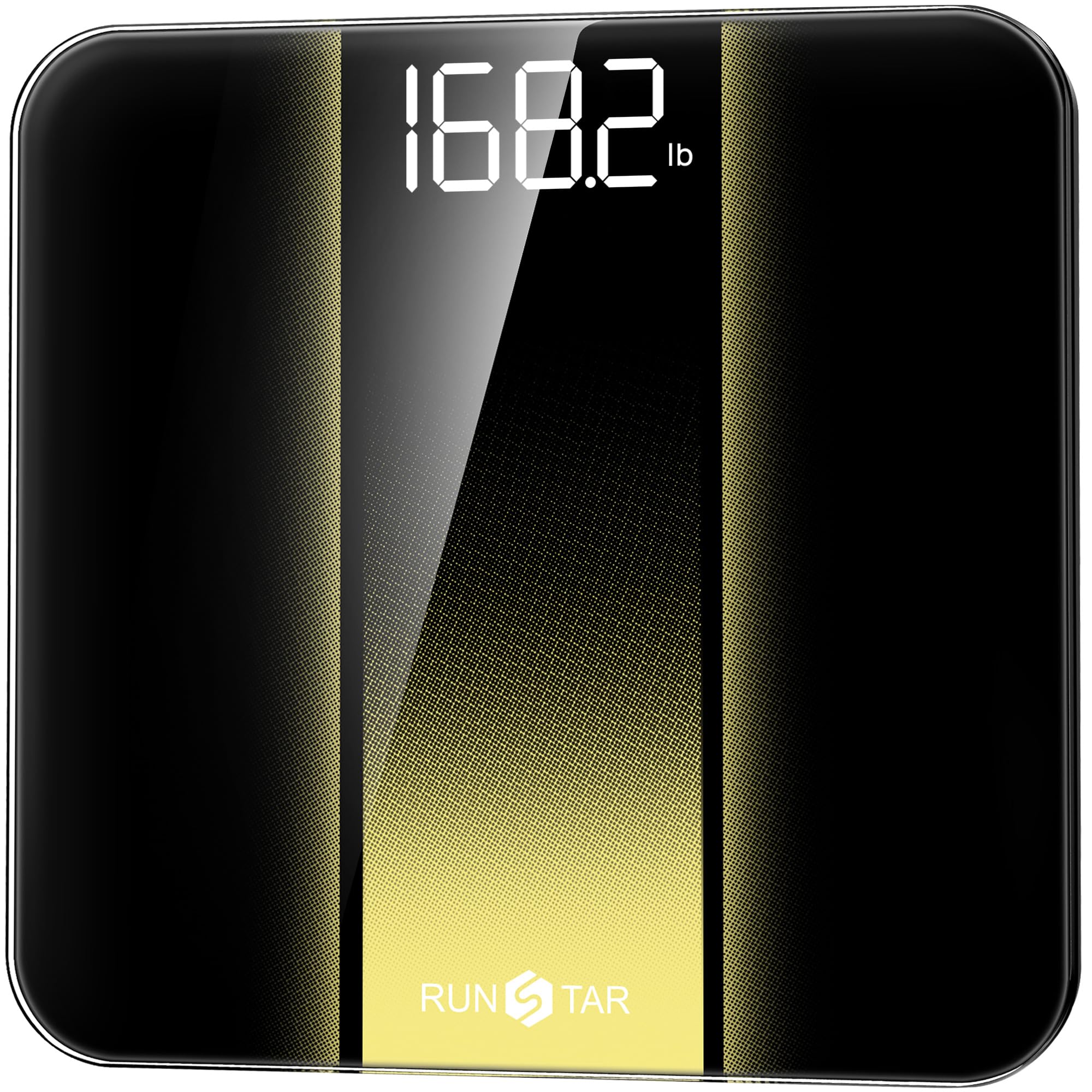
Image: The RunStar Digital Bathroom Scale in gold, showcasing its sleek design and illuminated LED display.
2. Package Contents
Upon unpacking, please ensure all items are present:
- 1x RunStar Digital Bathroom Scale (Model BG2403-B)
- 3x AAA Batteries
- 1x User Manual
3. Setup Instructions
- Install Batteries: Open the battery compartment on the underside of the scale. Insert the 3 AAA batteries, ensuring correct polarity. If there is a plastic pull tab, remove it to activate the batteries.
- Placement: Place the scale on a hard, flat, and stable surface. Uneven surfaces or soft flooring (like carpet) may affect accuracy.
- Unit Selection: Locate the 'UNIT' button on the underside of the scale. Press it to toggle between pounds (lb) and kilograms (kg) until your desired unit is displayed.

Image: The underside of the scale, highlighting the battery compartment and the unit selection button.
4. Operating Instructions
- Power On: Gently step onto the scale. The scale will automatically turn on and display '0.0' or your last recorded weight.
- Weighing: Stand still on the scale with your weight evenly distributed. The display will flash and then lock in your final weight.
- Power Off: The scale features an auto-off function and will turn off automatically after a few seconds of inactivity to conserve battery life.

Image: A person stepping onto the RunStar Digital Bathroom Scale, demonstrating the weighing process.
5. Maintenance
- Cleaning: Wipe the scale's surface with a soft, damp cloth. Avoid abrasive cleaners or harsh chemicals.
- Storage: Store the scale in a cool, dry place. Avoid extreme temperatures and direct sunlight.
- Battery Replacement: Replace batteries when the 'Lo' indicator appears on the display.
6. Troubleshooting
- "Lo" Display: Indicates low battery. Replace the 3 AAA batteries.
- "Err" Display: Indicates overload. The maximum weight capacity is 400 lb (180 kg). Step off the scale immediately to prevent damage.
- Inaccurate Readings: Ensure the scale is placed on a hard, flat surface. Recalibrate by stepping on and off the scale quickly.
- "C" Display: Indicates calibration. The scale is calibrating itself. Wait for it to display '0.0' before weighing.
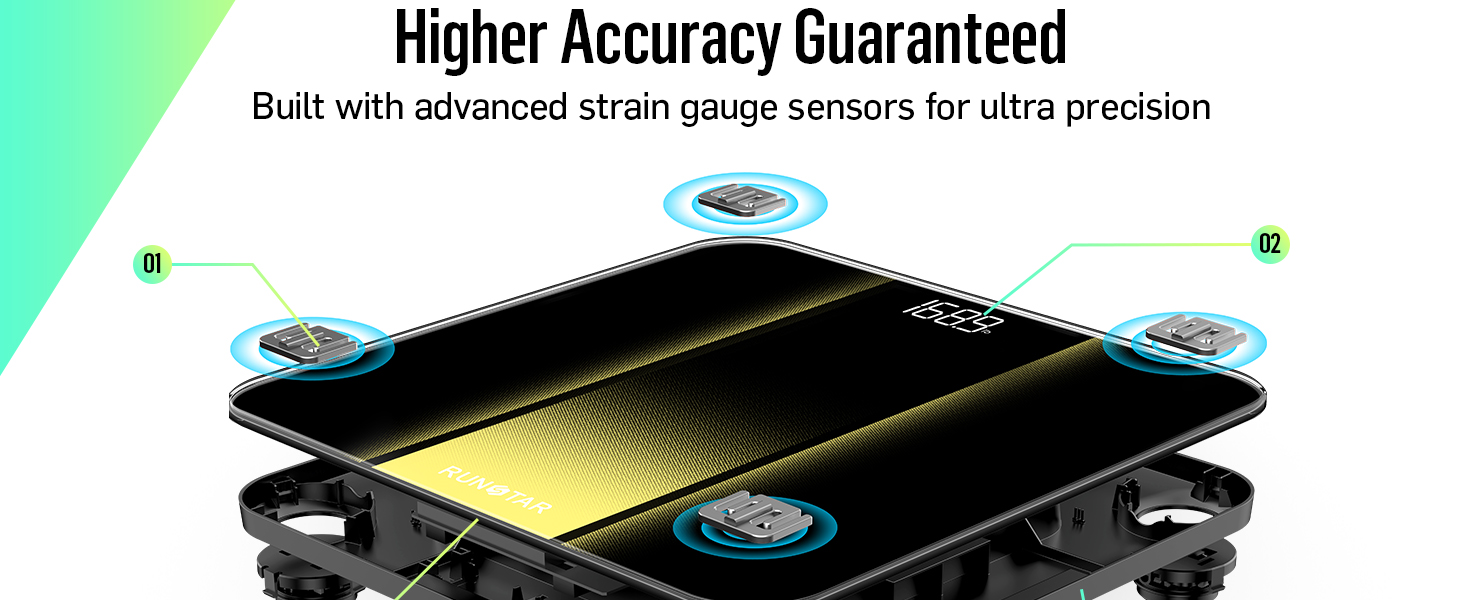
Image: The scale's LED display showing common error messages: 'Err' for overload, 'Lo' for low battery, and 'C' for calibration.
7. Specifications
| Feature | Detail |
|---|---|
| Brand | RunStar |
| Model | BG2403-B |
| Weight Capacity | 400 Pounds (180 kg) |
| Readout Accuracy | 0.1 Pounds (0.05 kg) |
| Display Type | LED Backlight |
| Platform Material | 6mm Tempered Glass |
| Power Source | 3x AAA Batteries (Included) |
| Special Features | Auto Shut Off, Auto Calibration, Non-Slip Platform |
| Dimensions | 11 x 11 inches |
8. Warranty and Support
The RunStar Digital Bathroom Scale comes with a 30-Month Warranty. Some product descriptions also mention a lifetime warranty. For warranty activation and detailed terms, please visit the official RunStar website or scan the QR code provided in the product packaging.
For any questions, technical support, or warranty claims, please contact RunStar customer service through their official website.


