
1. Introduction
The MiLESEEY GeneSonic Pro is an innovative 2-in-1 device combining a powerful golf speaker with a detachable GPS rangefinder handheld. Designed for golfers seeking enhanced performance and convenience, this unit provides precise course information, high-quality audio, and robust durability without the need for subscriptions.
Key Features:
- Detachable GPS Handheld: For on-the-go precision and music control.
- 43,000+ Preloaded Courses: No subscription fees required.
- 40W Epic Audio: Powerful sound with crisp highs, warm mids, and deep bass.
- Quad-MagLock Technology: Strong magnetic mount for secure attachment to golf carts.
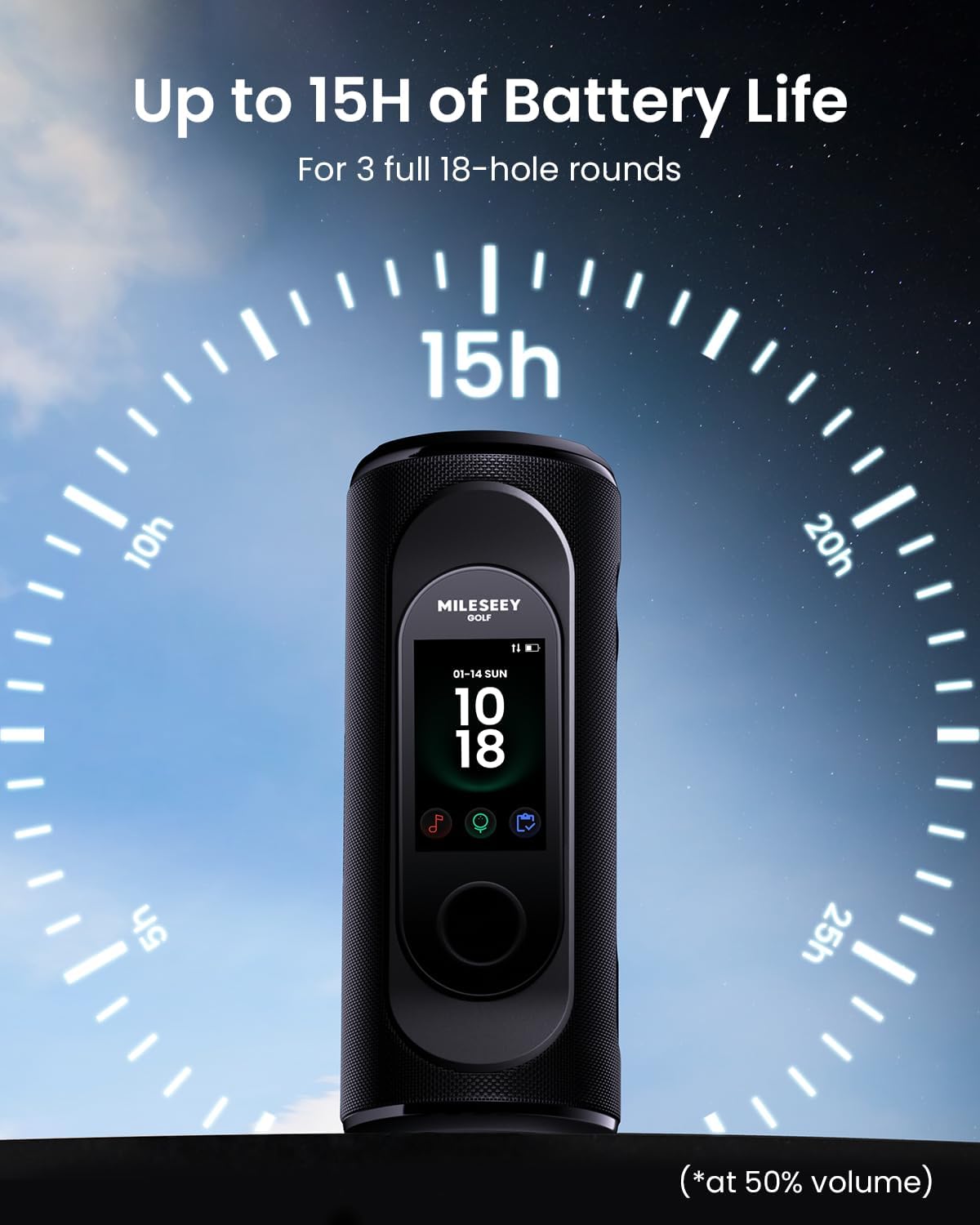
- 15-Hour Battery Life: Extended play for multiple rounds.
- IP67 Dust & Water Resistant: Durable for all weather conditions.
2. What's in the Box
Upon unboxing your MiLESEEY GeneSonic Pro, please ensure all the following items are present:
- GeneSonic Pro Speaker Unit (with integrated GPS Handheld)
- Speaker Lanyard
- Handheld Carabiner
- Cleaning Cloth
- USB-C Charging Cable
- Quick Guide
- User Manual

The package includes the main GeneSonic Pro speaker unit, a lanyard for the speaker, a carabiner for the detachable handheld, a cleaning cloth, a USB-C charging cable, a quick start guide, and the full user manual.
3. Setup
3.1 Charging the Device
Before first use, fully charge your GeneSonic Pro speaker and detachable GPS handheld. Use the provided USB-C charging cable. The device features a 15-hour battery life, ensuring multiple rounds of golf on a single charge.
3.2 Powering On/Off
To power on the device, press and hold the power button located on the side of the speaker unit. Repeat the action to power off. The detachable handheld powers on automatically when detached and off when re-attached or after a period of inactivity.
3.3 Attaching/Detaching the GPS Handheld
The GPS handheld is magnetically secured to the main speaker unit. To detach, gently pull the handheld away from the speaker. To re-attach, align the handheld with the designated slot on the speaker until the magnets engage securely.

3.4 Bluetooth Pairing (Speaker to Phone)
To pair your phone with the GeneSonic Pro speaker via Bluetooth:
- Ensure the speaker is powered on.
- Press the Bluetooth pairing button on the side of the speaker. The device will indicate it is in pairing mode.
- On your smartphone, go to Bluetooth settings and select 'MiLESEEY GeneSonic Pro' from the list of available devices.
- Once connected, the speaker will confirm successful pairing.
4. Operating the GeneSonic Pro
4.1 Course Selection & GPS Activation
The GeneSonic Pro comes preloaded with over 43,000 golf courses worldwide. No subscription or phone connection is needed for GPS functionality.
- With the GPS handheld detached or attached, navigate to the 'Golf' mode on the touchscreen.
- The device will automatically search for nearby courses. Select your desired course from the list.
- The GPS will quickly pair with satellites to provide accurate distances.

4.2 Understanding the Display
The 3'' color touchscreen provides intuitive course views and critical data:
- Distances: View front, center, and back distances to the green.
- Hole View: Detailed layout of the current hole, including hazards and fairways.
- Green View: Zoomed-in view of the green with pin positions.
- Layup: Plan your shots by viewing layup distances.
- Hazard Info: Get precise distances to various course hazards.
- Shot Tracking: Track your shots for post-round analysis.


4.3 Audible Distances & Music Control
Tap the GPS handheld like a remote to hear audible distance callouts. The 40W speaker delivers clear audio for both distances and music.
- Audible Distances: Receive spoken distances to key points on the course.
- Music Playback: Control music playback (play, pause, skip, volume) directly from the handheld or the speaker's side buttons.

4.4 Golf App Integration
Pair your GeneSonic Pro with the dedicated MiLESEEY Golf App for additional features:
- Automatic course map updates.
- Shot-by-shot tracking.
- In-depth post-round insights.
5. Maintenance
5.1 Cleaning
Use the provided cleaning cloth to gently wipe the touchscreen and speaker unit. Avoid harsh chemicals or abrasive materials.
5.2 Water Resistance
The GeneSonic Pro is IP67 rated for dust and water resistance. This means it can withstand immersion in up to 1 meter of water for 30 minutes. While durable, avoid prolonged submersion and ensure charging ports are dry before charging.
5.3 Battery Management
To maximize battery life:
- Fully charge the device before each use.
- Store the device in a cool, dry place when not in use.
- Avoid exposing the device to extreme temperatures.
6. Troubleshooting
6.1 Course Not Found
If your golf course is newly opened or not listed in the preloaded courses, please contact MiLESEEY customer support. Share the full name and location of the course, and their technical team can add it remotely within 1 week.
6.2 Bluetooth Connectivity Issues
If you experience issues with Bluetooth pairing:
- Ensure both the speaker and your smartphone have Bluetooth enabled.
- Make sure the speaker is in pairing mode.
- Try restarting both devices.
- Ensure no other devices are actively connected to the speaker.
7. Specifications
| Feature | Detail |
|---|---|
| Model Name | GeneSonic Pro |
| Brand | MiLESEEY |
| Color | Black |
| Connectivity Technology | Bluetooth |
| Speaker Output | 40W |
| Preloaded Courses | 43,000+ (No Subscription) |
| Display | 3'' Color Touchscreen |
| Battery Life | Up to 15 Hours |
| Water Resistance | IP67 (Dust & Water Resistant) |
| Magnetic Mount | Quad-MagLock Technology (126N / ~28 lbs force) |
| Item Weight | 2 Pounds |
| Product Dimensions | 6 x 6 x 6 inches |
8. Warranty and Support
For warranty information and technical support, please refer to the official MiLESEEY website or contact their customer service directly. Details can also be found in the included User Manual.


