
1. Introduction
Thank you for choosing the Superun Walking Pad Treadmill BA10-B. This compact and versatile fitness equipment is designed to provide a convenient way to incorporate walking and light jogging into your daily routine, whether at home or in the office. Featuring a 6% manual incline, a quiet 2.5HP motor, and smart app integration, it offers an effective and enjoyable workout experience. Please read this manual thoroughly before use to ensure safe operation and optimal performance.
2. Important Safety Information
To reduce the risk of serious injury, read all important precautions and instructions in this manual before using the Superun Walking Pad Treadmill. Superun assumes no responsibility for personal injury or property damage sustained by or through the use of this product.
- Always place the treadmill on a flat, stable surface.
- Ensure adequate clearance around the treadmill (at least 2 feet on sides, 6 feet behind).
- Keep children and pets away from the treadmill during operation.
- Do not operate the treadmill if it has a damaged cord or plug, or if it is not working properly.
- Wear appropriate athletic footwear and clothing.
- Do not use the treadmill in wet or damp conditions.
- The maximum user weight capacity is 300 lbs. Do not exceed this limit.
- Always turn off and unplug the treadmill when not in use or before cleaning/maintenance.
3. What's in the Box
Your Superun Walking Pad Treadmill package includes the following components:
- Superun Walking Pad Treadmill
- Remote Control
- Lubricant
- Tool Kit
- User Manual (this document)
4. Setup and Placement
The Superun Walking Pad Treadmill requires zero assembly and is ready to use right out of the box. Follow these steps for initial setup:
- Unpacking: Carefully remove the treadmill and all accessories from the packaging.
- Placement: Place the treadmill on a firm, level surface. Ensure there is enough clear space around the unit for safe operation. The compact design allows it to be placed under a desk, sofa, or bed when not in use.
- Power Connection: Plug the power cord into a grounded electrical outlet.
- Initial Check: Before first use, ensure the running belt is centered and properly tensioned. Refer to the "Maintenance" section for instructions on adjusting the belt if needed.
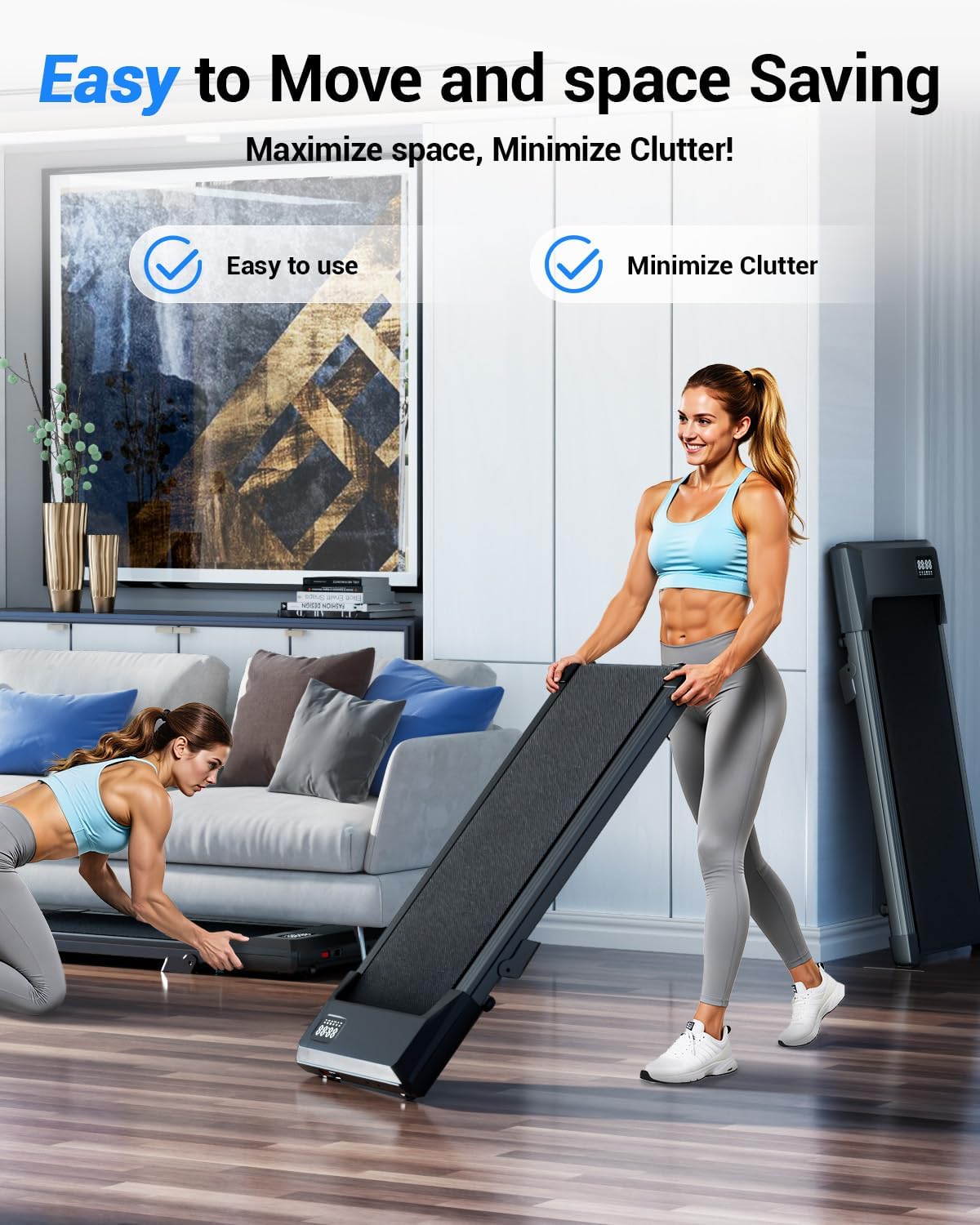
Figure 4.1: The Superun Walking Pad is designed for easy movement and space-saving storage, featuring built-in wheels.
5. Operating Instructions
The Superun Walking Pad Treadmill offers multiple modes and can be controlled via the included remote or the PitPat App.
5.1 Powering On/Off
- To power on, plug in the treadmill and press the power button on the unit or remote control.
- To power off, press the power button again. Always unplug the unit when not in use.
5.2 Using the Remote Control
The remote control allows you to start/stop the treadmill and adjust the speed.
- Start/Stop: Press the central button to start or stop the treadmill.
- Speed Adjustment: Use the '+' and '-' buttons to increase or decrease the speed.
5.3 Treadmill Modes
The treadmill supports various modes to suit your activity level:
- Working Mode (0.6-1.6 MPH): Ideal for walking while working at a standing desk.
- Walking Mode (0.6-2.6 MPH): Suitable for a casual stroll.
- Running Mode (2.6-3.8 MPH): For light jogging.
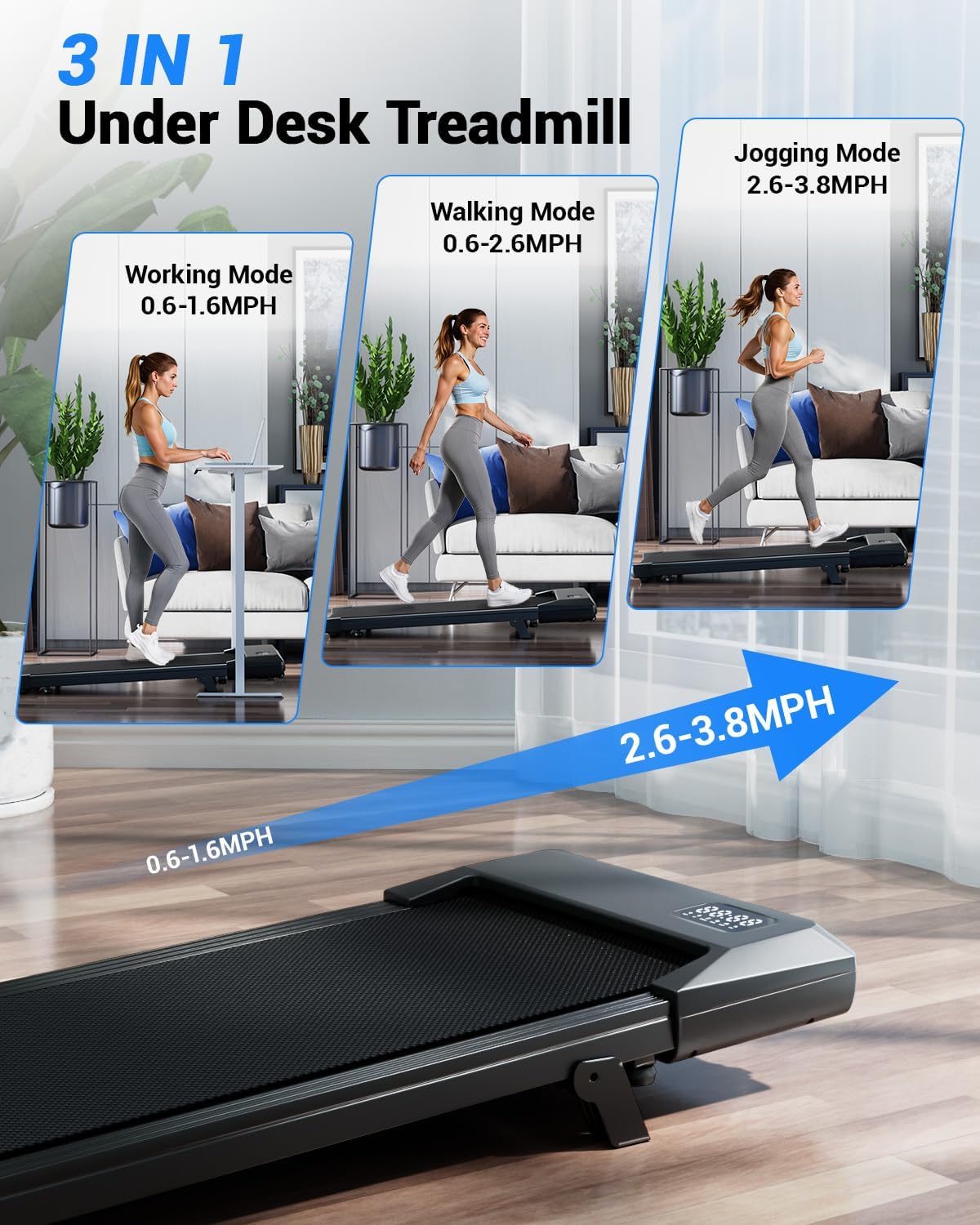
Figure 5.1: The 3-in-1 design supports working, walking, and jogging modes.
5.4 LED Display
The integrated LED display tracks key workout metrics:
- Time: Duration of your workout.
- Speed: Current speed in Miles Per Hour (MPH).
- Distance: Total distance covered.
- Calories: Estimated calories burned.
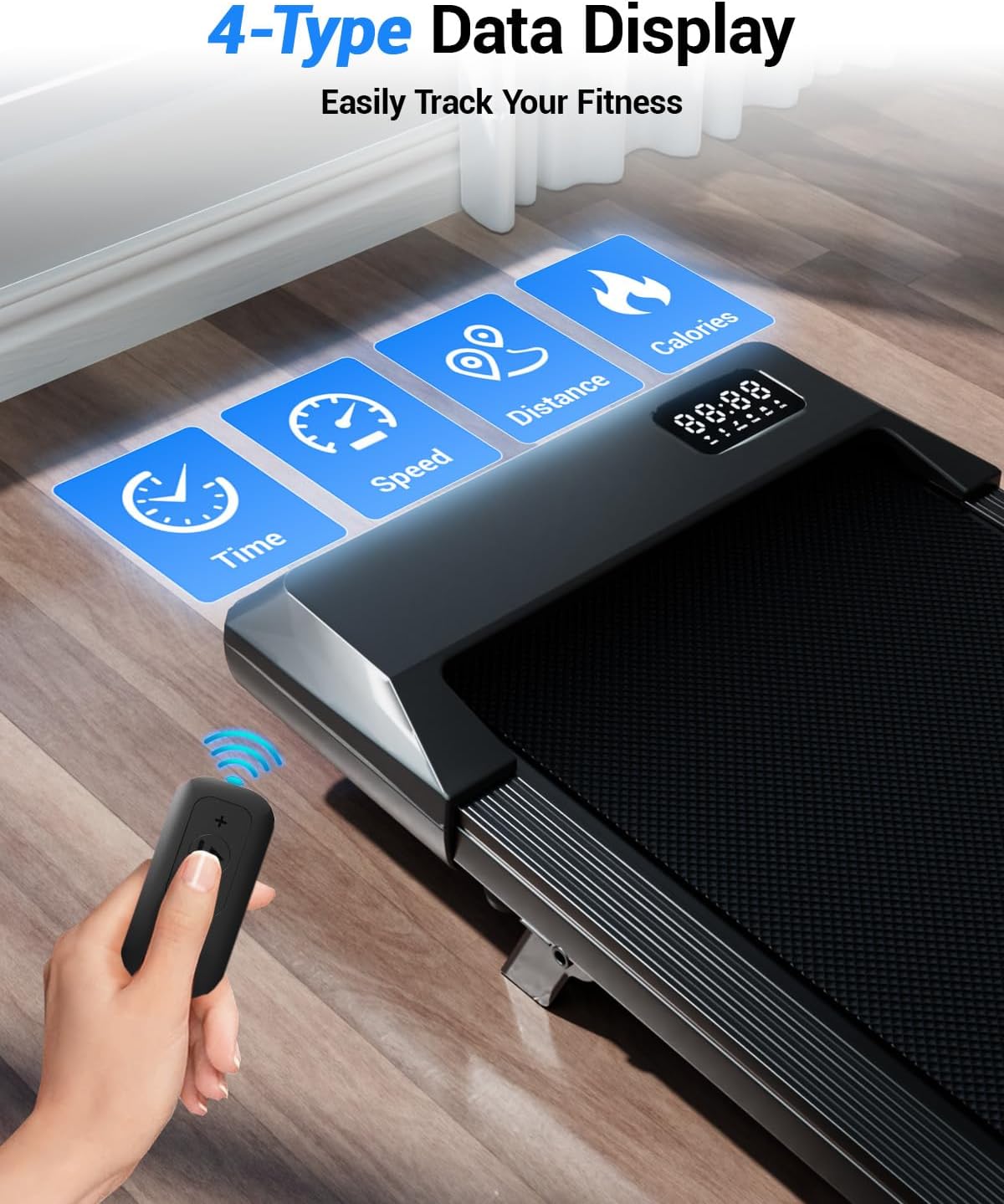
Figure 5.2: The LED display provides real-time workout data.
5.5 PitPat App Integration
Enhance your workout experience by connecting to the PitPat App. The app allows for smart tracking, virtual races, and community engagement.
- Download the PitPat App from your device's app store.
- Follow the in-app instructions to connect your treadmill via Bluetooth.
- Track detailed workout statistics, participate in challenges, and connect with other users.
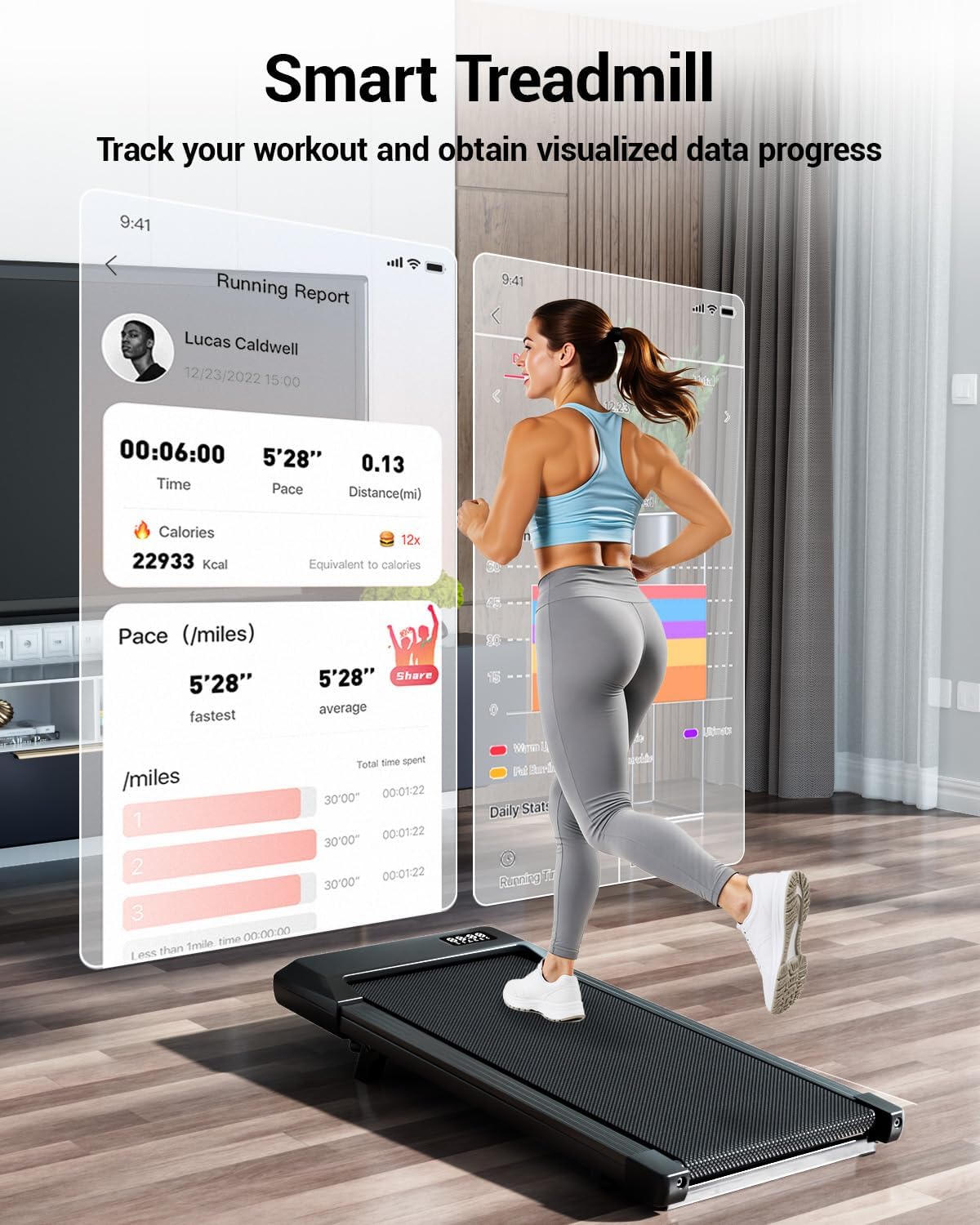
Figure 5.3: The PitPat App offers advanced tracking and interactive features.
Video 5.1: This video demonstrates the features of the Superun Walking Pad, including its compact design, quiet operation, and integration with the PitPat App for interactive workouts.
Video 5.2: This video provides a guide on how to use the Superun Walking Pad Treadmill BA05, covering basic operation and features.
6. Key Features
- 6% Manual Incline: Simulates uphill climbing for increased calorie burn and workout intensity.
- 2.5HP Quiet Motor: Powerful yet quiet operation (less than 45dB), suitable for home and office environments without disturbance.
- 5-Layer Shock-Absorbing Belt: Provides cushioning to protect joints and enhance comfort during workouts.
- Ultra-Light & Space-Saving Design: Weighs only 35 lbs with a slim 3.94" profile and built-in wheels for easy storage under furniture.
- 300 lbs Capacity: Robust alloy chassis ensures durability and safety for users up to 300 pounds.
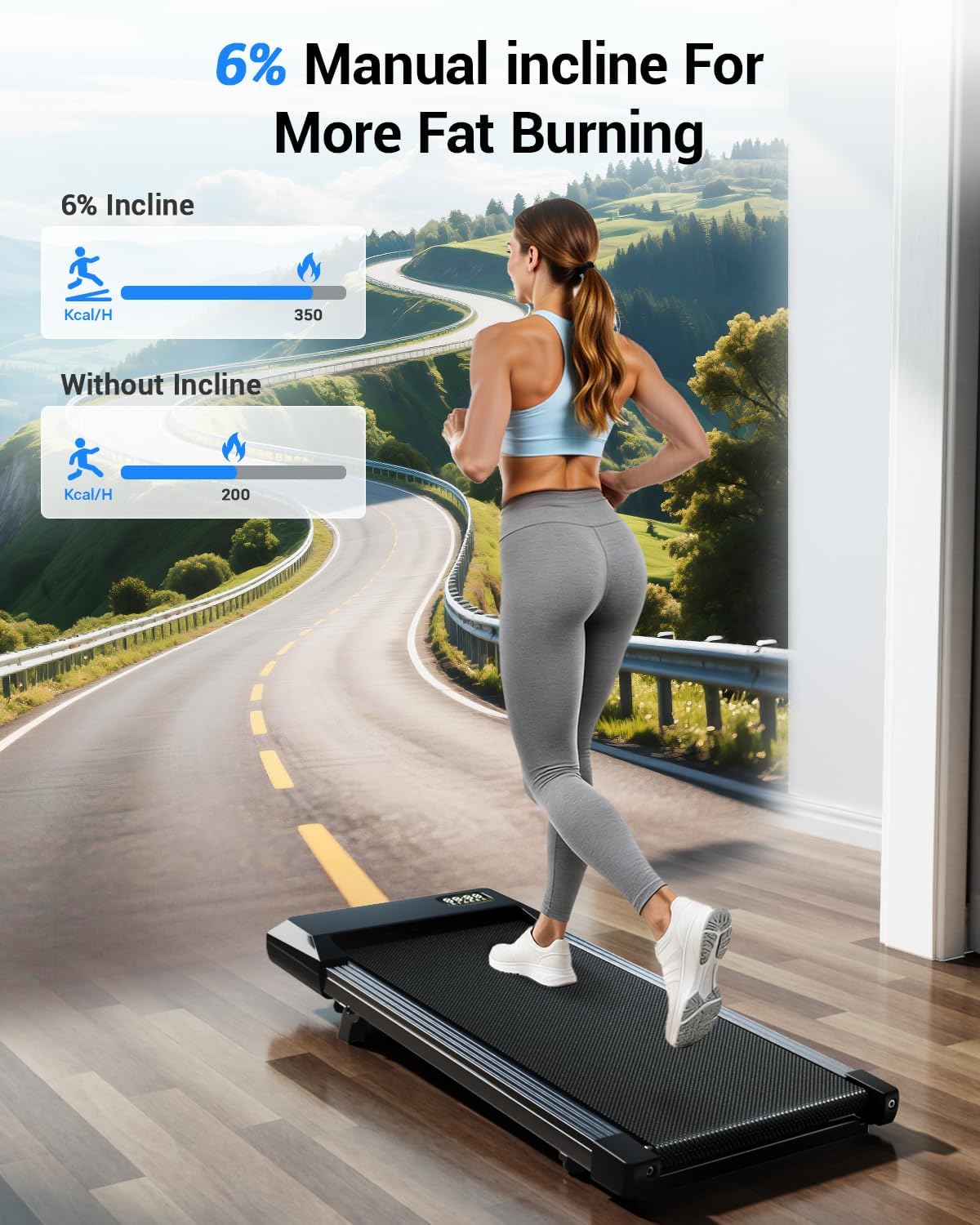
Figure 6.1: The 6% manual incline feature helps maximize calorie expenditure.
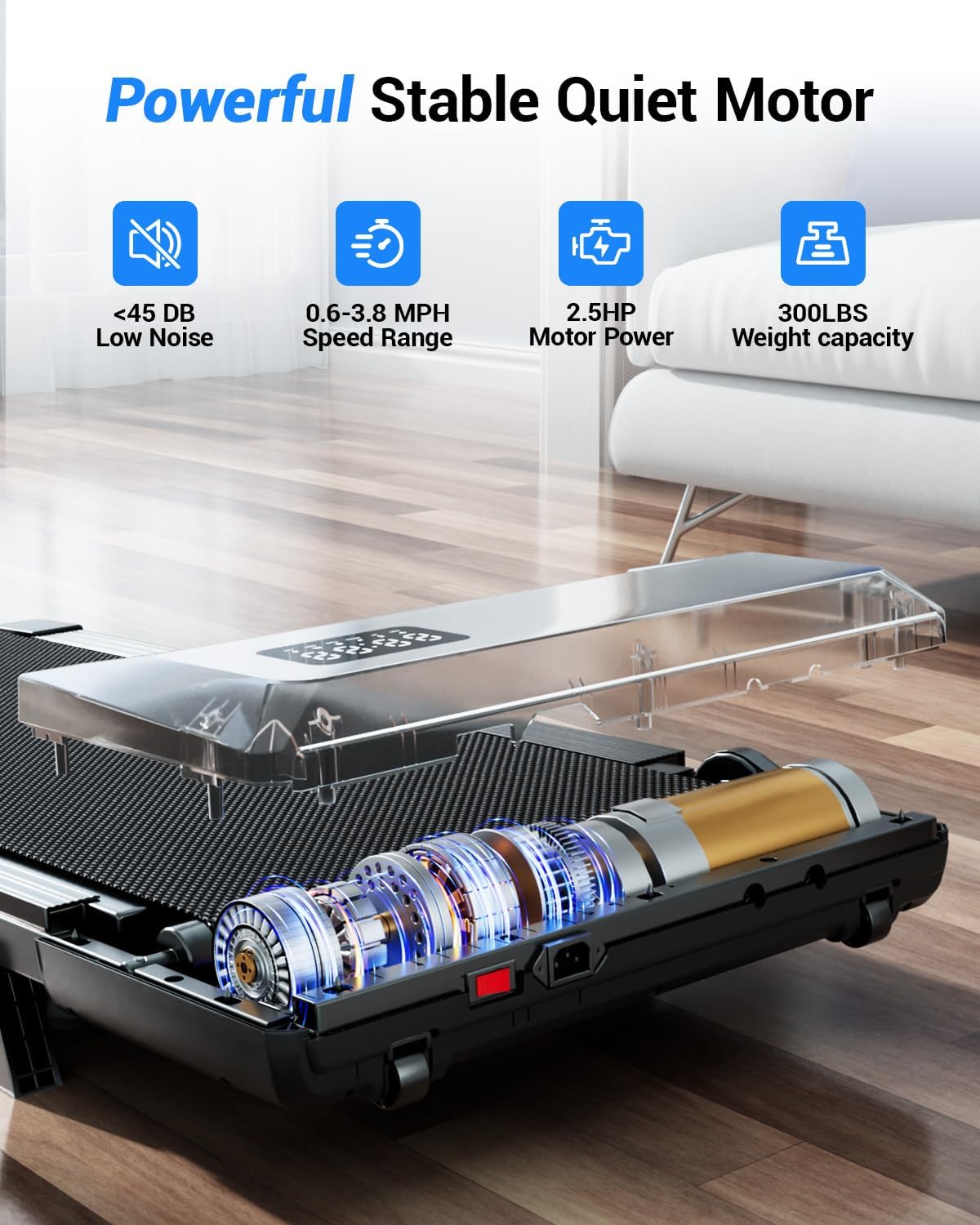
Figure 6.2: Powerful and quiet 2.5HP motor for smooth operation.
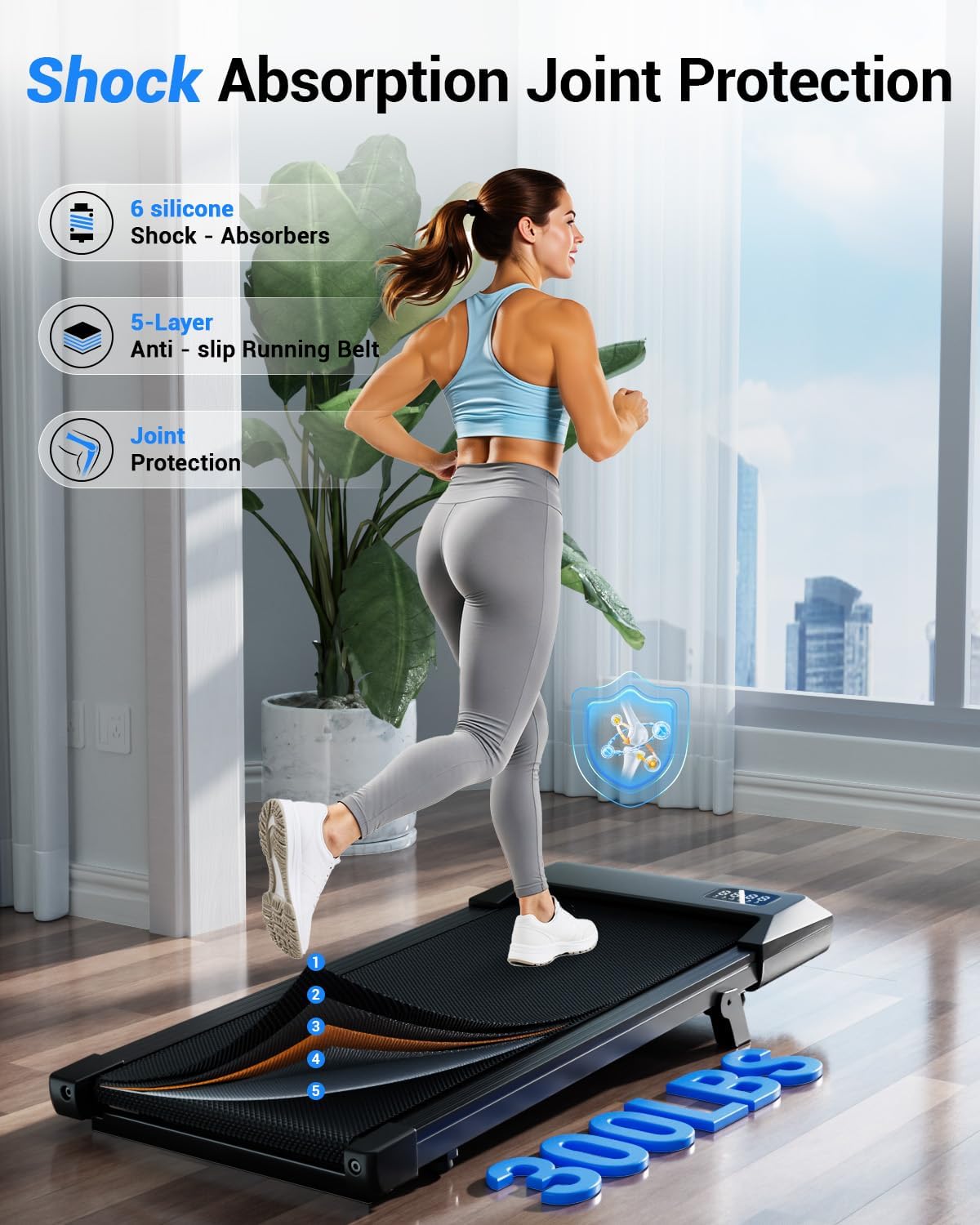
Figure 6.3: Advanced shock absorption and multi-layer belt for joint protection.
7. Maintenance
Regular maintenance ensures the longevity and optimal performance of your Superun Walking Pad Treadmill.
7.1 Lubrication
Apply lubricant to the running belt every 3 months or after 100 hours of use, whichever comes first. Refer to the included lubricant instructions for proper application.
7.2 Running Belt Adjustment
The running belt may require adjustment over time to ensure it remains centered and properly tensioned. Use the provided tool kit for adjustments.
- Centering the Running Belt: If the belt slides to one side, turn off the treadmill, then use the hex wrench to adjust the rear screws. Rotate the screw on the side the belt is leaning towards clockwise by 1/8 turn (approx. 45 degrees). Turn on the treadmill at a low speed (e.g., 2 KPH) for 30-60 seconds to observe. Repeat if necessary until the belt is centered.
- Tightening the Running Belt: If the belt feels too loose or slips during use, turn off the treadmill. Set the machine to a speed of 2.0 KPH. Adjust both rear screws clockwise in small increments (e.g., 1/8 turn) until the belt runs smoothly without slipping.
Video 7.1: This video provides detailed instructions on how to center the running belt of your Superun Treadmill if it becomes misaligned.
Video 7.2: This video guides you through the process of tightening the running belt on your Superun Treadmill to resolve looseness or slipping issues.
8. Troubleshooting
If you encounter any issues with your Superun Walking Pad Treadmill, refer to the following common problems and solutions:
| Problem | Possible Cause | Solution |
|---|---|---|
| Treadmill does not power on. | Power cord not properly connected; power switch off; circuit breaker tripped. | Check power cord connection; ensure power switch is on; reset circuit breaker. |
| Running belt slips or feels jerky. | Belt too loose; insufficient lubrication. | Tighten the running belt (refer to Section 7.2); lubricate the belt (refer to Section 7.1). |
| Running belt is off-center. | Belt misalignment. | Center the running belt (refer to Section 7.2). |
| Unusual noise during operation. | Loose components; belt friction. | Check for and tighten any loose screws; lubricate the belt if needed. |
| Remote control not responding. | Dead battery; remote not paired. | Replace remote battery; re-pair remote according to product instructions (if applicable). |
If the issue persists after attempting these solutions, please contact Superun customer service for assistance.
9. Specifications
| Brand | Superun |
| Model Number | BA10-B |
| Color | Black |
| Product Dimensions (D x W x H) | 42.62"D x 19.69"W x 3.94"H |
| Item Weight | 35.05 Pounds |
| Material | Alloy Steel |
| Maximum Speed | 3.8 Miles per Hour |
| Minimum Speed | 0.6 Miles per Hour |
| Maximum Incline Percentage | 6% (Manual) |
| Maximum Horsepower | 2.5 HP |
| Maximum Weight Recommendation | 300 Pounds |
| Display Type | LED |
| Metrics Measured | Calories Burned, Distance, Speed, Time |
| Power Source | Corded Electric |
| Assembly Required | No |
10. Warranty and Support
The Superun Walking Pad Treadmill BA10-B comes with a 1-year warranty from the date of purchase. This warranty covers manufacturing defects and malfunctions under normal use.
For warranty claims, technical support, or any questions regarding your product, please contact Superun customer service. Our professional team is ready to provide a satisfactory solution within 24 hours.
Please have your model number (BA10-B) and proof of purchase ready when contacting support.
You can visit the Superun Store on Amazon for more information and support resources.
