
1. Introduction
Welcome to the user manual for your new realme P4x 5G Smartphone. This guide provides essential information to help you set up, operate, maintain, and troubleshoot your device. The realme P4x combines a sleek design with powerful performance, featuring 5G connectivity, a versatile camera system, and a long-lasting battery.
Please read this manual thoroughly to ensure optimal use and longevity of your smartphone.
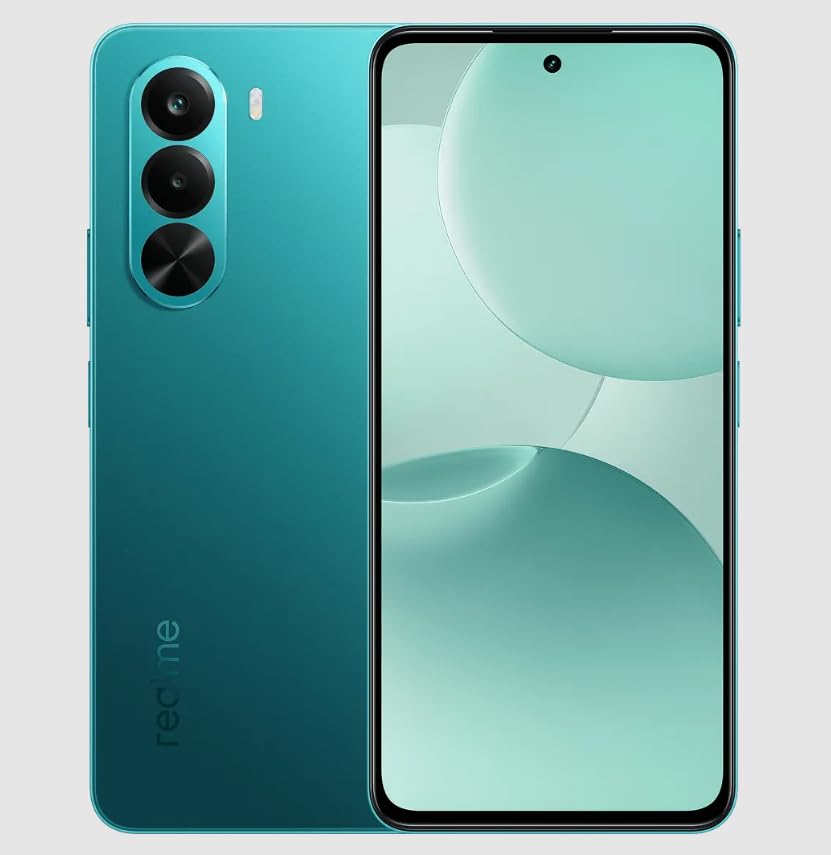
Image 1.1: Front view of the realme P4x 5G Smartphone.
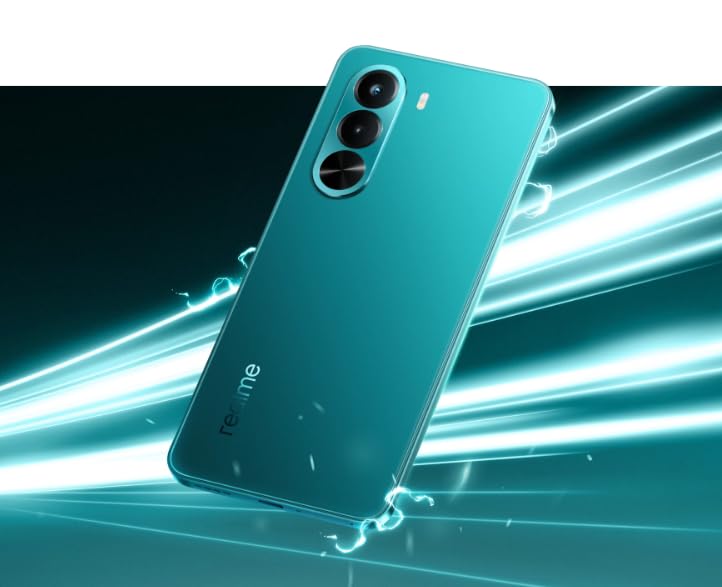
Image 1.2: Dynamic back view of the realme P4x 5G Smartphone, highlighting its design.
2. Setup Guide
2.1. What's in the Box
Upon opening the package, you should find the following items:
- realme P4x 5G Smartphone
- (Other accessories like charger, USB cable, SIM ejector tool, protective case may vary by region and package)
2.2. Inserting SIM Cards
The realme P4x supports Dual Nano SIM cards.
- Locate the SIM card tray on the side of your device.
- Insert the SIM ejector tool into the small hole next to the tray and press gently until the tray pops out.
- Place your Nano SIM cards into the designated slots on the tray, ensuring the gold contacts face downwards.
- Carefully reinsert the SIM tray into the phone.

Image 2.1: Side view illustrating the SIM card tray location.
2.3. Initial Charging and Power On
Before first use, it is recommended to fully charge your device.
- Connect the USB Type-C cable to the charging port at the bottom of the phone and the other end to a power adapter.
- Plug the adapter into a power outlet. The phone supports 33W fast charging for its 5000mAh battery.
- Once sufficiently charged, press and hold the Power button (located on the side) until the realme logo appears.
- Follow the on-screen instructions to complete the initial setup, including language selection, Wi-Fi connection, and Google account setup.
3. Operating Your Smartphone
3.1. Basic Navigation
The realme P4x features a responsive touchscreen for all interactions.
- Tap: Select items, open apps, or confirm actions.
- Swipe: Navigate through home screens, menus, or web pages.
- Pinch-to-Zoom: Enlarge or reduce content on the screen.
- Power Button: Press to wake/sleep the screen, long-press to power off or restart.
- Volume Buttons: Adjust media volume, call volume, or ringtone volume.

Image 3.1: Side view highlighting the power and volume button placement.
3.2. Biometric Security (Fingerprint Recognition)
Unlock your device securely using the integrated fingerprint recognition.
- Go to Settings > Security & Privacy > Fingerprint.
- Follow the on-screen instructions to register your fingerprint.
- Once registered, you can use your fingerprint to unlock the phone or authorize purchases.
3.3. Camera Functions
The realme P4x features a Triple Rear Camera setup with a 64MP Optical Sensor Resolution (Main) and a 16MP Front Photo Sensor.
- Taking Photos: Open the Camera app, frame your shot, and tap the shutter button.
- Video Recording: Switch to video mode in the Camera app and tap the record button. The device supports 1080p video capture at 30 Fps.
- Shooting Modes: Explore various modes like High Dynamic Range (HDR) for improved photo quality in challenging lighting.
- Flash: The LED flash can be used in low-light conditions.
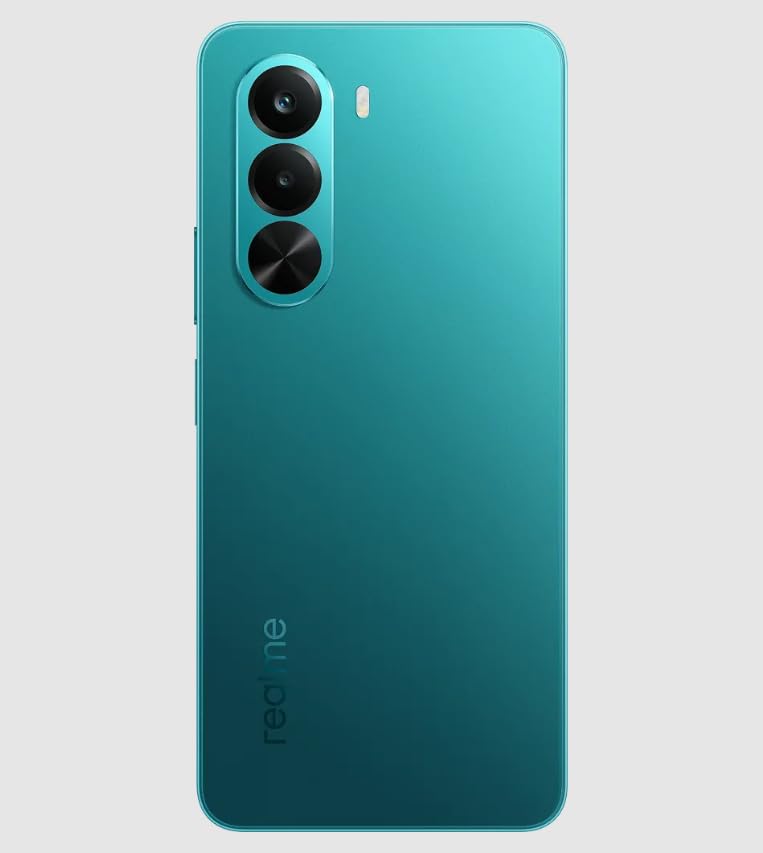
Image 3.2: Rear view displaying the triple camera system.
4. Maintenance
4.1. Cleaning Your Device
To keep your realme P4x clean and functional:
- Use a soft, lint-free cloth to wipe the screen and body.
- Avoid using harsh chemicals, abrasive cleaners, or aerosol sprays.
- Do not expose the device to excessive moisture. While it is water repellent, it is not fully waterproof.
4.2. Software Updates
Regularly check for and install software updates to ensure optimal performance, security, and access to new features.
- Go to Settings > About device > Up to date (or similar path depending on Android version).
- Connect to a stable Wi-Fi network before downloading updates.
4.3. Battery Care
To maximize battery life and performance:
- Avoid extreme temperatures.
- Use the original charger and cable for optimal charging speed and safety.
- Do not let the battery drain completely frequently.
5. Troubleshooting
If you encounter issues with your realme P4x, try the following solutions:
| Problem | Solution |
|---|---|
| Device not powering on | Ensure the battery is charged. Connect to a charger for at least 15 minutes, then try powering on. |
| Apps crashing or slow performance | Restart the device. Clear cache for problematic apps (Settings > Apps > [App Name] > Storage > Clear cache). Ensure sufficient storage space. |
| Cannot connect to Wi-Fi/Mobile Data | Toggle Wi-Fi/Mobile Data off and on. Restart the phone. Check router settings for Wi-Fi. Ensure SIM card is correctly inserted and active for mobile data. |
| Camera not working | Restart the Camera app. Restart the phone. Clear Camera app cache and data (Settings > Apps > Camera > Storage). |
| Battery drains quickly | Check battery usage in Settings > Battery to identify power-hungry apps. Reduce screen brightness, disable unnecessary features like GPS or Bluetooth when not in use. |
If issues persist, consider performing a factory reset (Settings > System > Reset options > Erase all data (factory reset)). Warning: This will erase all data on your phone. Back up important data before proceeding.
6. Specifications
Below are the key technical specifications for the realme P4x 5G Smartphone:

Image 6.1: Infographic summarizing key features and specifications.
| Feature | Detail |
|---|---|
| Brand | realme |
| Model | P4x |
| Operating System | Android |
| Processor | Mediatek Dimensity 8000 (2.6 Hz CPU Speed) |
| RAM | 6 GB |
| Internal Storage | 128 GB |
| Expandable Storage | Up to 1024 GB (Flash Memory Supported Size Maximum) |
| Display | 6.7 Inches LCD, 2400 x 1080 Resolution, 90 Hz Refresh Rate |
| Rear Camera | Triple Camera Setup, 64 MP Optical Sensor Resolution (Main) |
| Front Camera | 16 MP |
| Battery | 5000 mAh Li-ion, 33W Fast Charging (120 Minutes Charge Time) |
| Connectivity | 5G, USB Type C, 3.5 mm Headphones Jack |
| SIM Card Type | Dual Nano SIM |
| Security | Fingerprint Recognition |
| Water Resistance | Water Repellent |
| Dimensions | 16.5 x 7.5 x 16.3 Centimeters |
| Weight | 188 Grams |
| Model Year | 2023 |
| Country of Origin | India |
7. Warranty and Support
7.1. Warranty Information
Your realme P4x 5G Smartphone comes with a domestic warranty:
- Handset: 1 year warranty
- Accessories: 6 months warranty
Please retain your proof of purchase for warranty claims. The warranty covers manufacturing defects and does not cover damage caused by misuse, accidents, or unauthorized repairs.
7.2. Customer Support
For further assistance, technical support, or service inquiries, please contact realme customer service.
- Manufacturer: Realme Mobile India Private limited
- Contact Address: REALME MOBILE TELECOMMUNICATIONS (INDIA) PRIVATE LIMITED 3rd Floor, Tower-B, Building No.8, DLF Cyber City, Gurugram-122002, Haryana, India
- Online Support: Visit the official realme website for support resources, FAQs, and contact options.


