
Introduction
Thank you for choosing the MySmile LP211 Cordless Water Flosser. This device is designed to provide an effective and convenient way to improve your oral hygiene. By following the instructions in this manual, you can ensure proper use and maintenance of your water flosser for optimal performance and longevity.
Important Safety Information
Please read all instructions carefully before using this product. Keep this manual for future reference.
- Do not immerse the charging base in water or other liquids.
- Do not use this product if you have an open wound on your tongue or in your mouth.
- Keep out of reach of children.
- Use only as directed in this manual.
- If the product is damaged, do not use it. Contact customer support.
- This product is intended for personal oral hygiene and should not be used for any other purpose.
Package Contents
Verify that all items are included in your package:
- MySmile LP211 Water Flosser Unit
- 4x Standard Jet Tips
- 1x Plaque Jet Tip
- 1x Orthodontic Tip
- 1x Periodontal Pocket Tip
- 1x Tongue Cleaner
- USB-C Charging Cable
- PU Storage Bag
- User Guide (this manual)

Image: MySmile LP211 Water Flosser with various tips, charging cable, and storage bag, illustrating the complete package contents.
Product Overview
The MySmile LP211 Water Flosser features a 360° rotating spray head and offers 5 professional cleaning modes. It is designed for effective plaque removal and gum health.

Image: Overview of the MySmile LP211 Water Flosser highlighting its 360° rotating spray head, 8 replacement tips, 2200-3000 pulses per minute, and 40-150 PSI pressure range.
Cleaning Modes:
- Strong: For thorough cleaning.
- Normal: For daily use.
- Soft: For sensitive gums.
- Pulse: For gum massage.
- Child: A gentle mode for children or very sensitive users.
Interchangeable Tips:
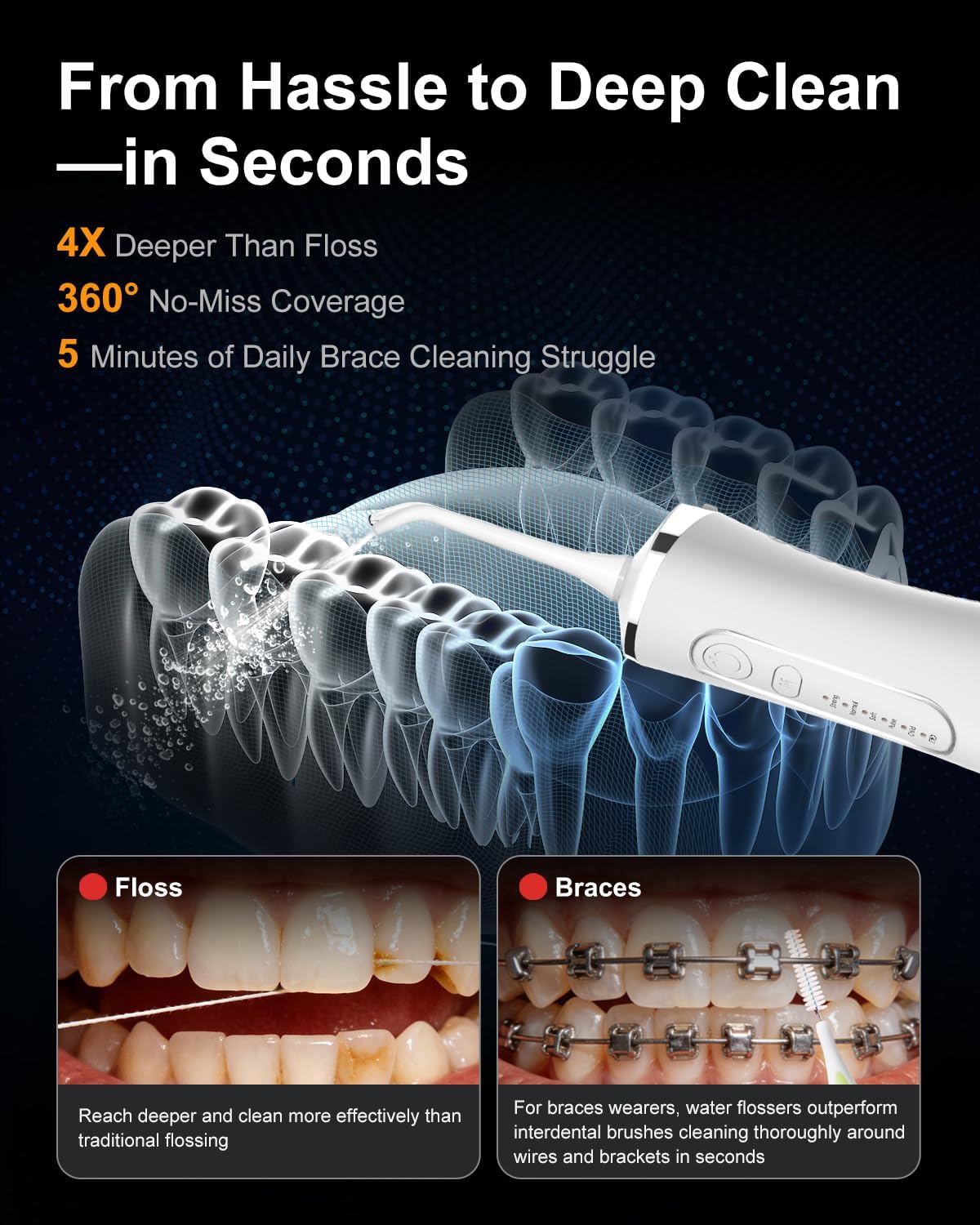
Image: Detailed view of the five types of water flosser tips included: Standard, Periodontal, Tongue, Orthodontic, and Plaque Jet Tip, each designed for specific cleaning needs.
- Standard Tip: For daily gentle flush.
- Periodontal Tip: Ultra-soft silicone tip for massaging and cleaning sensitive gums and pockets.
- Tongue Tip: Gently removes residue for fresh breath.
- Orthodontic Tip: Soft brush for cleaning around braces and orthodontic work.
- Plaque Jet Tip: Precision stream to disrupt plaque between teeth and braces.
Setup and First Use
- Charge the Device: Before first use, fully charge the water flosser using the provided USB-C cable. The battery indicator will show charging status. A full charge provides up to 40 days of use.
- Attach the Tip: Select the desired tip and insert it into the hole on top of the handle until it clicks into place.
- Fill the Water Tank: Remove the water flosser tip from the handle. Fill the 260ml water tank with warm water. Reattach the tip to the handle securely.
Video: This video demonstrates the setup and basic operation of the MySmile Water Flosser, including how to attach the tip and fill the water tank, and shows the device in use.
Operating Instructions
- Select Mode: Press the 'M' button to cycle through the 5 cleaning modes (Strong, Normal, Soft, Pulse, Child). The indicator light will show the selected mode.
- Position the Tip: Lean over the sink and place the tip in your mouth, aiming the stream at your gumline at a 90-degree angle.
- Start Flossing: Press the power button to turn on the water flosser. Guide the tip along your teeth and gums, pausing briefly between teeth.
- Adjust Pressure: The device offers an adjustable pressure range of 40–150 PSI. Start with a lower pressure setting, especially if you have sensitive gums, and gradually increase as you become comfortable.
- Complete Cleaning: Continue until you have cleaned all areas of your mouth. The 260ml tank capacity is designed for a single full cleaning session.
Maintenance
- After Each Use: Turn off the device. Remove the tip and rinse it under water. Empty any remaining water from the tank.
- Cleaning the Unit: Clean the water tank and tip with mild soap and warm water. The IPX7 waterproof rating allows for safe rinsing of the entire unit under the tap or in the shower.
- Drying and Storage: Allow all parts to air dry completely before storing. Store the water flosser in the provided travel pouch to keep it clean and protected.
- Tip Replacement: For optimal results and hygiene, replace the water flosser tip every 3-6 months, or sooner if the tip becomes damaged.
Troubleshooting
| Problem | Possible Cause | Solution |
|---|---|---|
| No water flow | Water tank empty; tip clogged; device not turned on. | Refill water tank; clean tip; ensure device is powered on. |
| Weak water pressure | Low battery; selected mode is too soft; tip clogged. | Recharge battery; switch to a stronger mode; clean tip. |
| Device not charging | Charging cable not properly connected; faulty cable/adapter. | Ensure secure connection; try a different USB-C cable or power adapter. |
| Water leakage | Tip not securely attached; water tank not properly sealed. | Ensure tip clicks into place; check water tank for proper sealing. |
Specifications
- Model Number: LP211
- Brand: MySmile
- Water Tank Volume: 260 ml
- Pressure Range: 40-150 PSI
- Pulse Rate: 2,000–2,800 pulses per minute
- Battery: 2000mAh (up to 40 days use on a single charge)
- Charging: USB-C (5V/1A)
- Waterproof Rating: IPX7
- Dimensions: 10 x 3.86 x 3.66 inches
- Weight: 1.06 Pounds
- Power Source: Battery Powered
- Additional Features: Battery Indicator
- Color: Pure White
Warranty and Support
The MySmile LP211 Water Flosser comes with a 1-Year Manufacturer Warranty from the date of purchase. This warranty covers defects in materials and workmanship under normal use.
For warranty claims, technical support, or any questions regarding your product, please contact MySmile customer service through the retailer where you purchased the product or visit the official MySmile website.
Note: Statements regarding dietary supplements have not been evaluated by the FDA and are not intended to diagnose, treat, cure, or prevent any disease or health condition.


