
1. Product Overview
The VIZIO 40-inch Quantum Full HD Smart TV (Model VFQ40M-1004) offers a vibrant viewing experience with QLED technology, delivering enhanced brightness, contrast, and color accuracy. This smart television provides access to popular streaming applications and free content through its intuitive platform. It also features immersive audio capabilities with DTS Virtual:X and versatile connectivity options including Wi-Fi, Bluetooth, and multiple HDMI ports.

Image: Representation of QLED color technology, highlighting vibrant and accurate color reproduction.
Key Features:
- Enhanced Quantum Color Display: QLED technology for superior brightness, contrast, and color accuracy.
- Full HD 1080p Resolution: Provides a clear and detailed picture for everyday entertainment.
- Smart TV Platform: Access to streaming apps and free content with easy navigation.
- DTS Virtual:X & Bluetooth: Immersive audio and wireless connectivity for soundbars or headphones.
- Versatile Connectivity: Dual-band WiFi, multiple HDMI ports, and USB input.
2. Setup Instructions
2.1 Unpacking and Placement
- Carefully remove the TV from its packaging.
- Place the TV on a stable, flat surface or mount it on a wall using a compatible VESA 200 x 200 mm mount (sold separately). Ensure adequate ventilation around the TV.

Image: VIZIO Smart TV displayed on a stand, illustrating typical placement in a room.
2.2 Connecting Power and Initial Power-On
- Connect the power cord to the TV and then to a power outlet.
- Press the power button on the TV or the remote control to turn on the TV.
- Follow the on-screen prompts for initial setup, including language selection and network connection.
2.3 Network Connection (Wi-Fi)
- During initial setup, select your Wi-Fi network from the list of available networks.
- Enter your Wi-Fi password using the on-screen keyboard. The TV supports dual-band Wi-Fi.
- Once connected, the TV will confirm the network status.
2.4 Connecting External Devices
The TV features multiple ports for connecting external devices:
- HDMI Ports (Total: 2): Connect Blu-ray players, gaming consoles, cable boxes, or other HDMI-enabled devices.
- USB Ports (Total: 2, including 1 USB 3.0): Connect USB drives for media playback or firmware updates.
- Bluetooth: Pair wireless headphones or soundbars for audio output.
Ensure the TV is powered off before connecting or disconnecting devices. Select the appropriate input source using the remote control after connecting a device.
3. Operating Your VIZIO Smart TV
3.1 Smart TV Platform Navigation
The VIZIO Smart TV platform provides instant access to a variety of streaming applications and free content. Use the included remote control or a compatible mobile app to navigate the interface.

Image: The VIZIO Smart TV home screen, displaying various streaming applications and content options.
- Home Screen: Provides quick access to installed apps, recommended content, and input selections.
- App Store: Download and install additional streaming services like Netflix, Amazon Prime, YouTube, and Google TV.
- Input Selection: Easily switch between connected HDMI devices, USB media, or the Smart TV platform.
3.2 Audio Features
The TV is equipped with built-in speakers featuring DTS Virtual:X for an enhanced audio experience. You can also connect external audio devices wirelessly.
- DTS Virtual:X: Provides virtual surround sound for a more immersive listening experience.
- Bluetooth Audio: Pair Bluetooth-enabled headphones or soundbars for private listening or enhanced sound output.
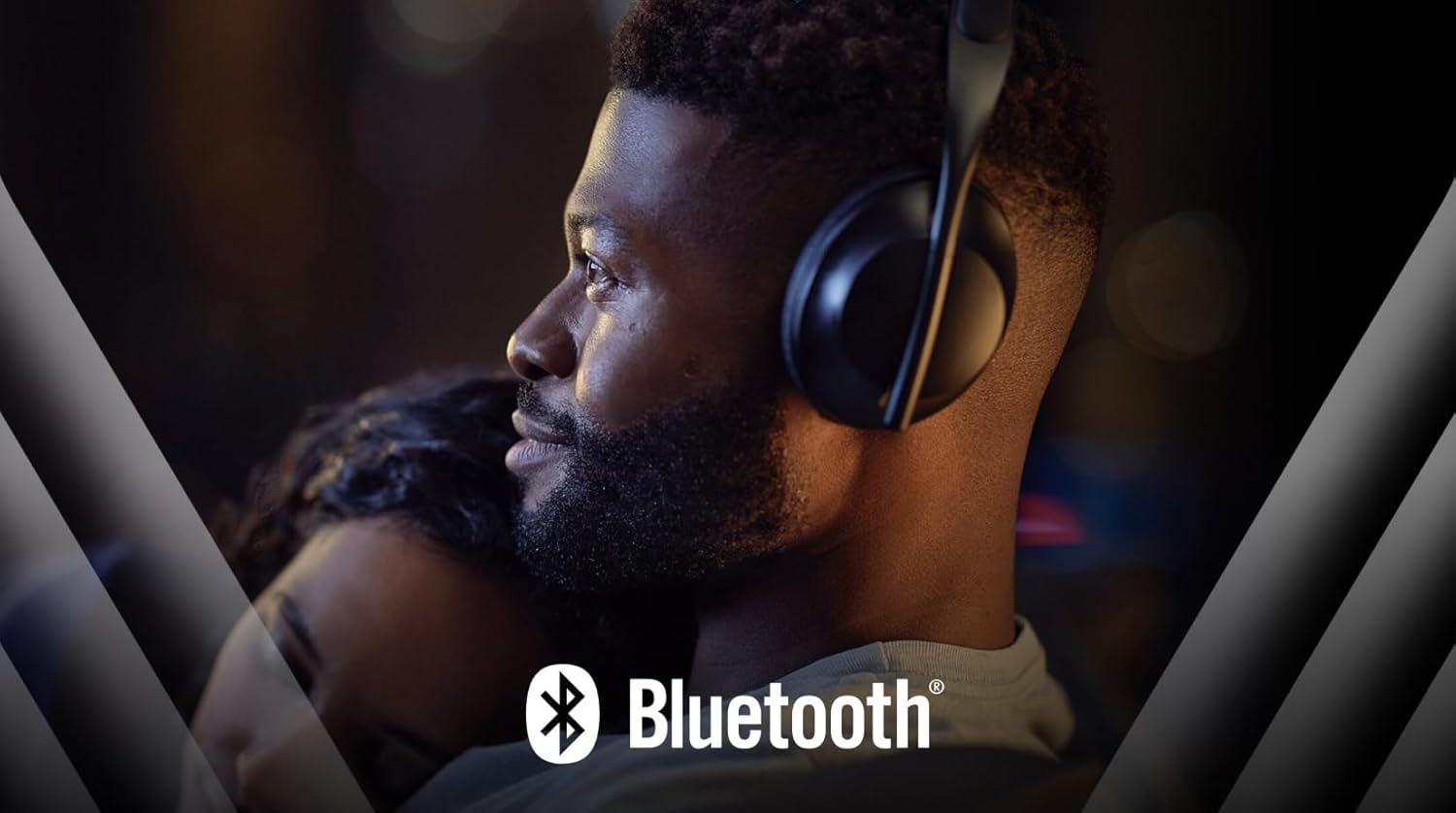
Image: A person wearing Bluetooth headphones, demonstrating the wireless audio connectivity feature of the TV.
3.3 Special Features
- Auto Volume Leveler: Maintains consistent volume levels across different channels and content.
- Chromecast Built-in: Cast content directly from compatible mobile devices or computers to your TV.
- Game Mode: Optimizes display settings for gaming, reducing input lag.
- Apple AirPlay: Stream content from Apple devices directly to your TV.
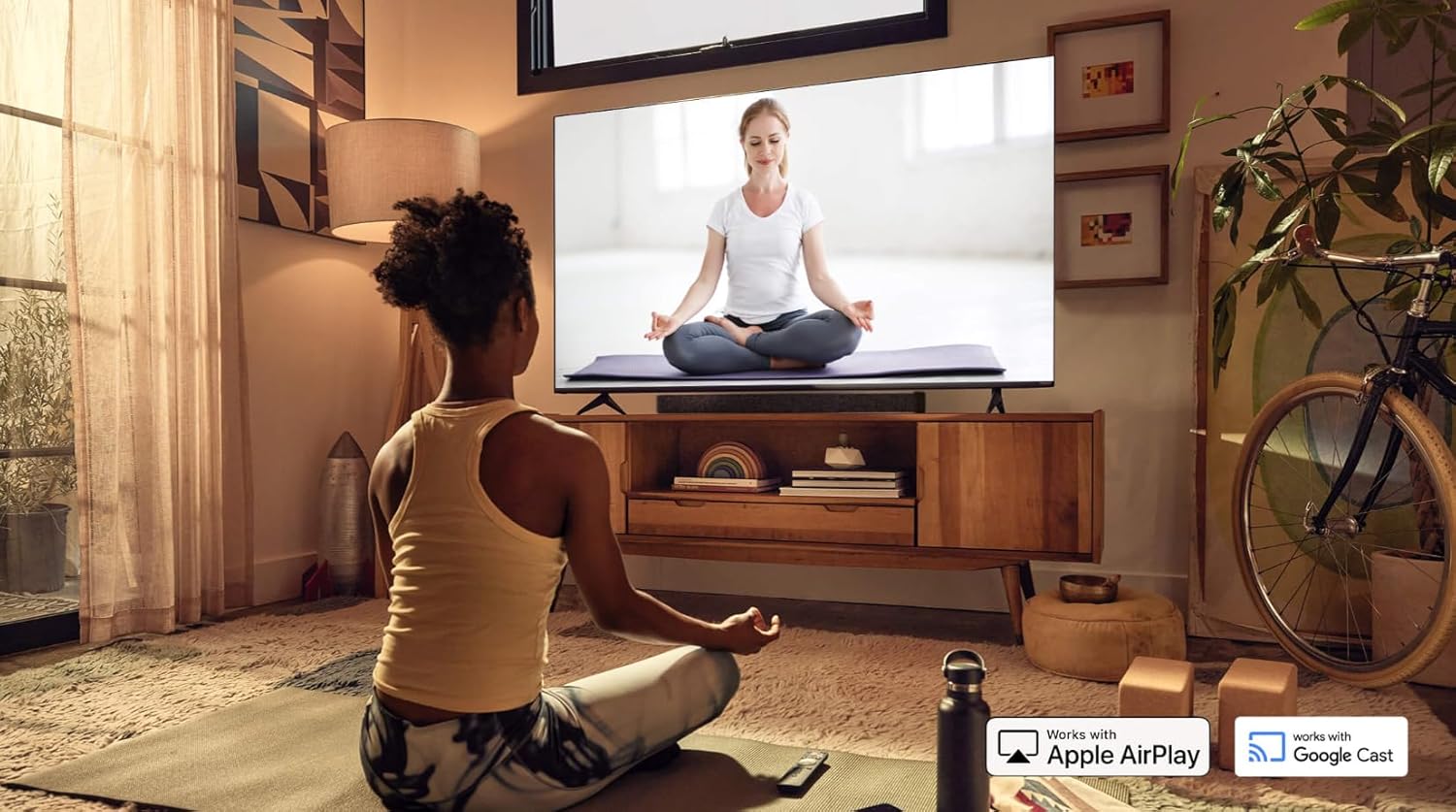
Image: A VIZIO Smart TV displaying content, with logos indicating compatibility with Apple AirPlay and Google Cast.
4. Maintenance
4.1 Cleaning the TV
- Always unplug the TV before cleaning.
- Use a soft, dry microfiber cloth to gently wipe the screen and cabinet.
- For stubborn marks, lightly dampen the cloth with water or a specialized screen cleaner (do not spray directly onto the screen).
- Avoid using abrasive cleaners, waxes, or solvents as they can damage the TV's finish.
4.2 Software Updates
The TV may periodically receive software updates to improve performance and add new features. Ensure your TV is connected to the internet to receive these updates automatically. You can also check for updates manually through the TV's settings menu.
5. Troubleshooting
If you encounter issues with your VIZIO Smart TV, refer to the following common solutions:
| Problem | Possible Solution |
|---|---|
| TV does not power on. | Ensure the power cord is securely connected to both the TV and a working power outlet. Try a different outlet. |
| No picture or sound. | Verify the correct input source is selected. Check all cable connections (HDMI, etc.). |
| Cannot connect to Wi-Fi. |
|
| Remote control not working. | Replace the batteries in the remote. Ensure there are no obstructions between the remote and the TV's IR sensor. |
| Smart TV platform is slow or freezes. |
|
If the problem persists after trying these solutions, please refer to the support section.
6. Specifications
| Feature | Detail |
|---|---|
| Model Name | VFQ40M-1004 |
| Screen Size | 40 inches |
| Display Technology | QLED, LED Backlight (Full Array Local Dimming) |
| Resolution | 1080p Full HD |
| Refresh Rate | 60 Hz |
| HDR Format Supported | HDR |
| Connectivity Technology | Bluetooth, Wi-Fi (Dual-band) |
| HDMI Ports | 2 |
| USB Ports | 2 (1x USB 3.0) |
| Audio Output | Built-in speakers with DTS Virtual:X (2.1 channels) |
| Supported Internet Services | Netflix, Amazon Prime, YouTube, Google TV, others |
| Special Features | Auto Volume Leveler, Browser, Chromecast, Flat, Game Mode, Apple AirPlay |
| Control Method | App, Remote Control |
| Mounting Type | Table Mount, Wall Mount (VESA 200 x 200 mm) |
| Included Components | Remote Control |
| Color | Black |
| GTIN / UPC | 732777404582 |
7. Warranty & Support
7.1 Warranty Information
This VIZIO Smart TV (Model VFQ40M-1004) comes with a 90-day limited warranty. This warranty covers defects in materials and workmanship under normal use. Please retain your proof of purchase for warranty claims.
For detailed terms and conditions of the warranty, please refer to the documentation provided with your product or visit the official VIZIO support website.
7.2 Customer Support
If you require further assistance or encounter issues not covered in the troubleshooting section, please contact VIZIO customer support. Support contact information can typically be found on the VIZIO official website or in the product packaging.
When contacting support, please have your TV's model number (VFQ40M-1004) and serial number ready. The serial number is usually located on a sticker on the back of the TV.


