
1. Introduction
The XIAOWTEK S58 Wireless Earbuds offer a high-quality audio experience with advanced features designed for convenience and performance. These earbuds utilize Bluetooth 5.4 technology for stable connections, provide Hi-Fi stereo sound, and feature an LED power display on the charging case. They are also IP7 waterproof and designed for comfortable, extended wear.

Image: The XIAOWTEK S58 Wireless Earbuds in their charging case.
2. What's in the Box
Please ensure all items are present in the package:
- XIAOWTEK S58 Wireless Earbuds (Left and Right)
- Charging Case
- User Manual
- Type-C Charging Cable

Image: The earbuds, charging case, user manual, and Type-C charging cable.
3. Setup
3.1 Charging the Earbuds and Case
Before first use, fully charge the earbuds and charging case. The charging case features an LED display that shows the battery level of both the case and individual earbuds (0-100%).
- Place the earbuds into the charging case.
- Connect the Type-C charging cable to the charging port on the case and a power source.
- Monitor the LED display for charging status. The display will show the battery percentage of the case and charging indicators for each earbud.

Image: The LED display showing battery levels for the charging case and individual earbuds.
3.2 Pairing with a Device
The S58 earbuds feature automatic pairing for convenience.
- Ensure the earbuds are charged.
- Open the charging case. The earbuds will automatically enter pairing mode.
- On your device (smartphone, tablet, laptop), go to Bluetooth settings and enable Bluetooth.
- Search for available devices and select "S58" from the list.
- Once connected, the earbuds are ready for use. They will automatically reconnect to the last paired device when removed from the case.

Image: Illustration of Bluetooth 5.4 connectivity and one-step auto pairing.
4. Operating Instructions
4.1 Smart Touch Controls
The S58 earbuds feature highly responsive touch controls on each earbud for various functions:
- Play/Pause: Single tap on either earbud.
- Answer/End Call: Single tap on either earbud.
- Reject Call: Press and hold either earbud for 2 seconds.
- Next Track: Press and hold the right earbud for 2 seconds.
- Previous Track: Press and hold the left earbud for 2 seconds.
- Volume Up: Single tap on the right earbud (some models may vary, refer to specific diagram).
- Volume Down: Single tap on the left earbud (some models may vary, refer to specific diagram).
- Activate Voice Assistant: Triple tap on either earbud.
Image: Detailed diagram illustrating the touch control functions on the earbuds.
4.2 Call Functionality
The earbuds are equipped with dual hybrid ENC microphones to reduce background noise, ensuring clear calls even in noisy environments.

Image: Representation of clear call technology with noise cancellation.
4.3 Audio Playback
Experience Hi-Fi stereo sound with 13.4 mm graphene diaphragms, delivering powerful bass, clear mids, and bright highs.

Image: Diagram illustrating the internal components for Hi-Fi stereo sound quality.
5. Maintenance
5.1 Cleaning
To maintain optimal performance and hygiene:
- Gently wipe the earbuds and charging case with a soft, dry, lint-free cloth.
- Avoid using abrasive materials, solvents, or aerosol sprays.
- Ensure charging contacts are clean and free of debris.
5.2 Water Resistance
The earbuds are rated IP7 waterproof, meaning they can withstand immersion in water up to 1 meter for 30 minutes. However, the charging case is not waterproof. Avoid exposing the charging case to water.
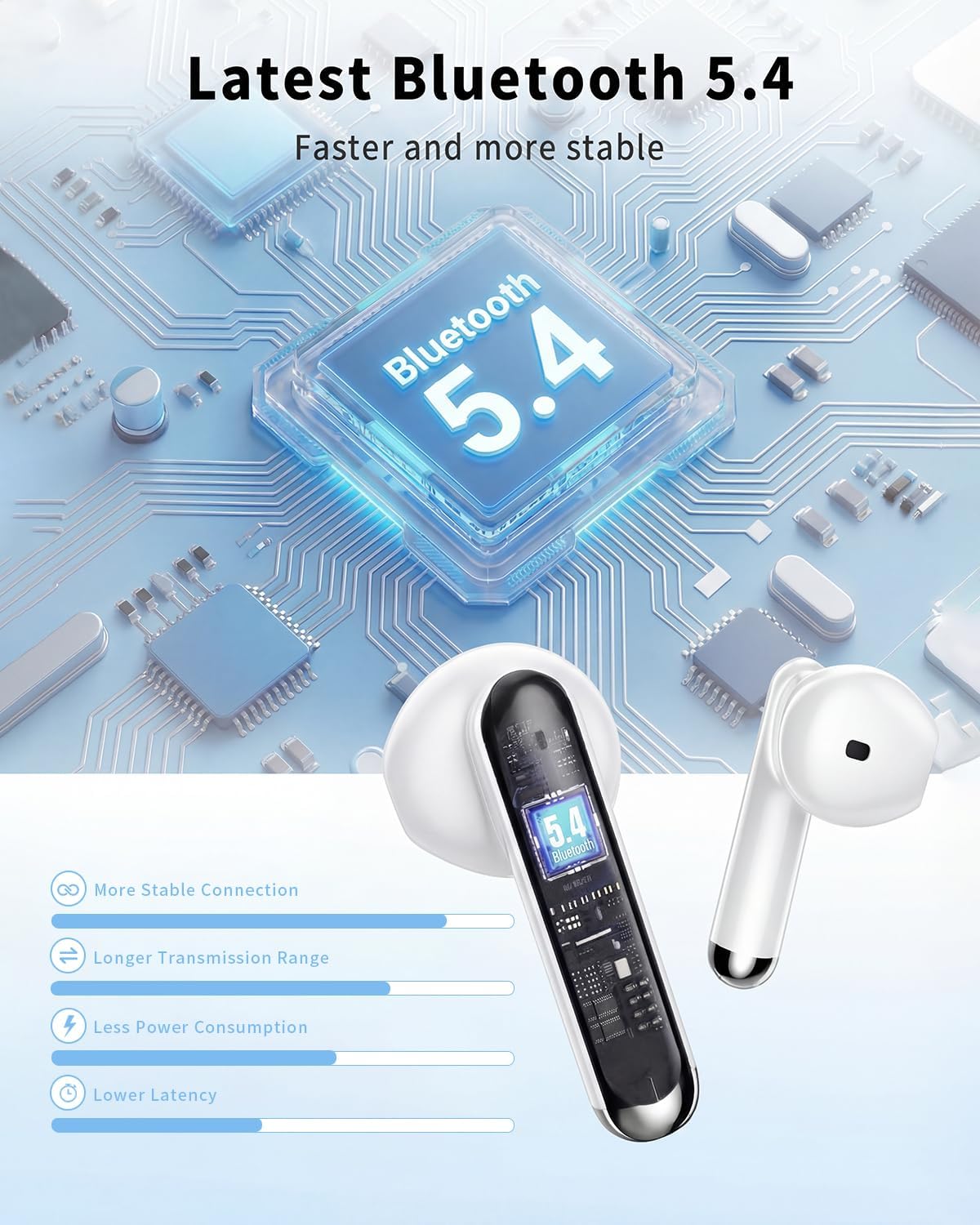
Image: Earbuds designed for comfortable fit and showing IP7 waterproof feature.
6. Troubleshooting
If you encounter issues with your S58 Wireless Earbuds, please refer to the following common solutions:
- No Sound/Connection Issues: Ensure earbuds are charged, Bluetooth is enabled on your device, and the earbuds are selected as the audio output. Try re-pairing the earbuds.
- Earbuds Not Charging: Check if the charging cable is securely connected to both the case and power source. Ensure the earbuds are correctly seated in the charging case. Clean the charging contacts if necessary.
- One Earbud Not Working: Try placing both earbuds back in the case, closing it, and then reopening to reset the connection. Re-pair if the issue persists.
- Low Volume: Adjust the volume on both your connected device and via the earbud touch controls.
For further assistance, please contact customer support.
7. Specifications
| Feature | Detail |
|---|---|
| Model Name | S58 |
| Connectivity Technology | Wireless (Bluetooth) |
| Bluetooth Version | 5.4 |
| Battery Life | Up to 50 Hours (with charging case) |
| Water Resistance Level | IP7 Waterproof (earbuds only) |
| Audio Driver Type | Dynamic Driver |
| Noise Control Features | Noise Cancellation (Passive) |
| Special Feature | Lightweight, Touch Control, LED Power Display |
| Ear Placement | In Ear |
| Item Weight | 3.2 ounces |
8. Official Product Video
Watch this video for a visual guide on the XIAOWTEK S58 Wireless Earbuds:
Video: An overview of the S58 Wireless Earbuds, demonstrating features and usage.
9. Warranty & Support
For warranty information and customer support, please refer to the contact details provided with your purchase or visit the official XIAOWTEK website. Keep your proof of purchase for any warranty claims.