
Introduction
This manual provides detailed instructions for the setup, operation, maintenance, and troubleshooting of your VISSPL H86 Smart 4K Projector. Please read this manual thoroughly before using the product to ensure proper function and longevity.
1. Setup
1.1 Unboxing and Package Contents
Carefully unpack all items from the box. Ensure all components are present:
- Mini Projector x 1
- VISSPL Projector User Manual x 1
- HDMI Cable x 1 (1.5M/4.92ft)
- Power Cord x 1 (2M/6.56ft)
- Remote Control (Batteries not included) x 1
- Cleaning Kit x 1
1.2 Placement and Power Connection
Place the projector on a stable, flat surface. The integrated 360° adjustable stand allows for flexible positioning on a table, ceiling, or wall mount. Connect the power cord to the projector and then to a power outlet.
For optimal viewing, position the projector between 4 to 13 feet from the projection surface to achieve a screen size of 40 to 250 inches.
1.3 Initial Power On and Auto Focus
Press the power button on the projector or remote control to turn it on. The projector features an automatic focus system that adjusts the image clarity upon startup and continuously adapts to the environment. This ensures a sharp image without manual adjustment.
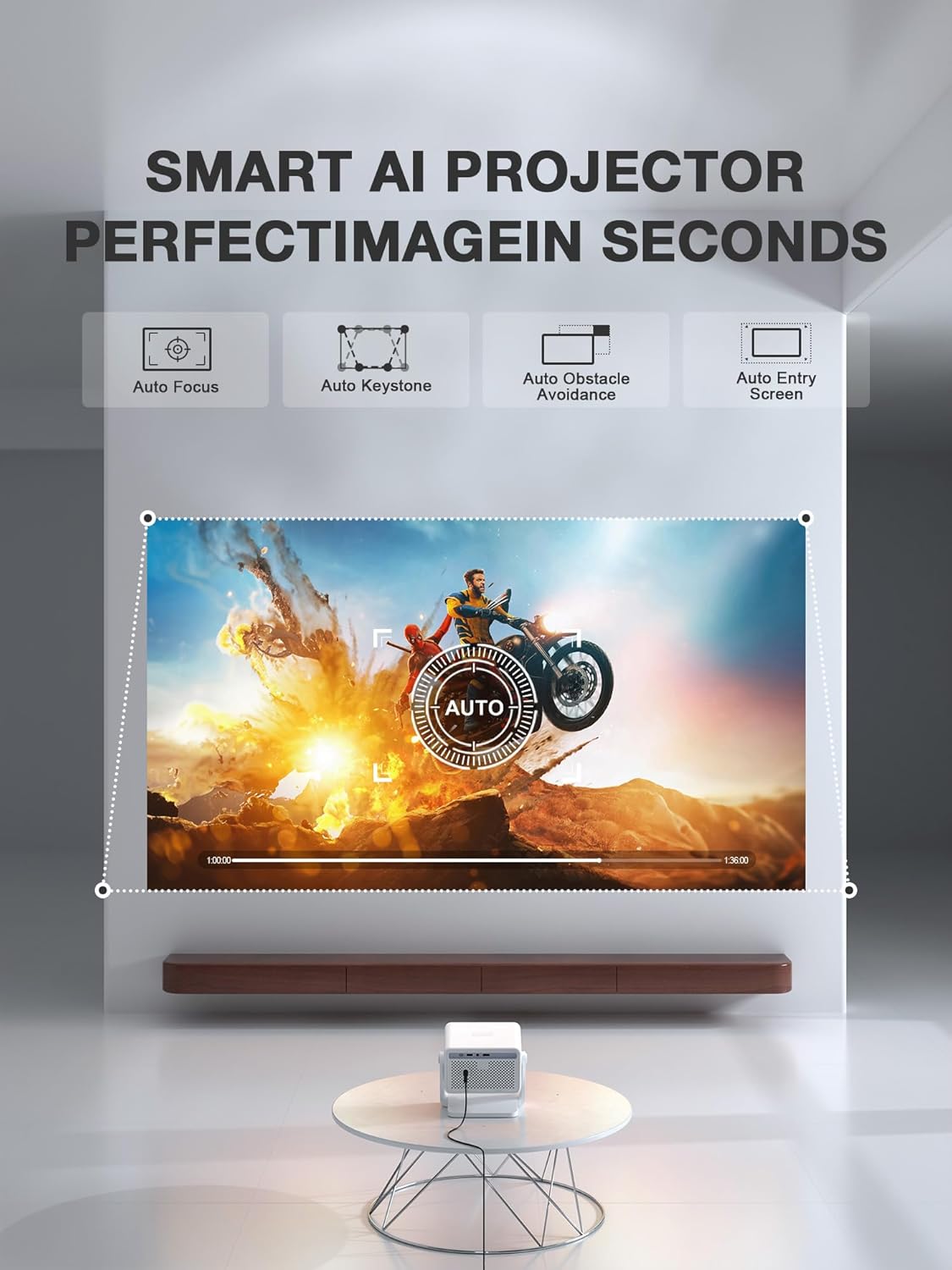
Figure 1: The VISSPL H86 Projector automatically adjusts focus and keystone for a clear image.
2. Operating Instructions
2.1 Basic Operation
- Power On/Off: Press the power button on the projector or remote control.
- Navigation: Use the arrow keys on the remote to navigate menus.
- Volume Control: Use the volume buttons on the remote to adjust audio output.
2.2 Connectivity (Wi-Fi, Bluetooth, HDMI, USB)
The projector supports various connectivity options for seamless integration with your devices.
- Wi-Fi 6: Connect to your home network for internet access and streaming. Navigate to Settings > Network > Wi-Fi and select your network.
- Bluetooth 5.2: Pair with external audio devices like speakers or headphones. Go to Settings > Bluetooth and select your device.
- HDMI: Connect external devices such as gaming consoles, laptops, or media players using an HDMI cable.
- USB: Insert a USB drive to play media files directly from storage.
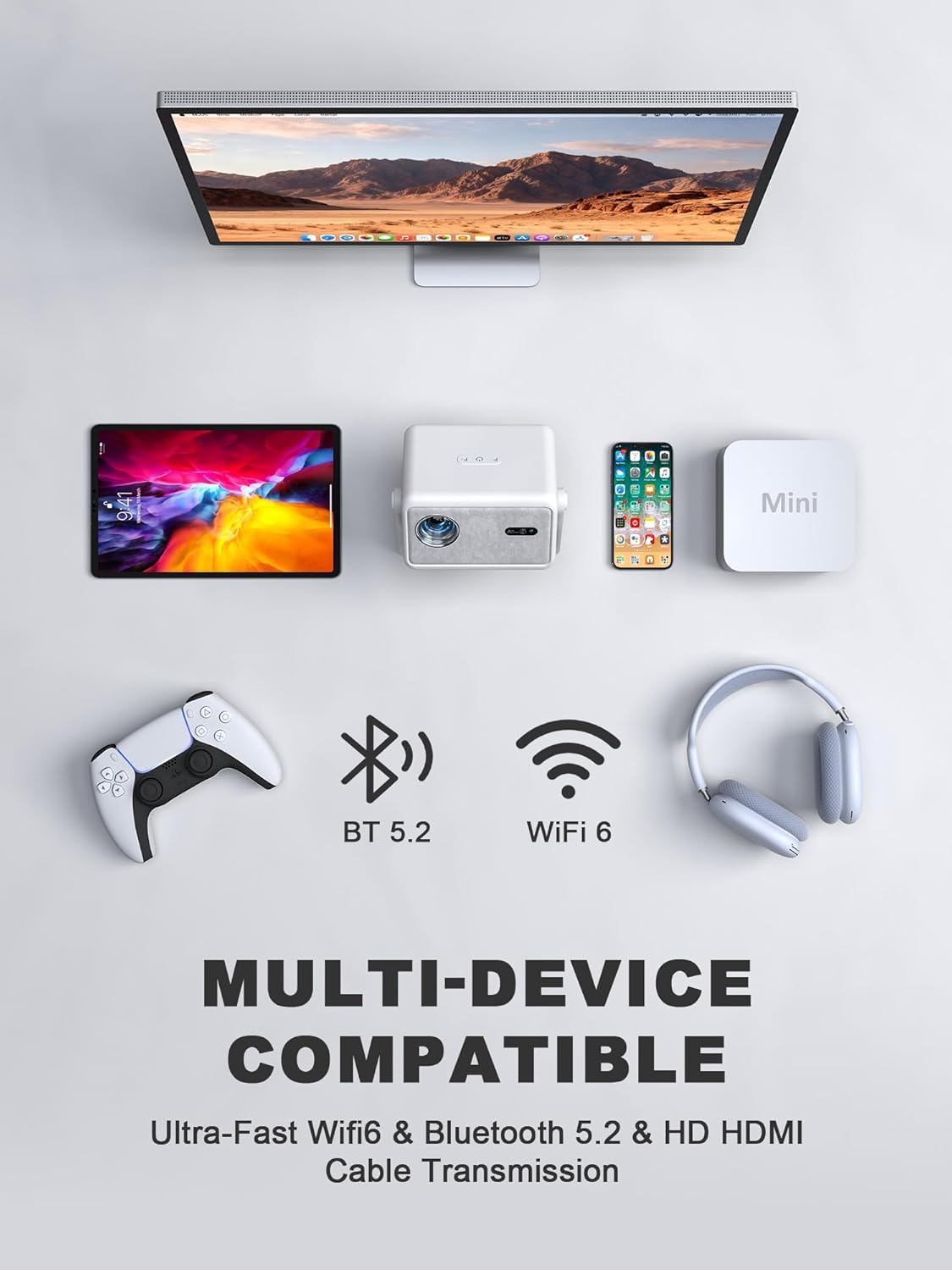
Figure 2: The projector offers multi-device compatibility via Wi-Fi 6, Bluetooth 5.2, and HDMI.
2.3 Smart Features and Apps (Whale OS)
The VISSPL H86 Projector runs on Whale OS, providing access to a variety of applications. Pre-installed apps include YouTube and Prime Video. The system supports downloading additional native apps, web apps, and APK files.
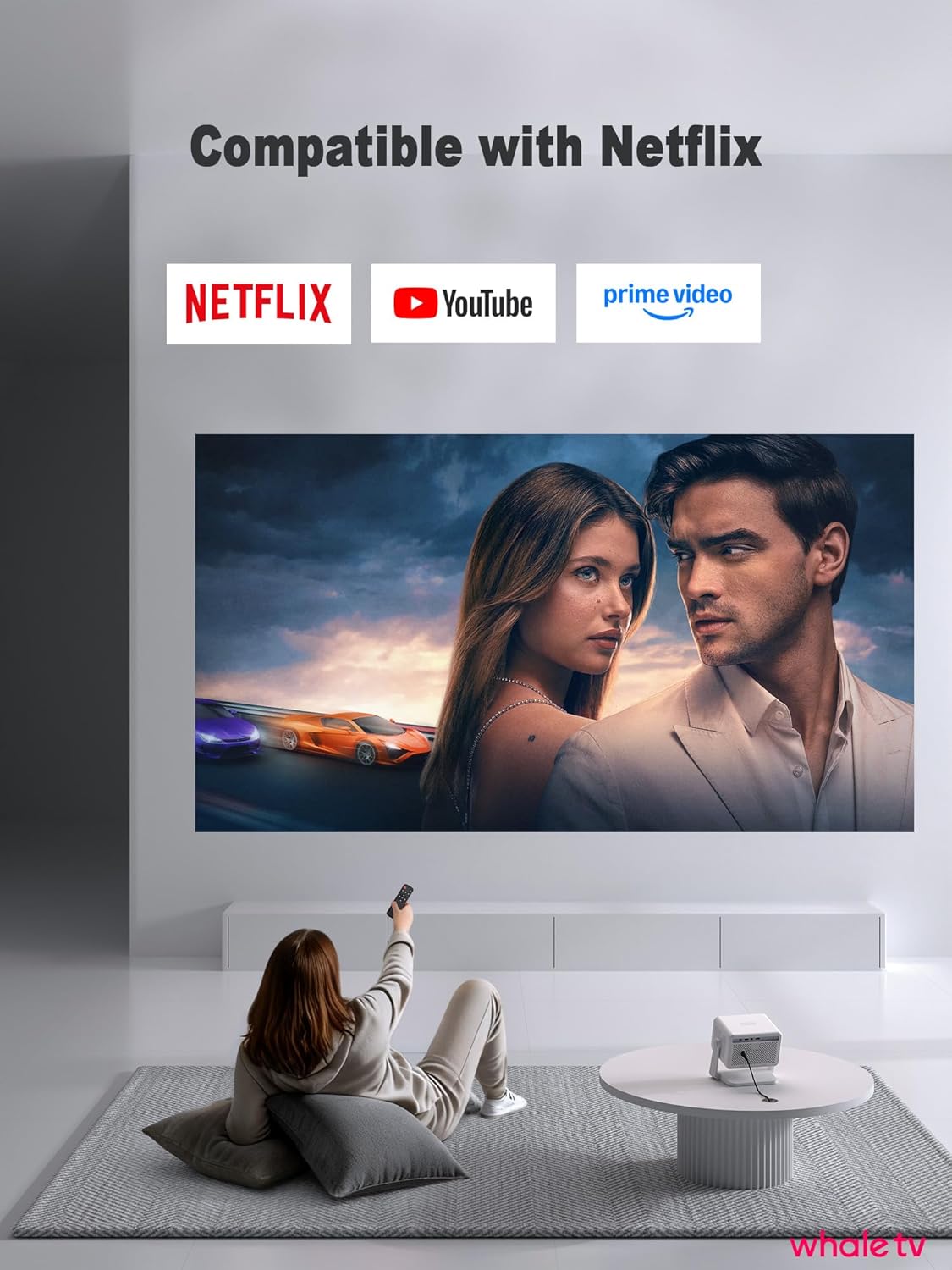
Figure 3: Access popular streaming services directly through the projector's smart interface.
Video Demonstration: Learn more about the VISSPL Smart Projector's Wi-Fi and Bluetooth features.
Video 1: Overview of VISSPL Smart Projector's Wi-Fi and Bluetooth capabilities.
2.4 Image Adjustment (Keystone Correction)
The projector automatically corrects trapezoidal distortion (keystone correction) to ensure a rectangular image, even when projected at an angle. Manual adjustments are generally not required.
3. Maintenance
3.1 Cleaning
Regular cleaning helps maintain optimal performance and image quality.
- Lens: Use the provided cleaning kit or a soft, lint-free cloth specifically designed for optical lenses. Gently wipe the lens to remove dust or smudges. Avoid abrasive materials.
- Exterior: Wipe the projector's exterior with a soft, dry cloth. Do not use liquid cleaners or solvents.
- Ventilation: Ensure the ventilation openings are clear of dust and obstructions to prevent overheating.
3.2 Storage
When not in use for extended periods, store the projector in a cool, dry place, away from direct sunlight and extreme temperatures. Use the original packaging or a protective case to prevent dust accumulation and damage.
4. Troubleshooting
If you encounter issues with your projector, refer to the following common problems and solutions:
- No Power:
- Ensure the power cord is securely connected to both the projector and the power outlet.
- Verify the power outlet is functional.
- No Image/Signal:
- Check that the input source (HDMI, USB) is correctly selected in the projector's menu.
- Ensure the connected device (laptop, gaming console) is powered on and outputting a signal.
- Verify HDMI or USB cables are securely connected.
- Blurry Image:
- The projector features auto-focus. If the image remains blurry, try restarting the projector.
- Ensure the projection surface is flat and the projector is stable.
- Clean the projector lens with the provided cleaning kit.
- Slow Operating System Response:
- Ensure the projector has a stable Wi-Fi connection.
- Close any unnecessary background applications running on Whale OS.
- Restart the projector to clear temporary system caches.
- Check for system updates in the settings menu.
- No Audio:
- Adjust the volume on the projector and the connected source device.
- If using Bluetooth, ensure the external audio device is properly paired and connected.
- If using HDMI, check the audio output settings on the source device.
5. Technical Specifications
| Feature | Specification |
|---|---|
| Brand | VISSPL |
| Model Name | H86 |
| Display Resolution | 1920 x 1080 (Native 1080P, 4K Support) |
| Brightness | 1900 ANSI Lumens |
| Connectivity Technology | Wi-Fi 6, Bluetooth 5.2, HDMI, USB, 3.5mm Jack |
| Special Features | Auto Focus, 4P/6D Keystone Correction, Whale OS, Adjustable Stand |
| Light Source Operating Life | 20,000 Hours |
| Maximum Image Size | 250 Inches |
| Minimum Throw Distance | 3.2 Feet |
| Maximum Throw Distance | 23.2 Feet |
| Form Factor | Desktop/Portable/Pocket |
| Mounting Type | Ceiling Mount, Wall Mount, Table Mount |

Figure 4: The VISSPL H86 Projector delivers authentic 1080P resolution with 4K support.

Figure 5: The VISSPL H86 Projector operates quietly, with noise levels up to 27 dB.
6. Warranty Information
The VISSPL H86 Smart 4K Projector comes with a 2-year warranty from the date of purchase. This warranty covers manufacturing defects and malfunctions under normal use. Please retain your proof of purchase for warranty claims. For detailed terms and conditions, refer to the warranty card included in your package or contact customer support.
7. Customer Support
If you require further assistance, have questions, or need technical support, please contact VISSPL customer service through the following channels:
- Email: Refer to your product packaging or the official VISSPL website for the most current contact email.
- Online Support: Visit the official VISSPL website for FAQs, troubleshooting guides, and online chat support.
When contacting support, please have your product model (H86) and purchase information ready.

