1. Introduction
This manual provides essential information for the setup, operation, and maintenance of your Titan Celestor 2.0 Smartwatch. Please read this guide thoroughly to ensure proper use and to maximize the features of your device.
2. What's in the Box
Upon unboxing your Titan Celestor 2.0 Smartwatch, verify that all the following items are present:
- Titan Celestor 2.0 Smartwatch
- Magnetic Charging Cable
- Quick Start Guide
- Warranty Card
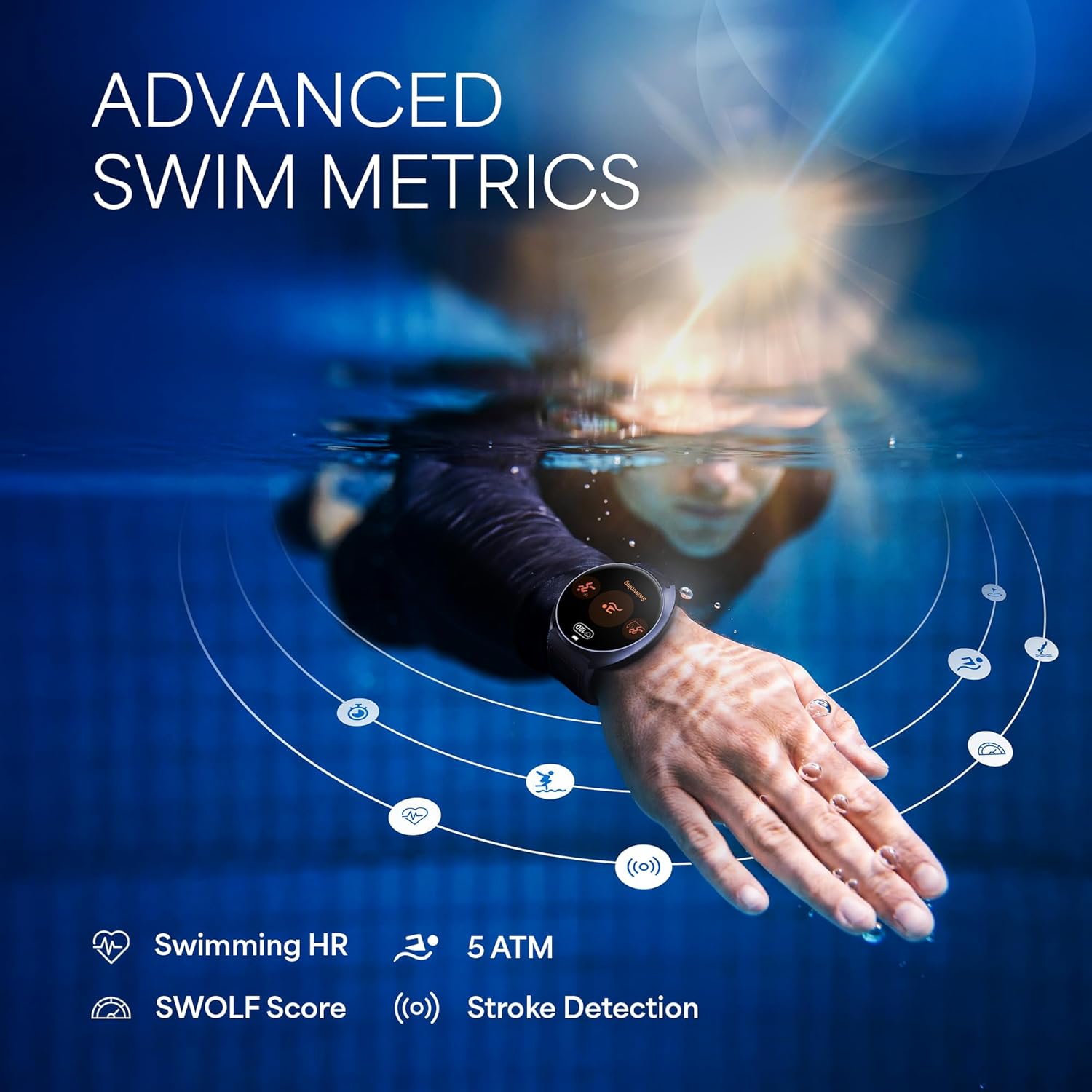
Image: The Titan Celestor 2.0 Smartwatch alongside its magnetic charging cable and included documentation.
3. Setup
3.1 Initial Charging
Before first use, fully charge your smartwatch.
- Connect the magnetic charging cable to the charging pins on the back of the smartwatch.
- Plug the USB end of the cable into a standard USB power adapter (not included) or a computer's USB port.
- The watch display will indicate charging status. A full charge typically takes approximately 1 hour.
3.2 Pairing with Your Smartphone
The Titan Celestor 2.0 Smartwatch requires pairing with a compatible smartphone via Bluetooth for full functionality.
- Download the Titan Smart World App: Search for "Titan Smart World" in your smartphone's app store (iOS or Android) and install it.
- Enable Bluetooth: Ensure Bluetooth is enabled on your smartphone.
- Open the App: Launch the Titan Smart World App and follow the on-screen instructions to create an account or log in.
- Add Device: Within the app, select the option to add a new device. The app will search for available smartwatches.
- Select Your Watch: Choose "Titan Celestor 2.0" from the list of discovered devices.
- Confirm Pairing: A pairing request will appear on both your watch and smartphone. Confirm the pairing on both devices.

Image: The smartwatch screen showing connection status, next to a smartphone displaying the companion app interface.
4. Operating Your Smartwatch
4.1 Display and Navigation
The Celestor 2.0 features a 1.43-inch AMOLED display with a resolution of 466x466 pixels, offering clear visuals. Navigation is primarily done via the touchscreen and the physical rotary crown.
- Touchscreen: Swipe up, down, left, or right to access different menus and notifications. Tap to select items.
- Rotary Crown: Rotate the crown to scroll through lists or adjust settings. Press the crown to return to the watch face or confirm selections.
4.2 Key Features and Functions
The smartwatch offers a range of features for health, fitness, and daily convenience.
- Dual-Band GPS & Offline Maps: For precise location tracking and navigation during outdoor activities. Includes Altimeter, Barometer, and Compass (ABC sensors) for environmental data.
- Advanced Training Features: Monitor Training Load & Readiness, VO2 Max, MET Score, and Standing Goal to optimize your workouts and prevent overtraining.
- 24/7 Health Monitoring: Includes Heart Rate Monitoring (HRM), SpO2 (Blood Oxygen), Sleep & Nap Detection, Smart Hydration monitoring, and Vitality Score.
- Water Resistance: Rated 5 ATM, suitable for swimming and shallow-water activities.
- Offline Music: Store up to 256 MB of music directly on the watch for playback without your phone.
- Smart Features: AI Day Brief, To-do list, Pomodoro Timer, Alarms, Bluetooth calling, and an SOS function for emergencies.

Image: A runner using the smartwatch, which displays GPS tracking and offline map capabilities on its screen and a connected phone.

Image: The smartwatch displaying environmental data such as air pressure, elevation, and compass direction, set against a mountain landscape.

Image: A person lifting weights while wearing the smartwatch, which displays "Training Load" and "Readiness" metrics, along with a trend graph.

Image: A stylized depiction of a runner with various fitness metrics (Power, Cadence, METs) and the smartwatch displaying a VO2 Max score.

Image: A person swimming while wearing the smartwatch, which displays swimming heart rate, 5 ATM water resistance, SWOLF score, and stroke detection icons.
5. Maintenance
5.1 Cleaning Your Smartwatch
Regular cleaning helps maintain the appearance and functionality of your device.
- Wipe the screen and watch body with a soft, lint-free cloth.
- For stubborn dirt, slightly dampen the cloth with water. Avoid using harsh chemicals or abrasive materials.
- Ensure the charging contacts are clean and dry before charging.
5.2 Water Resistance
The Celestor 2.0 is rated 5 ATM, meaning it can withstand pressures equivalent to a depth of 50 meters. This makes it suitable for swimming and showering. However, it is not recommended for scuba diving, high-speed water sports, or prolonged submersion at significant depths. Avoid exposing the watch to hot water, steam, or detergents, as these can compromise the water seals.
5.3 Battery Care
To prolong battery life:
- Avoid extreme temperatures.
- Do not let the battery completely drain frequently.
- Charge the watch using only the provided magnetic charging cable.
6. Troubleshooting
If you encounter issues with your smartwatch, refer to the following common solutions.
| Problem | Solution |
|---|---|
| Watch not turning on or unresponsive | Ensure the watch is fully charged. Press and hold the rotary crown for approximately 10-15 seconds to perform a force restart. |
| Cannot pair with smartphone |
|
| GPS signal connection is poor or drops |
|
| Heart Rate (HR) readings are inaccurate |
|
| App synchronization issues (e.g., Strava sync) |
|
7. Specifications
| Feature | Detail |
|---|---|
| Brand | Titan |
| Model Name | Titan Celestor 2.0 |
| Model Number | 90248AP01C |
| Display Size | 1.43 Inches |
| Display Type | AMOLED |
| Resolution | 466 x 466 pixels |
| Memory Storage Capacity | 256 MB |
| RAM Memory Installed Size | 8 MB |
| Special Features | Accelerometer, Activity Tracker, Always On Display, GPS, Multisport Tracker |
| Compatible Devices | Smartphone |
| Battery Average Life | 7 Days |
| Charging Time | 1 Hour |
| Battery Capacity | 370 Milliamp Hours |
| Wireless Type | Bluetooth |
| Connector Type | Bluetooth |
| Device Interface - Primary | Microphone, Touchscreen |
| Item Weight | 50.1 g |
| Country of Origin | China |
8. Warranty and Support
8.1 Warranty Information
Your Titan Celestor 2.0 Smartwatch comes with a warranty. Please refer to the included Warranty Card for detailed terms and conditions, including coverage period and claim procedures. Keep your purchase receipt as proof of purchase.
8.2 Customer Support
For technical assistance, service, or further inquiries, please contact Titan customer support. You can find contact information on the Warranty Card or by visiting the official Titan website.
Manufacturer/Importer: Imported By Titan Company Limited 3 Sipcot Industries complex, Hosur- 635126.
You can also visit the Titan Store on Amazon for more product information and support resources.