
1. Introduction
Thank you for choosing the Ohniyou 60'' Industrial Ceiling Fan with Lights. This manual provides essential information for the safe installation, operation, and maintenance of your new ceiling fan. Please read these instructions thoroughly before installation and retain them for future reference.
This ceiling fan features a high CFM reversible design, app and remote control capabilities, dimmable integrated LED lighting, and an energy-saving DC motor for quiet operation.

Image: A modern living room featuring the Ohniyou 60-inch ceiling fan, highlighting its powerful airflow and six speed settings.
2. Safety Information
WARNING: To reduce the risk of fire, electric shock, or personal injury, always follow these basic precautions:
- Ensure the installation site is structurally sound and can support the fan's weight.
- All electrical connections must be made in accordance with local codes, ordinances, and the National Electrical Code. If you are unfamiliar with electrical wiring, consult a qualified electrician.
- Disconnect power at the main circuit breaker before installation or servicing.
- Do not operate the fan with damaged blades or any other damaged components.
- Avoid placing objects in the path of the fan blades.
- This fan is suitable for both indoor and outdoor (covered patio, garage) use. Ensure proper weather protection for outdoor installations.
3. Package Contents
Before beginning installation, verify that all parts are present. If any parts are missing or damaged, do not attempt to assemble or install the fan. Contact Ohniyou customer service for assistance.
The package should include:
- Ceiling Fan Motor Assembly
- 5 Aluminum Fan Blades
- LED Light Kit
- Remote Control
- Downrod (7.87 inches)
- Mounting Bracket
- Hardware Pack (screws, wire nuts, etc.)
- User Manual

Image: A view of the Ohniyou ceiling fan components neatly packed in the box, including the motor, blades, and remote control.
4. Setup and Installation
Professional installation is recommended for safety and optimal performance. Ensure power is disconnected at the circuit breaker before starting.
4.1 Mounting Options
This fan supports various mounting options:
- Low Ceiling: Standard flush mount (if applicable, though downrod is mentioned).
- High Ceiling: Utilizes the included 7.87-inch downrod.
- Sloped Ceiling: Suitable for ceilings with a slope of up to 15 degrees.
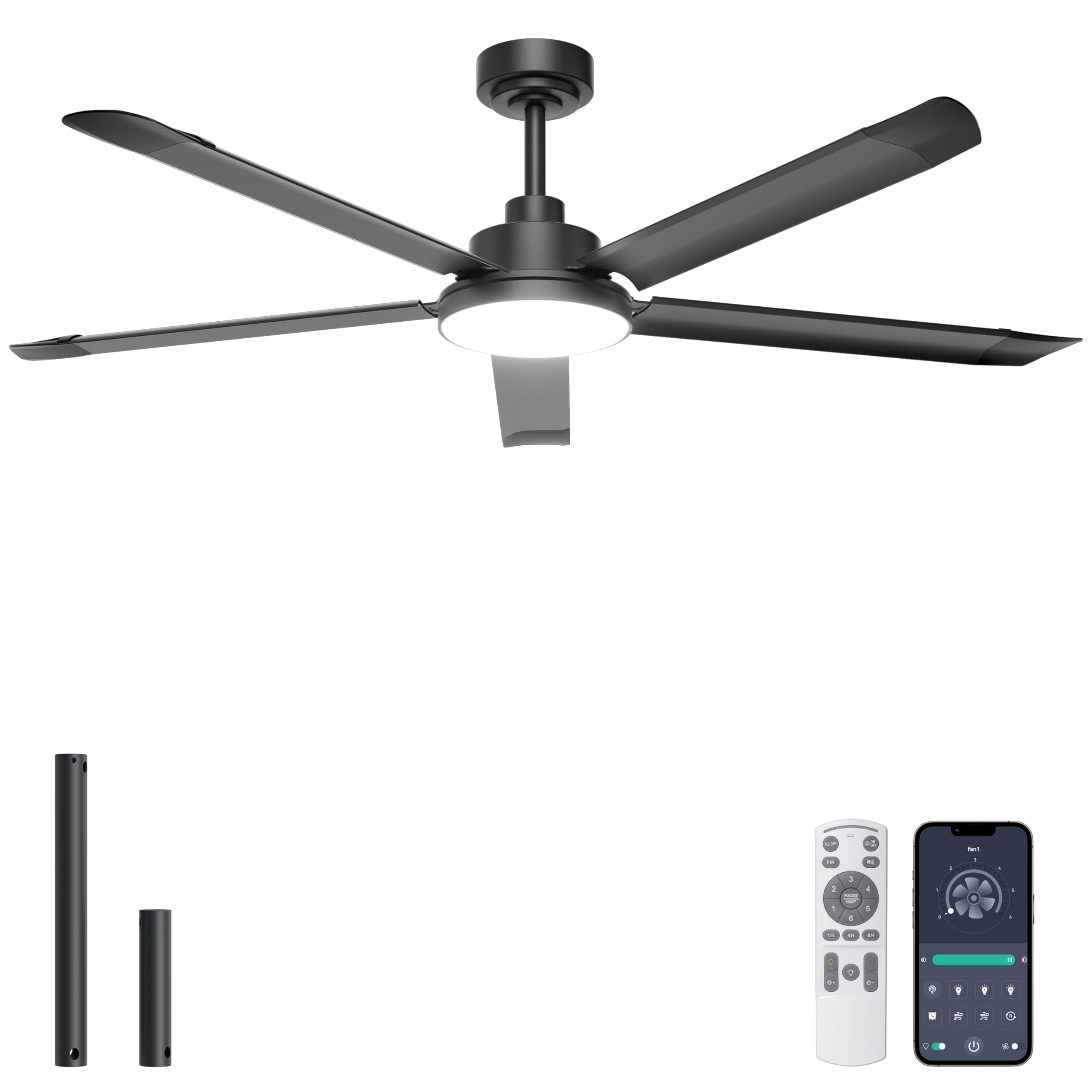
Image: Diagram showing the dimensions of the 60-inch ceiling fan and illustrations of low ceiling, high ceiling, and sloped ceiling mounting configurations.
4.2 Wiring and Assembly
Follow the detailed instructions provided in the included manual for wiring and assembling the fan components. Key steps include:
- Attaching the mounting bracket to the ceiling junction box.
- Connecting the electrical wires (live, neutral, ground) according to color codes.
- Assembling the downrod and hanging the motor assembly.
- Attaching the fan blades to the motor housing.
- Installing the LED light kit and light cover.
Video: An official installation guide for the Ohniyou 60-inch ceiling fan, demonstrating the step-by-step assembly and wiring process.
5. Operating Instructions
Your Ohniyou ceiling fan can be controlled via the included remote control or a dedicated smartphone application.
5.1 Remote Control Functions
The remote control allows you to manage all fan and light features:
- Power On/Off: Turns the fan and light on or off.
- Fan Speed: Select from 6 adjustable wind speeds (Levels 1-6).
- Light Control: Turn the LED light on/off, adjust brightness (100% to 10%), and change color temperature (Warm, Natural, Cool White).
- Reversible Function: Switch between Summer mode (downward airflow) and Winter mode (upward airflow).
- Timer: Set the fan to turn off automatically after 1, 4, or 8 hours.
- Natural Wind Mode: Activates a mode where fan speed changes randomly to simulate natural breeze.

Image: Illustration of the remote control layout with button descriptions and a preview of the smartphone app interface for fan control.
5.2 App Control
Download the "Fan Lamp Pro" application to control your ceiling fan from your smartphone. The app requires Bluetooth connectivity for pairing. Refer to the app's instructions for detailed pairing and control procedures.

Image: A smartphone screen showing the "Fan Lamp Pro" application interface, used for controlling the ceiling fan's speed, light, and other functions.
5.3 Reversible Airflow
The fan features a reversible DC motor for year-round comfort:
- Summer Mode (Downward Airflow): Creates a cooling breeze.
- Winter Mode (Upward Airflow): Circulates warm air trapped near the ceiling, helping to distribute heat more evenly.

Image: Visual representation of the fan's reversible function, illustrating downward airflow for cooling in summer and upward airflow for heat circulation in winter.
5.4 Dimmable LED Light
The integrated LED light offers adjustable brightness and color temperature:
- Brightness: Dimmable from 100% to 10%.
- Color Temperatures: Switch between Warm Light (3000K), Natural White (4500K), and Cool White (6000K).

Image: Three scenes demonstrating the fan's light at different color temperatures: Warm Light (3000K), Natural White (4500K), and Cool White (6000K), along with a brightness adjustment scale.
6. Maintenance
Regular maintenance ensures the longevity and optimal performance of your ceiling fan.
- Cleaning: Dust the fan blades and motor housing periodically with a soft, damp cloth. Do not use abrasive cleaners or solvents. The aluminum blades are designed for easy cleaning.
- Blade Inspection: Check fan blade screws for tightness at least twice a year. Loose screws can cause wobbling and noise.
- Light Kit: The integrated LED light source is designed for long life and typically does not require replacement.
7. Troubleshooting
If you experience issues with your ceiling fan, refer to the following common problems and solutions:
| Problem | Possible Cause | Solution |
|---|---|---|
| Fan does not start | No power to the fan; loose wire connections; remote control battery low. | Check circuit breaker. Ensure all wire connections are secure. Replace remote control batteries (2x AAA, not included). |
| Fan wobbles | Loose blade screws; unbalanced blades; loose mounting bracket. | Tighten all blade screws. Ensure blades are balanced (a balancing kit may be required). Verify mounting bracket is securely fastened. |
| Light does not work | Loose wire connection to light kit; light kit failure. | Check light kit wiring connections. If problem persists, contact customer support. |
| Remote control not working | Low battery; remote not paired with fan. | Replace batteries. Refer to the pairing instructions in the full manual or app. |
| Excessive noise | Loose screws; motor issue; blades hitting an obstruction. | Check and tighten all screws. Ensure no obstructions are near the blades. If noise persists, contact customer support. The DC motor is designed for quiet operation (35dB). |
8. Specifications
| Feature | Detail |
|---|---|
| Brand | Ohniyou |
| Model Number | GLX049 |
| Size | 60 Inch |
| Color | Black |
| Number of Blades | 5 |
| Blade Material | Aluminum |
| Motor Type | DC Motor |
| Air Flow Capacity | 6800 CFM |
| Number of Speeds | 6 |
| Noise Level | 35 Decibels |
| Light Kit | Integrated LED, Dimmable (100%-10%), 3 Color Temperatures (3000K, 4500K, 6000K) |
| Control Method | Remote Control, App Control (Fan Lamp Pro) |
| Timer Function | 1h, 4h, 8h |
| Reversible Function | Yes (Summer/Winter Mode) |
| Indoor/Outdoor Usage | Indoor, Outdoor (Covered) |
| Voltage | 220 Volts |
| Wattage | 39 watts |
| Product Dimensions (D x W x H) | 23.62"D x 23.62"W x 15.35"H |
| Item Weight | 7 Kilograms |
9. Warranty and Support
Ohniyou provides a limited warranty for this product. Please refer to the warranty card included in your package for specific terms and conditions. For technical support, replacement parts, or any inquiries, please contact Ohniyou customer service through the retailer where the product was purchased or visit the official Ohniyou website.
Online Resources:
- Official Ohniyou Store: Ohniyou Store on Amazon
- User Manual (PDF): Download PDF Manual