
1. Introduction
The Superun BA10-B Walking Pad is a versatile 2-in-1 treadmill designed for home and office use. Its compact and portable design allows for easy storage under furniture, making it suitable for various living environments. This walking pad features a 2.5-horsepower motor, supporting speeds from 0.6 to 3.8 mph for both walking and light jogging. It includes a 6% manual incline option to enhance calorie burn and workout intensity. The integrated LED display provides real-time exercise data, and the device can be controlled via a remote or a smart motion application.
2. Setup
The Superun BA10-B Walking Pad is designed for installation-free use, meaning it is ready to operate directly out of the box. Simply place the unit on a flat, stable surface and connect it to a power source.
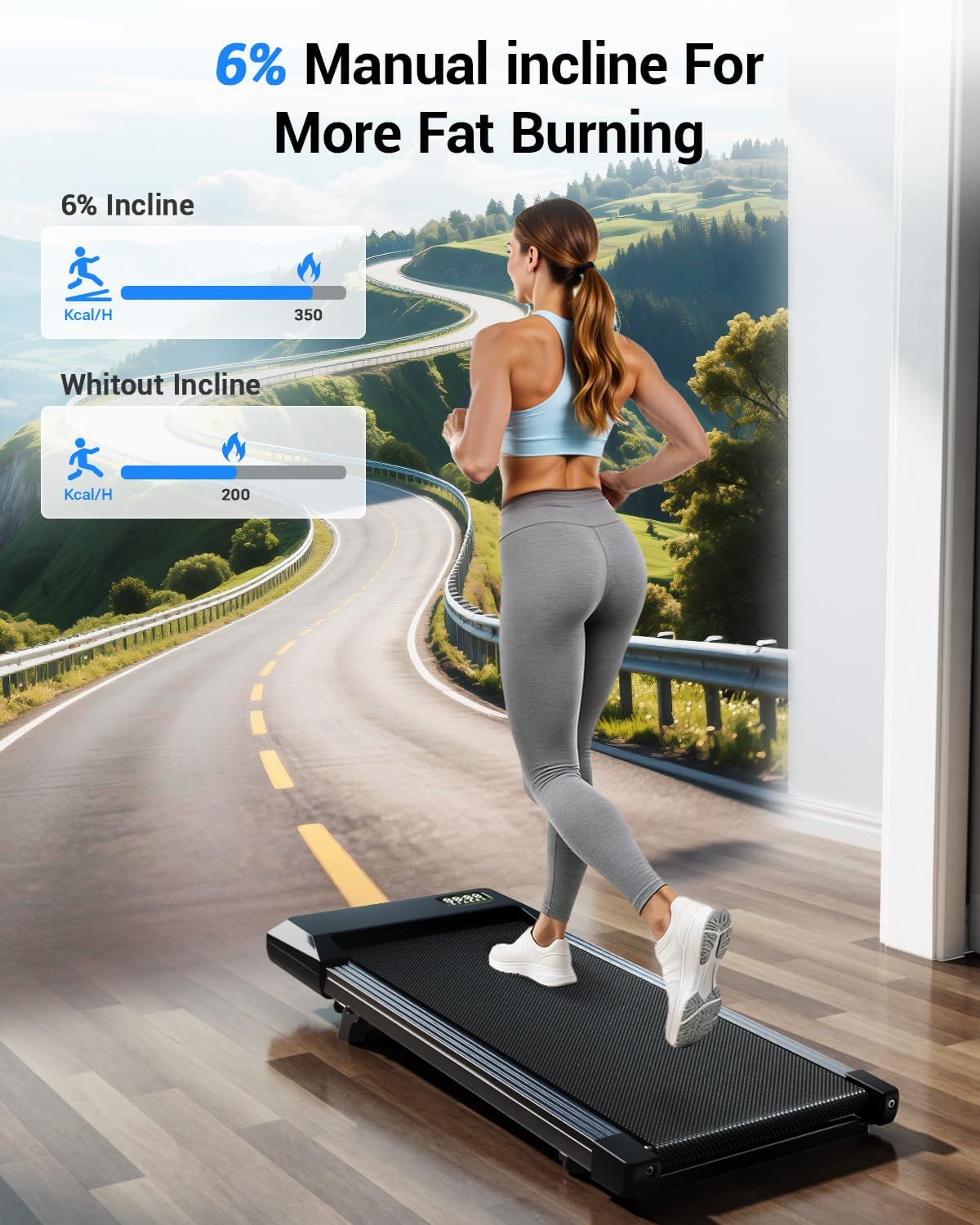
Image: The Superun BA10-B Walking Pad Treadmill in its ready-to-use state.
The treadmill is lightweight (35.1 pounds) and equipped with two wheels on the bottom, allowing for easy movement and storage. It can be conveniently tucked away under a sofa, office desk, or bed when not in use.
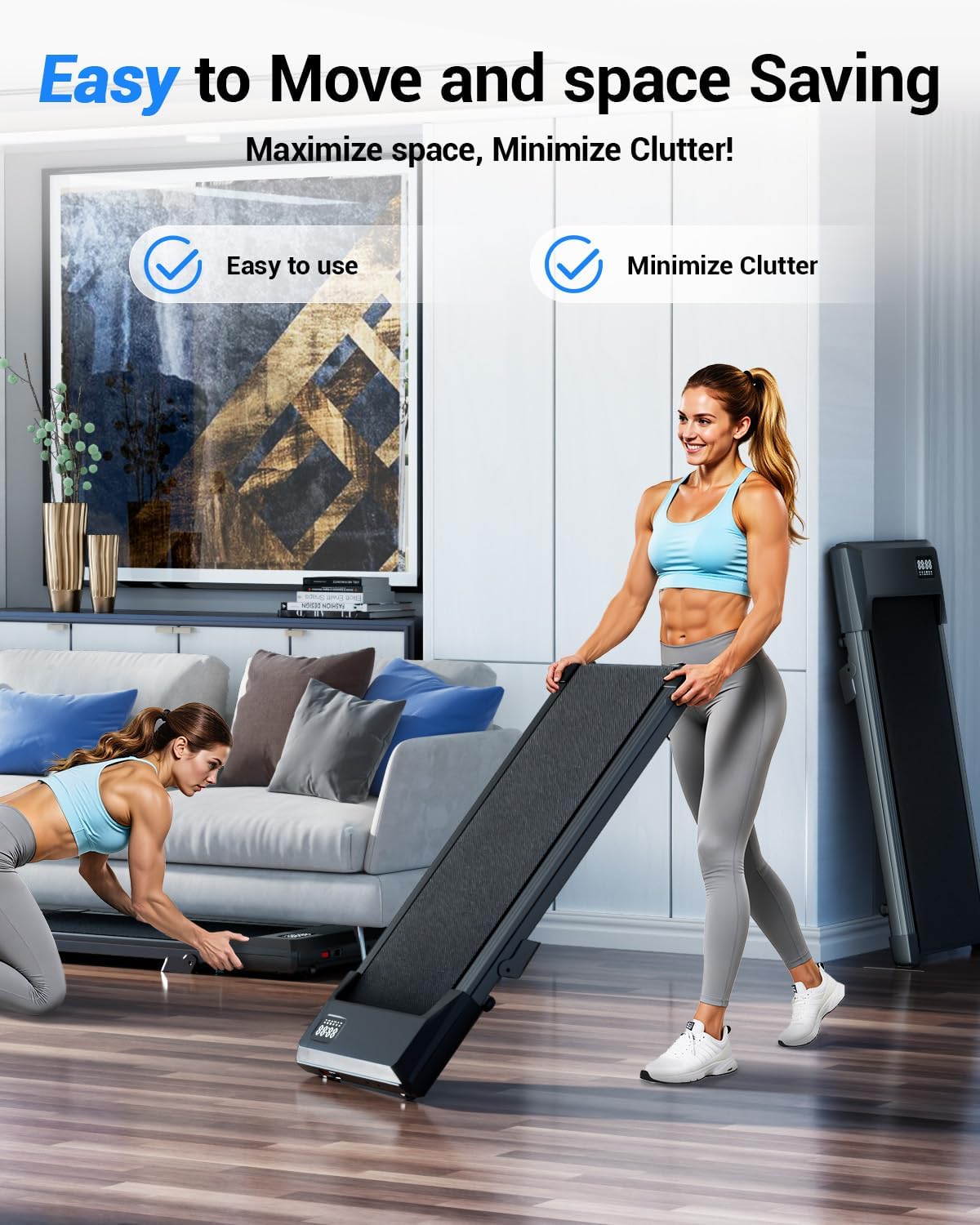
Image: Demonstrating the ease of moving and storing the walking pad.
3. Operating Instructions
3.1 Power On/Off
Locate the power switch, typically at the rear of the unit, and toggle it to the 'On' position. The LED display will illuminate.
3.2 Speed Adjustment
Use the included remote control to adjust the speed. The '+' button increases speed, and the '-' button decreases it. The speed range is 0.6-3.8 mph. Alternatively, connect to the PitPat smart motion application via Bluetooth for control.
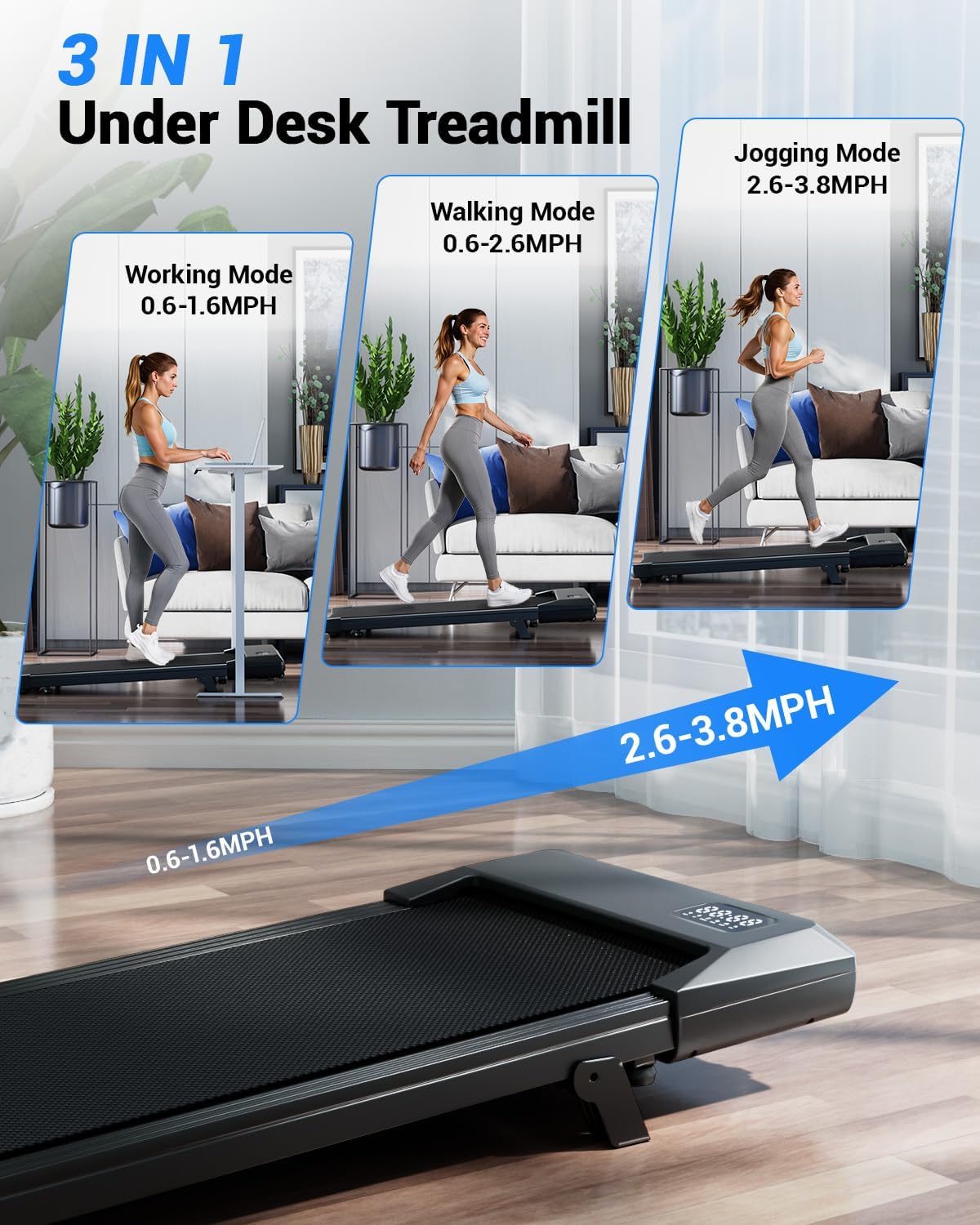
Image: The LED display showing exercise parameters and the remote control for speed adjustment.
3.3 Incline Feature
The walking pad features a 6% manual incline. This can be adjusted to simulate uphill walking, increasing the intensity of your workout and calorie expenditure. Refer to the physical adjustment mechanism on the unit for details.
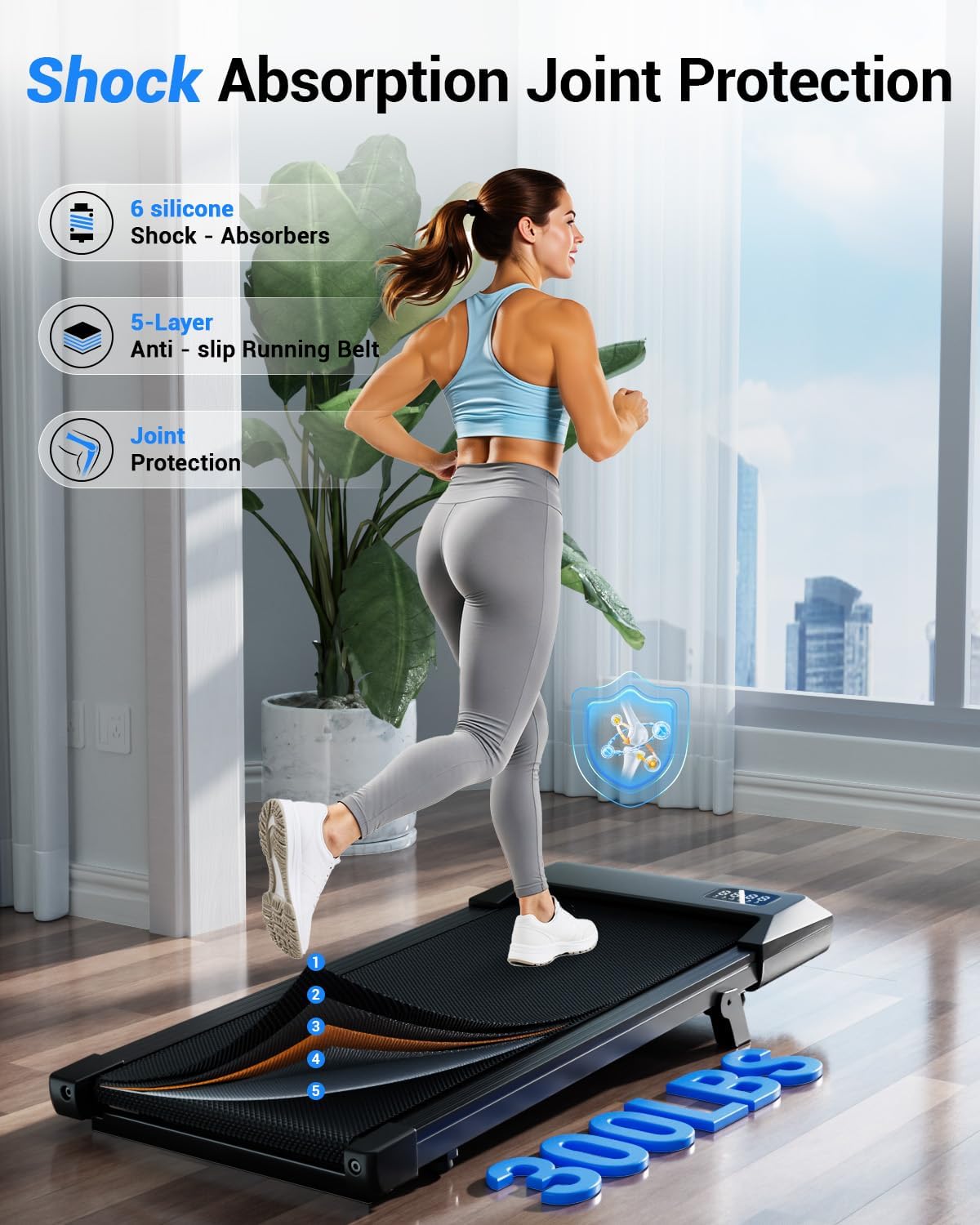
Image: Visual representation of the 6% manual incline feature and its effect on calorie burn.
3.4 Smart Motion APP Control
Download the PitPat smart motion application to connect with your walking pad via Bluetooth. The app allows you to monitor exercise status, track parameters (distance, time, calories, speed, heart rate, steps), and engage with various gameplay and events for an enhanced fitness experience.
Video: Official Superun video demonstrating the flagship model walking pad features, including app connectivity.
4. Maintenance
4.1 Lubrication
Regular lubrication of the running belt is essential for optimal performance and longevity. Use the provided lubricant as instructed in the user manual. Typically, a few drops are applied to the running deck beneath the belt.
4.2 Running Belt Adjustment
If the running belt feels too loose, causing jerky movement or improper operation, it may need tightening. Refer to the troubleshooting section or the detailed video guide for proper adjustment procedures. The belt should be tight enough to allow only one finger to be inserted vertically between the belt and the deck. If two fingers can fit, it is too loose.
Video: Superun's official troubleshooting guide on how to tighten the running belt.
5. Troubleshooting
5.1 Error Codes
If the device displays an error code, such as 'ER 6', consult the user manual for specific meanings and solutions. 'ER 6' typically indicates a motor connection issue. If the issue persists after basic troubleshooting, contact customer service.
5.2 Belt Not Centered or No Movement
If the belt does not stay centered or fails to move, it may require adjustment. Ensure the treadmill is powered off before attempting any adjustments. Use the provided tool kit to adjust the screws on the rear covers clockwise until the belt runs smoothly and is centered. If the problem continues, refer to the detailed maintenance instructions or contact support.
6. Specifications
| Brand | Superun |
| Model Name | BA10-B |
| Color | Black |
| Product Dimensions | 42.62"D x 19.69"W x 3.94"H |
| Item Weight | 35.1 Pounds |
| Material | Alloy Steel |
| Maximum Speed | 3.8 Miles per Hour |
| Minimum Speed | 0.6 Miles per Hour |
| Maximum Incline Percentage | 6% (Manual) |
| Maximum Horsepower | 3.8 Horsepower |
| Maximum Weight Recommendation | 300 Pounds |
| Display Type | LED |
| Connectivity Technology | Bluetooth |
| Included Components | Lubricant, Remote Control, Tool Kit, User Manual |
7. Warranty and Support
7.1 Warranty Information
The Superun BA10-B Walking Pad Treadmill comes with a 1-year warranty. Please retain your proof of purchase for warranty claims.
7.2 Customer Support
For any questions or issues during use, please contact Superun customer service. We are committed to providing high-quality after-sales support and will assist you with a satisfactory solution.
