
1. Important Safety Instructions
Please read these safety instructions carefully before using your Vyzzle Robot Vacuum and Mop D10. Keep this manual for future reference.
- General Safety: This appliance can be used by children aged 8 years and above and persons with reduced physical, sensory or mental capabilities or lack of experience and knowledge if they have been given supervision or instruction concerning use of the appliance in a safe way and understand the hazards involved. Children shall not play with the appliance. Cleaning and user maintenance shall not be made by children without supervision.
- Battery Safety: Use only the original power adapter and charging dock provided by the manufacturer. Do not use non-rechargeable batteries.
- Usage Environment: Do not use the robot in environments with open flames, explosive or corrosive materials. Avoid using the robot in wet environments or on surfaces with standing water.
- Obstacles: Remove power cords, small objects, and fragile items from the cleaning path to prevent entanglement or damage.
- Maintenance: Ensure the robot is turned off and unplugged from the charging dock before performing any maintenance or cleaning.
2. Packing List
Verify that all components are present in the package:
- 1* Vyzzle D10 Robot Vacuum
- 1* Quick Start Guide
- 1* Charging Dock
- 1* Adapter
- 1* User Manual
- 1* Cleaning Tool
- 1* 2-in-1 Water Tank and Dustbin (pre-installed)
- 1* HEPA Filter (pre-installed)
- 1* Side Brush (pre-installed)
- 1* Mopping Plate (pre-installed)
- 1* Mopping Pad (pre-installed)
- 1* Roller Brush (pre-installed)
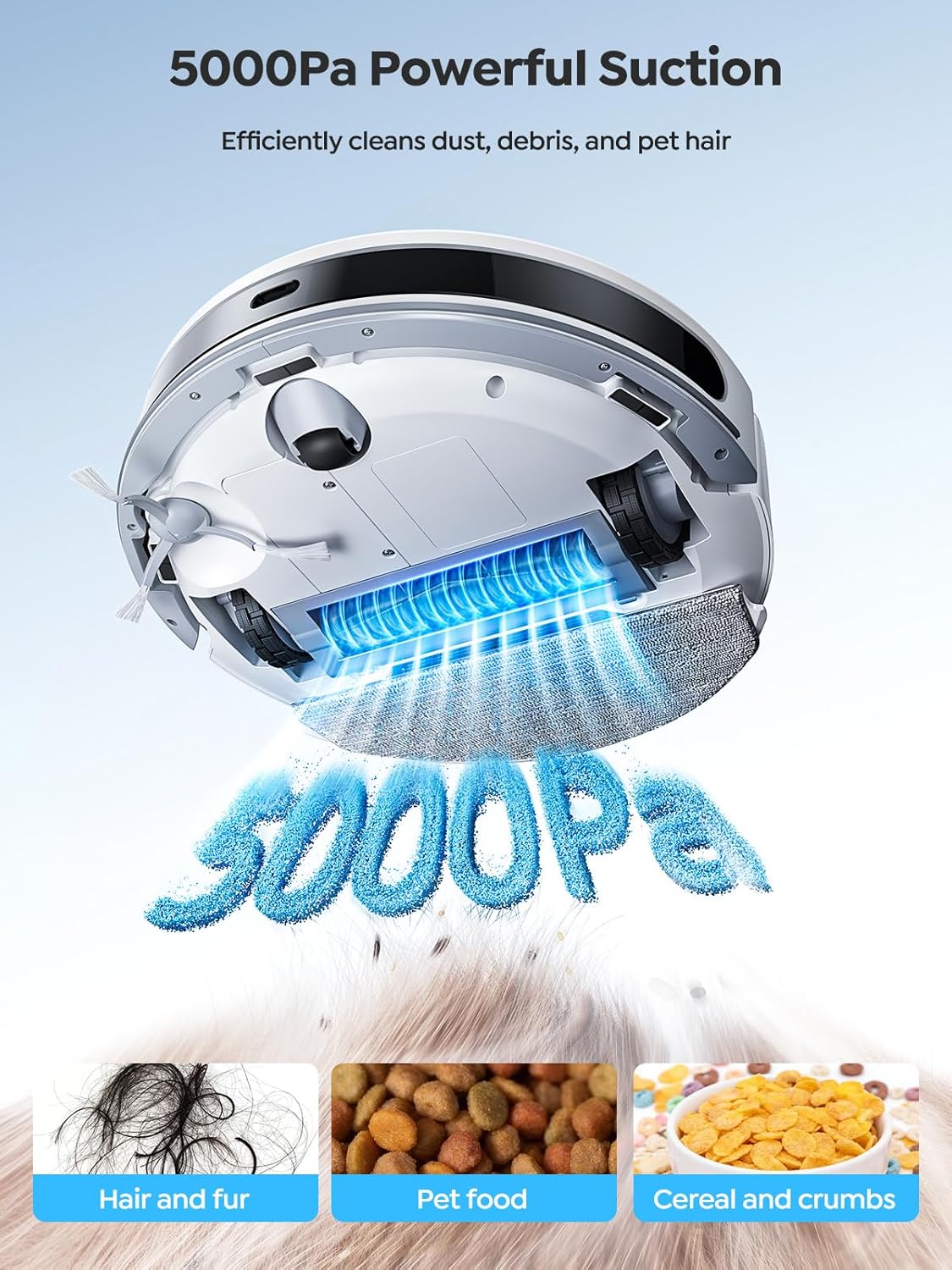
Image: All components included in the Vyzzle D10 Robot Vacuum and Mop package.
3. Setup
3.1 Charging Dock Placement
Place the charging dock against a wall in an open area, ensuring there are no obstructions for the robot to easily return and charge. Connect the adapter to the charging dock and plug it into a power outlet.

Image: The Vyzzle D10 Robot Vacuum approaching its compact charging dock.
3.2 Initial Charge
Place the robot vacuum on the charging dock. Ensure the charging contacts on the robot align with those on the dock. The robot will automatically begin charging. Allow for a full charge before first use.
3.3 App Connection
Download the "Layers Smart" app by scanning the QR code in the Quick Start Guide or searching in your app store. Follow the in-app instructions to connect your Vyzzle D10 to your home Wi-Fi network (2.4GHz only). This enables smart features like scheduling, zone cleaning, and voice control.
Video: Instructions on how to connect the Vyzzle D10 Robot Vacuum to Wi-Fi using the companion app.
4. Operating Instructions
4.1 First Use and Mapping
For the first cleaning cycle, allow the robot to freely explore and map your home. It will use its LiDAR navigation to create a detailed map, which will then be accessible in the app. This map allows for customized cleaning zones and no-go areas.

Image: The Vyzzle D10 Robot Vacuum utilizing its fixed LiDAR technology for 360-degree navigation and rapid, accurate mapping of multiple floors.
4.2 Cleaning Modes
- Sweep, Vacuum & Mop: The D10 offers a 3-in-1 cleaning solution. Ensure the 2-in-1 water tank and dustbin is properly installed and filled with water for mopping.
- Vacuum Only: For carpets or when mopping is not desired, ensure the mopping pad is removed. The robot will automatically boost suction on carpets.
- Mop Only: For hard floors, ensure the mopping pad is clean and wet, and the water tank is filled.

Image: The underside of the Vyzzle D10 Robot Vacuum demonstrating its 5000Pa powerful suction, effectively cleaning dust, debris, and pet hair.
4.3 App Control Features
- Plan Cleaning: Initiate a full cleaning cycle of your mapped area.
- Selected Zone Cleaning: Choose specific rooms or areas on the map for cleaning.
- Configured Zone Cleaning: Define custom zones for cleaning or no-go areas.
- PIN N GO: Pin a specific spot on the map for the robot to clean.
- No-Go Zones: Set virtual boundaries to restrict the robot from certain areas.
- Voice Control: Use Alexa or Google Assistant for simple voice commands (e.g., "Alexa, turn on D10").

Image: The smartphone app interface for the Vyzzle D10 Robot Vacuum, showing options for setting No-Go Zones, Invisible Walls, Zone Cleaning, and Scheduled Cleaning.
5. Maintenance
5.1 Emptying the Dustbin
It is recommended to empty the 2-in-1 dustbin after every cleaning cycle to maintain optimal suction performance. Press the release button on the 2-in-1 water tank and pull it outwards. Open the dustbin by pressing the dustbin snap. Pour out the trash and clean the dustbin and HEPA filter with the cleaning tool.
Video: A user demonstrating how to empty the dustbin and clean the filter of the Vyzzle D10 Robot Vacuum.
5.2 Cleaning the Mop Pad
The mopping pad is removable and washable. After each mopping session, detach the pad and wash it thoroughly. Allow it to air dry completely before reattaching.
5.3 Cleaning Brushes and Filters
Regularly inspect and clean the main brush and side brushes for tangled hair or debris using the provided cleaning tool. The HEPA filter should be cleaned every 1-2 weeks and replaced every 2-4 weeks, depending on usage.

Image: A close-up of the roller brush for the Vyzzle D10 Robot Vacuum, which should be regularly cleaned and replaced.
6. Troubleshooting
- Robot not charging: Ensure the charging dock is plugged in and the robot's charging contacts are clean and properly aligned with the dock.
- Robot getting stuck: Clear obstacles from the cleaning path. Use no-go zones in the app to restrict access to problematic areas. The robot is designed to navigate around furniture legs effectively.
- Poor suction: Empty the dustbin, clean the HEPA filter, and check the main brush for tangled hair or debris.
- Mopping not effective: Ensure the water tank is filled, the mopping pad is clean and wet, and the water flow setting in the app is appropriate for your floor type.
- App connectivity issues: Ensure your Wi-Fi is 2.4GHz. Restart your router and the robot. Re-pair the device in the app if necessary.
7. Specifications
| Feature | Detail |
|---|---|
| Brand | Vyzzle |
| Model Name | Robot Vacuum and Mop D10 |
| Suction Power | 5000Pa |
| Navigation | LiDAR Navigation |
| Cleaning Modes | 3-in-1 (Sweeping, Vacuuming, Mopping) |
| Battery Life | Up to 150 minutes |
| Dustbin Capacity | 2500ml (integrated with water tank) |
| Water Tank Capacity | 300ml (integrated with dustbin) |
| Product Dimensions | 12"L x 12"W x 3"H |
| Connectivity | 2.4GHz Wi-Fi, App/Alexa/Google Assistant Control |
8. Warranty and Support
For warranty information, please refer to the warranty card included in your package or contact Vyzzle customer support. If you encounter any issues or have questions about your Vyzzle D10 Robot Vacuum and Mop, please contact our support team for assistance.
Contact Support: support@vyzzle.com


