1. Introduction
Thank you for purchasing the LG F2NX50S8TLC Slim Smart Washing Machine. This manual provides essential information for the safe and efficient use of your appliance. Please read it thoroughly before operating the washing machine and keep it for future reference.
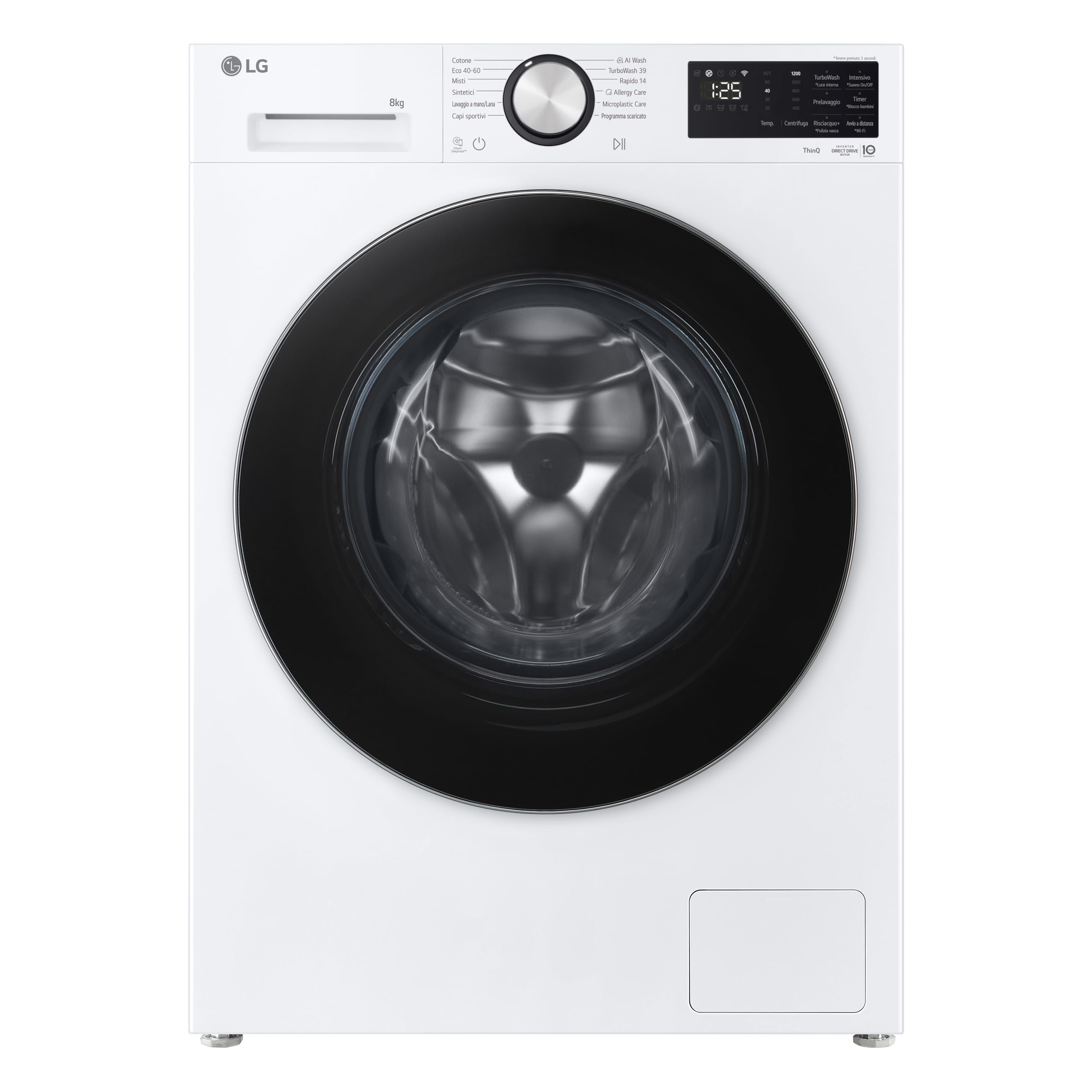
Image 1: Front view of the LG F2NX50S8TLC Slim Smart Washing Machine. This image shows the control panel, detergent drawer, and the main door.
2. Safety Information
Always follow basic safety precautions when using this appliance to reduce the risk of fire, electric shock, or injury to persons. This washing machine is designed for residential use only.
- Ensure the appliance is properly grounded.
- Do not allow children to play on or in the appliance.
- Keep flammable materials away from the washing machine.
- Do not wash items that have been cleaned in, washed in, soaked in, or spotted with combustible or explosive substances.
- Unplug the appliance before cleaning or performing any maintenance.
3. Setup and Installation
3.1 Unpacking
Carefully remove all packaging materials, including the shipping bolts from the rear of the machine. Retain the shipping bolts for future transport.
3.2 Location and Leveling
Place the washing machine on a firm, level floor. Adjust the leveling feet to ensure the machine is stable and does not wobble. The dimensions are 60P x 47.5l x 85H cm.
3.3 Water and Drain Connections
Connect the water inlet hoses to the hot and cold water taps. Ensure connections are tight to prevent leaks. Attach the included drain hose to a suitable drain pipe or sink, ensuring it is securely fastened to prevent dislodging during operation.

Image 2: Rear view of the washing machine, showing the water inlet connections and the drain hose. Ensure all hoses are securely attached.
3.4 Power Connection
Plug the power cord into a grounded electrical outlet. Do not use extension cords.
4. Operating Instructions
4.1 Control Panel Overview
The control panel consists of a program dial, a digital display, and various function buttons. Use the dial to select wash programs and the buttons to adjust options.
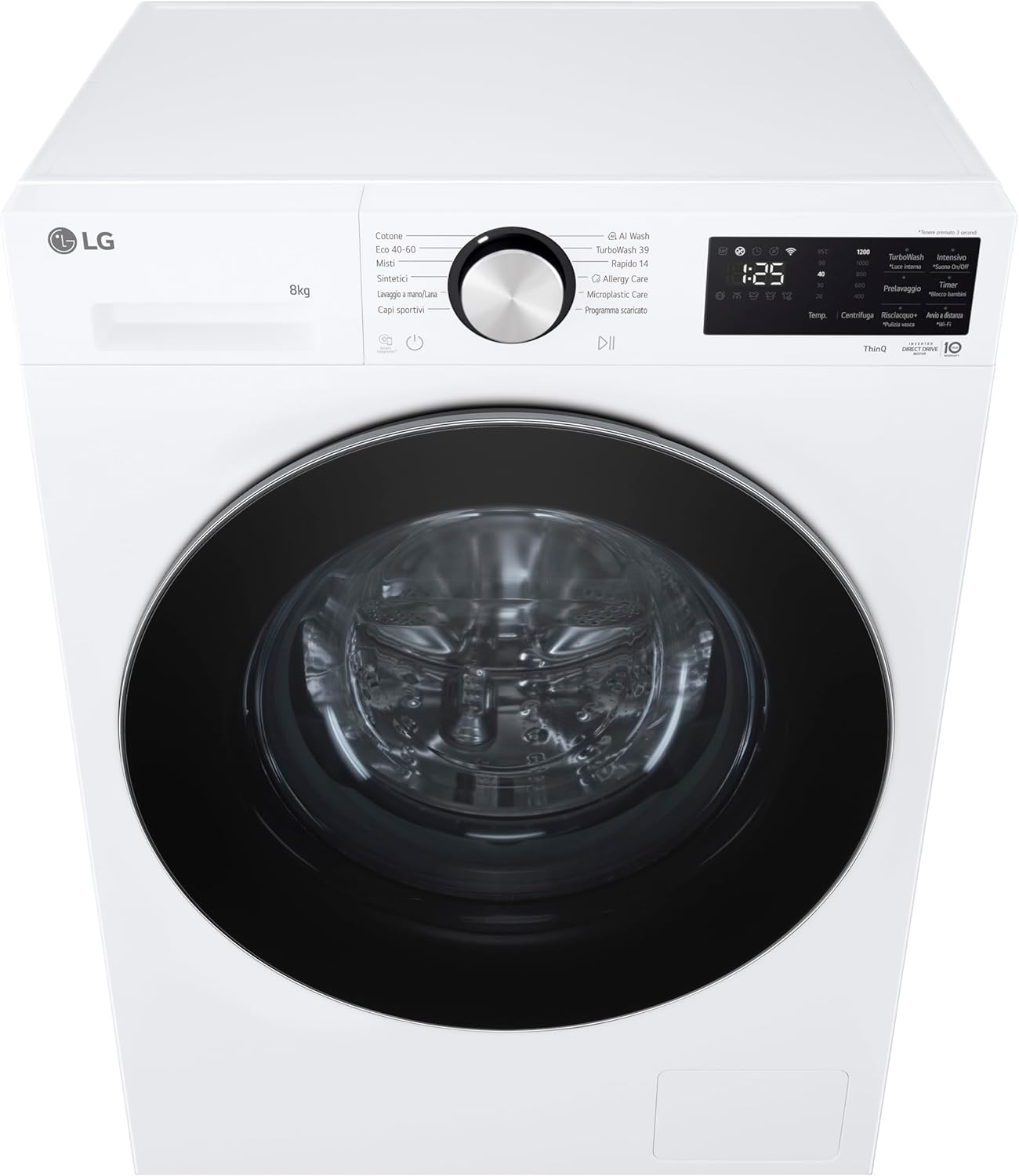
Image 3: Close-up view of the control panel, highlighting the program selection dial, digital display, and touch buttons for various functions.
4.2 Loading Laundry
Open the door and load laundry into the drum. Do not overload the machine; the maximum capacity is 8 kg. Close the door firmly.
Image 4: The washing machine door is open, revealing the stainless steel drum. This view is useful for loading laundry.
4.3 Adding Detergent and Softener
Pull out the detergent dispenser drawer. Add appropriate amounts of detergent and fabric softener to their respective compartments. The dispenser supports both detergent and softener.
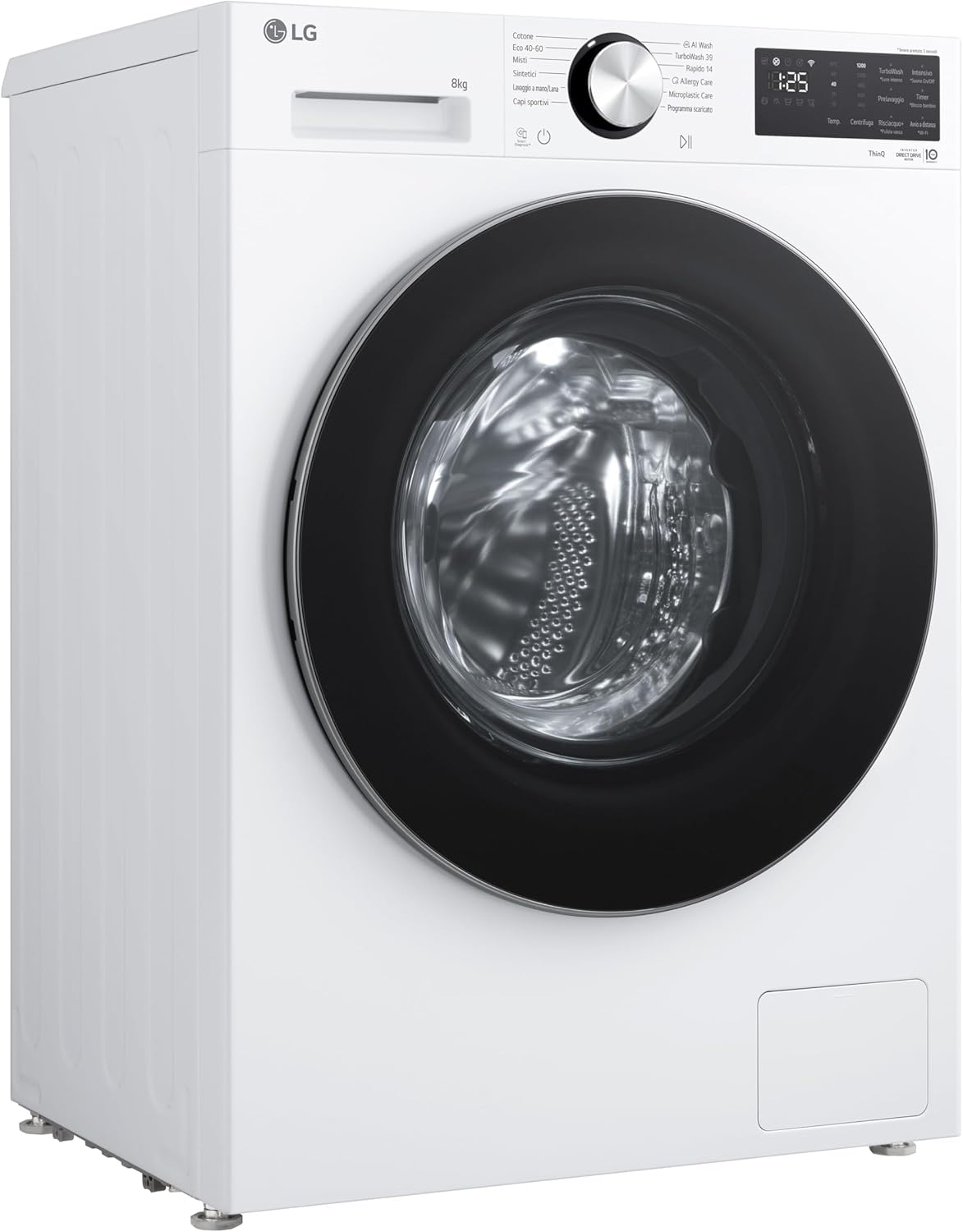
Image 5: The detergent dispenser drawer is fully extended, showing compartments for detergent and fabric softener.
4.4 Selecting a Wash Program
Turn the program dial to select the desired wash cycle. Available programs include:
- Cotone (Cotton): For cotton fabrics.
- Eco 40-60: Energy-efficient wash for cottons and mixed fabrics at 40-60°C.
- Misti (Mixed): For various fabric types.
- Sintetici (Synthetics): For synthetic fabrics.
- Lavaggio a mano/Lana (Hand Wash/Wool): Gentle cycle for delicate items.
- Capi sportivi (Sportswear): For athletic wear.
- AI Wash: Utilizes AI DD™ technology for optimized washing.
- TurboWash 39: Quick and efficient wash in 39 minutes.
- Rapido 14 (Quick 14): Very fast wash cycle.
- Allergy Care: Reduces allergens with steam.
- Microplastic Care: Specialized cycle to reduce microplastic shedding.
- Programma scaricato (Downloaded Program): Custom cycles via ThinQ app.
4.5 Smart Features (ThinQ)
This washing machine features smart connectivity. Download the LG ThinQ app to your smartphone to control the machine remotely, download new wash programs, and diagnose issues.
4.6 Starting a Wash Cycle
After selecting the program and options, press the Start/Pause button to begin the wash cycle.
5. Maintenance
5.1 Cleaning the Detergent Dispenser
Regularly clean the detergent dispenser drawer to prevent residue buildup. Remove the drawer and rinse it under running water. Use a brush to clean any stubborn residue.
5.2 Cleaning the Drum
The stainless steel drum should be cleaned periodically. Use a drum clean cycle if available, or run an empty hot wash with a washing machine cleaner.

Image 6: Interior view of the stainless steel drum, showing its textured surface designed for effective washing.
5.3 Cleaning the Drain Pump Filter
Locate the drain pump filter at the bottom front of the machine. Open the cover, place a shallow tray underneath to catch water, and carefully unscrew the filter. Clean any lint or debris and reinsert it securely.
5.4 General Care
Wipe the exterior of the machine with a soft, damp cloth. Do not use abrasive cleaners. Leave the door slightly ajar after use to allow the drum to air dry and prevent odors.
6. Troubleshooting
If you encounter issues with your washing machine, refer to the following common problems and solutions before contacting service.
| Problem | Possible Cause | Solution |
|---|---|---|
| Machine does not start | Power cord unplugged, door not closed, Start/Pause not pressed. | Check power, ensure door is latched, press Start/Pause. |
| No water filling | Water taps closed, inlet hose kinked, water pressure low. | Open water taps, straighten hose, check household water supply. |
| Excessive vibration/noise | Shipping bolts not removed, machine not level, unbalanced load. | Remove shipping bolts, adjust leveling feet, redistribute laundry. |
| Water not draining | Drain hose kinked, drain pump filter clogged. | Straighten drain hose, clean drain pump filter. |
7. Specifications
Key technical specifications for the LG F2NX50S8TLC washing machine:
| Feature | Specification |
|---|---|
| Model Name | F2NX50S8TLC |
| Brand | LG |
| Capacity | 8 Kilograms |
| Dimensions (D x W x H) | 60P x 47.5l x 85H cm |
| Item Weight | 59 Kilograms |
| Drum Material | Stainless Steel |
| Control Type | Button, Dial |
| Installation Type | Free-standing |
| Special Feature | Smart Connectivity (ThinQ) |
| Energy Efficiency Class | A-30% (as per product title) |
| Annual Energy Consumption (100 cycles) | 33 kWh |
| Water Consumption (per cycle) | 48 Liters |
| Noise Level (Spin) | 71 dB |

Image 7: The energy label for the LG F2NX50S8TLC, displaying energy efficiency class, energy consumption, water consumption, and noise levels.
For detailed energy information, please refer to the official EPREL database: https://eprel.ec.europa.eu/qr/2482196
8. Warranty and Support
This LG F2NX50S8TLC washing machine comes with a 2-year product warranty from the date of purchase. Please retain your proof of purchase for warranty claims.
For technical assistance, service, or warranty inquiries, please contact LG Customer Support. You will need to provide your model number (F2NX50S8TLC) and serial number (if applicable).
Manufacturer: LG