
1. Introduction
This manual provides essential information for the safe and efficient operation of your BAOFENG DM-32UV DMR Radio. Please read it thoroughly before using the device.
The BAOFENG DM-32UV is a versatile dual-band digital mobile radio (DMR) designed for reliable long-range communication. It supports both digital and analog modes, offering broad compatibility and advanced features for various applications.
2. What's in the Box
- 1 x BAOFENG DM-32UV Radio
- 2 x Batteries (2500mAh + 3800mAh)
- 1 x Speaker Microphone & 1 x Earpiece
- 1 x Belt Clip
- 1 x Type-C Base Charger
- Antennas (various sizes for different ranges)
- User Manual
3. Setup
3.1 Battery Installation and Charging
The DM-32UV comes with two high-capacity batteries (2500mAh and 3800mAh) for extended use. The battery securely attaches to the radio and can be charged directly via a Type-C port or using the included base charger.

Figure 3.1: Type-C and Base Charging Options
3.2 Antenna Attachment
Select the appropriate antenna for your communication needs. The radio includes multiple antennas, including a flexible long-range option. Screw the chosen antenna firmly onto the top connector of the radio.
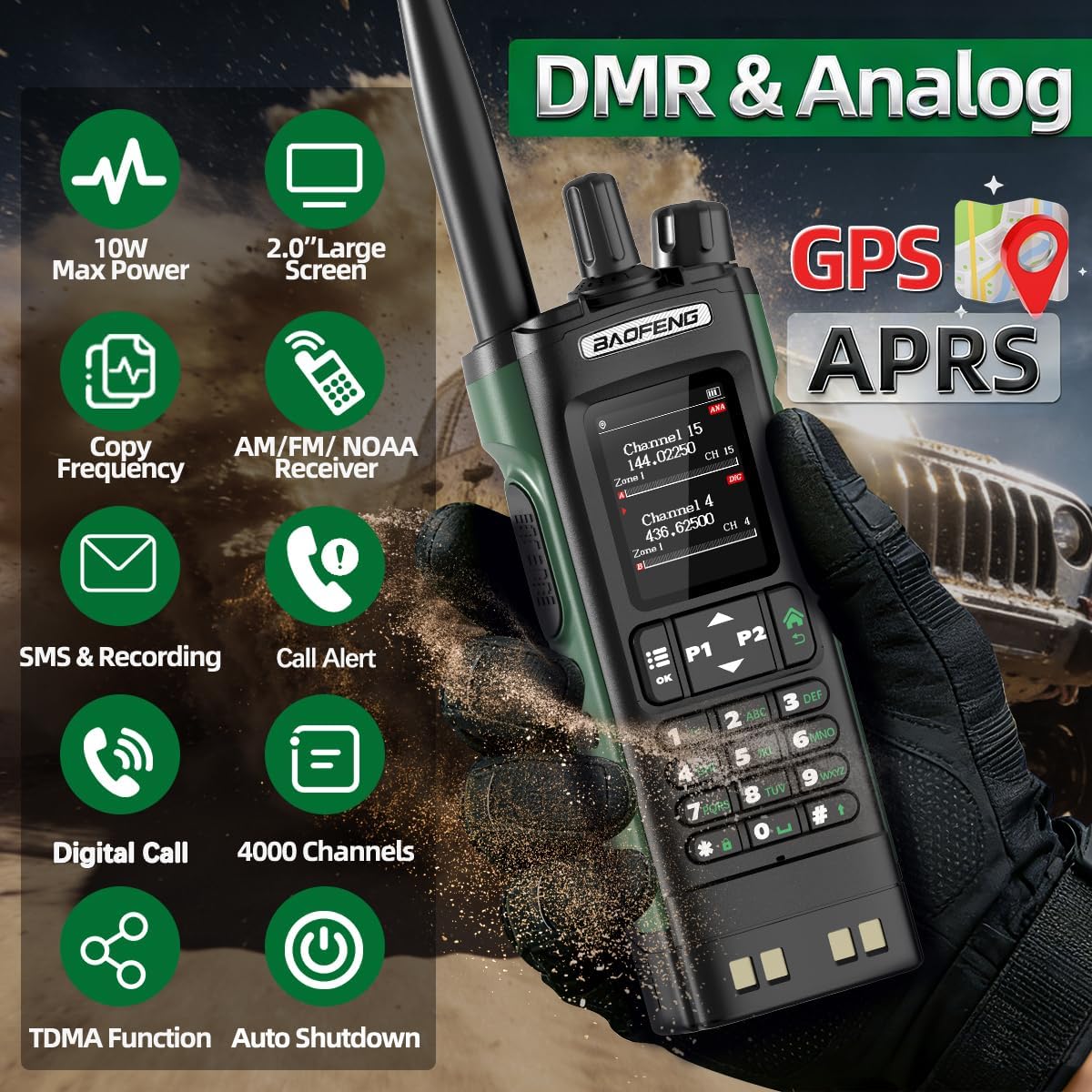
Figure 3.2: Attaching the Antenna
3.3 Programming Software Installation
To customize channels and settings, download and install the programming software from the official BAOFENG website. Connect the radio to your computer using the programming cable (not explicitly listed in 'What's in the Box' but implied by programming video) and follow the software instructions.
Video 3.1: Baofeng DM-32 Programming Guide
4. Operating Instructions
4.1 Power On/Off and Display
Turn the top knob clockwise to power on the radio. The 2.0-inch color display will activate, showing current channel information, battery status, and mode (Digital/Analog). Rotate the knob further to adjust volume. The display offers clear visibility of all operational parameters.

Figure 4.1: 2.0-inch Large Screen Display
4.2 Digital and Analog Modes
The DM-32UV supports seamless switching between DMR digital and analog modes. This dual-mode capability enhances communication flexibility and compatibility with various radio systems.

Figure 4.2: DMR & Analog Mode Overview
4.3 GPS and Digital APRS
The integrated GPS and Digital APRS features allow for real-time location sharing, crucial for team coordination and emergency situations. In emergencies, the system can automatically send precise positioning data to pre-set receivers.
Video 4.1: DM32 GPS Positioning Settings
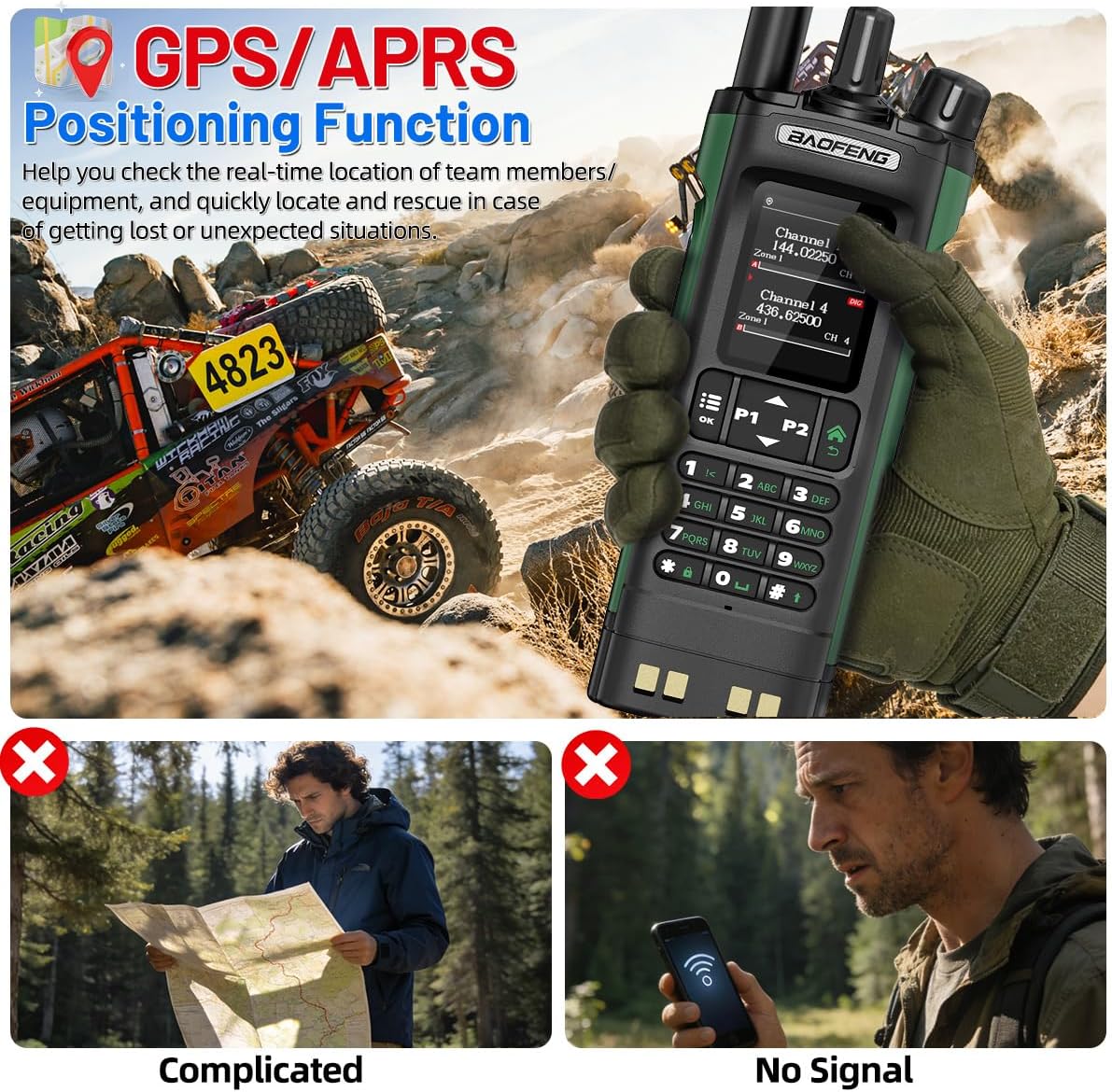
Figure 4.3: GPS/APRS Functionality
4.4 SMS and Digital Recording
The radio supports SMS text messaging with up to 128 characters and draft storage. It also features an 8-10 hour voice recording function in DMR mode, automatically saving calls with DMR ID and timestamp for safety and record-keeping.

Figure 4.4: SMS and Digital Recording Features
4.5 NOAA Weather Receiver
Stay informed about severe weather conditions with the integrated NOAA Weather Receiver. This feature can predict hurricanes, tornadoes, and storms, serving as a vital emergency radio when cell phone signals are unavailable.

Figure 4.5: NOAA Weather Receiver
4.6 TDMA Dual Time Slot
The TDMA (Time Division Multiple Access) dual time slot technology allows for two channels to operate simultaneously, optimizing frequency resources and improving communication efficiency.

Figure 4.6: TDMA Dual Time Slot
4.7 Customizable Display Colors
Personalize your radio's display by adjusting the color settings for channels and zones. This feature enhances readability and user experience.
Video 4.2: Personalized Color Settings Guide
5. Maintenance
5.1 Cleaning
Regularly clean the radio's exterior with a soft, damp cloth. Avoid using harsh chemicals or abrasive cleaners that could damage the casing or display. Ensure all ports are dry before use.
5.2 Battery Care
To prolong battery life, avoid fully discharging the batteries frequently. Store the radio and batteries in a cool, dry place when not in use. If storing for extended periods, charge the batteries to approximately 50% capacity.
5.3 Storage
Store the radio in a secure location away from extreme temperatures, direct sunlight, and moisture. Use the provided protective shield or a suitable case to prevent physical damage.
6. Troubleshooting
- No Power: Ensure the battery is correctly installed and fully charged. Check the power knob for proper engagement.
- No Signal/Poor Reception: Verify the antenna is securely attached. Check the frequency and channel settings. Ensure you are within range of other radios or repeaters.
- Distorted Audio: Adjust the volume level. Check the speaker microphone and earpiece connections. Ensure there is no interference from other electronic devices.
- Programming Issues: Confirm the correct programming software version is installed and the communication port is properly selected. Refer to the programming guide video for detailed steps.
7. Specifications
| Feature | Specification |
|---|---|
| Model Number | DM-32UV |
| Item Weight | 2.61 pounds |
| Package Dimensions | 10.63 x 9.09 x 3.03 inches |
| Batteries | 2 Nonstandard Battery batteries required (included) |
| Number of Channels | 4000 |
| Frequency Range | VHF UHF |
| Water Resistance Level | Not Water Resistant |
| Battery Life | 8 Hours |
| Special Features | 2500mAh+3800mAh Battery, Digital Display, GPS, Long Range, NOAA |
8. Warranty and Support
This product does not explicitly state a warranty period in the provided specifications. For detailed warranty information and technical support, please refer to the official BAOFENG website or contact their customer service directly.


