1. Introduction
Thank you for choosing the ANCHEER Elliptical Machine, model AMA006039. This manual provides essential information for the safe assembly, operation, and maintenance of your elliptical trainer. Please read it thoroughly before initial use and retain it for future reference.
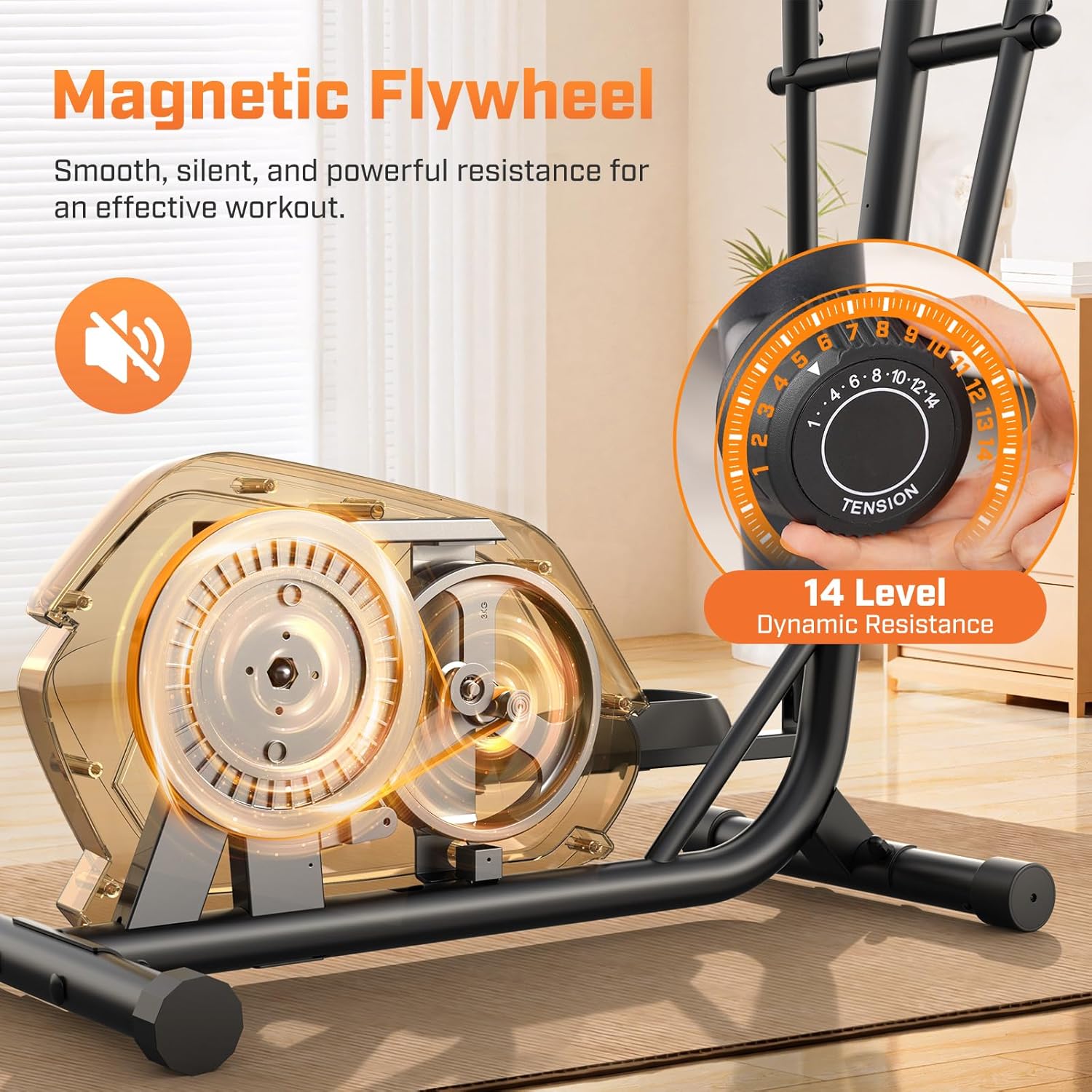
The ANCHEER Elliptical Machine is designed for home use, offering a low-impact cardiovascular workout. It features an ultra-quiet magnetic resistance system, a digital monitor to track your progress, and 14 adjustable resistance levels to suit various fitness needs.
2. Important Safety Information
Before using this equipment, please consult your physician. It is essential to understand all safety warnings and instructions. Improper use can result in serious injury.
- Always place the elliptical machine on a flat, stable surface.
- Ensure adequate clear space around the machine (at least 2 feet on all sides).
- Keep children and pets away from the machine during operation.
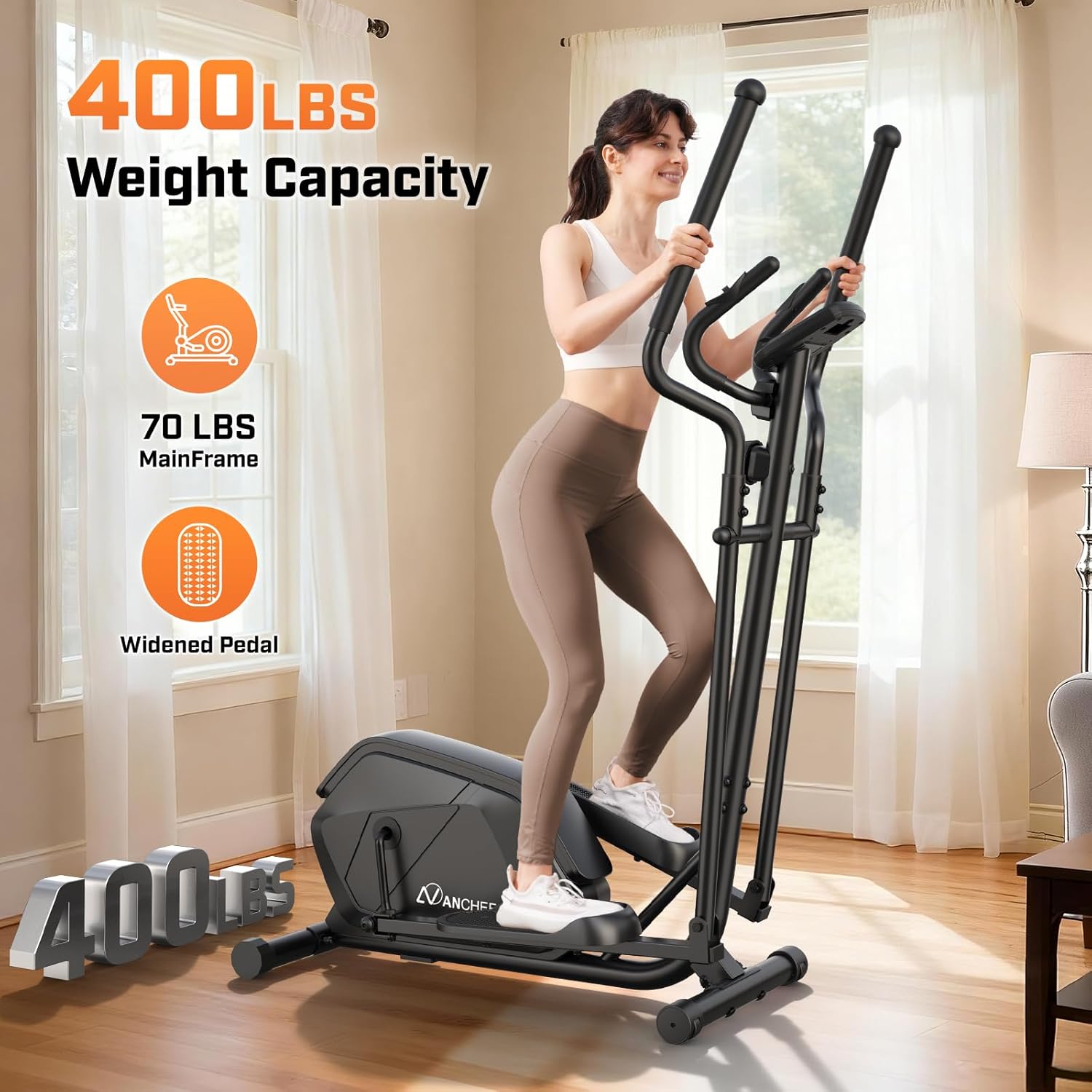
- The maximum user weight capacity is 400 pounds. Do not exceed this limit.
- Wear appropriate athletic footwear and clothing during exercise.
- Inspect the machine for loose or damaged parts before each use. Do not use if any components are compromised.
- Adjust resistance levels gradually to avoid sudden strain.
- Stop exercising immediately if you feel faint, dizzy, or experience pain.
3. Package Contents
Verify that all components are present and undamaged before beginning assembly. If any parts are missing or damaged, contact ANCHEER customer support.
- Main Frame with Flywheel and Resistance System
- Front Stabilizer with Wheels
- Rear Stabilizer with Wheels
- Front Post
- Left Handrail Arm
- Right Handrail Arm
- Left Pedal
- Right Pedal
- Handlebar with Heart Rate Monitor
- Electronic Watch (Digital Monitor)
- Assembly Tool Kit (Allen wrenches, spanner)
- User Manual

4. Assembly Instructions
The ANCHEER Elliptical Machine is designed for straightforward assembly. All necessary tools are included. Follow these steps carefully.
4.1. Assembly Video Guide
For a visual guide, please refer to the official assembly video:
4.2. Step-by-Step Written Instructions
- Step 1: Attach Front and Rear Stabilizers
Secure the Front Stabilizer (No. 2) and Rear Stabilizer (No. 3) to the main frame using the provided bolts, washers, and nuts. Use the spanner to tighten securely.
- Step 2: Install Front Post
Before attaching the Front Post (No. 4), set the tension knob (No. 54) to Level 14. Connect the tension control system wires. Carefully slide the Front Post into the main frame and secure it with the specified bolts and Allen wrench.
- Step 3: Attach Left and Right Handrail Arms
Attach the Left Handrail Arm (No. 5) and Right Handrail Arm (No. 6) to the main frame. Ensure the "L" and "R" markings align correctly. Secure with the provided bolts and spanner.
- Step 4: Install Left and Right Pedals
Attach the Left Pedal (No. 33) and Right Pedal (No. 34) to their respective handrail arms. Note that the Left Pedal Bolt (No. 36) is marked "L" for Left. Tighten and secure with the Allen wrench and spanner.
- Step 5: Attach Handrails
Slide the Left Handrail (No. 11) and Right Handrail (No. 10) onto their respective arms. Secure them using the provided bolts and Allen wrench.
- Step 6: Attach Heart Rate Monitor Handles
Remove the two bolts (No. 63) from the front post using an Allen wrench (S6). Attach the Handlebar (No. 9) to the front post, ensuring the heart rate monitor wires are accessible. Secure with the bolts and attach the clamp cover (No. 64).
- Step 7: Assembly of the Electronic Watch (Digital Monitor)
Remove the four screws (No. 58) from the back of the Electronic Watch (No. 57) using the spanner. Connect the tension control system wires and the handle pulse wire (No. 61) into the pulse input jack on the back of the Electronic Watch. Mount the watch onto the bracket and secure it with the screws.
5. Operating Instructions
5.1. Digital Monitor Functions
The integrated digital monitor tracks your workout data:
- TIME: Displays the duration of your workout.
- SPEED: Shows your current speed.
- DISTANCE: Records the distance covered during your session.
- CALORIES: Estimates the calories burned.
- PULSE: Measures your heart rate when holding the sensors on the handlebars.

5.2. Adjusting Resistance Levels
The elliptical machine features 14 adjustable magnetic resistance levels. Rotate the tension knob located on the front post to increase or decrease the workout intensity. Turn clockwise for higher resistance and counter-clockwise for lower resistance.
5.3. Heart Rate Monitoring
To measure your heart rate, firmly grip the metal sensors on the stationary handlebars. Your pulse will be displayed on the digital monitor. Ensure your hands are clean and dry for accurate readings.
6. Maintenance and Care
Regular maintenance ensures the longevity and safe operation of your ANCHEER Elliptical Machine.
- Cleaning: Wipe down the machine with a damp cloth after each use to remove sweat and dust. Avoid abrasive cleaners.
- Inspection: Periodically check all bolts, nuts, and moving parts for tightness. Tighten any loose fasteners.
- Lubrication: The magnetic resistance system is generally maintenance-free. However, if you notice any squeaking from moving joints, apply a small amount of silicone-based lubricant.
- Storage: Store the elliptical in a dry, cool place away from direct sunlight and extreme temperatures. The integrated transport wheels allow for easy relocation without scratching floors.

7. Troubleshooting
If you encounter issues with your elliptical machine, refer to the following common problems and solutions:
| Problem | Possible Cause | Solution |
|---|---|---|
| Machine makes noise during operation. | Loose bolts or connections; lack of lubrication on moving parts. | Check and tighten all bolts and nuts. Apply silicone lubricant to any squeaking joints. |
| Resistance is too easy or too hard. | Tension knob not adjusted correctly. | Rotate the tension knob to adjust to your desired resistance level. |
| Digital monitor not displaying data. | Batteries are low or incorrectly installed; loose sensor connections. | Replace batteries in the monitor. Check all wire connections, especially the pulse sensor wires. |
| Unstable during use. | Machine not on a level surface; loose stabilizers. | Ensure the machine is on a flat surface. Adjust the leveling caps on the stabilizers if necessary. Tighten stabilizer bolts. |
8. Product Specifications
- Model Name: AMA006039
- Brand: ANCHEER
- Color: Black
- Product Dimensions (L x W x H): 43" x 25" x 61"
- Material: Aluminum (frame)
- Resistance Mechanism: Magnetic
- Maximum Weight Recommendation: 400 Pounds
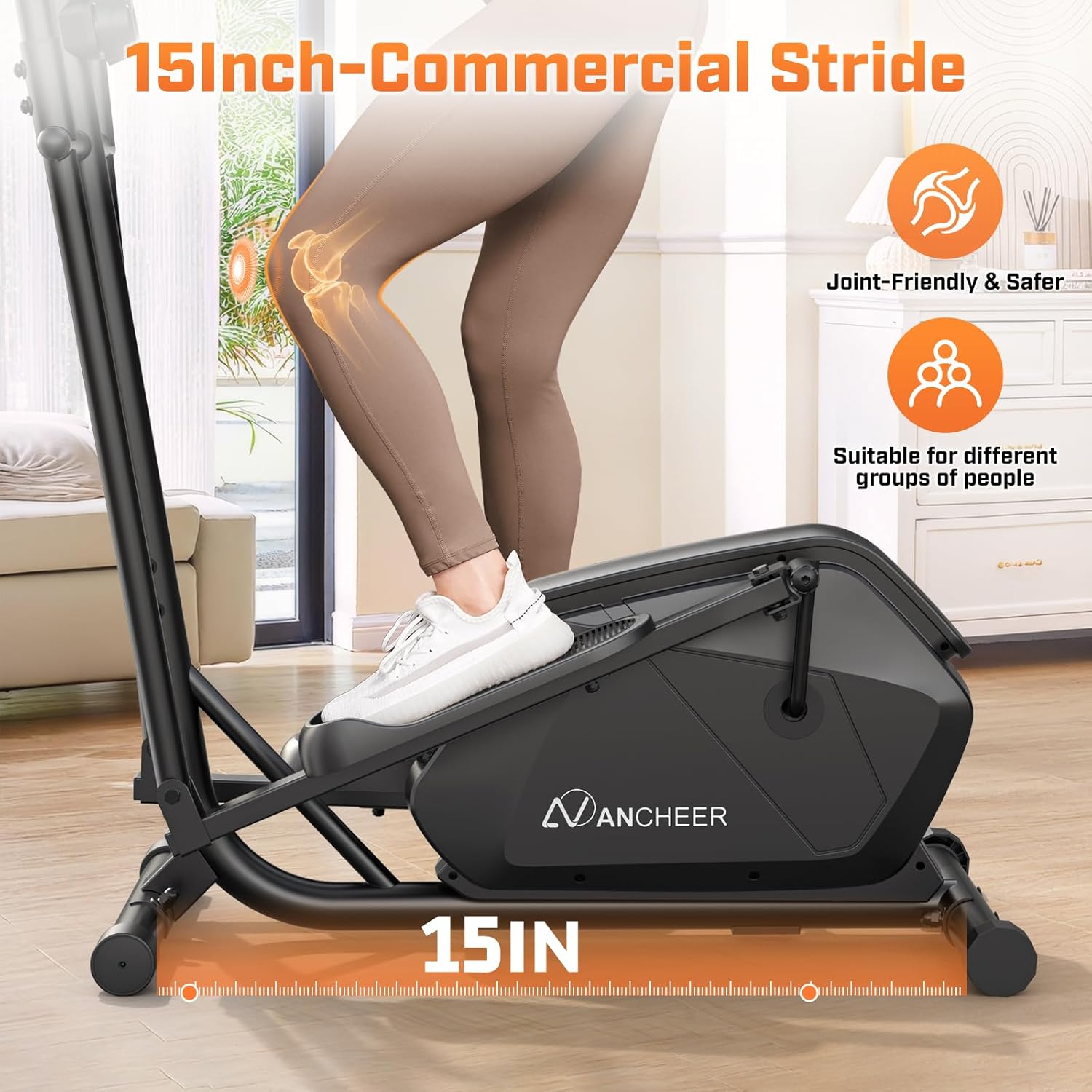
- Maximum Stride Length: 15 Inches
- Screen Size: 5 Inches (Digital Monitor)
- Item Weight: 68 Pounds
- Number of Resistance Levels: 14
- Manufacturer: ANCHEER

9. Warranty and Customer Support
The ANCHEER Elliptical Machine comes with a lifetime warranty. For any product-related issues, questions, or assistance, please contact ANCHEER customer support.
- Warranty: Lifetime
- Customer Support: Available 24/7 online.
Please refer to your purchase documentation for specific contact details or visit the official ANCHEER website for the most up-to-date support information.


