
1. Introduction
Product Overview
The Touyinger Q12W Pro is a smart projector designed for home cinema and versatile media consumption. It features Full HD 1080p native resolution, 2800 ANSI lumens brightness, and runs on Android 12. Key functionalities include automatic focus and keystone correction, Wi-Fi and Bluetooth connectivity, and integrated 10W speakers.
Package Contents and Dimensions
Please verify that all items are present in the package:
- Touyinger Q12W Pro Projector
- HDMI Cable
- Power Cable
- Remote Control
- User Manual
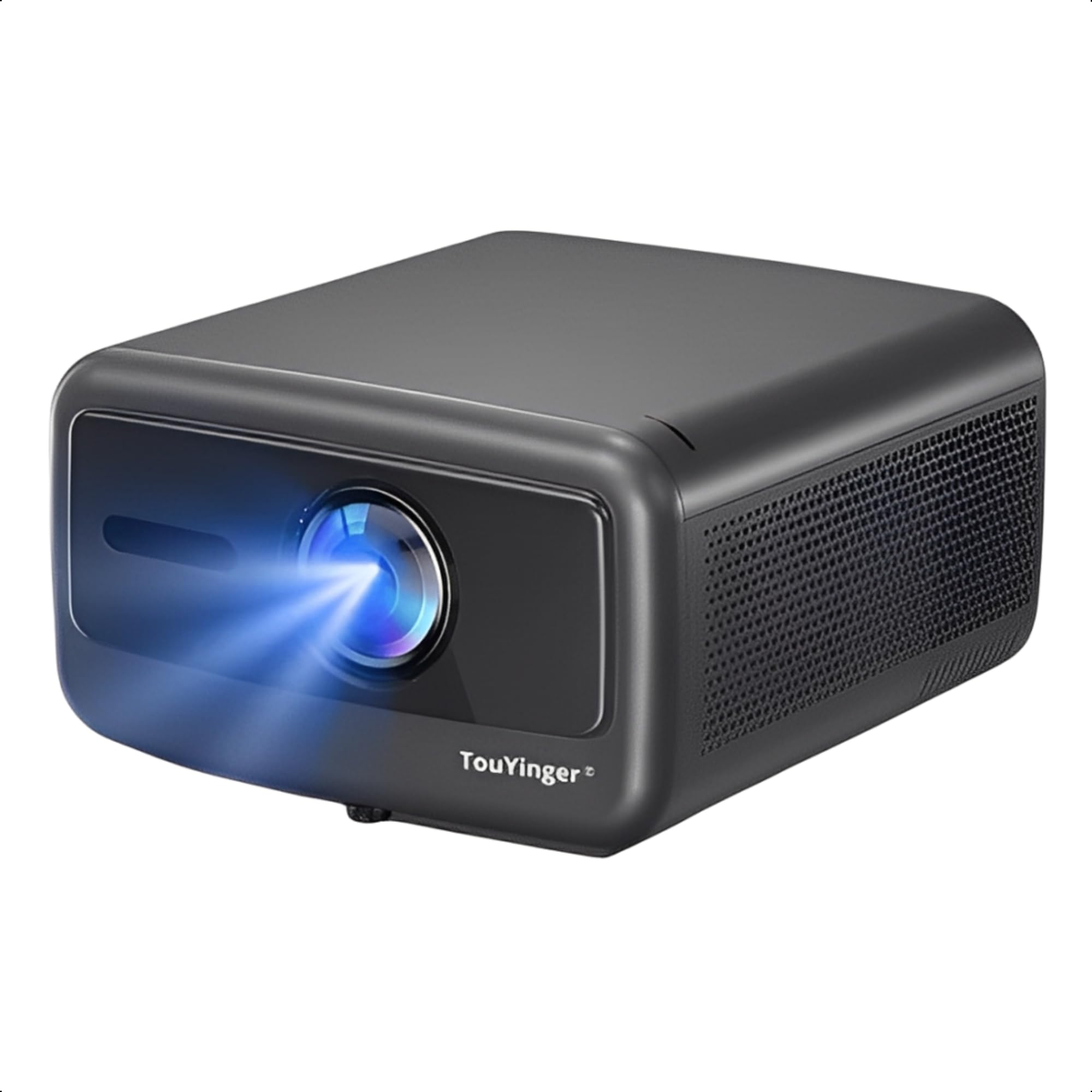
Image: The Touyinger Q12W Pro projector with its dimensions (13 cm height, 26 cm width, 28 cm length, 3.7 kg weight) and a display of its package contents including the projector, power cable, HDMI cable, remote control, and user manual.
2. Setup
2.1 Initial Placement
Place the projector on a stable, flat surface or mount it securely. Ensure adequate ventilation around the device. The projector supports projection distances between 1.6m and 8.5m, allowing for screen sizes from 40 to 300 inches.
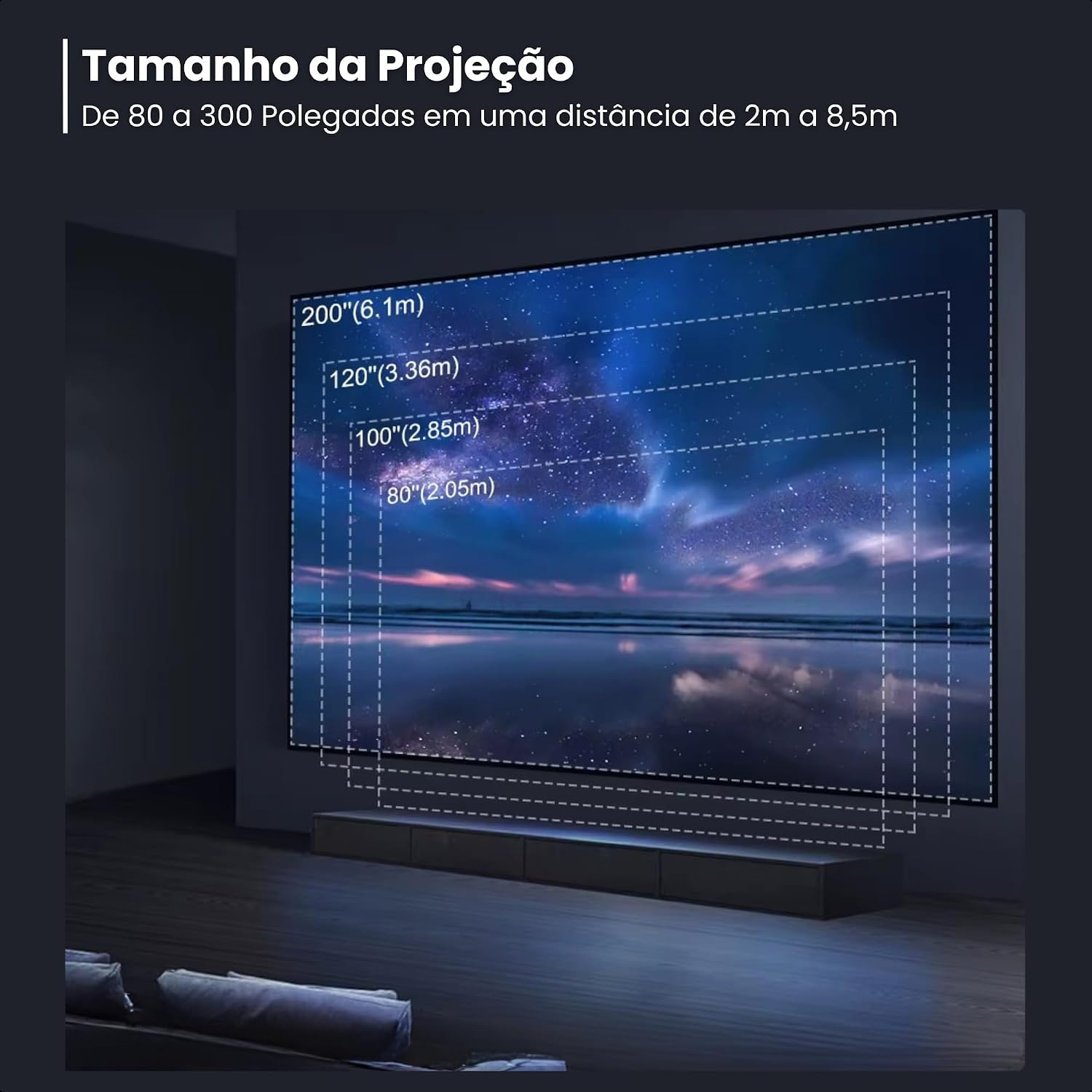
Image: A visual representation of the projector's projection capabilities, showing screen sizes from 80 inches (2.05m distance) up to 200 inches (6.1m distance).
2.2 Power Connection
Connect the power cable to the projector's power input and then to a suitable electrical outlet.
2.3 First Power On
Press the power button on the projector or the remote control. The projector will initiate its startup sequence. Automatic focus and keystone correction will adjust the image for optimal clarity and shape.
3. Operating Instructions
3.1 Navigating the Android 12 System
The projector runs on Android 12, allowing direct access to apps, games, and browsing without external devices. Use the remote control to navigate the interface.
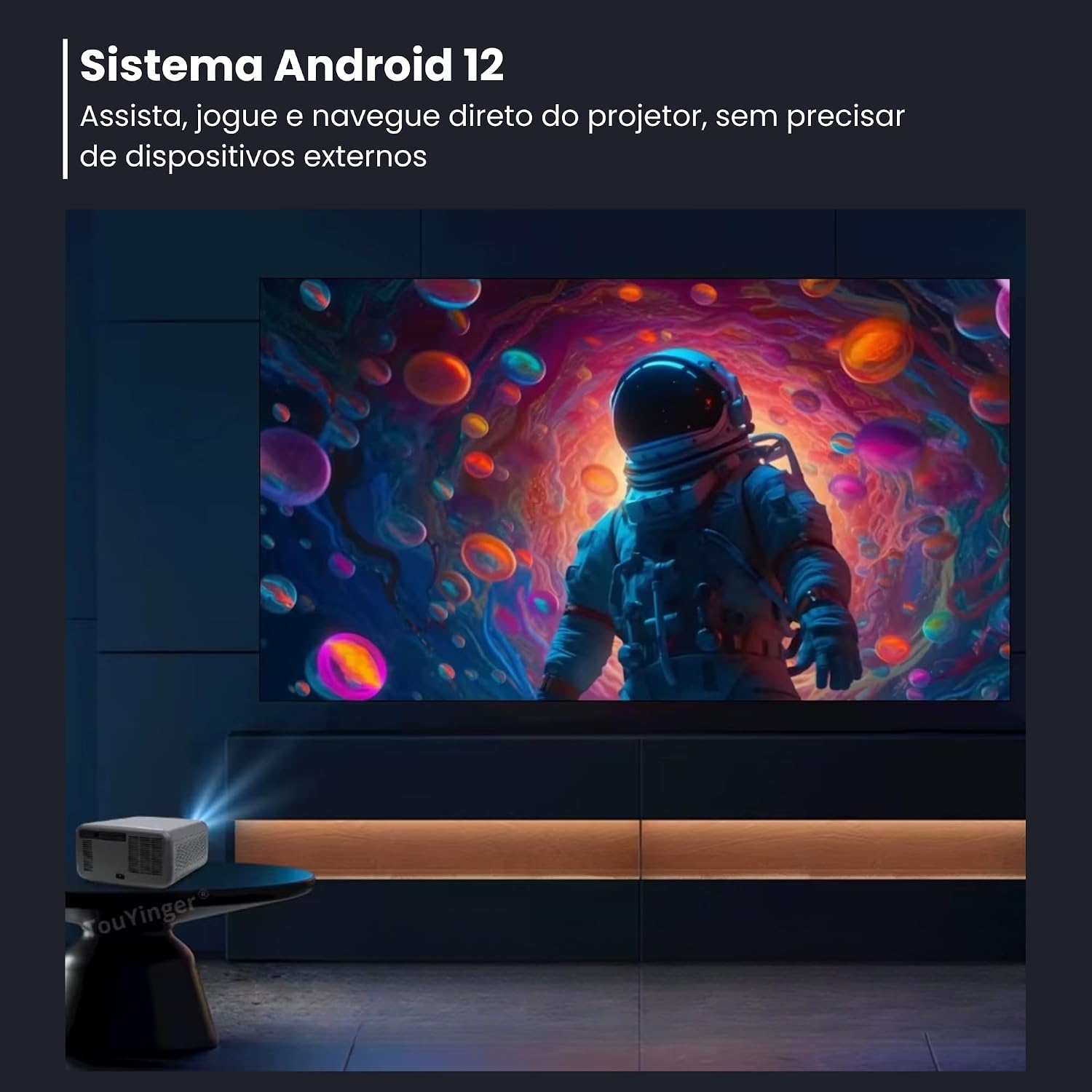
Image: The projector displaying an image of an astronaut, illustrating the Android 12 system's capability to run content directly without external devices.
3.2 Connectivity Options
The projector offers various connectivity options:
- HDMI: Connect external devices like laptops, gaming consoles, or Blu-ray players using an HDMI cable. The projector has 1 HDMI input.
- USB: Two USB ports are available for connecting USB drives to play media files.
- LAN: Use the LAN port for a wired internet connection.
- P2 Audio Output: Connect external speakers or headphones via the P2 audio output.
- Wi-Fi (2.4G/5G): Connect to your wireless network for internet access and streaming.
- Bluetooth 5.0: Pair with Bluetooth headphones, speakers, or other compatible devices for audio output.

Image: A diagram illustrating the Bluetooth 5.0 connectivity, showing the projector wirelessly connected to headphones and a soundbox, and a smartphone connected to the projector via Bluetooth input.
3.3 Wireless Mirroring
The projector supports wireless mirroring for Android and iOS devices. This allows you to share videos, photos, and games directly from your smartphone or tablet to the projector screen. Access the mirroring function from the Android interface.

Image: The projector displaying a mirrored screen from a laptop, tablet, and smartphone, highlighting its wireless mirroring compatibility with Android and iOS devices.
3.4 Audio System
The projector is equipped with three 10W speakers, providing high-quality Hi-Fi audio. For an enhanced audio experience, you can connect external sound systems via Bluetooth or the P2 audio output.

Image: An illustration detailing the projector's audio system, featuring three 10W speakers, DSP (Digital Audio Processor), and a Bass Diaphragm for high-quality sound.
3.5 Image Adjustment
The projector features automatic focus and keystone correction. Digital zoom is also available for fine-tuning the image size without moving the projector. It supports Full HD 1080p resolution with 4K video support.

Image: The projector displaying a high-definition image of a flower, demonstrating its Full HD 1080p resolution and support for 4K content.
4. Maintenance
4.1 Lens Care
The projector features sealed optics technology to protect the lens from dust. However, if cleaning is necessary, use a soft, lint-free cloth specifically designed for optical lenses. Avoid abrasive materials or harsh chemicals. The automatic retractable lens also helps protect the lens when not in use.

Image: A comparison showing the benefit of sealed optics, with a clear image on the left (with sealed optics) versus a dusty, degraded image on the right (without sealed optics).
4.2 Ventilation
Ensure that the projector's ventilation openings are not blocked to prevent overheating. The projector has an automatic shutdown feature after 20 seconds if the system needs to cool down.
4.3 Storage
When not in use for extended periods, store the projector in a cool, dry place, protected from dust and direct sunlight.
5. Troubleshooting
- No Power: Ensure the power cable is securely connected to both the projector and the power outlet. Try a different outlet.
- No Image: Check HDMI or other input connections. Ensure the correct input source is selected in the projector's menu.
- Blurry Image: The projector has automatic focus. If the image remains blurry, try restarting the projector. Ensure the projection surface is flat and the projector is stable.
- Image Distorted (Trapezoid Shape): The projector has automatic keystone correction. If manual adjustment is needed, check the settings in the Android system.
- No Sound: Check the volume settings on the projector and any connected external audio devices. Ensure Bluetooth devices are properly paired or wired connections are secure.
- Wi-Fi/Bluetooth Connection Issues: Ensure the projector is within range of your Wi-Fi router or Bluetooth device. Restart the projector and try reconnecting.
6. Specifications
| Feature | Detail |
|---|---|
| Model Name | Q12W Pro |
| Brand | Touyinger (Generic) |
| Native Resolution | Full HD 1920 x 1080p |
| Brightness | 2800 ANSI Lumens (36,000 Lumens light source) |
| Contrast Ratio | 20000:1 |
| Projection Size | 40" to 300" |
| Projection Distance | 1.6 m to 8.5 m |
| Operating System | Android 12 |
| RAM / ROM | 3GB RAM / 128GB ROM |
| Wi-Fi | 2.4G / 5G |
| Bluetooth | Bluetooth 5.0 |
| Audio | 3 x 10W Speakers |
| Input Interfaces | 2x USB, 1x HDMI, 1x LAN |
| Output Interfaces | 1x P2 Audio Output |
| Special Features | Automatic Keystone Correction, Automatic Focus, Digital Zoom, Sealed Optics, HDR10+ Support, 4K Video Support |
| Power Consumption | 195W |
| Dimensions (L x W x H) | 28 cm x 26 cm x 13 cm |
| Weight | 3.7 kg |
| Compatible Devices | Laptop, Notebook, Smartphone, Tablet |
| Refresh Rate | 60 Hz |
| Mounting Type | Tabletop Mount |
7. Warranty and Support
7.1 Warranty Information
This product comes with a 3-month seller's warranty. Please retain your proof of purchase for warranty claims. The warranty covers manufacturing defects under normal use. It does not cover damage caused by misuse, accidents, unauthorized modifications, or improper maintenance.
7.2 Customer Support
For technical assistance, troubleshooting, or warranty inquiries, please contact your retailer or the seller directly.


