
1. Introduction
The Soudorv T70 Smart Watch is designed to enhance your daily life with advanced features for communication, health monitoring, and fitness tracking. This manual provides detailed instructions to help you get the most out of your device.
2. What's in the Box
- Watch * 1
- Strap * 1
- Instruction Manual * 1
- Magnetic charger * 1

Image: Soudorv T70 Smart Watch, strap, instruction manual, and magnetic charger.
3. Product Overview
The Soudorv T70 Smart Watch features a 1.91-inch HD display, Bluetooth 5.3 for calls and notifications, over 110 sports modes, IP68 waterproofing, and comprehensive health tracking.

Image: Soudorv T70 Smart Watch showing the main display with time, weather, and activity metrics.
4. Setup Guide
4.1 Charging the Device
Before first use, fully charge your Soudorv T70 Smart Watch. Use the provided magnetic charger. A full charge takes approximately 2 hours and provides 5-7 days of normal use or up to 30 days of standby time.
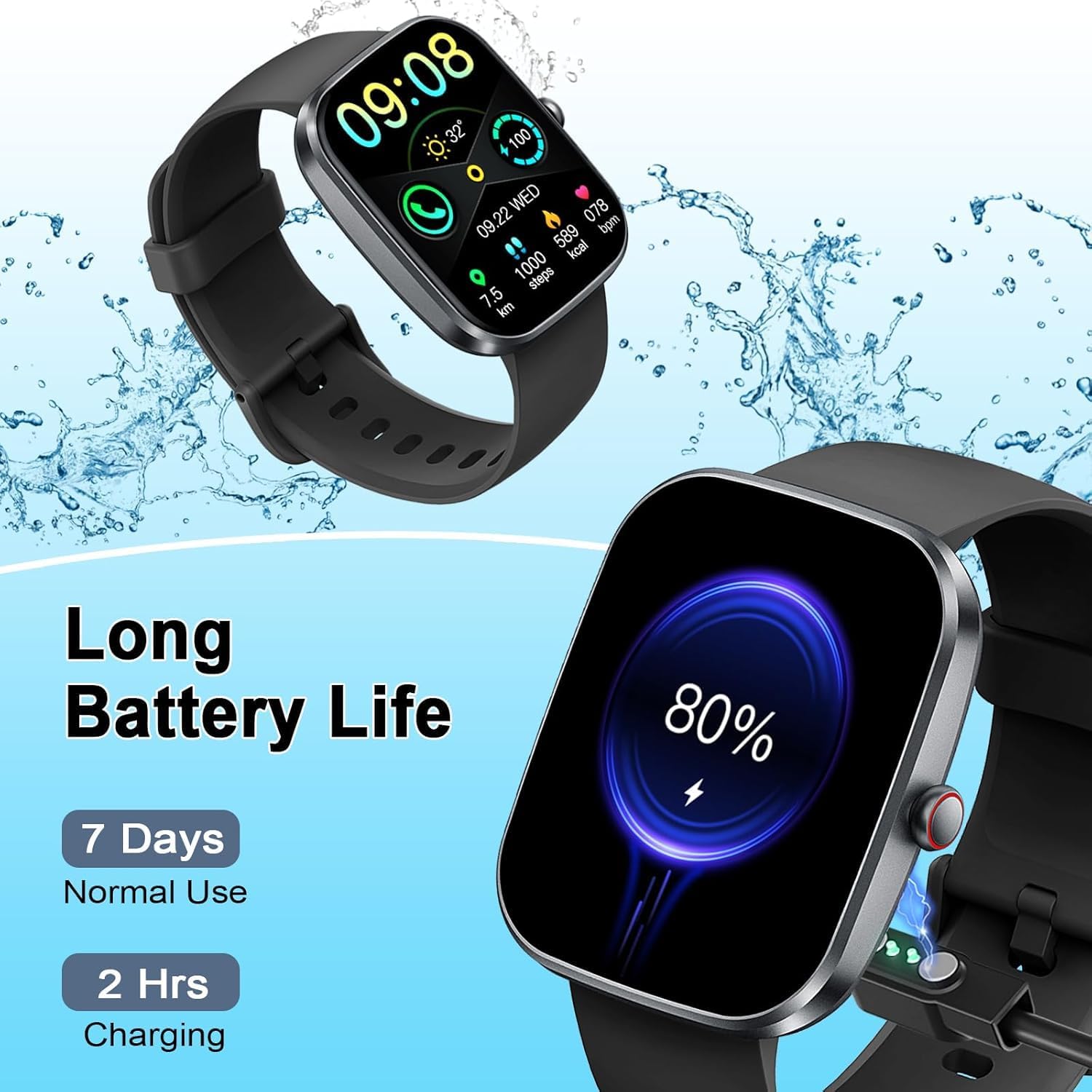
Image: The Soudorv T70 Smart Watch connected to its magnetic charger, indicating battery status.
4.2 App Download and Connection
To utilize all features, download the "GloryFit" app from the App Store (iOS) or Google Play Store (Android). Alternatively, scan the QR code provided in the watch packaging or on the watch screen to download the app.
- Ensure Bluetooth is enabled on your smartphone.
- Open the "GloryFit" app and follow the on-screen instructions to add your device.
- Select "T70" from the list of available devices to pair.

Image: Visual guide for downloading the GloryFit app, connecting via Bluetooth, and enabling the call function.
4.3 Enable Call Function
After successful device binding in the GloryFit app, navigate to the app settings to enable the Bluetooth call function. This allows you to make and receive calls directly from your wrist.
Video: Demonstration of the smart watch's call answering and making capabilities, along with smart notifications.
5. Operating Instructions
5.1 Basic Navigation
The Soudorv T70 Smart Watch features a full touch screen for intuitive navigation. Swipe left, right, up, or down to access different menus and functions. The side button typically serves as a power/back button or to return to the main watch face.
5.2 Customizing Watch Faces
The GloryFit app offers over 100 unique online watch faces. You can also customize your watch face using any photo from your smartphone, such as family pictures or personal images.

Image: A selection of customized watch faces available for the Soudorv T70 Smart Watch.
5.3 Bluetooth Call and Message Notifications
With Bluetooth 5.3, the watch provides stable connections for calls and message alerts. You can answer or make calls directly from your wrist and receive notifications from various apps like Facebook, WhatsApp, Twitter, TikTok, Instagram, and Gmail.

Image: The smart watch displaying an incoming call and smart notifications from social media and messaging apps.
6. Health Monitoring
The Soudorv T70 Smart Watch offers continuous health monitoring features to help you stay informed about your well-being.
6.1 Heart Rate Monitoring
The watch tracks your heart rate 24 hours a day. View real-time data and historical trends in the GloryFit app to understand your heart health.
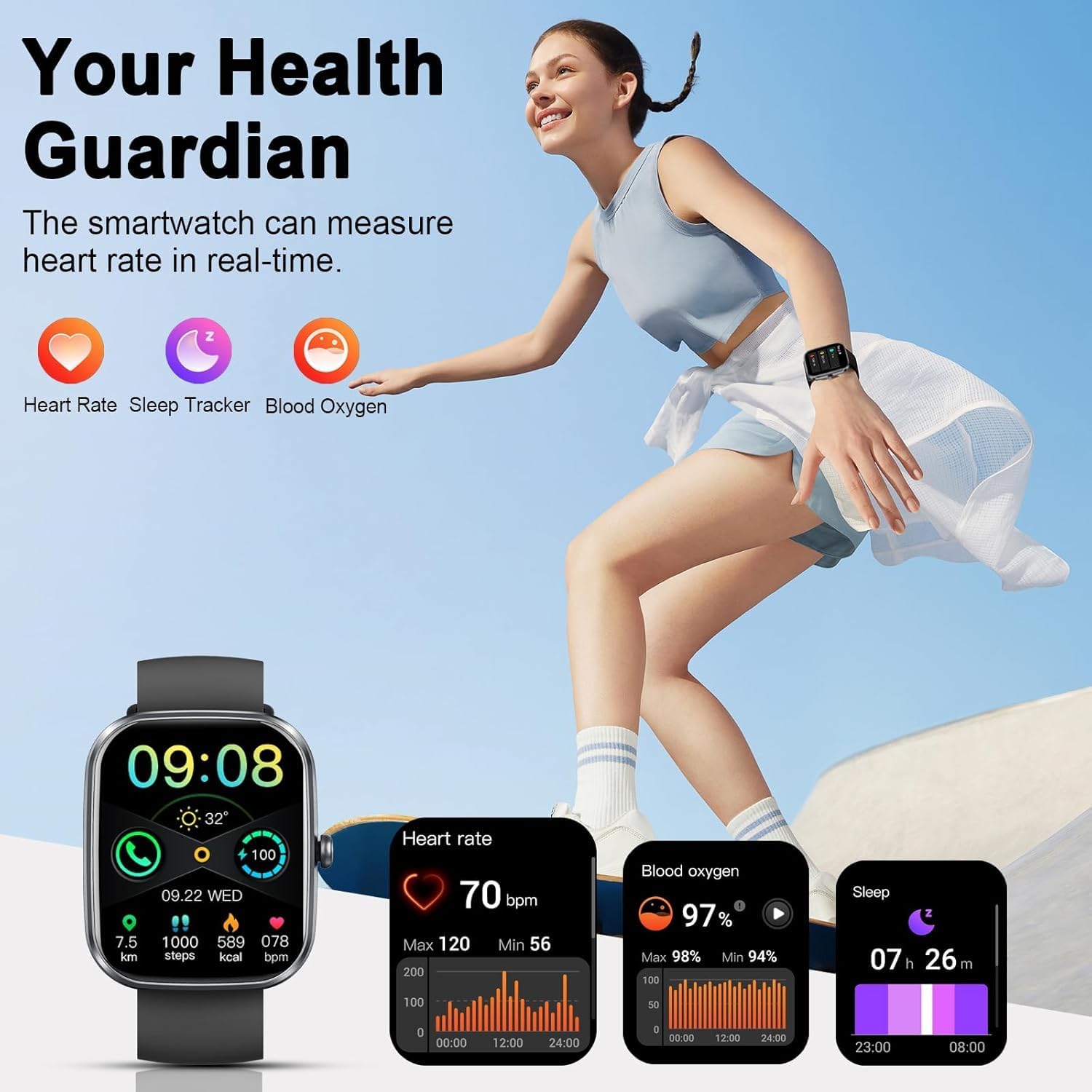
Image: The smart watch displaying heart rate, steps, calories burned, and blood oxygen levels during activity.
6.2 Blood Oxygen Monitoring
Monitor your blood oxygen saturation (SpO2) levels directly from your wrist. This feature provides insights into your respiratory health.
6.3 Sleep Tracking
The watch automatically tracks your sleep patterns, including deep sleep, light sleep, and awake times. Analyze your sleep quality in the GloryFit app to improve your rest.

Image: The smart watch displaying detailed sleep tracking data, including deep and light sleep durations.
6.4 Menstrual Cycle Tracking
For female users, the watch can track menstrual cycles and predict ovulation dates, providing valuable insights into reproductive health.

Image: The smart watch interface showing menstrual cycle and ovulation tracking features.
7. Fitness Tracking
7.1 110+ Sport Modes
The Soudorv T70 Smart Watch supports over 110 sports modes, including running, cycling, fitness, and more. During workouts, it records data such as heart rate, steps, calories burned, distance, and active hours in real-time.
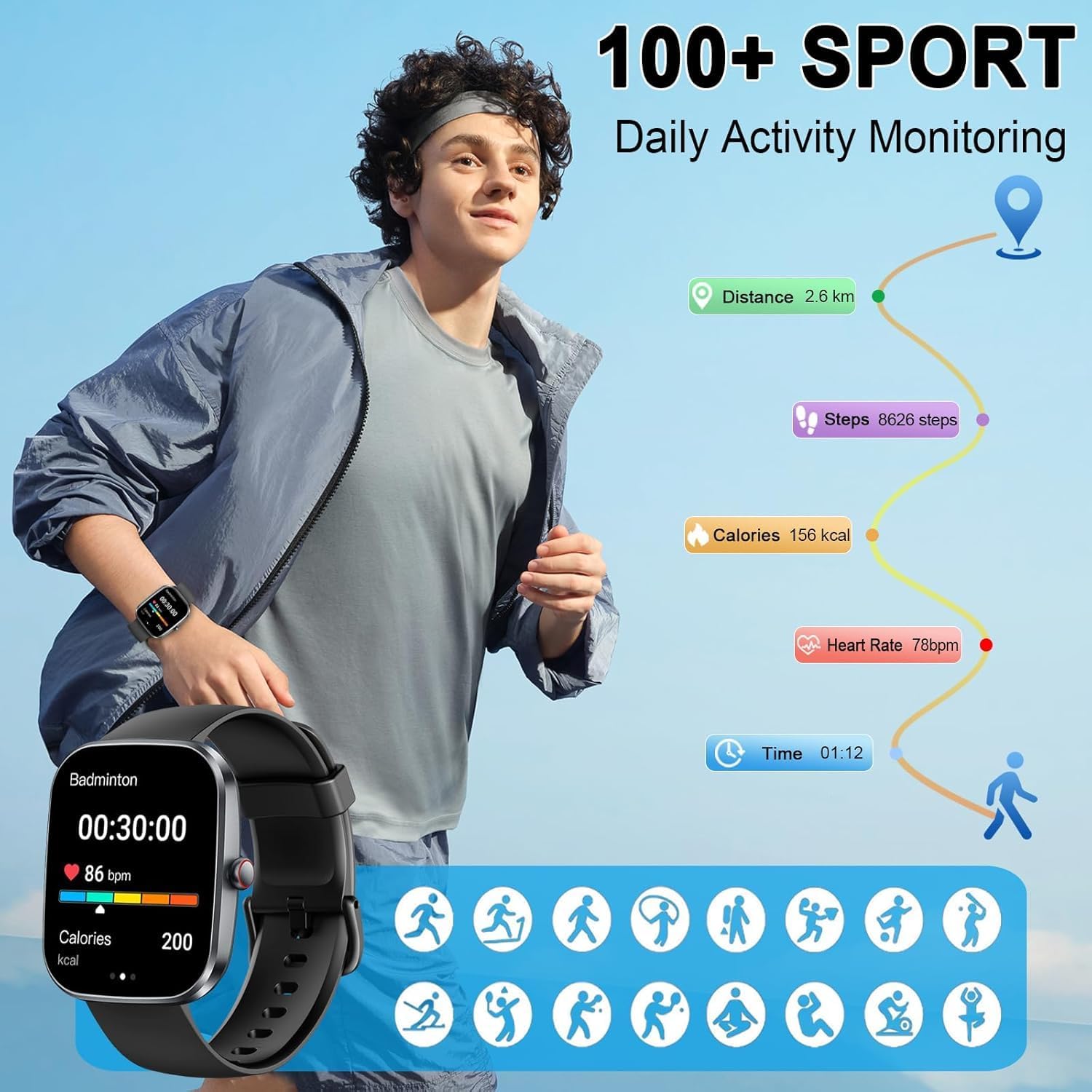
Image: The smart watch displaying activity data for various sports modes, including steps, distance, and calories.
7.2 IP68 Waterproof Rating
With an IP68 waterproof rating, the smart watch can be worn during outdoor activities, in rainy conditions, and while washing hands. Note: It is not recommended for use in showers, saunas, or swimming.

Image: The smart watch demonstrating its IP68 waterproof capability.
8. Practical Functions
Beyond health and fitness, the Soudorv T70 Smart Watch offers several practical tools:
- Weather Forecast: Get real-time weather updates.
- Calculator: Perform basic calculations on your wrist.
- Music Control: Manage music playback on your smartphone.
- Camera Control: Remotely trigger your smartphone camera.
- Alarm Clock: Set multiple alarms.
- Sedentary Reminder: Get alerts to move after periods of inactivity.
- Stopwatch & Timer: For precise timekeeping.
- GPS (via Smartphone): Track routes using your phone's GPS.
- Find Your Phone: Locate your paired smartphone.
- Voice Assistant: Interact with your watch using voice commands.
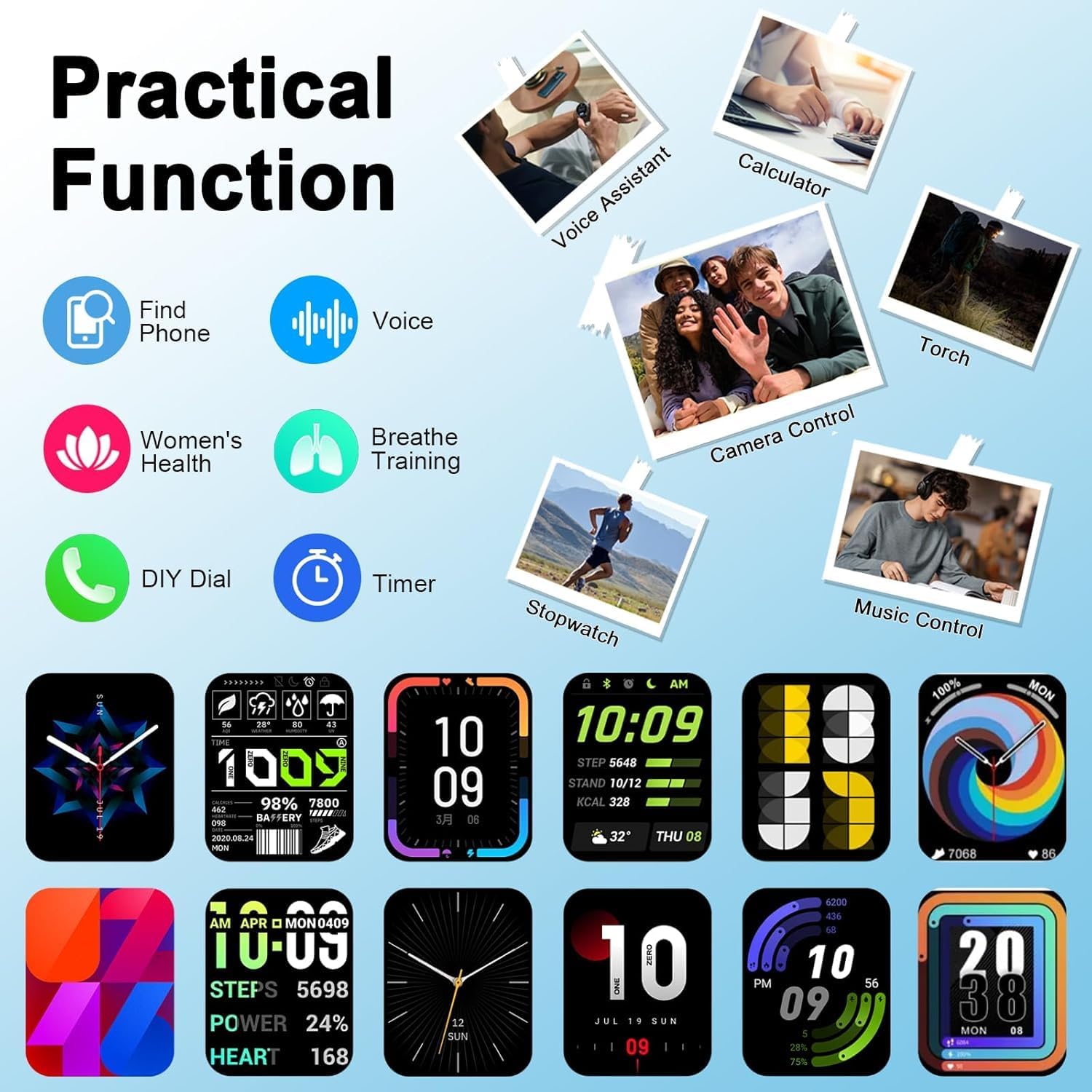
Image: The smart watch showcasing its practical functions, including calculator, music control, and remote camera.
9. Specifications
| Feature | Detail |
|---|---|
| Model Number | T70 |
| Screen Size | 1.91 Inches |
| Display Type | TFT HD color screen (320 * 380 touch screen) |
| Connectivity | Bluetooth 5.3 |
| Waterproof Rating | IP68 |
| Battery Capacity | 300 mAh |
| Battery Life (Normal Use) | 5-7 days |
| Standby Time | Up to 30 days |
| Charging Time | Approx. 2 hours |
| Compatible OS | Android 5.0 and higher, iOS 9.0 and higher |
| App Name | GloryFit |
| Item Weight | 3.2 ounces |
| Package Dimensions | 6.85 x 3.74 x 0.83 inches |
10. Maintenance
- Cleaning: Regularly clean the watch screen and strap with a soft, dry cloth. If necessary, use a slightly damp cloth and mild soap, then rinse and dry thoroughly.
- Avoid Chemicals: Do not use harsh chemicals, cleaning solvents, or strong detergents, as these may damage the watch's finish or internal components.
- Storage: Store the watch in a cool, dry place when not in use. Avoid extreme temperatures.
- Water Exposure: While IP68 rated, avoid prolonged submersion or exposure to hot water/steam to maintain waterproof integrity.
11. Troubleshooting
- Watch not turning on: Ensure the watch is fully charged. Connect it to the magnetic charger and wait a few minutes before attempting to power it on.
- Cannot pair with smartphone:
- Ensure Bluetooth is enabled on your phone and the watch is within range.
- Restart both your phone and the watch.
- Check if the GloryFit app has necessary permissions (location, Bluetooth).
- If previously paired, try unpairing and re-pairing the device.
- Notifications not received:
- Verify that app notifications are enabled in the GloryFit app settings.
- Ensure your phone's notification settings allow the GloryFit app to send alerts.
- Check if "Do Not Disturb" mode is active on either your watch or phone.
- Inaccurate health data: Ensure the watch is worn snugly on your wrist, not too tight or too loose. Clean the sensors regularly.
- Short battery life: Reduce screen brightness, disable unnecessary notifications, and limit continuous heart rate monitoring if not required.
12. Warranty and Support
Your Soudorv T70 Smart Watch comes with a standard manufacturer's warranty. For detailed warranty information, product support, or technical assistance, please refer to the warranty card included in your package or contact Soudorv customer service through their official website or the contact information provided in the GloryFit app.
Please retain your proof of purchase for warranty claims.