
EZVALO NL01-Non-linked
Contents
EZVALO Motion Sensor Stair Lights User Manual
Model: NL01-Non-linked
1. Introduction
Thank you for choosing EZVALO Motion Sensor Stair Lights. These wireless, rechargeable lights are designed to enhance safety and convenience in your home by providing soft, automatic illumination in dark or low-light environments. Featuring motion detection, adjustable brightness, and magnetic installation, they are versatile for various indoor spaces.
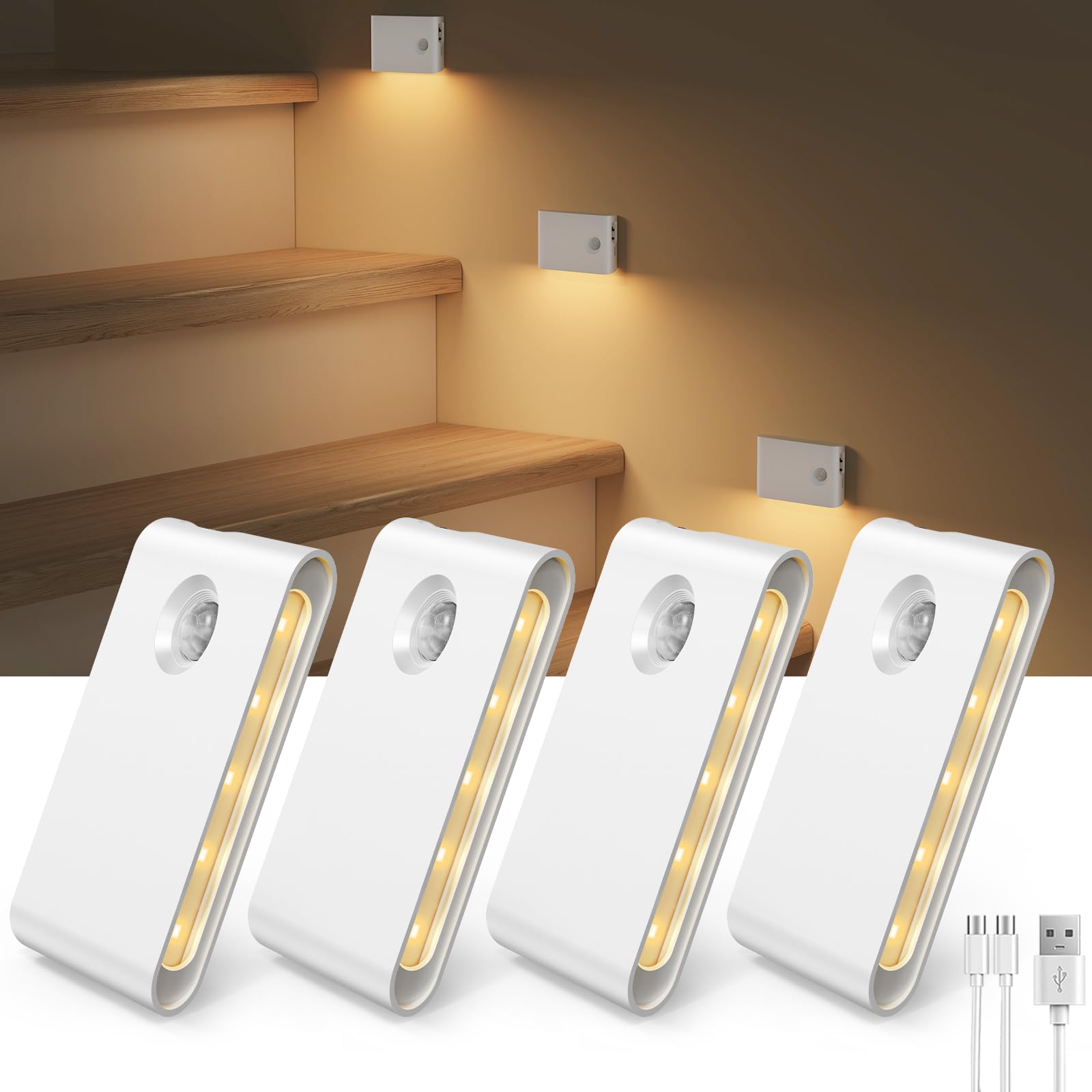
Image: EZVALO Motion Sensor Stair Lights installed on a staircase, providing soft illumination.
2. Safety Information
- This product is designed for indoor use only. Do not expose to water or high humidity.
- Do not attempt to disassemble or modify the device. This may cause damage and void the warranty.
- Keep out of reach of children.
- Use only the provided USB-C charging cables.
- Avoid installing two lights too close together in motion sensor mode to prevent interference.
3. Included Components
Your EZVALO Motion Sensor Stair Lights package includes:
- 4 x Motion Sensor Night Lights
- 2 x 2-in-1 USB-C Charging Cords
- 4 x Adhesive Iron Plates
- 1 x Product User Manual
4. Product Features
- Motion Sensor: Detects movement up to 10ft/120° in dark or low-light conditions (less than 30 lux). Auto-off after approximately 20 seconds of no motion.
- Rechargeable Battery: Built-in 1500mAh high-capacity battery. Provides 15-45 days of use on motion sensor mode (depending on frequency). Full charge in 2 hours via USB-C.
- Magnetic Installation: Strong built-in magnets allow direct attachment to metal surfaces or use with included adhesive metal plates for other surfaces. Easily removable for charging.
- Dimmable Warm White Light: 3000K soft white glow with adjustable brightness levels (3 levels). Downward-facing design for glare-free illumination.
- Wide Application: Ideal for hallways, stairs, nurseries, cabinets, bathrooms, and bedrooms.

Image: Motion sensor detection range of 10 feet and 120 degrees, with a 20-second auto-off feature, shown on a staircase.
5. Setup and Installation
The EZVALO Motion Sensor Stair Lights offer effortless installation without the need for tools or wiring.
- Prepare the Surface: Ensure the desired installation surface is clean, dry, and smooth.
- Attach Adhesive Plate: If installing on a non-metallic surface, peel off the protective film from one side of an adhesive iron plate and firmly press it onto the chosen location. Allow it to set for a few minutes.
- Mount the Light: The motion sensor night light has built-in magnets. Simply align the back of the light with the adhesive iron plate (or directly to a metallic surface) and let the magnets secure it in place.
- Positioning: For optimal motion detection, place lights where movement is expected, such as along stair risers or baseboards in hallways. Ensure the motion sensor is not obstructed.

Image: Step-by-step guide showing how to attach the adhesive metal plate and then magnetically attach the light to a wall.
6. Operating Instructions
- Power On/Off/Auto Mode: Locate the switch on the side of the light.
- Slide to "AUTO" for motion sensor mode. The light will turn on automatically when motion is detected in low-light conditions and turn off after 20 seconds of no motion.
- Slide to "ON" for continuous illumination.
- Slide to "OFF" to turn off the light.
- Adjust Brightness: In "ON" mode, short press the small button next to the USB-C port to cycle through three brightness levels (30%, 60%, 100%). The light will remember your last brightness setting.
- Charging: When the battery is low, the light indicator will change. Gently pull the light off its magnetic base. Connect the provided USB-C charging cable to the light and a USB power source. The indicator light will show red during charging and turn green when fully charged.
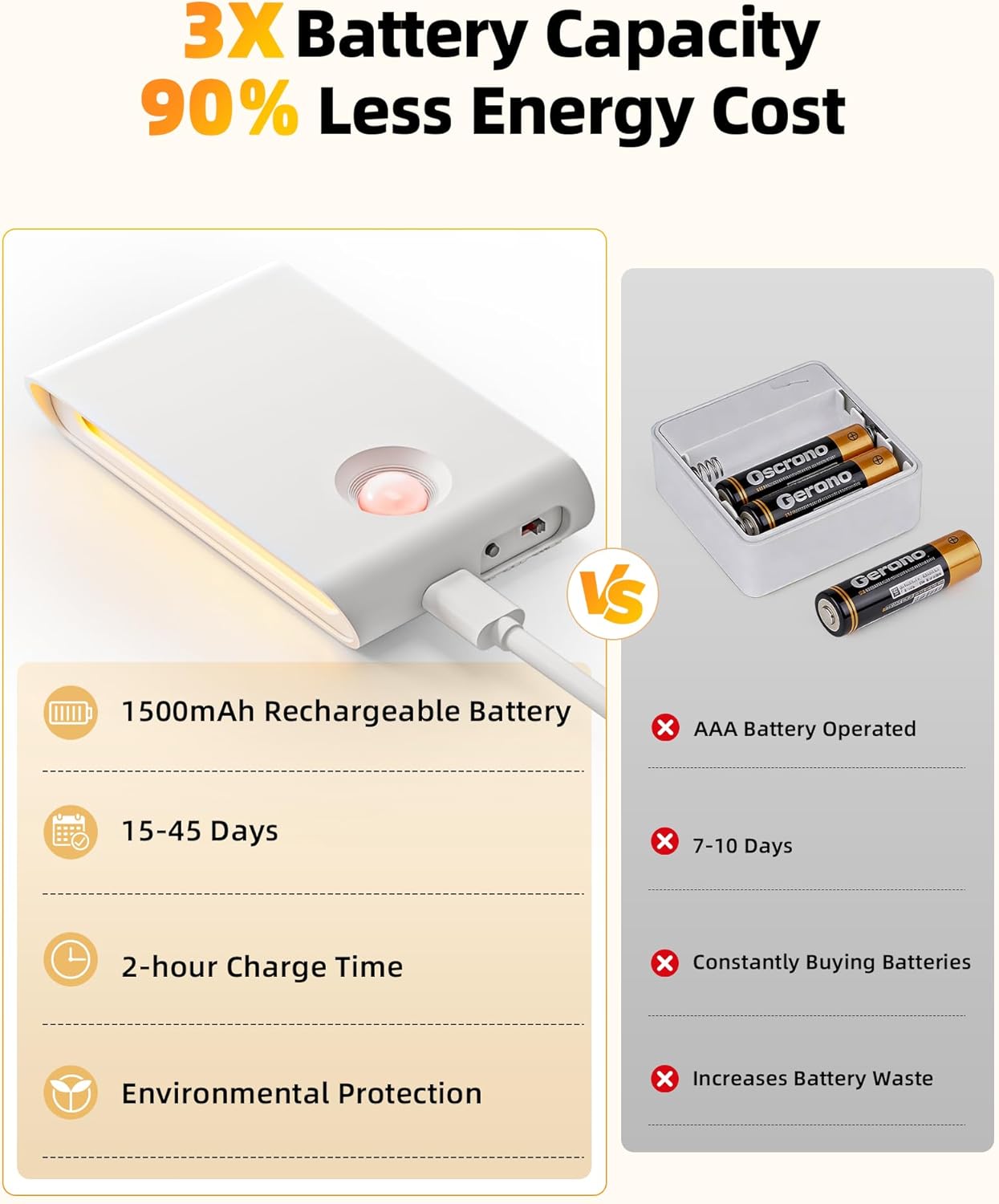
Image: Diagram illustrating the three adjustable brightness levels (30%, 60%, 100%) accessible via a short press button on the light.
7. Maintenance
- Cleaning: Wipe the surface of the light with a soft, dry cloth. Do not use abrasive cleaners or solvents.
- Battery Care: For optimal battery life, avoid fully discharging the lights frequently. Recharge them when the indicator shows low battery.
- Storage: If storing the lights for an extended period, charge them fully and store in a cool, dry place. Recharge every 3-6 months to maintain battery health.
8. Troubleshooting
| Problem | Possible Cause | Solution |
|---|---|---|
| Light does not turn on in AUTO mode. | Insufficient ambient darkness; battery is low; motion sensor obstructed or out of range. | Ensure ambient light is below 30 lux; charge the light; check sensor for obstructions and ensure motion is within 10ft/120°. |
| Light stays on continuously in AUTO mode. | Constant motion detected; light is in ON mode. | Ensure no continuous motion near the sensor; check if the switch is set to "AUTO". |
| Light does not charge. | Faulty cable or power source; light fully charged. | Try a different USB-C cable or power source; check if the indicator light is already green. |
| Adhesive plate is not holding. | Surface not clean or smooth; plate not pressed firmly enough. | Clean and dry the surface thoroughly; apply firm pressure for 30 seconds; allow adhesive to cure for 24 hours before attaching the light. |
9. Specifications
- Model Name: NL01-Non-linked
- Brand: EZVALO
- Color: White
- Material: Plastic
- Light Source Type: LED
- Light Color: Warm White (3000 Kelvin)
- Brightness: Up to 30 Lumens (3 adjustable levels)
- Power Source: Battery Powered (1 Lithium Polymer battery included)
- Battery Capacity: 1500mAh
- Charging Time: Approximately 2 hours (via USB-C)
- Battery Life: 15-45 days (Motion Sensor Mode, depending on usage)
- Motion Sensor Range: Up to 10 feet / 120°
- Auto-Off Time: Approximately 20 seconds (after no motion)
- Product Dimensions: 3.89"L x 2.3"W x 0.7"H
- Installation Type: Magnetic Mount
- Indoor/Outdoor Usage: Indoor only
- Water Resistance Level: Not Water Resistant

Image: Detailed dimensions of the EZVALO Motion Sensor Night Light.
10. Warranty and Support
For warranty information or technical support, please refer to the contact details provided on the product packaging or visit the official EZVALO website. Keep your purchase receipt for warranty claims.
Ask a question about this manual
Ask about setup, troubleshooting, compatibility, parts, safety, or missing instructions. Manuals+ will review the question and use this page’s manual context to help answer it.