
1. Introduction
This manual provides essential instructions for the proper installation, operation, and maintenance of your Ymiko GPS External Antenna. This multi-frequency active antenna is designed to enhance satellite signal reception for various positioning systems.
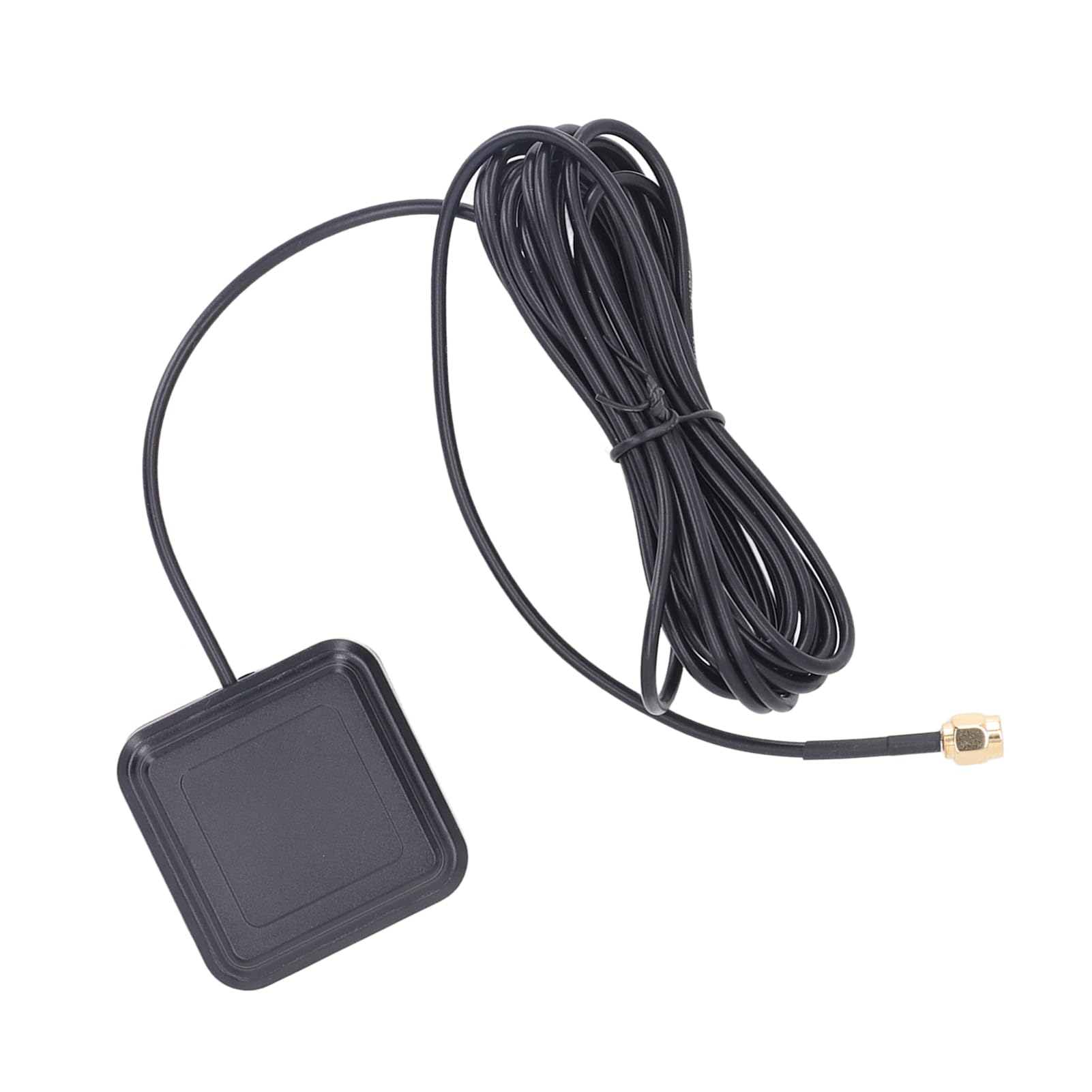
Image 1: Overview of the Ymiko GPS External Antenna.
Key Features:
- Multi-frequency Support: Compatible with GNSS L1 L5, BDS B1I B1C B2a, GPS L1 L1C L5C, GALILEO E1 E5a, QZSS L5, and IRNSS S-L5 satellite systems.
- SMA-J Connector: Ensures a simple and reliable connection to compatible devices.
- Durable Design: Features an IP67 rating, sun protection, and high-temperature resistance for robust outdoor performance.
- Wide Compatibility: Supports various satellite positioning systems for precise data acquisition.
- Versatile Use: Suitable for applications in smart homes, smart devices, and high-accuracy mapping.
2. Setup
Follow these steps to properly set up your Ymiko GPS External Antenna:
- Unpack: Carefully remove the antenna from its packaging.
- Identify Connector: Locate the SMA-J connector at the end of the antenna cable.
- Connect: Attach the SMA-J connector to the corresponding port on your GPS receiver or compatible device. Ensure the connection is secure and hand-tightened.
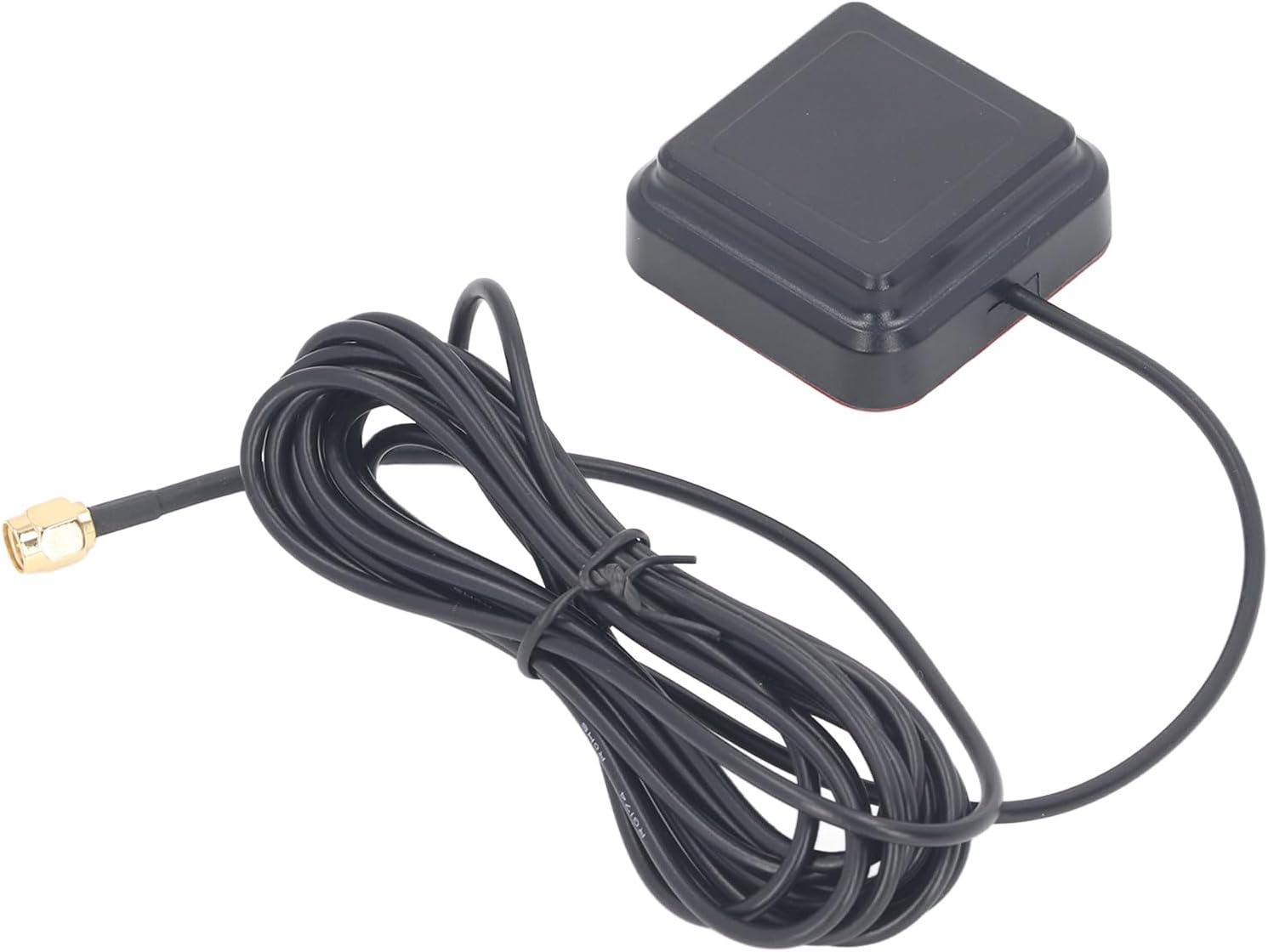
Image 2: Close-up view of the SMA-J connector.
- Positioning: Place the antenna in an area with a clear, unobstructed view of the sky. Optimal signal reception is achieved when there are no large buildings, trees, or metal objects directly above or around the antenna.
- Mounting (Optional): The antenna features an adhesive base for mounting on a flat, clean surface. Ensure the surface is free of dust and grease for best adhesion.
3. Operating
The Ymiko GPS External Antenna is an active component designed to receive and amplify satellite signals for your connected device. It does not require direct user interaction for operation once properly installed.
- Signal Reception: Once connected and positioned, the antenna will automatically begin receiving signals from the supported satellite positioning systems.
- Device Configuration: Ensure your GPS receiver or compatible device is configured to utilize an external antenna. Refer to your device's manual for specific settings.
- Optimal Performance: For the best performance, ensure the antenna remains in an open area with minimal obstructions. The multi-frequency capabilities (L1, L5) provide enhanced accuracy and reliability when supported by your receiving device.
4. Maintenance
Regular maintenance helps ensure the longevity and optimal performance of your antenna.
- Cleaning: Periodically wipe the antenna's exterior with a soft, damp cloth to remove dust and dirt. Avoid using harsh chemicals or abrasive cleaners, which can damage the housing.
- Inspection: Regularly inspect the antenna cable and SMA-J connector for any signs of wear, damage, or corrosion. Ensure the connection remains secure and free of debris.
- Environmental Protection: The antenna's IP67 rating provides protection against dust ingress and temporary immersion in water. Its sun protection and high-temperature resistance contribute to its durability in various outdoor environments. While robust, avoid prolonged exposure to extreme conditions beyond its specified ratings.
5. Troubleshooting
If you encounter issues with your Ymiko GPS External Antenna, consider the following troubleshooting steps:
- No Signal or Weak Signal:
- Verify that the SMA-J connector is securely attached to your GPS receiver or compatible device.
- Ensure the antenna is positioned outdoors with a clear, unobstructed view of the sky. Obstacles such as buildings, dense foliage, or large metal structures can block satellite signals.
- Check if your receiving device is correctly configured to use an external antenna. Refer to your device's user manual.
- If possible, test the antenna with another compatible device to determine if the issue lies with the antenna or the receiving device.
- Intermittent Signal:
- Check for potential sources of electromagnetic interference (EMI) near the antenna, such as other electronic devices, power lines, or large metal objects.
- Inspect the antenna cable for any damage, kinks, or sharp bends that could affect signal transmission.
- Physical Damage:
- If the antenna housing or cable appears physically damaged, discontinue use. Physical damage can compromise performance and durability.
6. Specifications
Detailed technical specifications for the Ymiko GPS External Antenna:
| Feature | Specification |
|---|---|
| Material | ABS |
| Frequency Range | BDS: B1I, B1C, B2a GPS: L1, L1C, L5C GALILEO: E1, E5a QZSS: L5 IRNSS: S-L5 |
| Gain | 2dBi |
| Output Voltage VSWR | ≤2.0 |
| Connector Type | SMA-J |
| Environmental Rating | IP67 (Sun Protection, High Temperature Resistance) |
7. Warranty
The Ymiko GPS External Antenna is covered by a manufacturer's warranty for a period of 90 days from the original date of purchase. Please retain your proof of purchase (receipt or invoice) as it will be required for any warranty claims. This warranty covers defects in materials and workmanship under normal use.
8. Support
For technical assistance or further inquiries regarding your Ymiko GPS External Antenna, please consider the following:
- Device Manufacturer: If the antenna is part of a larger system, refer to the documentation provided with your primary GPS receiver or device for integrated support.
- Ymiko Customer Support: If you suspect a defect with the antenna itself or require specific product support, please contact Ymiko customer support. Contact information can typically be found on the product packaging or the official Ymiko website.