
intelamp Outdoor Solar Flood Light User Manual
Model: 002-12F
1. Important Safety Information
Please read all instructions carefully before installation and use. Keep this manual for future reference.
- Install the solar panel in an area that receives sufficient direct sunlight for optimal charging.
- Keep the unit away from extreme heat sources to prevent damage.
- Ensure all mounting hardware is securely fastened to prevent the light from falling.
- Do not attempt to disassemble or modify the product, as this may void the warranty and pose safety risks.
2. Product Overview
The intelamp Outdoor Solar Flood Light (Model 002-12F) is designed to provide efficient and adjustable outdoor lighting. It features a 3-head design for wide coverage, a high-capacity solar panel, and dual motion sensors for enhanced security.
Key Features:
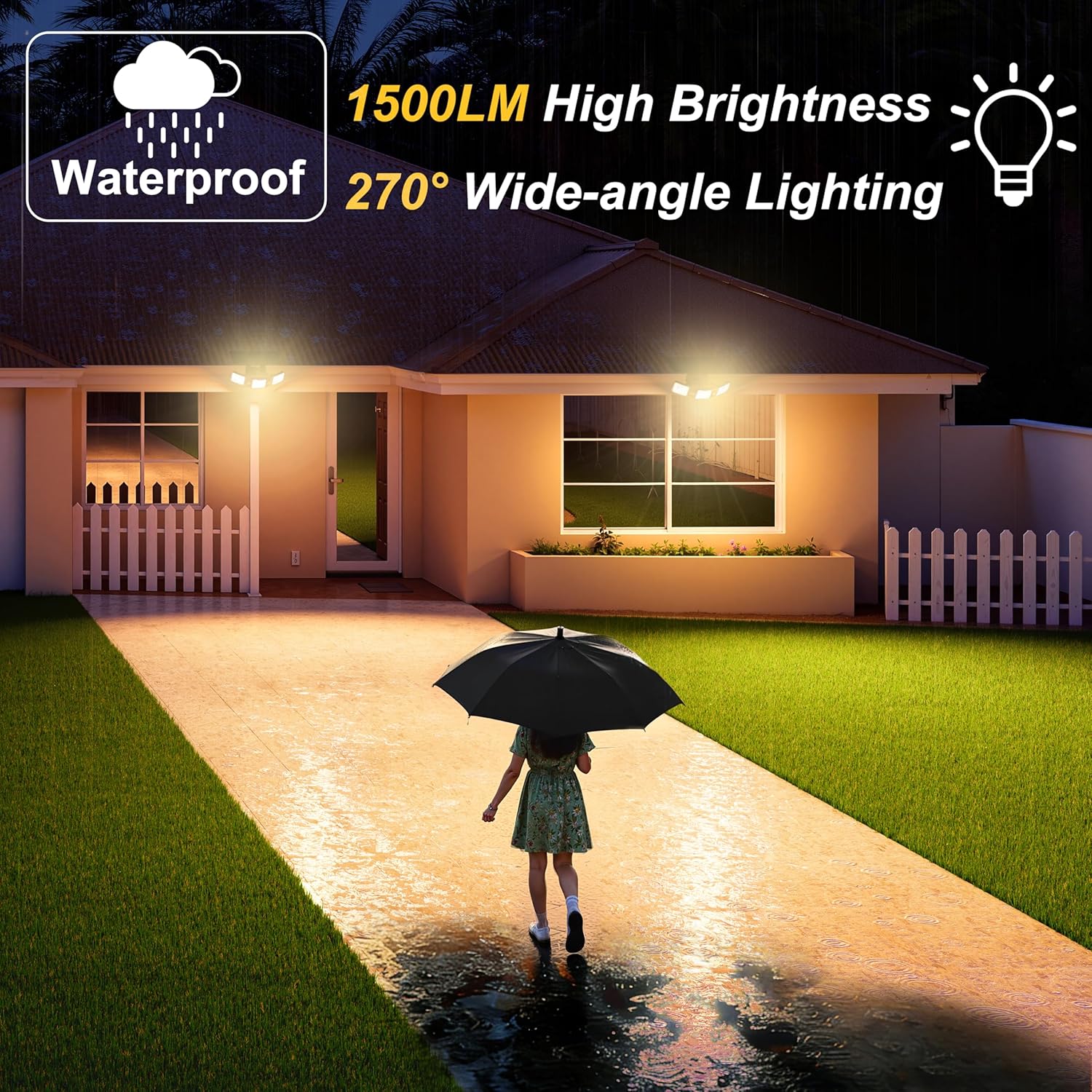
- Extra-Wide 270° Lighting Coverage: Three adjustable light heads provide broad illumination for yards, driveways, and entrances.
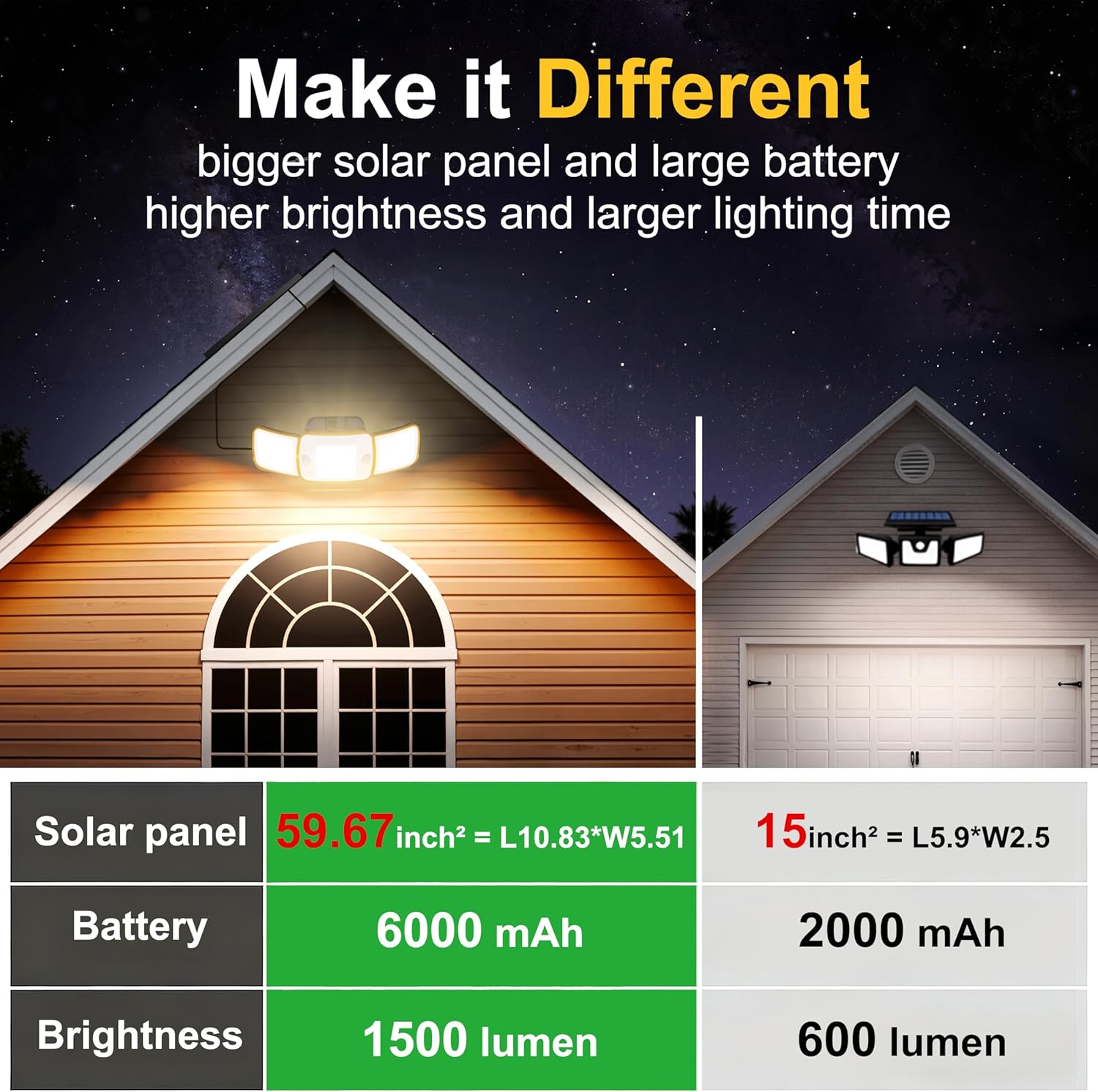
- High-Efficiency MONO Solar Panel: Ensures faster and more efficient charging, even on cloudy days.
- 6000mAh High-Capacity Battery: Stores ample energy for extended operation.
- Warm White Lighting (3000K): Creates a comfortable and eye-friendly ambiance.
- Smart Dual Motion Detection: Promptly detects movement for security and convenience.
- 4 Lighting Modes: Customizable settings for various needs.
- Remote Control: Conveniently adjust settings from a distance.
- All-Weather Protection: Robust waterproof construction for year-round outdoor performance.
Product Visuals:


3. Package Contents
Verify that all items are present in the package:
- 1 x intelamp Outdoor Solar Flood Light (Model 002-12F)
- 1 x Instruction Manual
- 1 x Remote Control
- Mounting Hardware (screws, wall anchors, zip ties)

4. Setup & Installation
The intelamp solar flood light is designed for easy installation. It can be mounted on walls, fences, poles, garden posts, or garages using the provided hardware.
Installation Steps:
- Choose an installation location that receives ample direct sunlight throughout the day for the solar panel.
- Mark the drilling points for the mounting bracket.
- Drill holes and insert wall anchors if necessary.
- Secure the solar panel mounting bracket to the surface using screws.
- Attach the light unit to the solar panel bracket.
- Adjust the solar panel angle to maximize sun exposure.
- Adjust the three light heads to cover desired areas.
- Use zip ties to manage any excess cable.

Installation Video:
5. Operating Instructions
The solar flood light can be operated using the included remote control or the button on the unit.
Lighting Modes:
The light offers 4 intelligent modes to suit various environments:
- Sensor Mode 1 (Dim + Bright Mode): The light stays dim (300LM) and turns bright (1500LM) when motion is detected. It returns to dim after 20/30/40 seconds (adjustable).
- Sensor Mode 2 (Off + Bright Mode): The light stays off (0LM) and turns bright (1500LM) only when motion is detected. It turns off after 20/30/40 seconds (adjustable).
- Long Light Mode 1 (Motion Sensor Disabled): The light provides a warm low light (300LM) that stays on all night without motion sensing.
- Long Light Mode 2 (Motion Sensor Disabled with Timer): The light turns on at a lasting brightness (1000LM) at night. It dims to 300LM after the set timing (2-12 hours) ends, and automatically turns off after dawn.


Remote Control:
The remote control allows you to easily switch between modes, adjust brightness (60%, 80%, 100%), and set timers.

6. Maintenance
To ensure optimal performance and longevity of your intelamp solar flood light, follow these maintenance guidelines:
- Clean the Solar Panel: Regularly wipe the solar panel with a soft, damp cloth to remove dust, dirt, and debris. A clean panel ensures maximum sunlight absorption.
- Clear Obstructions: Ensure no trees, buildings, or other objects are blocking direct sunlight from reaching the solar panel.
- Battery Care: The integrated 6000mAh battery is designed for long-term use. Avoid prolonged storage in a completely discharged state. If storing for an extended period, ensure the battery is fully charged.
- Inspect Wiring: Periodically check the wiring for any signs of damage or wear.
7. Troubleshooting
If you encounter issues with your solar flood light, refer to the following troubleshooting tips:
| Problem | Possible Cause | Solution |
|---|---|---|
| Light does not turn on at night. | Insufficient solar panel charging. | Ensure the solar panel is placed in direct sunlight for at least 6-8 hours daily. Clean the solar panel surface. |
| Light is dim or flickers. | Low battery charge or dirty solar panel. | Allow the light to charge for a full day in direct sunlight. Clean the solar panel. Check remote settings for brightness level. |
| Motion sensor not detecting movement. | Sensor obstructed or incorrect mode. | Ensure the motion sensors are clear of obstructions. Verify the light is in a motion-sensing mode (Sensor Mode 1 or 2). |
| Remote control not working. | Battery depleted or line of sight issue. | Replace the remote control battery. Ensure there is a clear line of sight between the remote and the light's receiver. |
8. Specifications
- Brand: intelamp
- Model Number: 002-12F
- Light Source Type: LED (108 LEDs)
- Brightness: 1500 Lumens (Max)
- Color Temperature: 3000 Kelvin (Warm White)
- Battery: 6000mAh Nonstandard Battery (included)
- Solar Panel: Monocrystalline Silicon, 6W
- Motion Sensor: Dual, 180° detection angle, 25ft detection range
- Lighting Coverage: 270°
- Control Method: Remote Control, On-unit button
- Material: Acrylonitrile Butadiene Styrene
- Water Resistance Level: Water Resistant
- Product Dimensions: 9.84 x 4.65 x 5.31 inches
- Item Weight: 1.7 Pounds
- Installation Type: Wall Mount, Pole/Tree Mount
9. Warranty & Support
intelamp products are manufactured to high-quality standards. For warranty information or technical support, please refer to the contact details provided with your purchase documentation or visit the official intelamp website.
Please retain your proof of purchase for any warranty claims.