
Introduction
Thank you for choosing the Ninestars Automatic Motion Sensor Trash Can. This manual provides important information regarding the setup, operation, maintenance, and troubleshooting of your new trash can. Please read these instructions carefully before use and retain them for future reference.
Safety Information
To ensure safe operation and prevent damage, please observe the following safety precautions:
- Do not immerse the lid or any electrical components in water or other liquids.
- Do not force the lid open or closed manually, as this may damage the gear system.
- Keep the sensor area clean and unobstructed for optimal performance.
- Use only the specified battery type (2 AA batteries) and ensure correct polarity during installation.
- Remove batteries if the unit will not be used for an extended period.
- Keep out of reach of children to prevent accidental injury.
- This product is designed for indoor use only.
Package Contents
Verify that all items are present in your package:
- Ninestars Automatic Motion Sensor Trash Can (Body)
- Motion Sensor Lid
- Liner Ring
- Instruction Manual (This document)

This image shows two Ninestars automatic motion sensor trash cans, highlighting their compact design and suitability for use in pairs.
Setup
- Install Batteries: Locate the battery compartment on the underside of the lid. Insert 2 AA batteries (not included) according to the polarity indicators (+/-). Close the battery compartment securely.
- Attach Lid: Carefully place the motion sensor lid onto the trash can body, ensuring it is properly aligned and seated.
- Insert Liner Ring: Place the liner ring inside the trash can body. This ring helps secure the trash bag.
- Insert Trash Bag: Drape a 2-5 gallon (7-19 liter) trash bag into the can, pulling the edges over the liner ring to secure it. Ensure the bag does not obstruct the sensor or lid mechanism.
- Positioning: Place the trash can in your desired location. Ensure the motion sensor area is clear of obstructions and direct sunlight, which can interfere with sensor operation.

This image provides a visual breakdown of the trash can's specifications, including its dimensions (12.2 in H, 5.91 in W, 9.06 in D), material (High Quality ABS Plastic), recommended trash bag size (2-5 Gallon / 7-19 Liters), battery requirement (2x AA, not included), weight (1.8 Lbs / 0.82 Kgs), and capacity (1.8 Gal / 7 L).
Operating Instructions
Automatic Operation
The trash can is equipped with an infrared motion sensor for hands-free operation.
- Opening the Lid: Wave your hand or an object within 6-10 inches (15-25 cm) above the sensor area. The lid will open automatically in approximately 0.3 seconds.
- Closing the Lid: The lid will automatically close after 3 seconds of inactivity in the sensor area.

This image illustrates the motion sensor functionality of the trash can, showing a hand activating the sensor to open the lid. It also mentions 0.3-second fast response and 3-second automatic closing.
Manual Mode
For situations requiring the lid to stay open longer, such as changing the trash bag or disposing of larger items, use the manual mode.
- To Open Manually: Press the 'OPEN' button on the lid. The lid will open and remain open.
- To Close Manually: Press the 'CLOSE' button on the lid. The lid will close.
Maintenance
Regular maintenance ensures the longevity and optimal performance of your trash can.
- Cleaning the Exterior: Wipe the exterior of the trash can and lid with a soft, damp cloth. Avoid abrasive cleaners or harsh chemicals.
- Cleaning the Sensor: Gently wipe the motion sensor window with a soft, dry cloth to remove dust or smudges that might affect its sensitivity.
- Battery Replacement: When the lid's operation becomes slow or inconsistent, it's time to replace the batteries. Ensure to replace both AA batteries simultaneously.
- Liner Ring: Periodically clean the liner ring to prevent odor buildup.

This image highlights the splash-proof lid (IPX3 rating) and leak-proof base of the trash can, suitable for bathroom environments.
Troubleshooting
If you encounter issues with your Ninestars trash can, refer to the following common problems and solutions:
| Problem | Possible Cause | Solution |
|---|---|---|
| Lid does not open automatically. | Dead or incorrectly installed batteries. Sensor obstructed or dirty. | Replace batteries, ensuring correct polarity. Clean the sensor window. Ensure no objects are blocking the sensor. |
| Lid opens or closes unexpectedly. | Sensor interference (direct sunlight, reflective surfaces, pets). | Relocate the trash can away from direct sunlight or highly reflective surfaces. Ensure pets or children are not activating the sensor. |
| Lid opens slowly or makes unusual noise. | Low batteries. Mechanical obstruction. | Replace batteries. Check for any debris or objects obstructing the lid's movement. |
| Lid does not close completely. | Obstruction. | Check for any trash or objects preventing the lid from fully closing. |
Specifications
- Brand: Ninestars
- Model: DZT-7-2B
- Capacity: 1.8 Gallons (7 Liters)
- Material: High Quality ABS Plastic
- Opening Mechanism: Motion-Sensor
- Power: 2 x AA Batteries (Not Included)
- Product Dimensions: 9.06"L x 5.91"W x 11.14"H (23cm L x 15cm W x 28.3cm H)
- Item Weight: 2.07 Pounds (0.94 kg)
- Recommended Trash Bag Size: 2-5 Gallons (7-19 Liters)
- Special Features: Motion Sensor, Odor Seal, Quiet Close, Removable Lid, Slim Design, Splash Proof Lid (IPX3), Leak Proof Base, Non-Skid Base, Easy Change Liner Ring
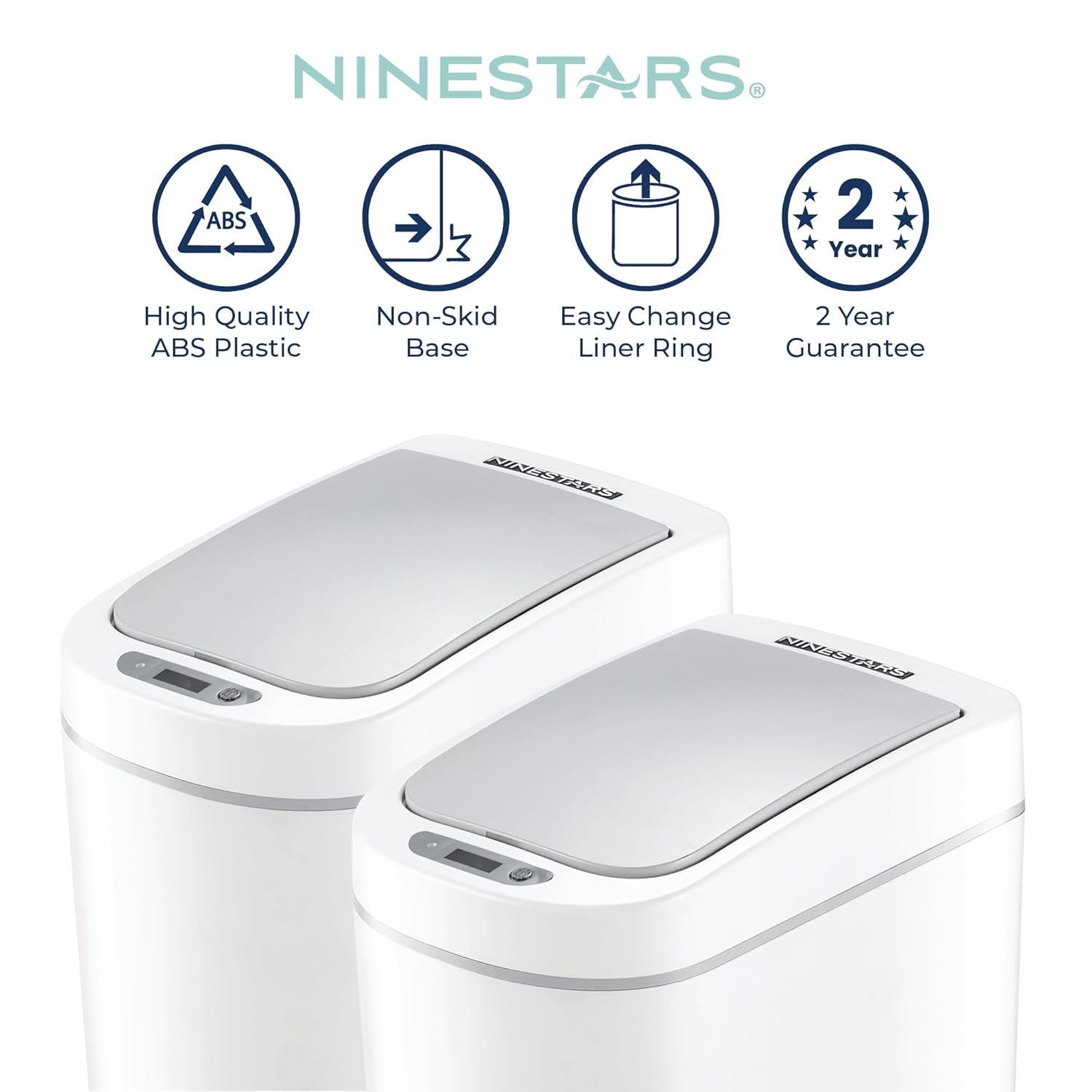
This image displays icons detailing the product's construction from high-quality ABS plastic, its non-skid base, an easy-change liner ring feature, and a 2-year guarantee.
Warranty and Support
Ninestars products come with a 2-year guarantee from the date of purchase. This warranty covers defects in materials and workmanship under normal use. It does not cover damage caused by misuse, accidents, unauthorized modifications, or normal wear and tear.
For warranty claims or technical support, please contact Ninestars customer service through the official website or your retailer. Please have your purchase receipt and product model number (DZT-7-2B) available.


