
1. Introduction
The Garosa USB Sound Card Connector Isolator, also known as AUDIO2RIG, is an advanced interface designed to connect your computer to radio equipment. It features sound transformer and optical isolation to ensure clear communication by minimizing signal interference and crosstalk between the computer and radio.
This device facilitates seamless integration for various operating systems, including Windows, Android, and OS X, making it a versatile tool for radio communication setups.
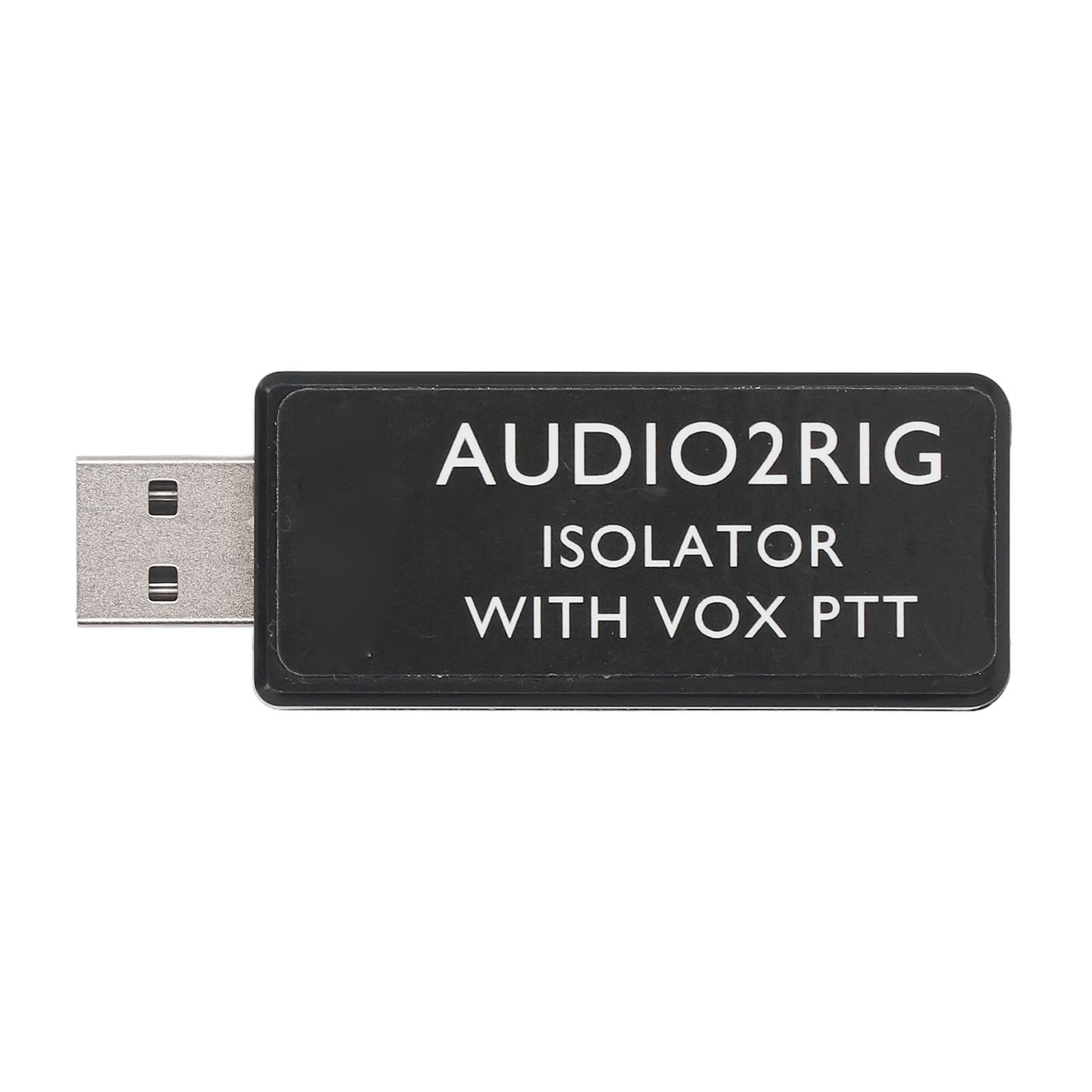
Figure 1: The Garosa USB Sound Card Connector Isolator (AUDIO2RIG) module.
2. Package Contents
Please verify that all items are present in the package:
- 1 x Garosa USB Sound Card Connector Isolator
3. Key Features
- Advanced Sound Interface: Serves as a robust sound and PTT control interface, featuring sound transformer and optical isolation for seamless computer to radio connectivity without signal interference.
- Compact and Easy Installation: Its compact size ensures easy installation, integrating with Windows, Android, and OS X systems for a quick setup experience.
- Wide Compatibility: Compatible with popular radio equipment, this USB sound card connector supports VOX PTT control for versatile use across various setups.
- Customizable Connection Options: Features a single 3.5mm 4PIN jack with user-definable functions, allowing adaptation and connection to different devices, providing flexibility in radio communications.
- Isolated PTT Control: The integrated sound card and PTT control minimize crosstalk issues by ensuring physical isolation, enhancing sound clarity and reliability during transmissions.
4. Setup Instructions
4.1 Connecting the Device
To set up your Garosa USB Sound Card Connector Isolator, follow these steps:
- Connect the USB end of the isolator to an available USB port on your computer (desktop or laptop).
- Connect your radio equipment's 3.5mm 4PIN audio cable to the corresponding jack on the isolator. Ensure a secure connection.
- The device is designed for plug-and-play functionality with Windows, Android, and OS X systems. Drivers should install automatically.

Figure 2: Connecting the isolator to a computer and radio equipment.

Figure 3: Detail of the 3.5mm 4PIN audio jack on the isolator.
5. Operating Instructions
5.1 PTT Control and Customization
The isolator supports VOX PTT (Push-To-Talk) control, which allows for voice-activated transmission. The 3.5mm 4PIN jack offers user-definable functions, enabling flexible adaptation to various radio communication needs.
- VOX PTT: When enabled on your radio equipment, the device will automatically activate transmission upon detecting voice input, eliminating the need for manual PTT button presses.
- Customizable Functions: Refer to your radio equipment's manual for specific instructions on configuring the 3.5mm 4PIN jack's functions to align with the isolator's capabilities. This allows for tailored control over audio input/output and PTT signaling.
6. Specifications
| Feature | Detail |
|---|---|
| Item Type | USB Sound Card Connector Isolator |
| Material | ABS |
| Conversion | 3.5mm Sound to USB |
| Compatible Devices | Laptop (and other devices with USB ports) |
| Brand | Garosa |
| Model Number | Garosahm1e0rfz5c |
| Manufacturer | Garosa |
| Built-In Media | No |

Figure 4: Dimensions of the Garosa USB Sound Card Connector Isolator.
7. Maintenance
To ensure the longevity and optimal performance of your Garosa USB Sound Card Connector Isolator, follow these simple maintenance guidelines:
- Cleaning: Use a soft, dry cloth to wipe the exterior of the device. Avoid using liquid cleaners or solvents, as they may damage the product.
- Storage: Store the isolator in a cool, dry place away from direct sunlight and extreme temperatures when not in use.
- Handling: Handle the device with care. Avoid dropping it or subjecting it to strong impacts.
8. Troubleshooting
If you encounter issues with your Garosa USB Sound Card Connector Isolator, consider the following basic troubleshooting steps:
- No Recognition by Computer: Ensure the USB connector is fully inserted into a functional USB port. Try a different USB port or a different computer to rule out port issues.
- No Audio/PTT Functionality: Verify that all cables (USB and 3.5mm) are securely connected. Check your computer's sound settings to ensure the USB audio device is selected as the input/output. Confirm that your radio equipment is properly configured for external audio and PTT control.
- Interference/Poor Audio Quality: Ensure the device is not placed near strong electromagnetic interference sources. The optical isolation feature is designed to minimize this, but extreme conditions can still affect performance.
- Software Issues: Restart your computer. If issues persist, check for any available driver updates for USB audio devices through your operating system's device manager.
9. Warranty and Support
For warranty information or technical support, please refer to the documentation provided at the time of purchase or contact Garosa customer service through their official channels. Keep your purchase receipt as proof of purchase.