
1. Introduction
This manual provides essential instructions for the safe and efficient operation of your Retevis RT628 and H-777 two-way radios. Please read this manual thoroughly before using the product to ensure proper function and to prevent damage.
The Retevis RT628 and H-777 radios are designed for reliable communication, featuring clear voice transmission, multiple channels, and user-friendly controls. They are suitable for various activities where staying connected is important.
2. Product Overview
2.1 Key Features
- 22 Channels: Provides multiple communication options to avoid interference.
- CTCSS/DCS: Offers additional privacy codes for secure communication.
- VOX Function: Enables hands-free operation for voice-activated transmission.
- LCD Backlit Display: Clearly shows channel, battery status, and other functions.
- LED Flashlight: Integrated light source for use in low-light conditions.
- Emergency Alarm: Allows users to quickly signal for help.
- Lightweight and Durable: Designed for portability and extended service life.
- Power Saving System: Automatically conserves battery life.
2.2 Radio Components
Familiarize yourself with the various parts of your Retevis two-way radio:

Image: Detailed view of the Retevis RT628 radio highlighting its components such as the wider LCD screen, earphone jack, battery compartment, non-slip handle, speaker, and novel buttons.
- Antenna: For transmitting and receiving signals.
- LCD Screen: Displays channel, battery level, and other settings.
- Power/Menu Button: Turns the radio on/off and accesses menu options.
- Up/Down Buttons: Navigates menu and adjusts settings like channel.
- Monitor Button (MON): Temporarily disables squelch to listen to weak signals.
- PTT (Push-to-Talk) Button: Press and hold to transmit your voice.
- Speaker: Outputs received audio.
- Microphone: Captures your voice for transmission.
- Earphone Jack: For connecting an external earphone/headset.
- Battery Compartment: Houses the batteries.
- Belt Clip: For convenient carrying.
3. Setup
3.1 Battery Installation
The Retevis RT628 and H-777 radios require 3 x AA batteries (not included in the package). Follow these steps to install them:
- Locate the battery compartment cover on the back of the radio.
- Slide or unclip the cover to open the compartment.
- Insert 3 AA batteries, ensuring correct polarity (+ and -) as indicated inside the compartment.
- Replace the battery compartment cover until it clicks securely into place.

Image: The open battery compartment of the radio, illustrating where three AA batteries should be inserted. The image also shows icons for ordinary and rechargeable batteries.
3.2 Charging (for rechargeable batteries)
If using rechargeable AA batteries, you can charge them using a Type-C cable or a desktop charger (if provided with your specific model). Ensure the batteries are suitable for recharging.
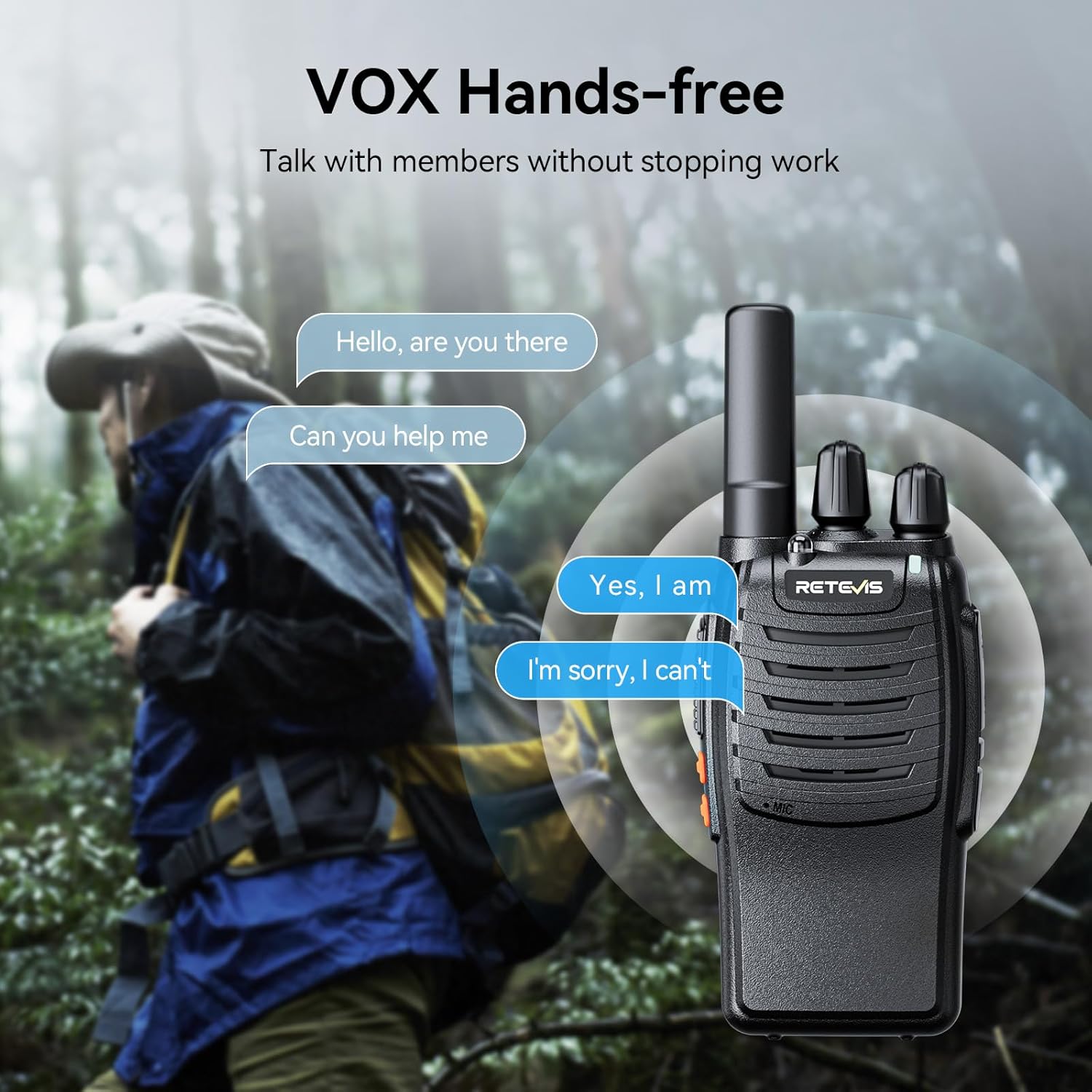
Image: Two radios illustrating charging methods: one connected directly via a Type-C cable, and another placed in a desktop charging cradle.
4. Operating Instructions
4.1 Power On/Off
- To Power On: Press and hold the Power/Menu button until the LCD screen illuminates.
- To Power Off: Press and hold the Power/Menu button until the screen turns off.
4.2 Adjusting Volume
Use the Up and Down buttons to adjust the listening volume. The volume level will be displayed on the LCD screen.
4.3 Channel Selection
- Press the Menu button once. The channel number on the LCD screen will flash.
- Use the Up or Down buttons to select your desired channel (1-22).
- Press the Menu button again to confirm your selection, or wait a few seconds for it to automatically confirm.
4.4 Transmitting and Receiving
- To Transmit: Press and hold the PTT button. Speak clearly into the microphone. Release the PTT button to stop transmitting.
- To Receive: Ensure the PTT button is not pressed. The radio will automatically receive signals on the selected channel.
4.5 VOX (Voice Operated Exchange) Function
The VOX function allows for hands-free communication. When activated, the radio will automatically transmit when it detects your voice, without needing to press the PTT button.
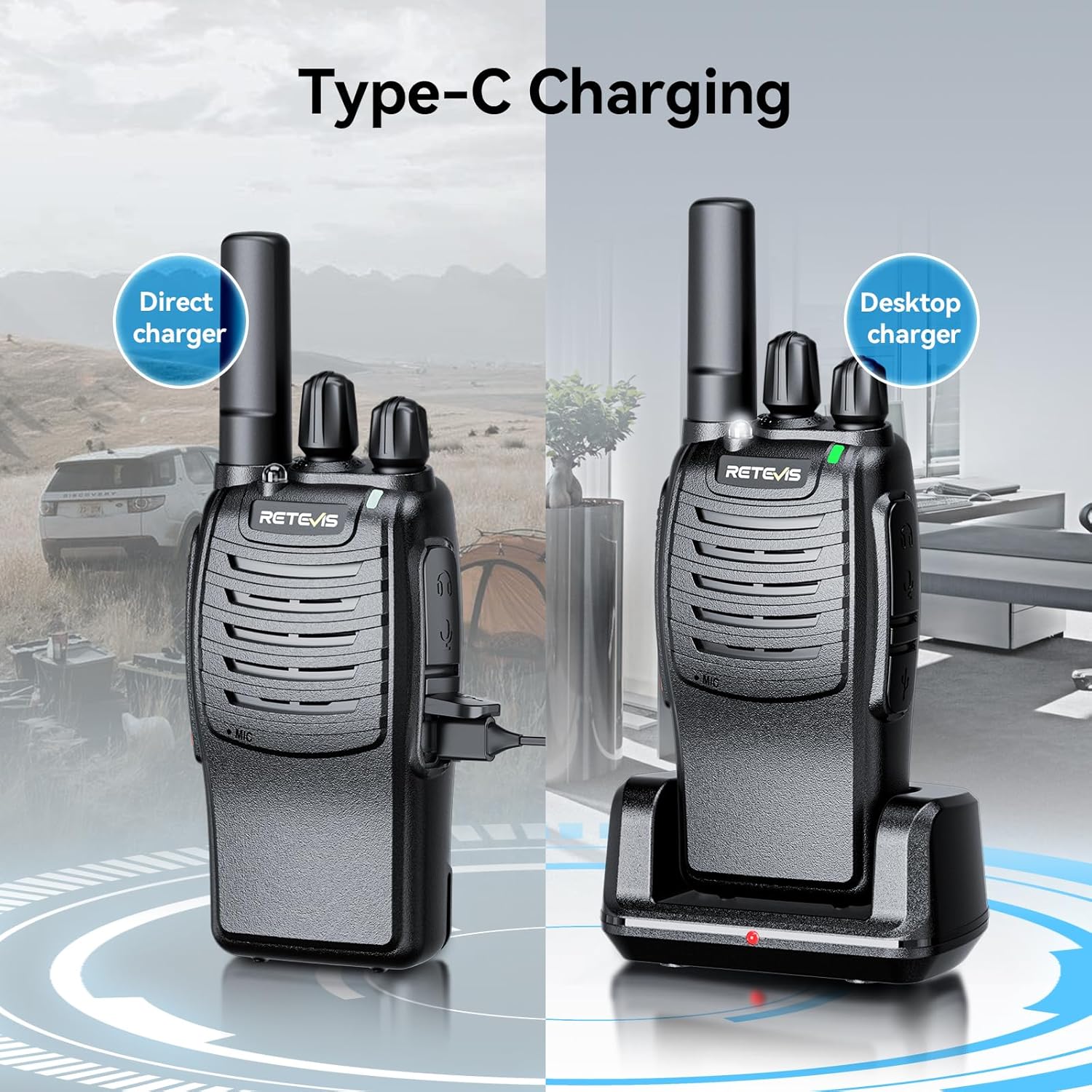
Image: A visual representation of the VOX hands-free feature, showing a person communicating while engaged in an activity, with speech bubbles indicating conversation.
- Press the Menu button multiple times until the VOX icon flashes on the LCD screen.
- Use the Up or Down buttons to select a VOX sensitivity level (e.g., 1-3, with 1 being most sensitive).
- Press Menu to confirm.
4.6 LED Flashlight
Your radio is equipped with an LED flashlight for convenience in dark environments.

Image: The radio's LED flashlight in operation, casting light in a dark outdoor scene, demonstrating its utility.
- To Turn On/Off: Press the dedicated Flashlight button (if available) or refer to your specific model's button layout for this function.
4.7 Emergency Alarm
In an emergency, you can activate the alarm function to alert others.
- To Activate: Long press the side key 1 (or designated emergency button) to turn on the alarm function.
5. Maintenance
- Cleaning: Wipe the radio with a soft, damp cloth. Do not use harsh chemicals or abrasive cleaners.
- Storage: Store the radio in a cool, dry place when not in use. Remove batteries if storing for extended periods to prevent leakage.
- Avoid Extreme Conditions: Do not expose the radio to extreme temperatures, direct sunlight, or excessive moisture.
6. Troubleshooting
| Problem | Possible Cause | Solution |
|---|---|---|
| Radio does not power on. | Low or dead batteries; incorrectly installed batteries. | Replace or recharge batteries; check battery polarity. |
| Cannot transmit or receive. | Incorrect channel; out of range; low battery. | Ensure both radios are on the same channel; move closer to the other radio; replace/recharge batteries. |
| Poor audio quality. | Weak signal; interference; volume too low. | Move to an open area; check for obstructions; adjust volume. |
| VOX not working. | VOX sensitivity too low; microphone blocked. | Increase VOX sensitivity; ensure microphone is clear. |
7. Specifications
- Model Numbers: RT628, H-777
- Channels: 22 FRS/GMRS channels
- Privacy Codes: CTCSS/DCS (specific numbers may vary by model)
- Power Source: 3 x AA batteries (not included)
- Features: VOX, LCD Backlit Display, LED Flashlight, Emergency Alarm, Auto Power Save
- Manufacturer: Retevis
8. Warranty and Support
For warranty information, technical support, or service inquiries, please refer to the contact information provided with your purchase or visit the official Retevis website. Keep your purchase receipt as proof of purchase for warranty claims.


