
Introduction
Thank you for choosing JBL Endurance Zone True Wireless Open-Ear Sport Headphones. This manual provides essential information for setting up, operating, and maintaining your headphones to ensure optimal performance and longevity. Please read it thoroughly before use.
What's in the Box
- 1 x JBL Endurance Zone earbuds
- 1 x charging case
- 1 x Warranty / Warning (W / !)
- User Manual
Product Overview
The JBL Endurance Zone headphones are designed for active lifestyles, offering open-ear comfort, secure fit, and robust durability. They feature JBL OpenSound technology for situational awareness and IP68 water and dust proofing.
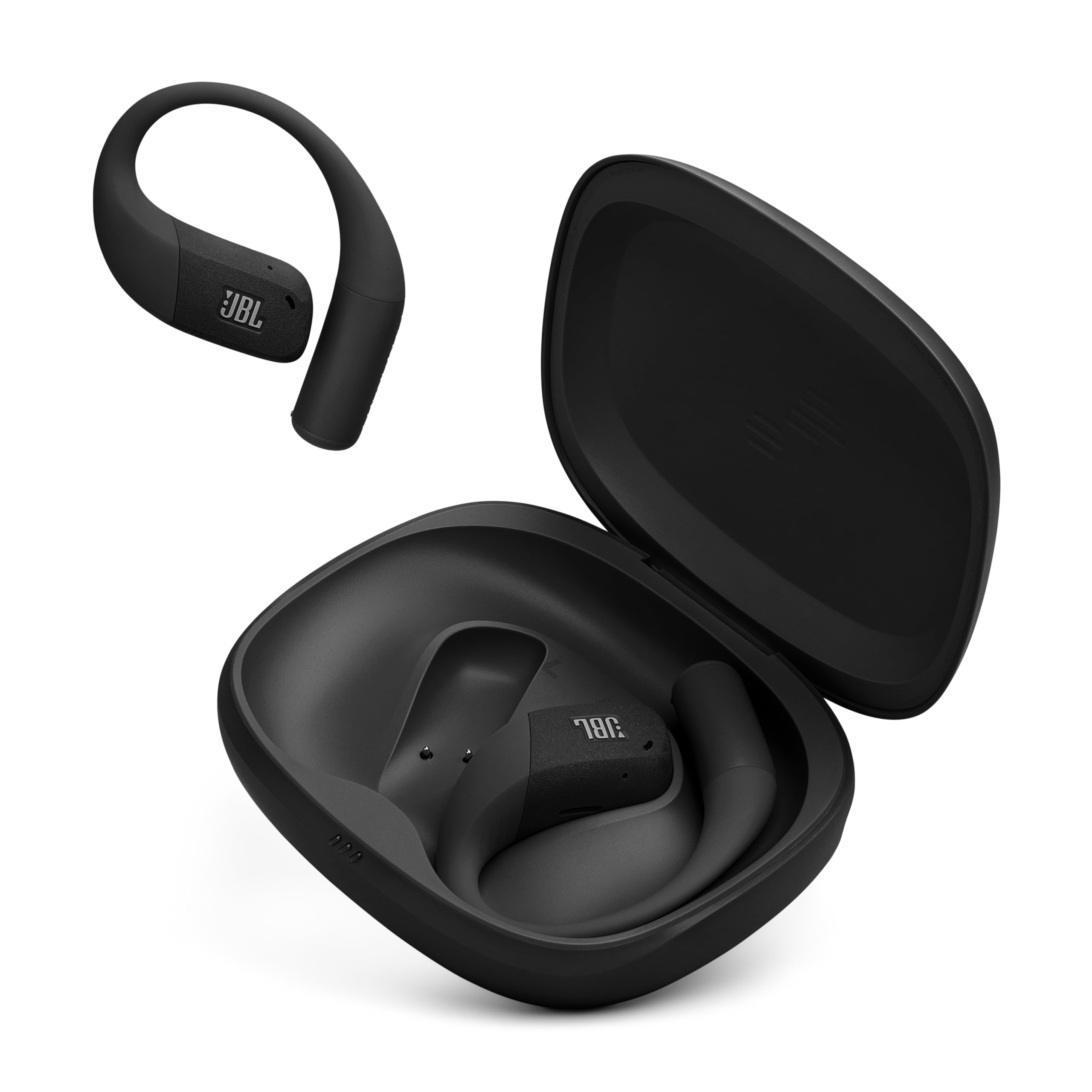
Figure 1: JBL Endurance Zone charging case, closed, displaying the JBL logo.
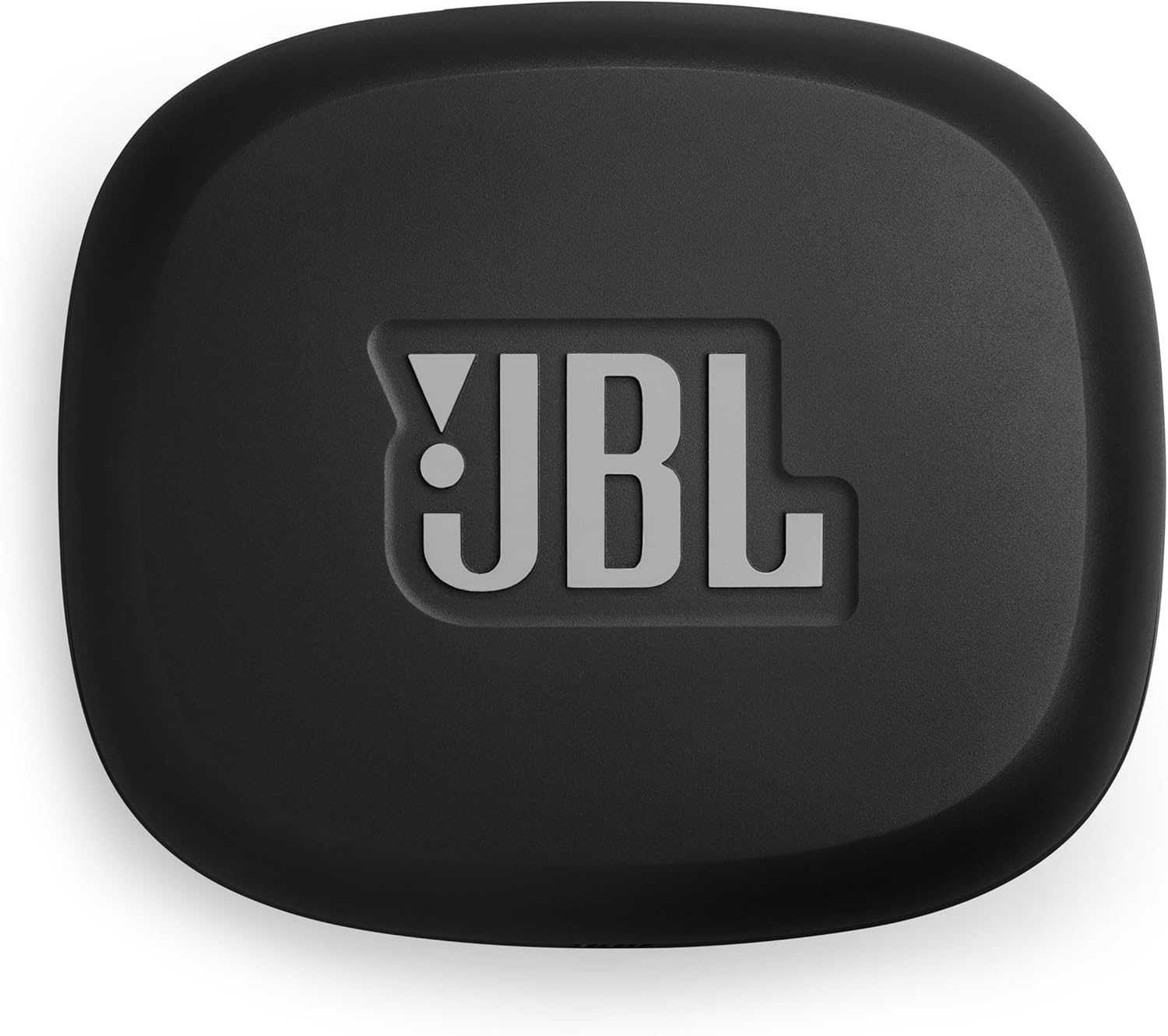
Figure 2: The charging case opened, revealing the two JBL Endurance Zone earbuds nestled inside.

Figure 3: Both JBL Endurance Zone earbuds displayed outside their case, highlighting their ergonomic earhook design.

Figure 4: A close-up side view of a JBL Endurance Zone earbud, showcasing its textured finish and JBL branding.

Figure 5: A woman smiling as water splashes on her face, wearing JBL Endurance Zone earbuds, illustrating their IP68 waterproof capabilities during a workout.

Figure 6: A man stretching on a bridge outdoors, wearing JBL Endurance Zone earbuds, emphasizing the OpenSound technology that allows awareness of surroundings.

Figure 7: A woman performing planks on grass outdoors, wearing JBL Endurance Zone earbuds, demonstrating their suitability for extended workouts due to long battery life.

Figure 8: A woman running on a bridge, wearing JBL Endurance Zone earbuds, emphasizing their durable construction for active use.
Video 1: Official JBL Endurance Zone Product Video. This video provides a comprehensive overview of the headphones' features, including their design, sound technology, and durability for sports activities.
Setup
1. Charging the Headphones
Before first use, fully charge your JBL Endurance Zone headphones and charging case.
- Place the earbuds into the charging case.
- Connect the USB-C charging cable (not included) to the charging port on the case and to a power source.
- The LED indicators on the case will show charging status. A full charge takes approximately 2 hours.

Figure 9: Bottom view of the JBL Endurance Zone charging case, showing the USB-C charging port and the 'ENDURANCE ZONE' branding.
2. Pairing with a Bluetooth Device
- Open the charging case. The earbuds will automatically enter pairing mode.
- On your device (smartphone, tablet), go to Bluetooth settings and select "JBL Endurance Zone" from the list of available devices.
- For Android devices, Google Fast Pair allows for quick, one-click pairing.
- Once paired, the earbuds will automatically connect to your device when removed from the case.
Operating Instructions
Touch Controls
The JBL Endurance Zone earbuds feature intuitive touch controls. Refer to the detailed instructions in the JBL Headphones app for customization.
- Play/Pause: Single tap on either earbud.
- Next Track: Double tap on the right earbud.
- Previous Track: Triple tap on the left earbud.
- Volume Up: Swipe up on the right earbud.
- Volume Down: Swipe down on the left earbud.
Making and Receiving Calls
The 4 beamforming microphones ensure crisp, clear calls even in noisy environments.
- Answer/End Call: Single tap on either earbud.
- Reject Call: Press and hold on either earbud.
- Activate Voice Assistant: Press and hold on the right earbud (customizable via app).
JBL Headphones App
Download the JBL Headphones app to customize your listening experience:
- Adjust the 10-band EQ for personalized sound.
- Change touch control assignments.
- Access Google Finder to locate misplaced earbuds.
- Manage connection settings.
Maintenance
Cleaning
To maintain hygiene and performance, clean your earbuds regularly.
- The earbuds are IP68 rated and can be rinsed under tap water after a workout.
- Ensure earbuds are completely dry before placing them back into the charging case.
- Wipe the charging case with a soft, dry cloth. Do not submerge the charging case in water.
Storage
Store your headphones in their charging case when not in use to protect them and keep them charged. Avoid extreme temperatures.
Troubleshooting
| Problem | Solution |
|---|---|
| No power/won't turn on | Ensure earbuds and charging case are fully charged. |
| Cannot pair with device | Make sure Bluetooth is enabled on your device. Ensure earbuds are in pairing mode (open case). Forget the device in Bluetooth settings and try pairing again. |
| Sound is low or distorted | Adjust volume on both the earbuds and your device. Check EQ settings in the JBL Headphones app. Ensure earbuds are clean and free of debris. |
| Earbuds fall out during activity | Ensure earbuds are correctly positioned with the earhook securely wrapped around your ear. |
| Microphone issues during calls | Ensure microphones are not obstructed. Check call settings on your device. |
Specifications
| Feature | Detail |
|---|---|
| Brand | JBL |
| Model Number | JBLENDUZONEBLKGAM |
| Ear Placement | Open Ear |
| Form Factor | Open Ear |
| Impedance | 32 Ohms |
| Audio Driver Type | Dynamic Driver |
| Audio Driver Size | 11 Millimeters |
| Frequency Range | 20Hz - 20,000Hz |
| Battery Playtime | Up to 32 hours (8 hours in earbuds + 24 hours with charging case) |
| Speed Charge | 10 minutes charge for 3 hours playtime |
| Battery Charge Time | 2 Hours |
| Microphones | 4 (2 beamforming mics per earbud) |
| Water Resistance Level | IP68 (Waterproof and Dustproof) |
| Connectivity Technology | Wireless (Bluetooth) |
| Bluetooth Version | 5.3 |
| Control Method | Touch |
| Material | Silicone (earhook) |
| Item Weight | 5.92 ounces |
Warranty and Support
Warranty Information
The JBL Endurance Zone headphones come with a 1-year manufacturer's warranty. Please retain your proof of purchase for warranty claims. For detailed terms and conditions, refer to the included Warranty / Warning (W / !) document.
Customer Support
For further assistance, technical support, or warranty inquiries, please visit the official JBL support website or contact their customer service. Information can typically be found on the JBL website or in the product packaging.


