
1. Introduction
Thank you for choosing the LOBKIN S35 Open Ear Wireless Headphones. This manual provides essential information for setting up, operating, and maintaining your headphones. Please read it carefully before use to ensure optimal performance and longevity of your device.
2. What's in the Box
- LOBKIN S35 Open Ear Headphones
- Detachable Microphone
- Audio Cable
- Charging Cable (Type-C)
- User Manual

Image: Contents of the LOBKIN S35 package.
3. Product Features
- Open-Ear Design: Allows ambient sound awareness for safety and comfort, preventing ear canal blockage and overheating.
- Detachable Microphone: 360° rotating microphone for clear voice pickup in various environments.
- 40mm Dynamic Drivers: Delivers powerful bass, crisp treble, and full stereo sound.
- Bluetooth 6.0 Connectivity: Ensures stable, reliable, and low-latency wireless connection.
- Adjustable RGB Lighting: Dynamic lighting effects for personalized aesthetics.
- Fast Charging: Provides 1 hour of playback with just 5 minutes of charging.
- Dual Connectivity: Supports both wireless Bluetooth and wired USB audio connections.
- Lightweight Build: Weighs approximately 180 grams for extended comfortable wear.
- Voice Assistant Integration: Quick access to Siri or Google Assistant.
- Foldable Design: For easy storage and portability.
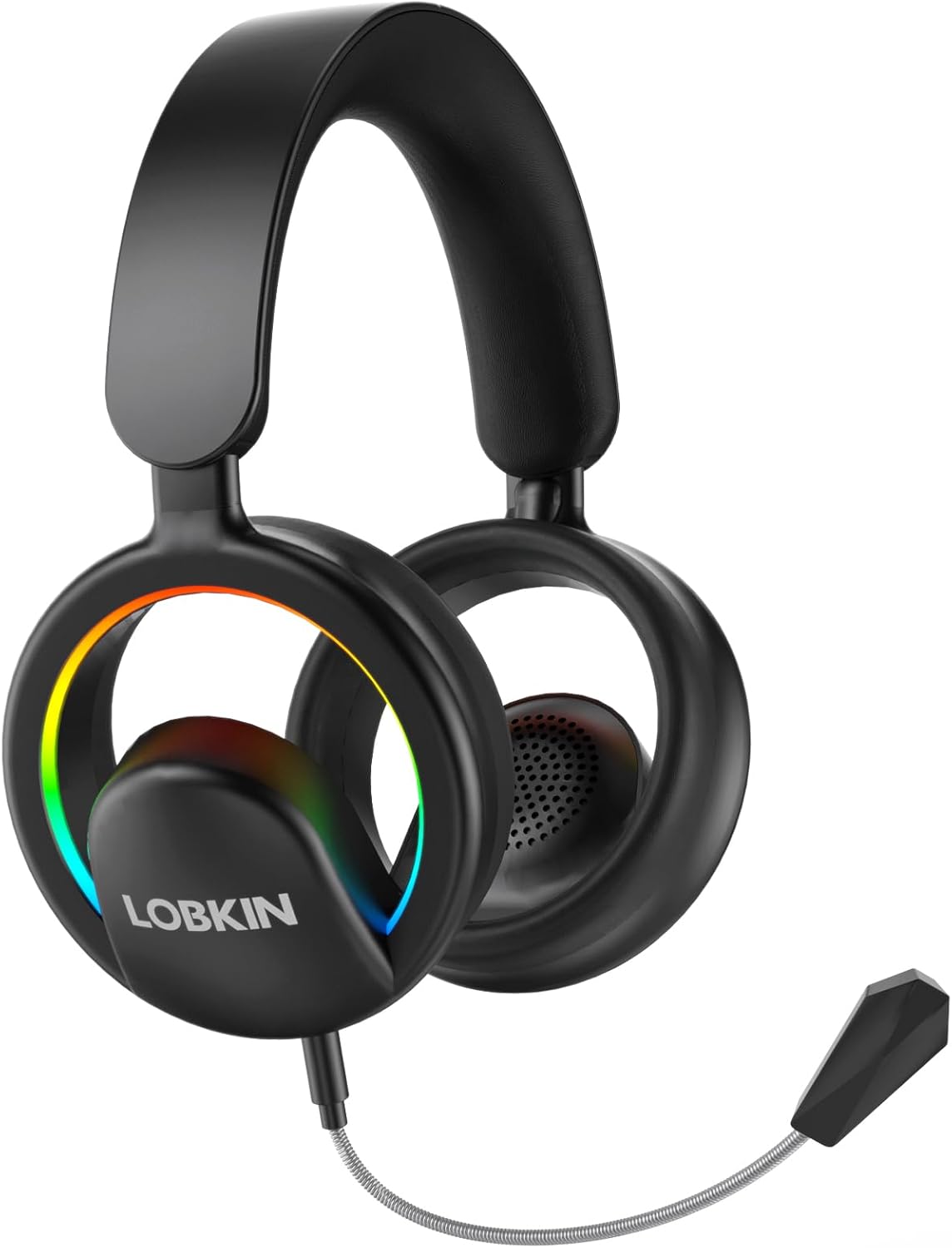
Image: LOBKIN S35 Open Ear Headphones.
4. Setup and Initial Use
4.1 Charging the Headphones
Before first use, fully charge your headphones. Connect the provided Type-C charging cable to the charging port on the headphones and a compatible USB power source. A full charge takes approximately 2 hours. The LED indicator will show charging status.

Image: Charging and battery life overview.
4.2 Attaching the Detachable Microphone
Locate the microphone port on the left earcup. Align the detachable microphone's connector with the port and gently push until it clicks into place. The microphone can be rotated 360° for optimal positioning.

Image: Detachable microphone attachment and adjustment.
4.3 Adjusting the Headband
The headband is adjustable to fit various head sizes. Gently slide the earcups up or down along the headband until a comfortable fit is achieved. The open-ear design ensures comfort without sealing your ears.
Video: Demonstrates the S35 Open Ear Headphones operation, including headband adjustment and microphone attachment.
5. Operating Instructions
5.1 Power On/Off
- Power On: Press and hold the power button for 2 seconds.
- Power Off: Press and hold the power button for 3 seconds.
5.2 Bluetooth Pairing
- Ensure the headphones are powered off.
- Press and hold the power button for 5 seconds until the LED indicator flashes blue and red, indicating pairing mode.
- On your device (smartphone, tablet, computer), enable Bluetooth and search for "LOBKIN S35".
- Select "LOBKIN S35" to connect. The LED indicator will turn solid blue once connected.
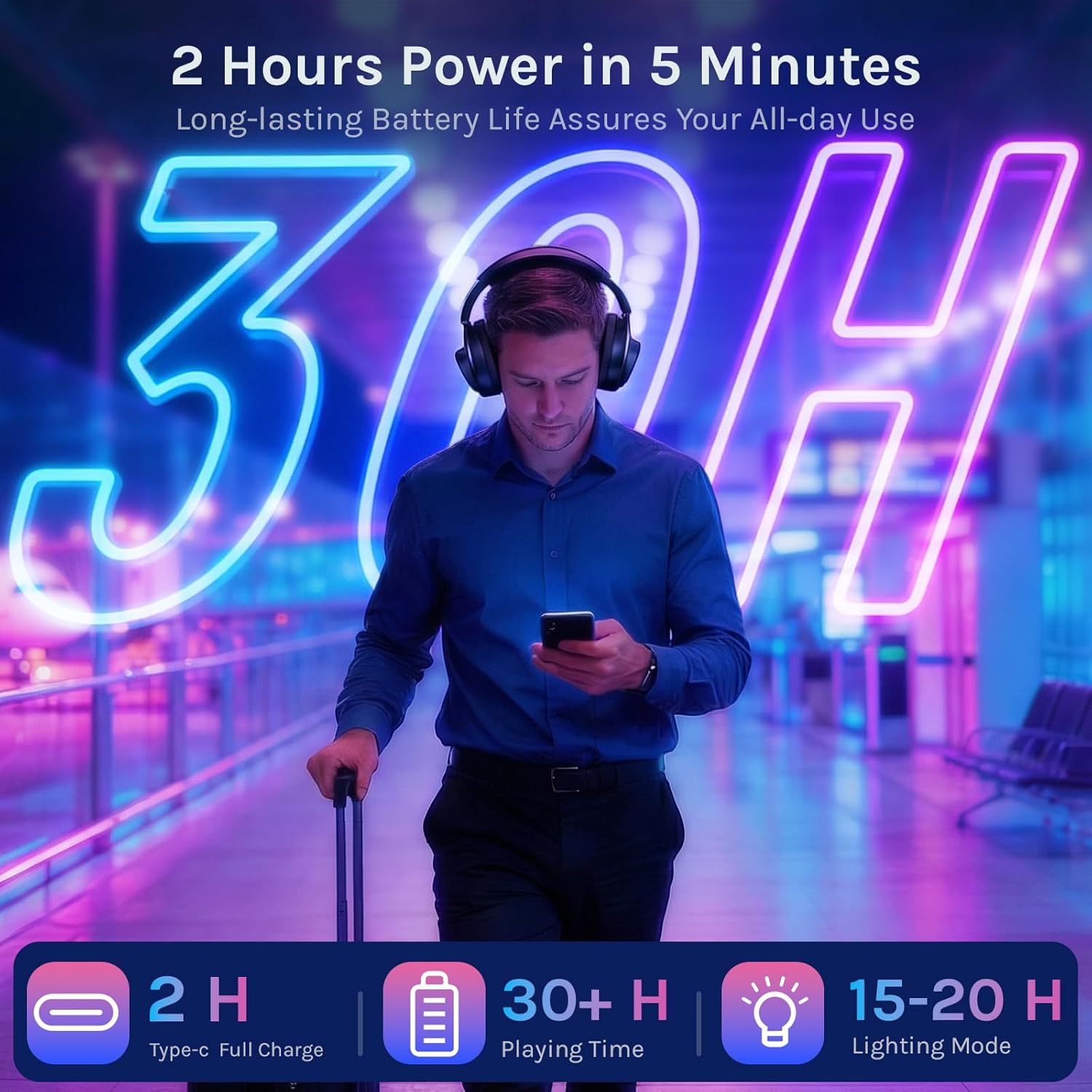
Image: Bluetooth 6.0 pairing with a smartphone.
5.3 Wired Connection
For a wired connection, use the provided audio cable. Plug one end into the headphone's audio jack and the other end into your device's 3.5mm audio port. This allows for an uninterrupted, lossless audio experience without battery consumption.
5.4 Controls and Functions
- Volume Control: Use the volume up/down buttons on the earcup.
- Play/Pause: Single press the power button.
- Next Track: Double press the volume up button.
- Previous Track: Double press the volume down button.
- Answer/End Call: Single press the power button.
- Reject Call: Press and hold the power button for 2 seconds.
- Activate Voice Assistant: Triple-press the power button.
- Switch RGB Lighting Mode: Double-press the power button (cycles through multicolor, red, green, blue, lights off).
- Enable Game Mode: Quadruple-press the power button.
- Factory Reset: Hold the power button for 8 seconds.

Image: Multifunction button guide.
6. Maintenance
- Keep the headphones dry. Do not expose to extreme temperatures.
- Clean the earcups and headband with a soft, dry cloth. Avoid harsh chemicals.
- Store in a cool, dry place when not in use. The foldable design allows for compact storage.
- Avoid dropping or subjecting the headphones to strong impacts.
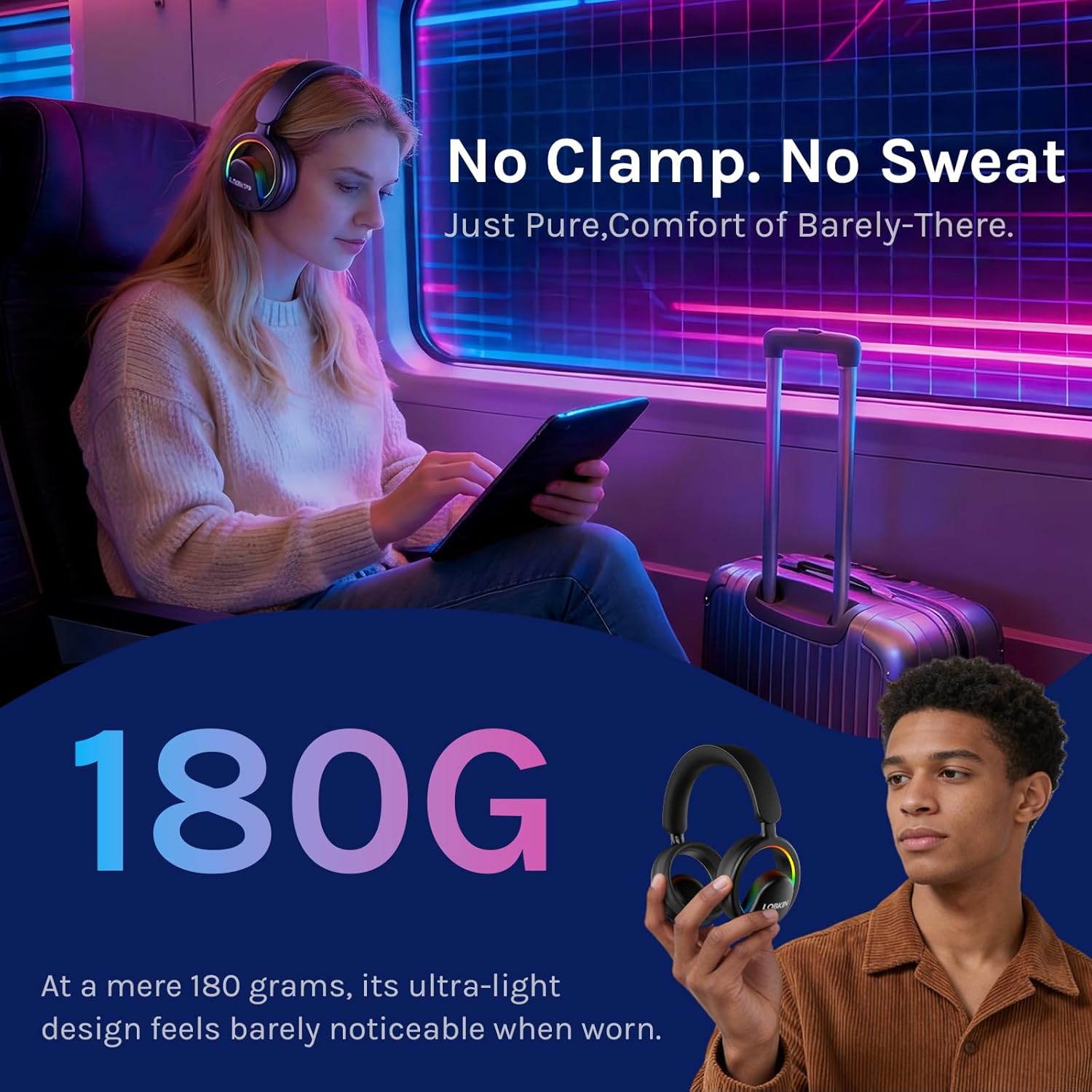
Image: Foldable design for portability.
7. Troubleshooting
| Problem | Solution |
|---|---|
| Headphones won't power on. | Ensure the headphones are charged. Connect to a power source using the Type-C cable. |
| Cannot pair via Bluetooth. | Make sure headphones are in pairing mode (flashing blue/red LED). Ensure Bluetooth is enabled on your device and it's within 15 meters. Try restarting both devices. |
| No sound or low volume. | Check headphone and device volume levels. Ensure headphones are properly connected (Bluetooth or wired). Test with another audio source. |
| Microphone not working. | Ensure the detachable microphone is securely connected. Check microphone settings on your device. |
| RGB lights not working. | Double-press the power button to cycle through lighting modes. Ensure headphones are powered on. |
8. Specifications
- Model: S35
- Brand: LOBKIN
- Color: Black
- Ear Placement: Open Ear
- Form Factor: Over-Ear, True Wireless
- Impedance: 32 Ohms
- Item Weight: 171 Grams
- Audio Driver Type: 40mm Dynamic Driver
- Frequency Response: 20 KHz
- Sensitivity: 110 dB
- Connectivity Technology: Wireless (Bluetooth 6.0), Wired (3.5mm Jack)
- Bluetooth Range: 15 Meters
- Battery Charge Time: 2 Hours (Type-C)
- Battery Average Life: 30 Hours (playback), 15-20 Hours (with RGB lighting)
- Control Type: Button Control
- Additional Features: Adjustable Headband, Built-In Voice Assistant, Detachable Cable, Fast Charging, Lightweight, Microphone Included, RGB Lights, Volume Control.
- Material: Acrylonitrile Butadiene Styrene (ABS), Metal
9. Warranty and Support
The LOBKIN S35 Open Ear Wireless Headphones come with a 36-month warranty from the date of purchase. This warranty covers manufacturing defects and material faults under normal use. It does not cover damage caused by misuse, accidents, unauthorized modifications, or normal wear and tear.
For warranty claims, technical support, or any inquiries, please contact LOBKIN customer service through the retailer where the product was purchased or visit the official LOBKIN website for contact information.

