
Introduction
Welcome to your FKPCAM FK40 Solar Powered Trail Camera instruction manual. This guide provides detailed information on setting up, operating, and maintaining your camera to ensure optimal performance for wildlife monitoring, hunting, and property surveillance. Please read this manual thoroughly before using your camera.
Product Overview
The FKPCAM FK40 is a high-performance trail camera designed for capturing clear 4K video and 48MP photos. It features a built-in 5000mAh rechargeable battery, supplemented by a solar panel for extended operation. Equipped with night vision and motion activation, it is built to withstand various outdoor conditions with its IP67 waterproof rating.
Package Contents
- FKPCAM FK40 Trail Camera
- Solar Panel
- 64GB SD Card
- Tree Mount Strap
- Mounting Bracket and Screws
- USB Type-C Cable
- User Manual

Image: The FKPCAM FK40 Trail Camera with its integrated solar panel and included accessories.

Image: Front view of the FKPCAM FK40 Trail Camera, showing the lens, PIR sensor, and display screen.
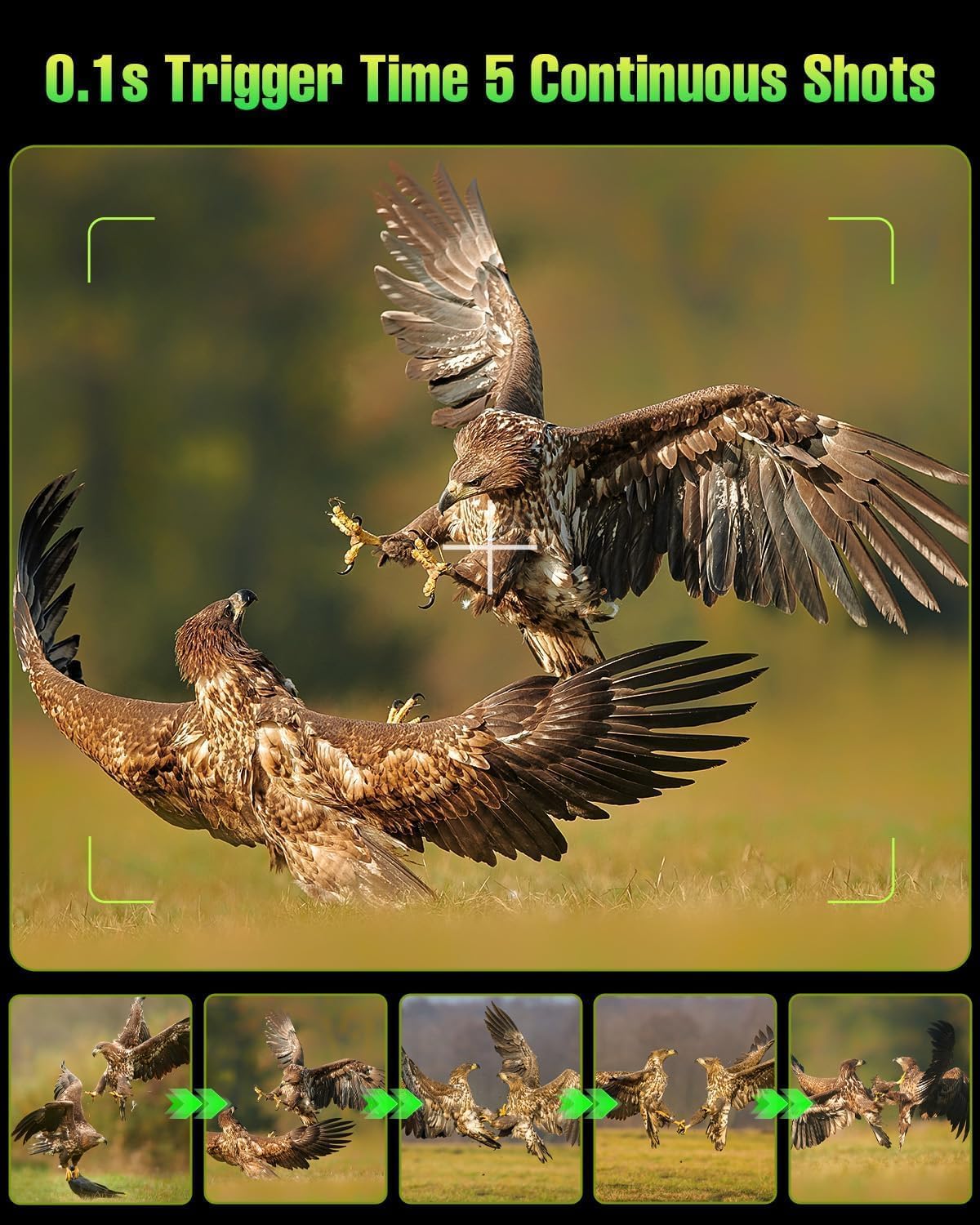
Image: Side view of the FKPCAM FK40 Trail Camera, illustrating the access panel for ports and controls.
Setup
1. Battery Charging
The camera features a built-in 5000mAh rechargeable battery and an integrated solar panel. For initial use, it is recommended to fully charge the camera using the provided USB Type-C cable and a standard 5V USB power adapter (not included). The charging indicator light will turn red during charging and turn off when fully charged. The solar panel will continuously charge the battery when exposed to sunlight, extending operational time.

Image: The camera can be charged via its solar panel or directly using a Type-C cable.
2. SD Card Installation
Insert the included 64GB SD card into the designated slot. Ensure the card is inserted correctly until it clicks into place. The camera supports SD cards up to 256GB. It is recommended to format the SD card within the camera's settings before first use.
3. Mounting the Camera
The FKPCAM FK40 offers versatile mounting options:
- Tree Strap: Use the provided strap to secure the camera to a tree or pole.
- Mounting Bracket: Attach the camera to a wall or fence using the included mounting bracket and screws.
- Stand: The camera can also be placed on a flat surface using its integrated stand.
Position the camera to capture the desired area, ensuring the solar panel receives adequate sunlight for continuous charging.

Image: The FKPCAM FK40 Trail Camera securely mounted on a tree using the provided strap, with the solar panel positioned for optimal sunlight exposure.
Operating Instructions
1. Power On/Off
Locate the power switch on the camera. Slide it to the 'ON' position to power on the camera. To power off, slide the switch to 'OFF'.
2. Mode Selection
The camera offers various operating modes, typically including Photo, Video, and Photo+Video. Use the camera's internal menu to select your preferred mode. In Photo+Video mode, the camera will capture a still image before recording a video clip when triggered.
3. Motion Detection and Trigger Speed
The FKPCAM FK40 features a fast 0.2-second trigger speed to capture motion quickly. Its 130° wide-angle Passive Infrared (PIR) sensor detects movement across a broad area. You can adjust the sensitivity of the PIR sensor in the camera settings to suit your environment and reduce unwanted triggers.

Image: A deer in motion, demonstrating the camera's rapid 0.2-second trigger speed.

Image: Illustration of the 130-degree wide-angle PIR detection range, capturing movement across a broad field.
4. Night Vision
The camera utilizes 850nm low-light infrared LEDs to capture clear images and videos in complete darkness without disturbing wildlife. The night vision range extends up to 20 meters (65 feet).

Image: A deer captured in clear night vision by the FKPCAM FK40 trail camera.
5. Viewing Footage
To view captured photos and videos, remove the SD card from the camera and insert it into a computer's SD card reader. Alternatively, some cameras allow direct connection to a computer via the USB Type-C cable to access the SD card contents. The camera records 4K video and 48MP photos, providing detailed captures.

Image: Examples of 4K video (raccoon) and 48MP photo (deer) quality captured by the camera.
Maintenance
1. Weather Protection
The FKPCAM FK40 is IP67 waterproof, designed to withstand rain, snow, and extreme temperatures ranging from -22°F to 158°F (-30°C to 70°C). Ensure all ports and covers are securely closed to maintain its waterproof integrity.

Image: The camera demonstrating its IP67 waterproof and weather-resistant capabilities in various conditions including rain, high temperatures, and snow.
2. Cleaning
Regularly clean the camera lens, PIR sensor, and solar panel with a soft, dry cloth to ensure optimal performance. Avoid using abrasive cleaners or solvents.
3. Battery Longevity
To maximize battery life, ensure the solar panel is positioned to receive direct sunlight. If the camera is stored for an extended period, fully charge the battery before storage and periodically recharge it to prevent deep discharge.
Troubleshooting
- Camera not taking nighttime photos/videos: Check the battery level. Ensure the IR sensor is clean and unobstructed. Verify that night vision settings are enabled in the camera menu.
- Video recording has a delay: Trail cameras may have a slight delay (typically 5-6 seconds) between motion detection and video recording initiation. To mitigate this, consider using the Photo+Video mode, which captures a still image immediately upon detection.
- Excessive triggers or false alarms: This can occur if the camera is placed in an area with constant movement (e.g., swaying branches, busy roads). Adjust the PIR sensor sensitivity in the camera settings or reposition the camera to a less active area.
- Cannot access files when connected to PC: If direct PC connection does not work, remove the SD card and use an external SD card reader to access your files. Ensure the SD card is properly inserted and recognized by your computer.
- Camera not powering on: Ensure the battery is charged. Check the power switch position. If the issue persists, try charging the camera via the Type-C cable for several hours.
- Poor image/video quality: Ensure the lens is clean. Check the camera's settings for resolution and quality. Ensure the camera is stable and not vibrating during capture.
Specifications
| Brand | FKPCAM |
| Model Name | FK40 |
| Effective Still Resolution | 48 MP |
| Video Capture Resolution | 4K |
| Battery Power | 5000mAh (Built-in Rechargeable) |
| Power Source | Solar Powered, Battery Powered |
| Trigger Speed | 0.2 seconds |
| Night Vision | 850nm Low Light LEDs, 20m (65ft) range |
| PIR Detection Angle | 130° Wide Angle |
| Water Resistance Level | IP67 Waterproof |
| Operating Temperature | -22°F to 158°F (-30°C to 70°C) |
| Included Media | 64GB SD Card |
| Connectivity Technology | No (No WiFi/App Required) |
| Item Dimensions | 4.5 x 3 x 2.3 inches |
| Item Weight | 8 ounces |
Warranty and Support
FKPCAM is committed to providing reliable products and customer satisfaction.
- Return Policy: 30-day return or refund period.
- Technical Support: 1-year professional technical support.
- Customer Service: Expect a response from the FKPCAM team within 12 hours for any inquiries.
For support, please refer to the contact information provided with your purchase or visit the official FKPCAM store page.

Image: FKPCAM customer support information, highlighting quick response times, return policy, and technical support duration.