
1. Introduction
Thank you for choosing the OTVOC V10 10.5-inch Android Tablet. This manual provides essential information for setting up, operating, and maintaining your device. Please read it carefully to ensure optimal performance and a satisfying user experience.
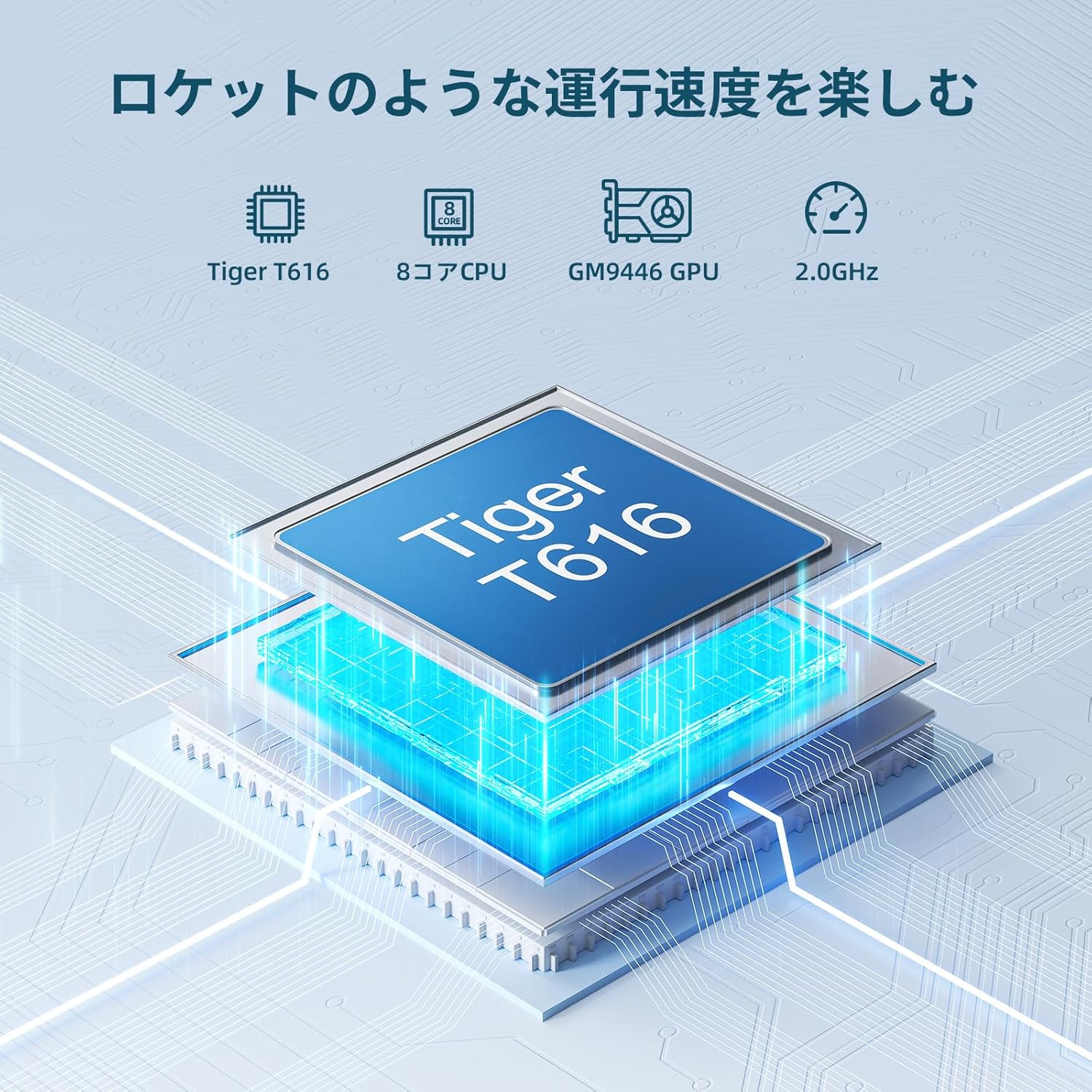
Image: OTVOC V10 Tablet, showcasing its sleek design.
2. Product Overview
2.1 Package Contents

Image: OTVOC Brand Logo.
The OTVOC V10 package typically includes:
- OTVOC V10 Tablet
- USB Type-C Cable
- Power Adapter
- User Manual
- Warranty Card
- SIM Card Pin
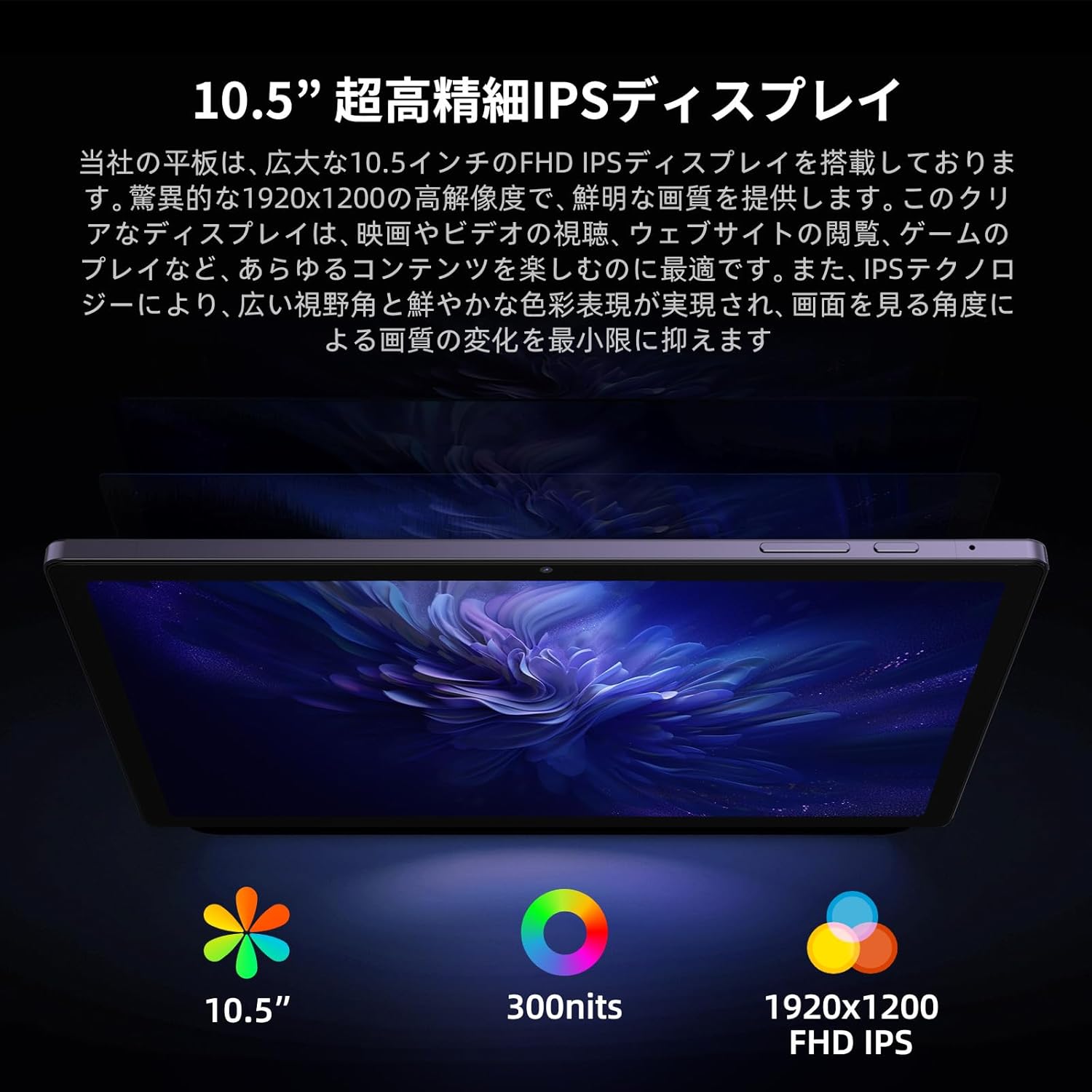
Image: The OTVOC V10 tablet and its included accessories, such as the charging cable, power adapter, user manual, and warranty card.
2.2 Key Features
- Operating System: Android 13 for enhanced customization, privacy, and accessibility.
- Display: 10.5-inch FHD+ (1920x1200) In-Cell display with 400cd/m² brightness and 178° wide viewing angle.
- Processor: High-performance Unisoc T616 8-core CPU (up to 1.8GHz, 12nm process) and Mali-G57 GPU for smooth multitasking and graphics.
- Memory & Storage: 8GB RAM (4GB LPDDR4 + 4GB virtual RAM) and 64GB internal storage, expandable up to 1TB via microSD card.
- Battery: 6000mAh large capacity battery, providing over 6 hours of continuous video playback.
- Connectivity: 4G LTE SIM support (bands 1/3/8/18/19/26/28/40/41), 5G WiFi, Bluetooth 5.0, OTG, Wireless Projection, Split Screen, FM Radio.
- Cameras: 8MP front camera and 13MP rear camera for clear photos and video calls.
- Multimedia: Widevine L1 support for HD streaming on platforms like Amazon Prime Video, Netflix, YouTube, and Disney+.

Image: Diagram illustrating the Unisoc T616 8-core processor, highlighting its performance capabilities.

Image: The 10.5-inch FHD+ display of the OTVOC V10, emphasizing its high resolution and wide viewing angles for various uses like document creation, video watching, and online classes.

Image: Visual representation of the tablet's 8GB RAM (4GB physical + 4GB virtual) and 64GB internal storage, with support for up to 1TB microSD expansion.

Image: Close-up of the tablet's rear camera module, indicating its 13MP resolution, and mentioning the 8MP front camera.

Image: A user interacting with the tablet, showcasing various Android 13 features like customizable home screen, privacy controls, and face recognition.
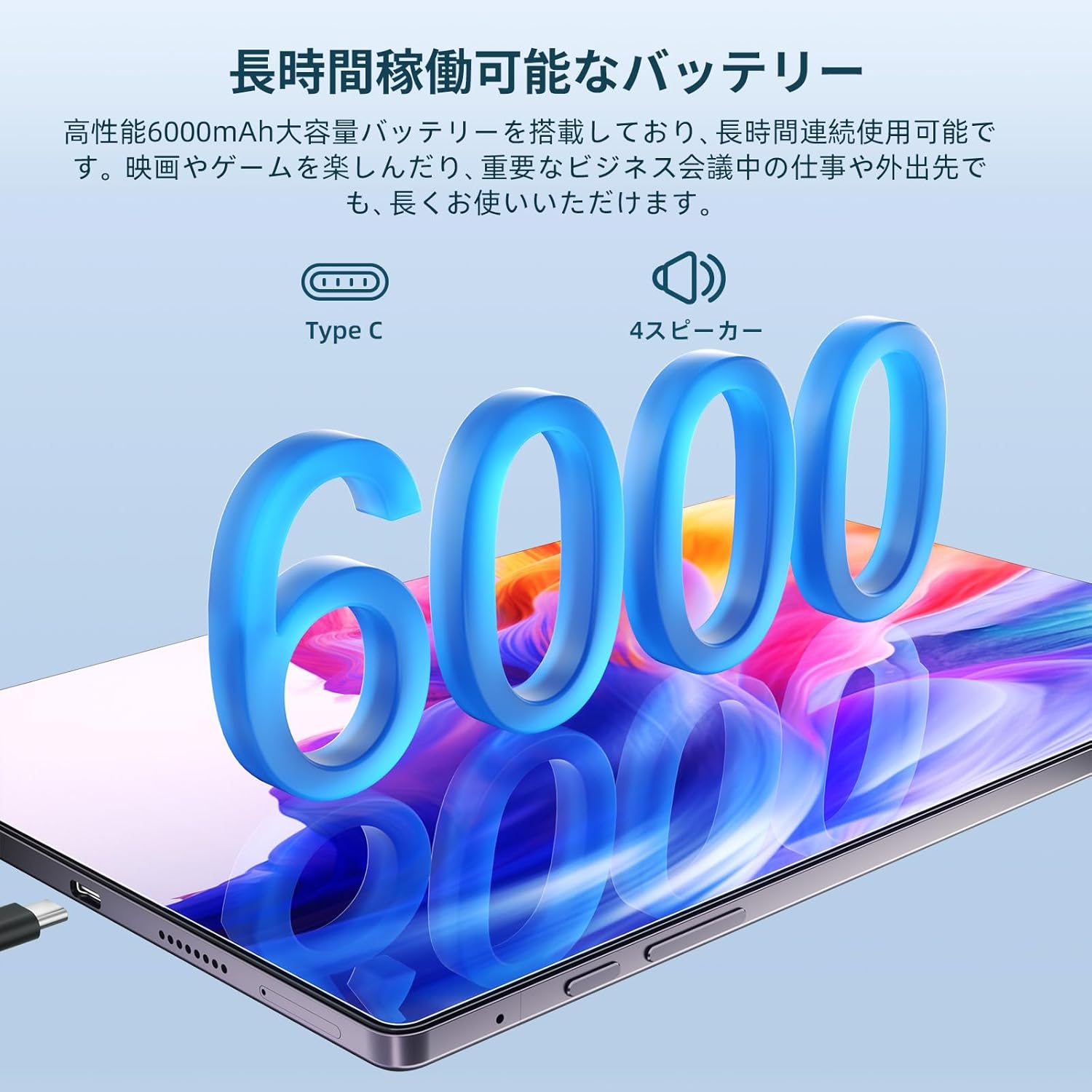
Image: The OTVOC V10 tablet connected to a Type-C charger, emphasizing its 6000mAh battery and long usage time.

Image: A collage demonstrating the tablet's connectivity options including 4G LTE, Bluetooth 5.0, 5G WiFi, and GPS/Glonass/Beidou, shown in various usage scenarios.
3. Setup
3.1 Initial Power On
- Press and hold the Power Button (located on the side) until the OTVOC logo appears on the screen.
- Follow the on-screen prompts to select your preferred language.
- Connect to a Wi-Fi network.
- Set up your Google account or skip for later.
- Configure screen lock (PIN, pattern, password, or face unlock).
3.2 Inserting SIM/MicroSD Card
Locate the SIM/microSD card tray on the side of the tablet. Use the provided SIM ejector tool to open the tray. Insert your 4G LTE SIM card and/or microSD card into the designated slots, ensuring correct orientation. Close the tray securely.
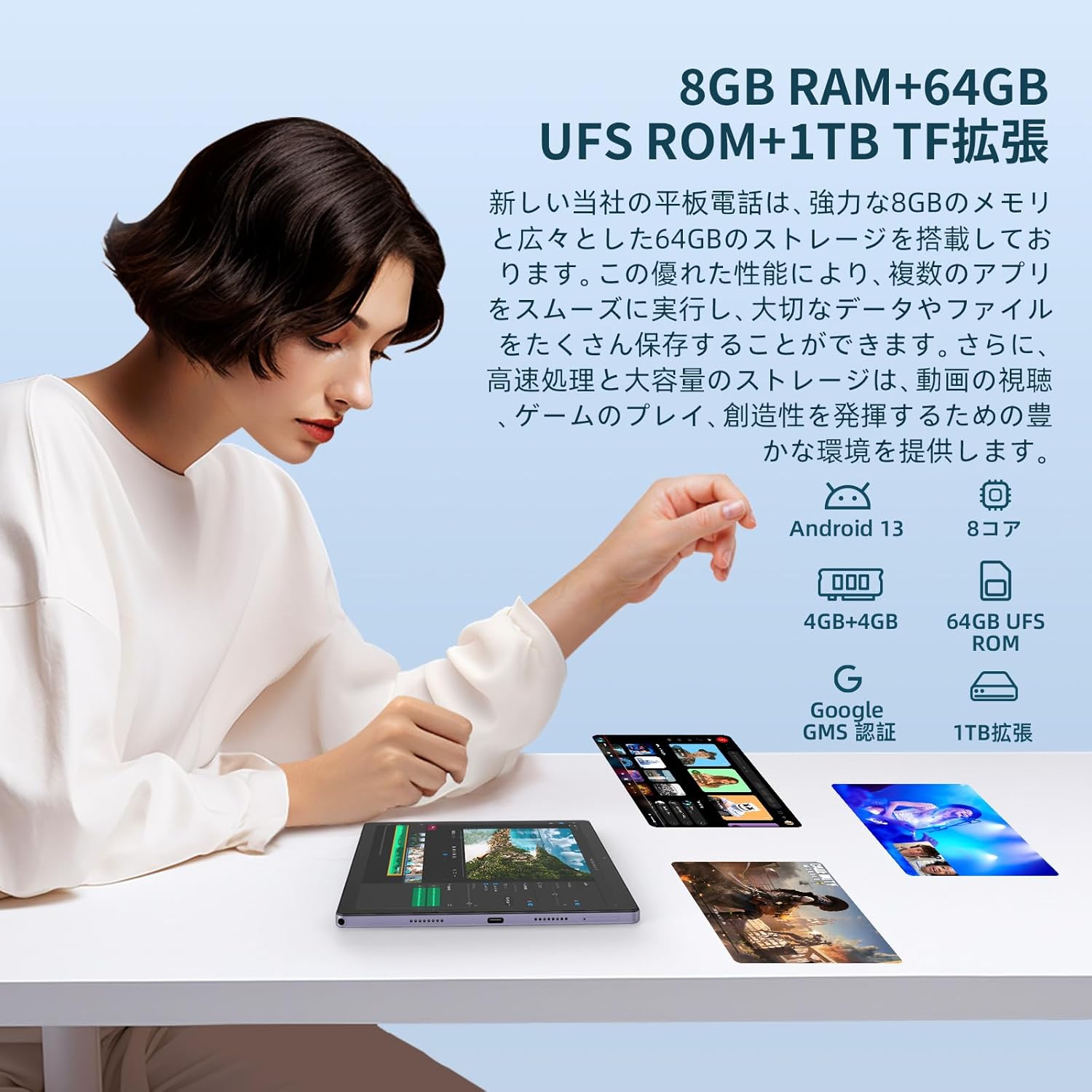
Image: A close-up of the tablet's side, showing the SIM/microSD card slot and other ports.
4. Operating Instructions
4.1 Basic Navigation
- Power On/Off: Press and hold the Power button.
- Volume Control: Use the Volume Up/Down buttons.
- Home Screen: Tap the Home icon to return to the main screen.
- Recent Apps: Tap the Recent Apps icon to view and switch between open applications.
- Back: Tap the Back icon to go back to the previous screen.
4.2 Android 13 Features
The OTVOC V10 runs on Android 13, offering enhanced features:
- Customization: Personalize your home screen with shortcuts and widgets.
- Privacy & Security: Easily review access history for location, camera, and microphone. Face recognition allows for quick and secure device unlocking.
- Split Screen: Use two apps simultaneously by activating split-screen mode.
- Wireless Projection: Share your tablet screen wirelessly to compatible displays.

Image: The OTVOC V10 display showing the Android home screen with various app icons.
Image: A user demonstrating the split-screen feature on the OTVOC V10, with two applications open side-by-side.
4.3 Multimedia and Connectivity
- Video Streaming: With Widevine L1 support, enjoy HD streaming from popular services.
- Audio: The tablet features a 3.5mm audio jack, allowing you to use headphones while charging.
- OTG Functionality: Connect external devices via OTG for expanded functionality.
Image: The OTVOC V10 display showing a streaming service interface, indicating Widevine L1 support for high-definition content.
5. Maintenance
5.1 General Care
- Keep the tablet away from extreme temperatures, direct sunlight, and liquids.
- Clean the screen with a soft, lint-free cloth. Avoid abrasive cleaners.
- Protect the screen with a screen protector and use a protective case.
5.2 Battery Care
- Avoid fully discharging the battery frequently.
- Do not leave the tablet charging for extended periods after it's fully charged.
- Use only the original charger and cable provided with the device.
6. Troubleshooting
6.1 Common Issues and Solutions
| Issue | Possible Solution |
|---|---|
| Tablet won't turn on | Ensure the battery is charged. Connect to charger for at least 30 minutes. Try a forced restart by holding the Power button for 10-15 seconds. |
| Slow performance | Close unnecessary background apps. Clear cache. Restart the tablet. Check for system updates. |
| Wi-Fi connection issues | Restart the tablet and your Wi-Fi router. Forget the network and reconnect. Check Wi-Fi settings. |
| Apps crashing | Clear the app's cache and data (Settings > Apps). Update the app. Reinstall the app. |
If you encounter persistent issues not covered here, please contact customer support.
7. Specifications
| Feature | Detail |
|---|---|
| Brand | OTVOC |
| Model Name | V10 |
| Operating System | Android 13 |
| Screen Size | 10.5 Inches |
| Display Resolution | 1920 x 1200 (FHD+) |
| CPU Brand | Unisoc T616 (8-core) |
| GPU Brand | ARM Mali-G57 |
| Memory Storage Capacity | 64 GB (expandable up to 1TB via microSD) |
| RAM | 8GB (4GB LPDDR4 + 4GB virtual) |
| Wireless Type | 802.11ac (5G WiFi), Bluetooth 5.0 |
| Connectivity | 4G LTE SIM (Bands: 1/3/8/18/19/26/28/40/41) |
| Battery Capacity | 6000 mAh |
| Item Weight | 500 g |
| Product Dimensions | 32 x 19.1 x 3.9 cm |
8. Warranty and Support
Your OTVOC V10 tablet comes with a manufacturer's warranty. Please refer to the included Warranty Card for details on coverage and duration. For technical support, troubleshooting assistance, or warranty claims, please contact OTVOC customer service through the official website or the contact information provided in your product documentation.

Image: A representation of customer support, indicating assistance is available.