
1. Introduction
This manual provides essential information for setting up, operating, and maintaining your OTVOC V10 Max 10.5-inch Android 13 Tablet. Please read it thoroughly to ensure optimal performance and longevity of your device.
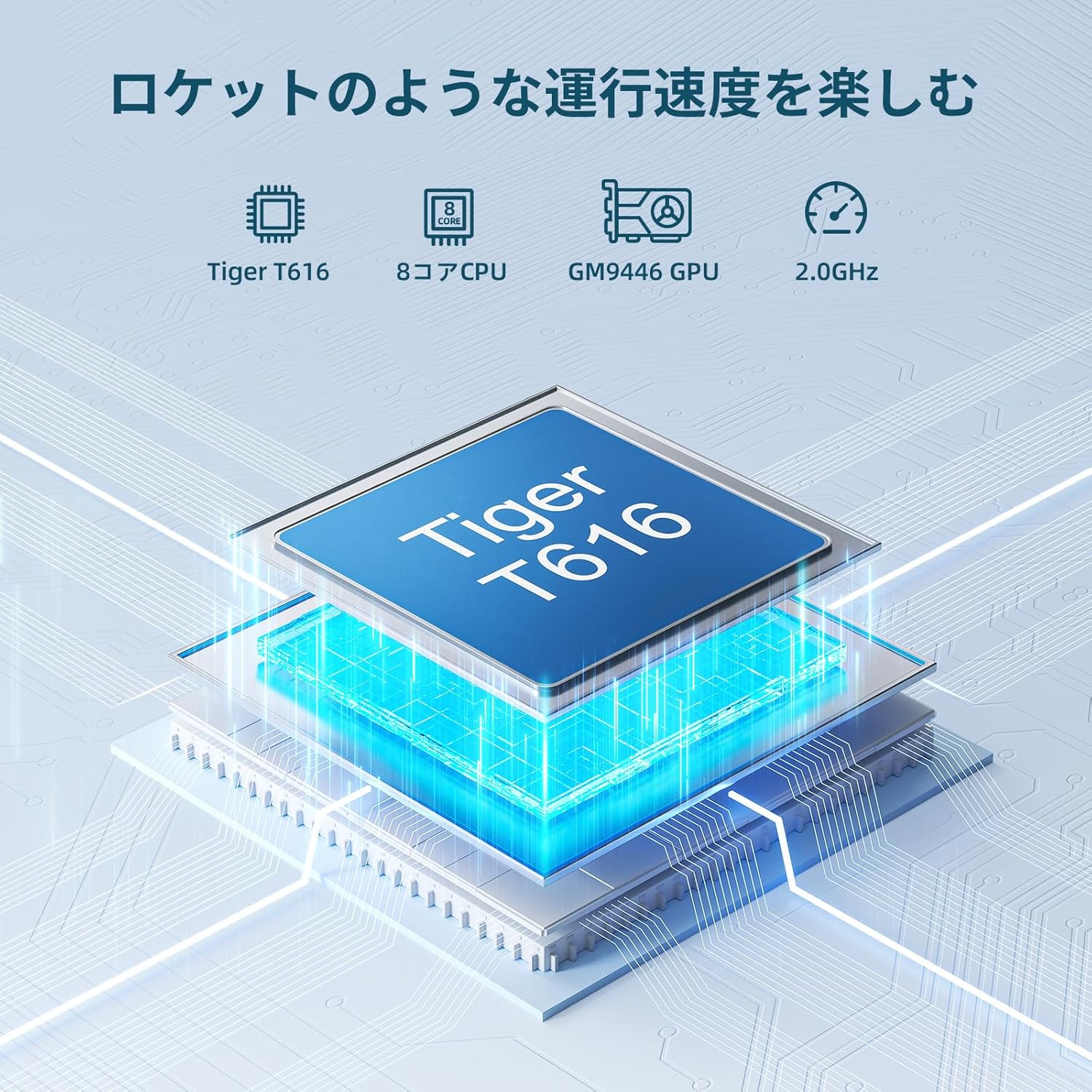
Image 1: Front and back view of the OTVOC V10 Max Tablet.
2. Setup
2.1. Initial Power On
- Press and hold the Power button located on the side of the tablet until the OTVOC logo appears.
- Follow the on-screen prompts to select your language, region, and agree to the terms and conditions.
2.2. Network Connection
The OTVOC V10 Max supports both Wi-Fi and 4G LTE connectivity.
2.2.1. Wi-Fi Setup
- Go to Settings > Network & Internet > Wi-Fi.
- Toggle Wi-Fi On.
- Select your desired Wi-Fi network from the list.
- Enter the password if prompted and tap Connect.
2.2.2. SIM Card Installation (for 4G LTE)
- Power off the tablet.
- Locate the SIM card tray on the side of the device.
- Use the provided SIM ejector tool to open the tray.
- Carefully place your 4G LTE SIM card(s) and/or microSD card into the tray, ensuring correct orientation.
- Insert the tray back into the tablet.
- Power on the tablet. The device should automatically detect the SIM card.

Image 2: The OTVOC V10 Max supports various connectivity options including 4G LTE, Bluetooth 5.0, dual-band Wi-Fi, and multiple GPS systems.
2.3. Security Setup (Face Unlock)
The tablet supports face authentication for quick and secure unlocking.
- Go to Settings > Security & Privacy > Face Unlock.
- Follow the on-screen instructions to register your face.
3. Operating the Tablet
3.1. Display Features
The OTVOC V10 Max features a vibrant 10.5-inch FHD (1920x1200) In-Cell display with a 178° wide viewing angle and 400cd/m² brightness, ensuring clear visuals from any perspective.
- Widevine L1 Support: Enjoy HD streaming from platforms like Amazon Prime Video, Netflix, YouTube, and Disney+.
- Customizable Home Screen: Arrange shortcuts and widgets freely to personalize your user interface.
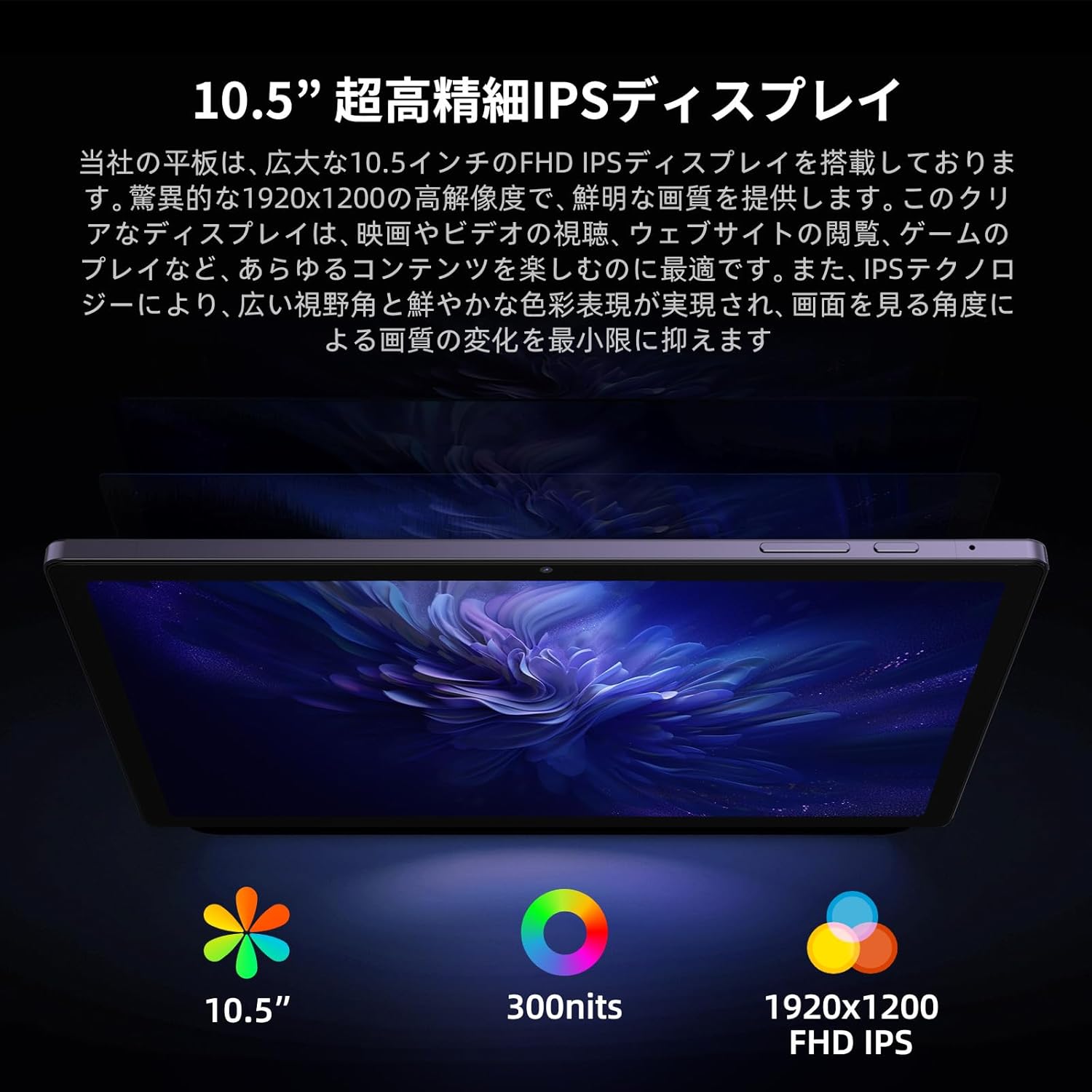
Image 3: The 10.5-inch FHD display offers a high-resolution visual experience.

Image 4: Widevine L1 certification enables high-definition content streaming on popular platforms.
3.2. Performance
Powered by a high-performance Unisoc T616 octa-core processor (up to 1.8GHz, 12nm process) and Mali-G57 GPU, the V10 Max ensures smooth multitasking and excellent graphics performance for videos and 3D games.

Image 5: The Unisoc T616 octa-core CPU and Mali-G57 GPU provide robust performance for various applications.
3.3. Memory and Storage
The tablet comes with 8GB LPDDR4 RAM, expandable with an additional 8GB of virtual RAM for stable operation even with multiple apps. It includes 256GB of internal storage, sufficient for photos, music, videos, and apps, and supports microSD cards up to 1TB for further expansion.

Image 6: Overview of the tablet's memory and storage capabilities.
3.4. Battery and Charging
Equipped with a 7500mAh large-capacity battery, the V10 Max offers over 6 hours of continuous video playback. It supports Type-C charging and features an independent 3.5mm audio jack, allowing you to use headphones while charging.

Image 7: The 7500mAh battery provides extended usage time.
3.5. Cameras
Capture clear photos and videos with the 8MP front camera and 13MP rear camera. The high-resolution cameras help preserve important moments and beautiful memories.

Image 8: Details of the tablet's front and rear cameras.
3.6. Android 13 Operating System
The V10 Max runs on the latest Android 13 OS, offering enhanced customization, privacy protection, and accessibility features. Enjoy a smarter and more secure operating experience with features like improved privacy controls, customizable home screen widgets, and face authentication.

Image 9: The Android 13 operating system provides a modern and secure user experience.
4. Maintenance
4.1. Cleaning
Use a soft, lint-free cloth to clean the screen and body of the tablet. Avoid using harsh chemicals or abrasive materials that could damage the device.
4.2. Software Updates
Regularly check for and install software updates to ensure your tablet has the latest features, security patches, and performance improvements. Go to Settings > System > System update.
4.3. Battery Care
To prolong battery life, avoid exposing the tablet to extreme temperatures. It is recommended to keep the battery charge between 20% and 80% for optimal long-term health.
5. Troubleshooting
5.1. Device Not Powering On
- Ensure the battery is charged. Connect the tablet to its charger and wait a few minutes before attempting to power it on again.
- Press and hold the Power button for at least 10-15 seconds to perform a forced restart.
5.2. Wi-Fi Connectivity Issues
- Restart your Wi-Fi router.
- Go to Settings > Network & Internet > Wi-Fi, forget the network, and then reconnect.
- Ensure you are within range of the Wi-Fi signal.
5.3. Apps Crashing or Freezing
- Close and reopen the app.
- Clear the app's cache and data via Settings > Apps > [App Name] > Storage & cache.
- Ensure the app is updated to its latest version.
6. Specifications
| Feature | Specification |
|---|---|
| Brand | OTVOC |
| Model Name | V10 Max |
| Operating System | Android 13 |
| Screen Size | 10.5 inches |
| Display Resolution | 1920 x 1200 (FHD) |
| CPU Brand | Unisoc T616 Octa-core |
| GPU | Mali-G57 |
| Memory (RAM) | 16 GB (8GB LPDDR4 + 8GB Virtual) |
| Storage (ROM) | 256 GB |
| Expandable Storage | Up to 1TB via microSD card |
| Battery Capacity | 7500 mAh |
| Connectivity | Wi-Fi (802.11ac), 4G LTE, Bluetooth 5.0 |
| Front Camera | 8 MP |
| Rear Camera | 13 MP |
| Weight | 500 g |
| Dimensions | 32.2 x 19.2 x 4 cm |
7. Warranty and Support
For warranty information and technical support, please refer to the documentation included in your product packaging or visit the official OTVOC website. Keep your purchase receipt as proof of purchase for warranty claims.

Image 10: For assistance, please contact OTVOC customer support.