Introduction
This manual provides detailed instructions for the installation, operation, and maintenance of your GOWENIC Wall Mount Music Amplifier. This device features a 2.4-inch LCD screen, Bluetooth 5.3 connectivity, and supports multiple audio formats, making it suitable for home or cafe environments. Please read this manual thoroughly before use to ensure proper functionality and safety.
Safety Information
- Ensure the power supply voltage matches the requirements specified for the amplifier.
- Do not expose the device to water, moisture, or extreme temperatures.
- Avoid placing the amplifier near heat sources or in direct sunlight.
- Do not attempt to open or repair the device yourself. Refer all servicing to qualified personnel.
- Keep the device out of reach of children.
- Disconnect power before cleaning or performing any maintenance.
Package Contents
Verify that all items listed below are present in the package:
- 1 x GOWENIC Wall Mount Music Amplifier
- 1 x Wall Mounted Back Box
- 1 x Remote Control (with CR2025 battery included)
- 1 x User Manual (this document)
- 1 x Screwdriver
- 2 x Screws

Image: Package contents of the GOWENIC Wall Mount Music Amplifier.
Product Features
- Clear LCD Display: A 2.4-inch LCD screen provides easy operation and a clear visual experience.
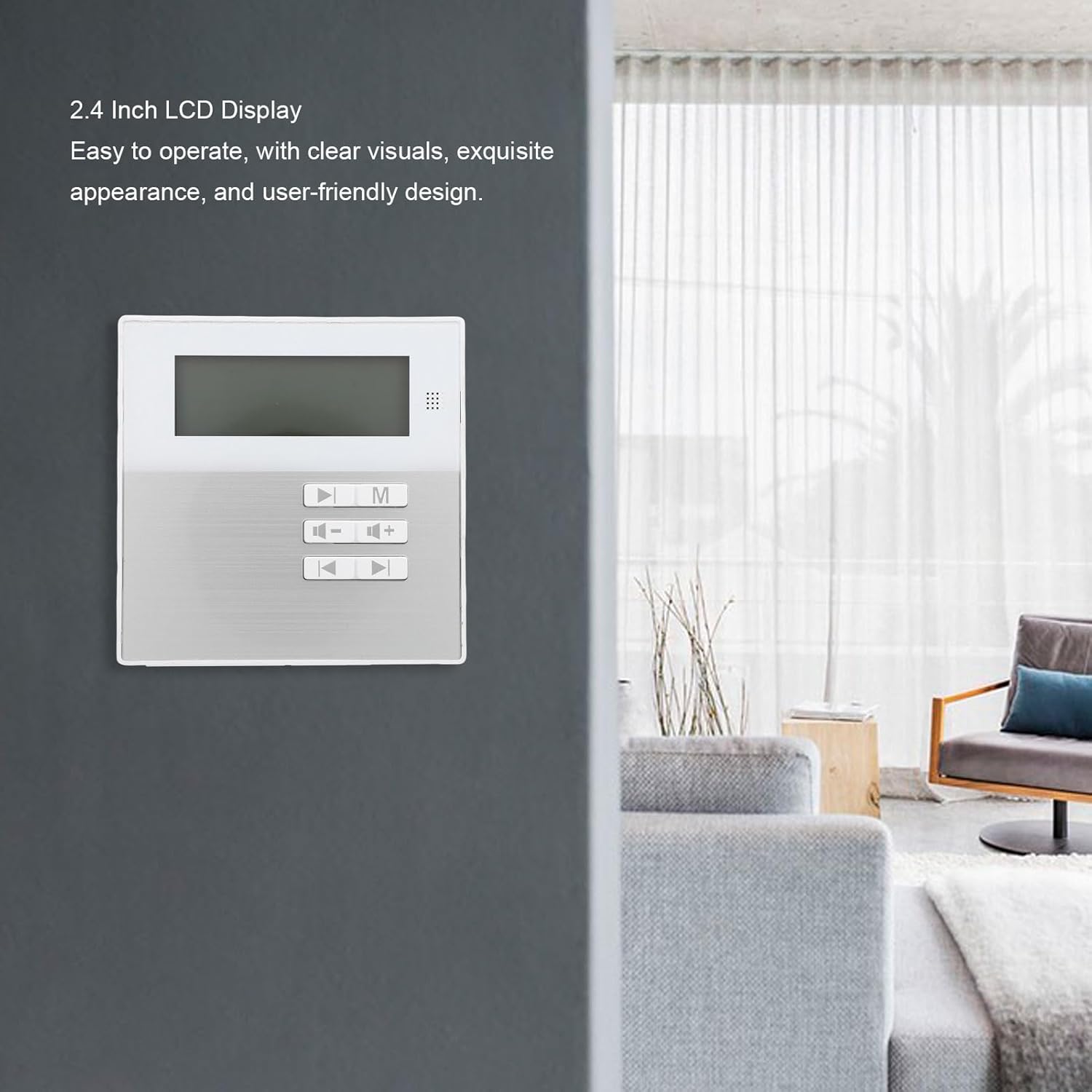
Image: The 2.4-inch LCD display of the amplifier.
- Multi-Format Support: Compatible with various audio formats including MP3, WMA, WAV, and FLAC for flexible playback.
- Space-Saving Wall Mount Design: Designed for wall installation to save space and provide convenient access.
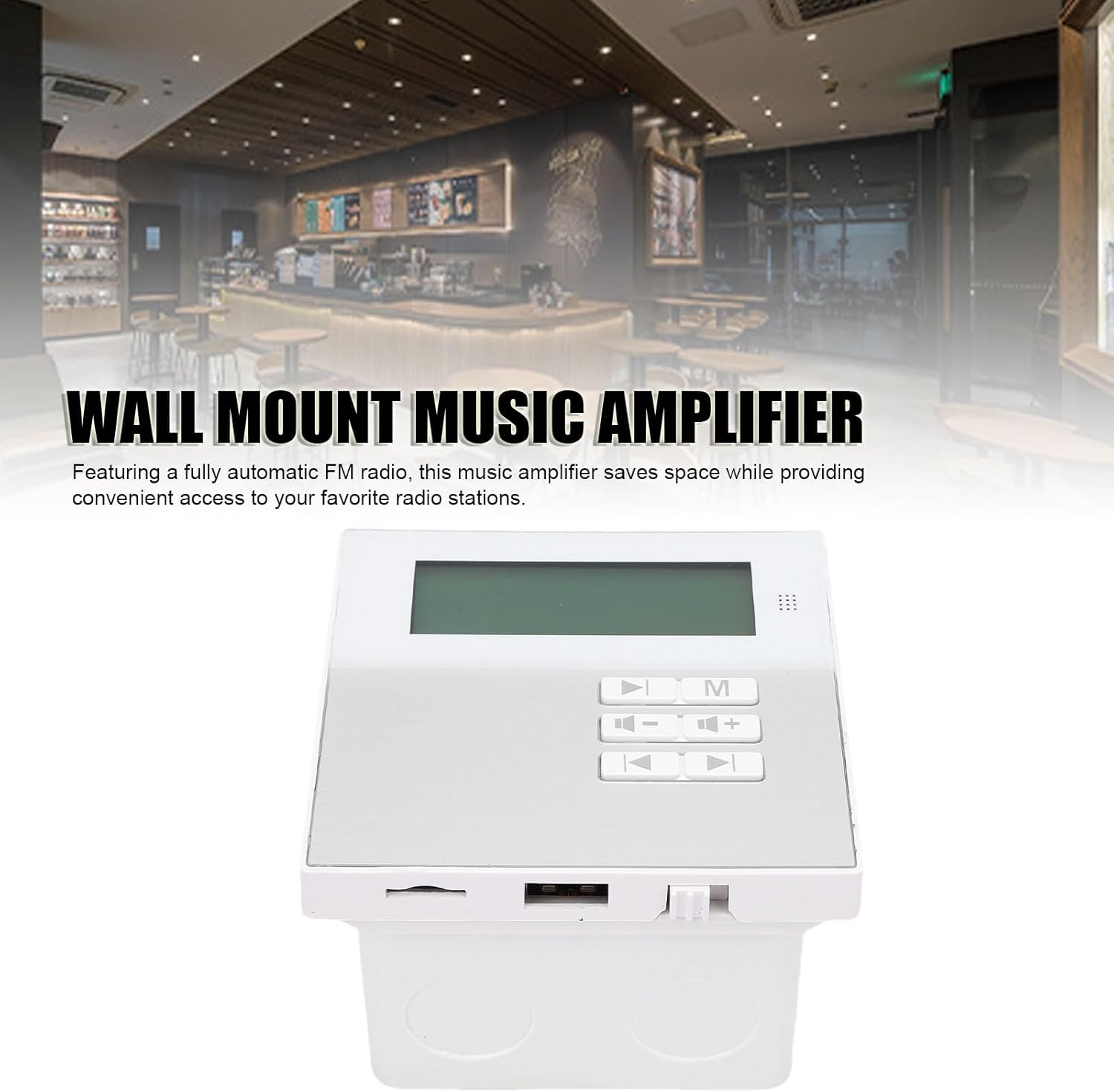
Image: Wall-mounted amplifier in a room setting.
- Bluetooth 5.3 Connectivity: Ensures stable wireless music playback and seamless connection to external Bluetooth devices.
- Convenient Remote Control: Allows for easy control of music functions, ideal for various settings.
- Built-in Radio Module: Features a built-in radio module for quick radio station search.

Image: Amplifier displaying radio mode.
Setup and Installation
The GOWENIC Wall Mount Music Amplifier is designed for DIY installation. Follow these general steps:
- Prepare the Installation Area: Choose a suitable wall location. Ensure there is access to power and speaker wiring.
- Install the Wall Mounted Back Box: Use the provided screws and screwdriver to securely attach the wall mounted back box to the wall. Ensure it is level.
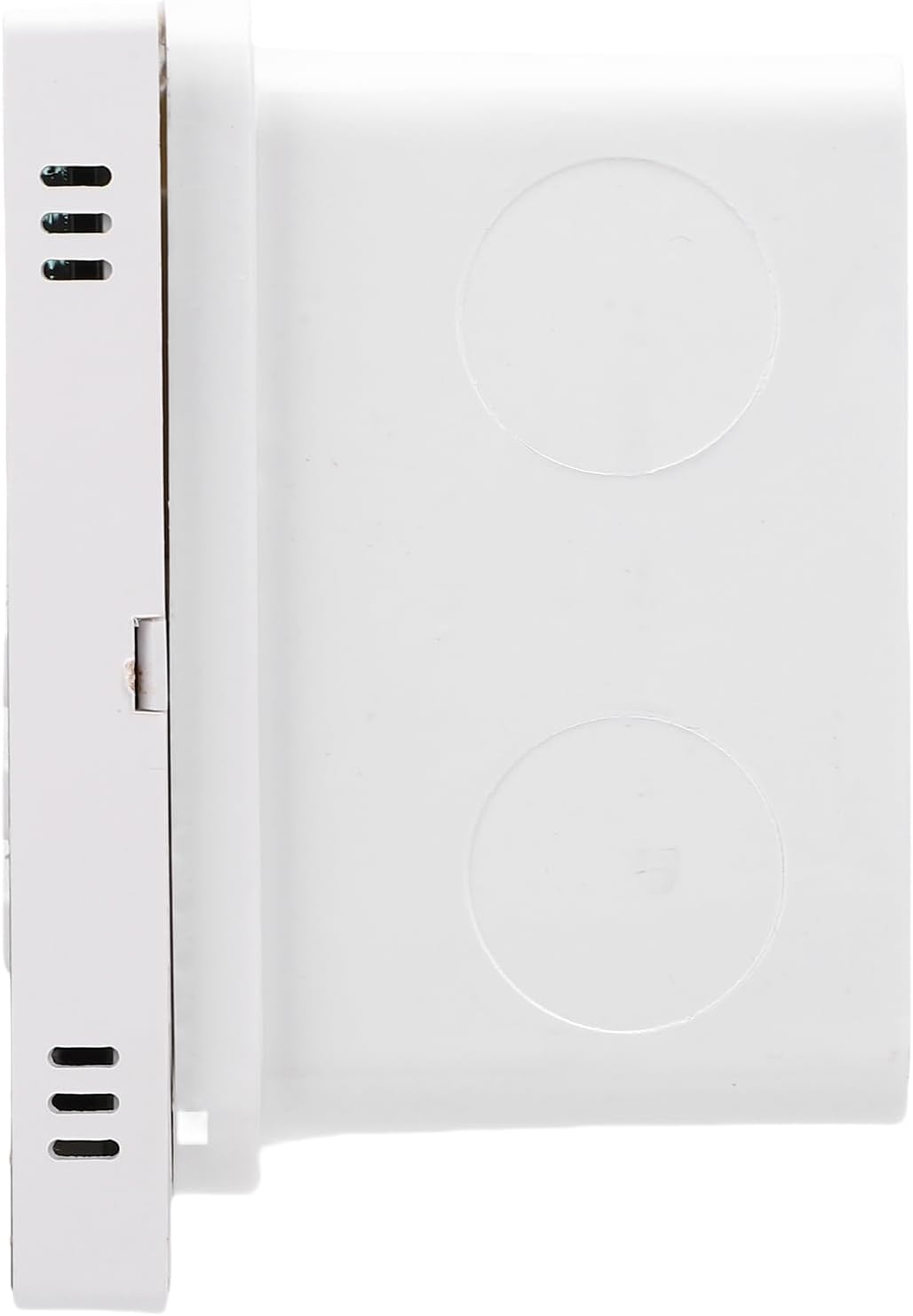
Image: Wall mounted back box.
- Connect Wiring: Connect speaker wires and power cables to the amplifier unit. Refer to the wiring diagram (if provided separately or on the unit itself) for correct polarity and connections.

Image: Amplifier unit showing connection ports.
- Mount the Amplifier Unit: Carefully insert the amplifier unit into the installed back box, ensuring all connections are secure and the unit sits flush with the wall.
- Power On: Once installed, connect the amplifier to a power source. The LCD screen should illuminate.
Operating Instructions
Basic Operation
- Power On/Off: Press the power button on the unit or remote control to turn the amplifier on or off.
- Volume Control: Use the '+' and '-' buttons on the unit or remote to adjust the volume.
- Mode Selection: Press the 'M' button on the unit or remote to cycle through available input modes (e.g., Bluetooth, USB, Memory Card, FM Radio).
Bluetooth Connection
- Ensure the amplifier is powered on.
- Select Bluetooth mode using the 'M' button. The LCD screen will display "Bluetooth" or a similar indicator.
- On your external Bluetooth device (e.g., smartphone, tablet), enable Bluetooth and search for available devices.
- Select "GOWENIC Amplifier" (or similar name) from the list of found devices to pair.
- Once paired, the amplifier will indicate a successful connection, and you can play audio from your device.
- The Bluetooth wireless range is approximately 10 meters.
Media Playback (USB/Memory Card)
- Insert a USB drive or a memory card (up to 16GB, not included) containing supported audio files (MP3, WMA, WAV, FLAC) into the respective port on the amplifier.
- Select the appropriate input mode (USB or Memory Card) using the 'M' button.
- The amplifier will automatically detect and begin playing audio files.
- Use the play/pause, next track, and previous track buttons on the unit or remote control to manage playback.
FM Radio Operation
- Select FM Radio mode using the 'M' button.
- Use the tuning buttons (often represented by arrow icons) on the unit or remote to scan for radio stations.
- The LCD screen will display the current frequency.
Remote Control Usage
The included remote control provides full functionality for the amplifier. Point the remote control directly at the amplifier's sensor. The remote control distance is approximately 8 meters.
Image: Remote control for the amplifier.
Functions typically include:
- Power On/Off
- Mode Selection (M)
- Volume Up/Down (+/-)
- Play/Pause
- Previous/Next Track
- EQ Settings (if available)
- Numeric Keypad for direct track/station selection
Maintenance
- Cleaning: Use a soft, dry cloth to clean the surface of the amplifier. Do not use liquid cleaners or abrasive materials.
- Dust Removal: Periodically wipe away dust from the unit to prevent accumulation, especially around vents.
- Battery Replacement (Remote Control): If the remote control's range decreases or it stops responding, replace the CR2025 battery. Ensure correct polarity.
- Storage: If storing the device for an extended period, disconnect it from power and store it in a cool, dry place.
Troubleshooting
| Problem | Possible Cause | Solution |
|---|---|---|
| No power | Power cable not connected; power outlet faulty. | Check power cable connection; try a different power outlet. |
| No sound | Volume too low; incorrect input mode; speaker wires disconnected. | Increase volume; select correct input mode; check speaker wire connections. |
| Bluetooth not pairing | Amplifier not in Bluetooth mode; device too far; interference. | Ensure amplifier is in Bluetooth mode; move device closer; restart both devices. |
| Remote control not working | Battery depleted; obstruction between remote and amplifier. | Replace remote control battery; ensure clear line of sight to amplifier sensor. |
| USB/Memory card not recognized | Incorrect format; card/drive faulty; capacity too large. | Ensure files are supported (MP3, WMA, WAV, FLAC); try another card/drive; ensure capacity is 16GB or less. |
Specifications
| Model Number | GOWENICtum8w0pzsr |
| Output Power | 2x20W (supports 4 speakers) |
| Speaker Impedance | 8 ohms |
| Bluetooth Version | 5.3 |
| Bluetooth Distance | Up to 10 meters |
| Remote Control Distance | Up to 8 meters |
| Memory Card Support | Maximum 16GB (not included) |
| Display Screen | 2.4 inch LCD screen |
| Resolution | 128x64 |
| Total Harmonic Distortion | ≤0.03% (1kHz, 1W, 8Ω) |
| Frequency Response | 20Hz-20kHz |
| Signal to Noise Ratio | >81db |
| Music Formats | MP3, WMA, WAV, FLAC, etc. |
| Remote Control Battery | CR2025 (140mAh, included) |
| Item Weight | 10.8 ounces |
| Package Dimensions | 5.91 x 4.72 x 3.54 inches |
Warranty and Support
GOWENIC products are manufactured to high-quality standards. For specific warranty details, please refer to the warranty card included with your product or contact GOWENIC customer support.
For technical support, troubleshooting assistance, or inquiries regarding your GOWENIC Wall Mount Music Amplifier, please contact the manufacturer:
Manufacturer: GOWENIC
Please visit the official GOWENIC website or refer to your purchase documentation for the most up-to-date contact information.