Introduction
This manual provides comprehensive instructions for the installation, operation, and maintenance of your Blütezeit MS600 Solar Swing Gate Opener and Wireless Keypad Bundle. Please read this manual thoroughly before installation and use to ensure proper function and safety. Keep this manual for future reference.
Safety Information
Important Safety Instructions:
- Always disconnect power before performing any service or maintenance.
- Ensure all electrical connections comply with local codes and regulations.
- Keep hands and clothing clear of the gate and opener mechanism during operation.
- Do not allow children to play near the gate or operate the gate opener.
- Install the gate opener on a structurally sound gate.
- Ensure the gate has proper stops to prevent over-travel.
- Regularly inspect the gate and opener for signs of wear or damage.
Package Contents
Verify that all components are present before beginning installation:
- MS600 Single-Arm Gate Opener with integrated control box and 24V lithium battery
- 25W Solar Panel with adjustable mounting bracket
- Wireless PIN Keypad (MWK30) with protective cover
- Remote Controls (quantity may vary)
- Mounting Hardware (brackets, bolts, nuts, washers)
- Emergency Release Key
- Instruction Manual (this document)
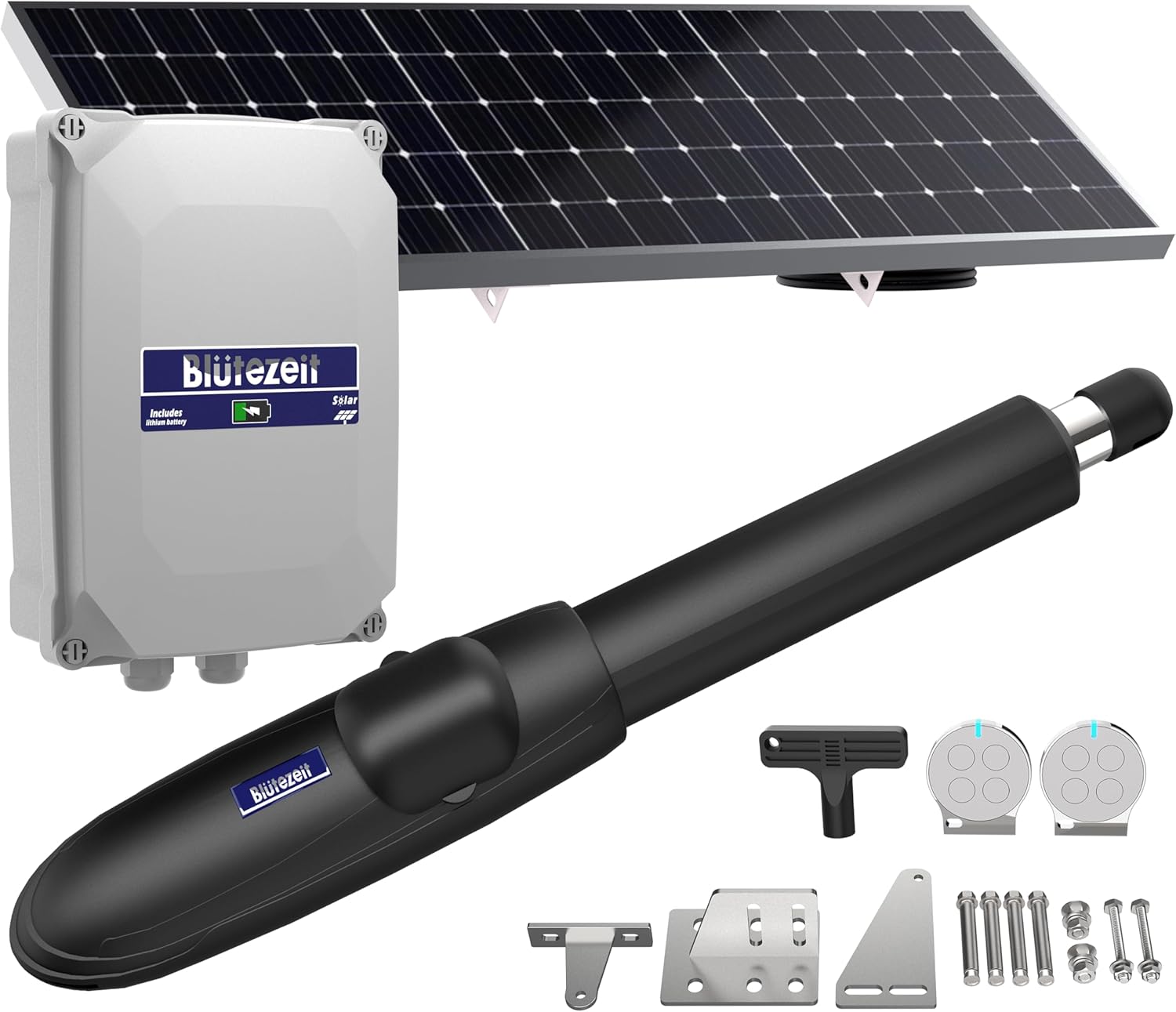
Image: Overview of the Blütezeit MS600 Solar Swing Gate Opener and Wireless Keypad Bundle, showing the gate opener arm, control box, solar panel, remote controls, and mounting hardware.
Product Overview
MS600 Gate Opener
The MS600 is a single-arm solar gate operator designed for swing gates up to 880 lbs. It features a robust design with an integrated control box and a built-in 24V lithium battery for reliable operation.
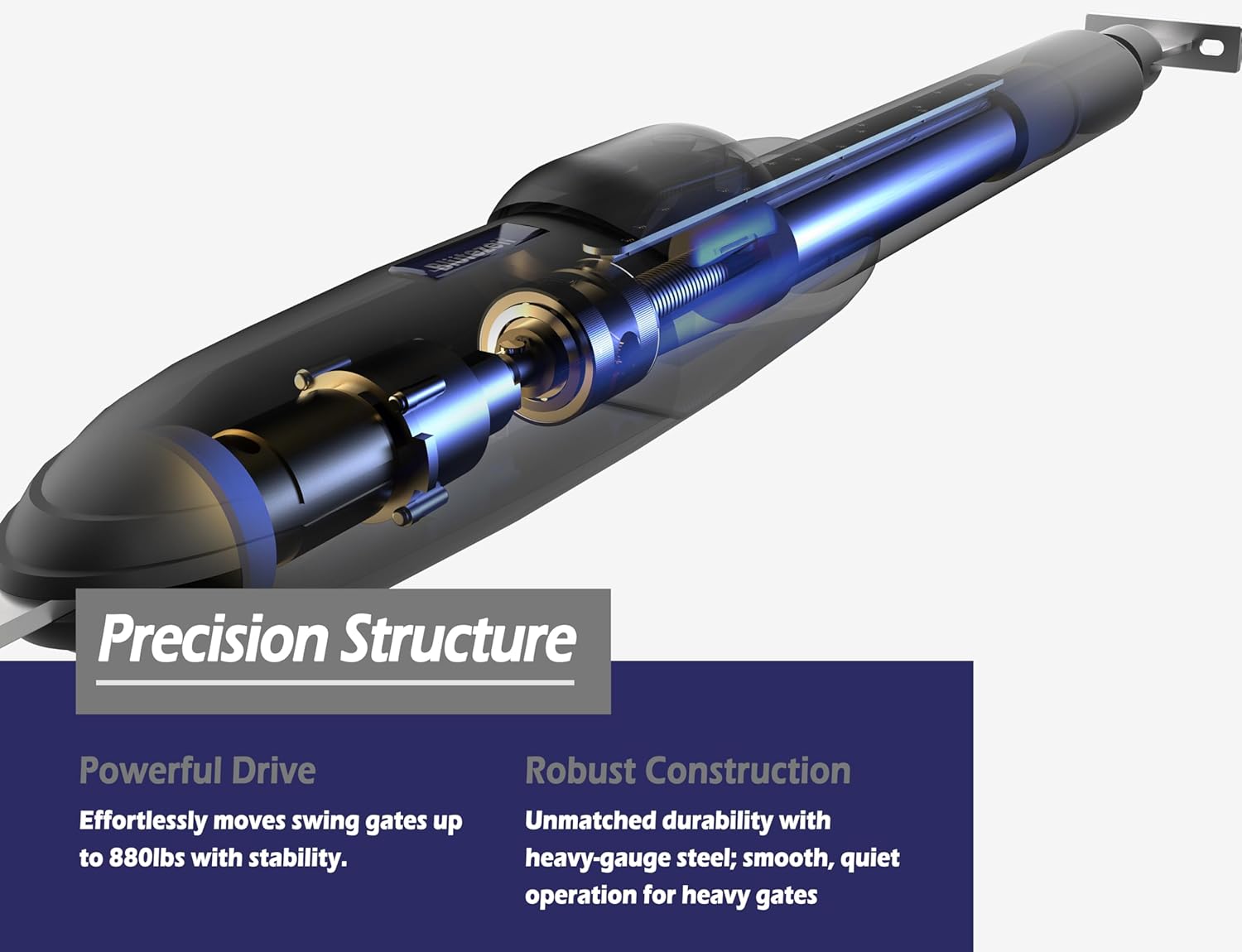
Image: Detailed internal view of the MS600 gate opener, highlighting its precision mechanical structure and robust construction.

Image: Illustration of the MS600's built-in 24V 6.0Ah lithium battery, emphasizing its compact size and power advantage over traditional lead-acid batteries.
25W Solar Panel
The high-efficiency 25W monocrystalline solar panel provides strong charging performance, ensuring the built-in battery remains charged for continuous operation. It includes an adjustable bracket for optimal sunlight exposure.

Image: The 25W monocrystalline solar panel with its adjustable mounting bracket, designed for efficient solar charging.
Wireless PIN Keypad (MWK30)
The IP54-rated wireless keypad offers secure PIN-code access. It is weather-resistant and comes with a protective cover for enhanced durability in outdoor environments.

Image: Front view of the Blütezeit wireless PIN keypad, showing the numeric buttons and control keys.
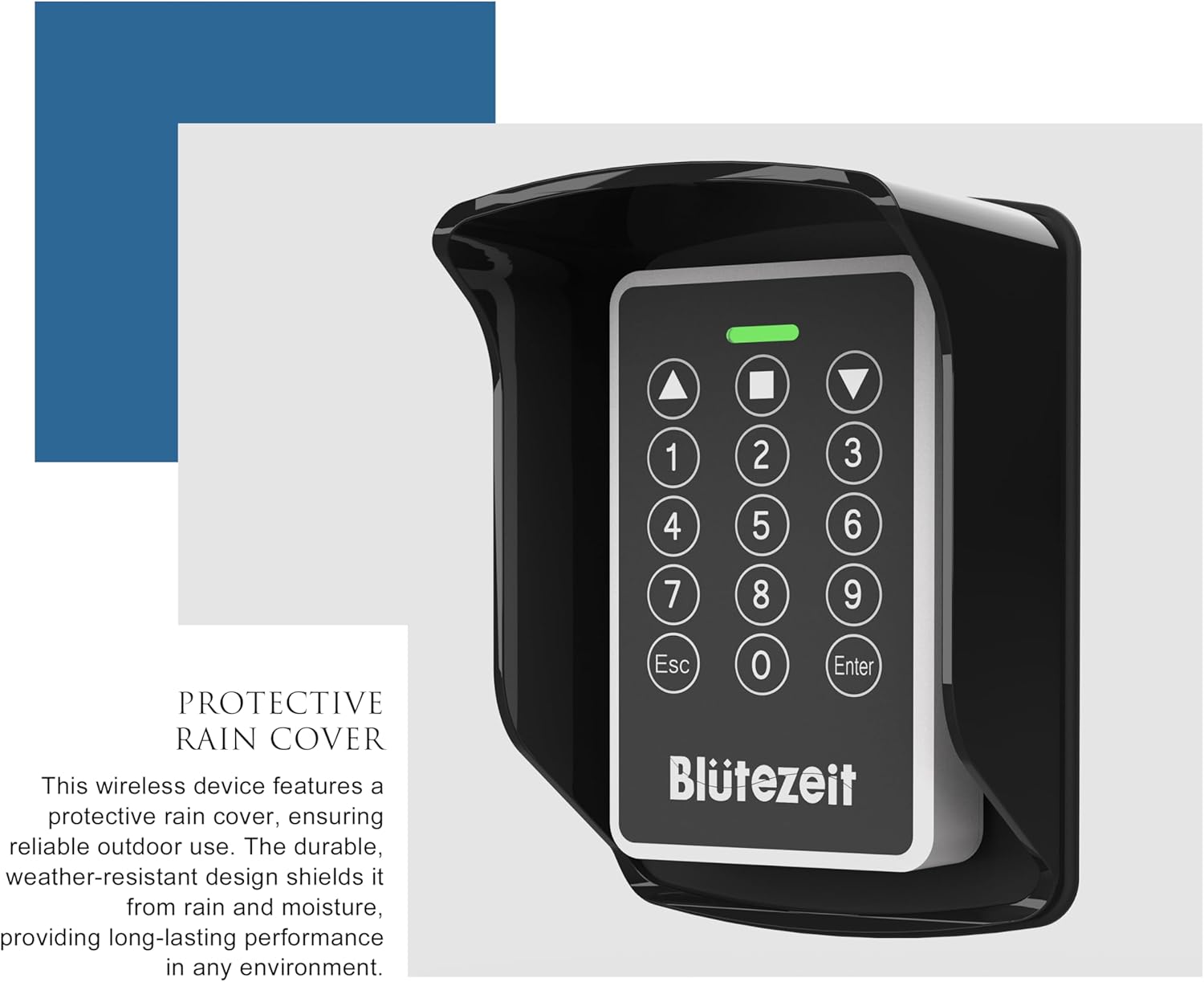
Image: The Blütezeit wireless PIN keypad shown with its protective rain cover, emphasizing its weather-resistant design.
Setup and Installation
1. Gate Opener Mounting
Mount the MS600 gate opener arm to your gate and gate post using the provided mounting hardware. Ensure the opener is level and aligned correctly for smooth gate movement. Refer to the detailed diagrams in the separate installation guide for precise measurements and bracket placement.
2. Solar Panel Installation
Install the 25W solar panel in a location that receives maximum direct sunlight throughout the day. Use the adjustable bracket to angle the panel for optimal charging efficiency. Connect the solar panel cable to the designated input on the MS600 control box.
3. Wireless Keypad Mounting
Mount the wireless keypad (MWK30) in a convenient and secure location near your gate, within 100 feet of the gate opener's control box. Ensure it is protected from direct impact. The keypad is IP54 rated for outdoor use, and a protective cover is included for added weather resistance.
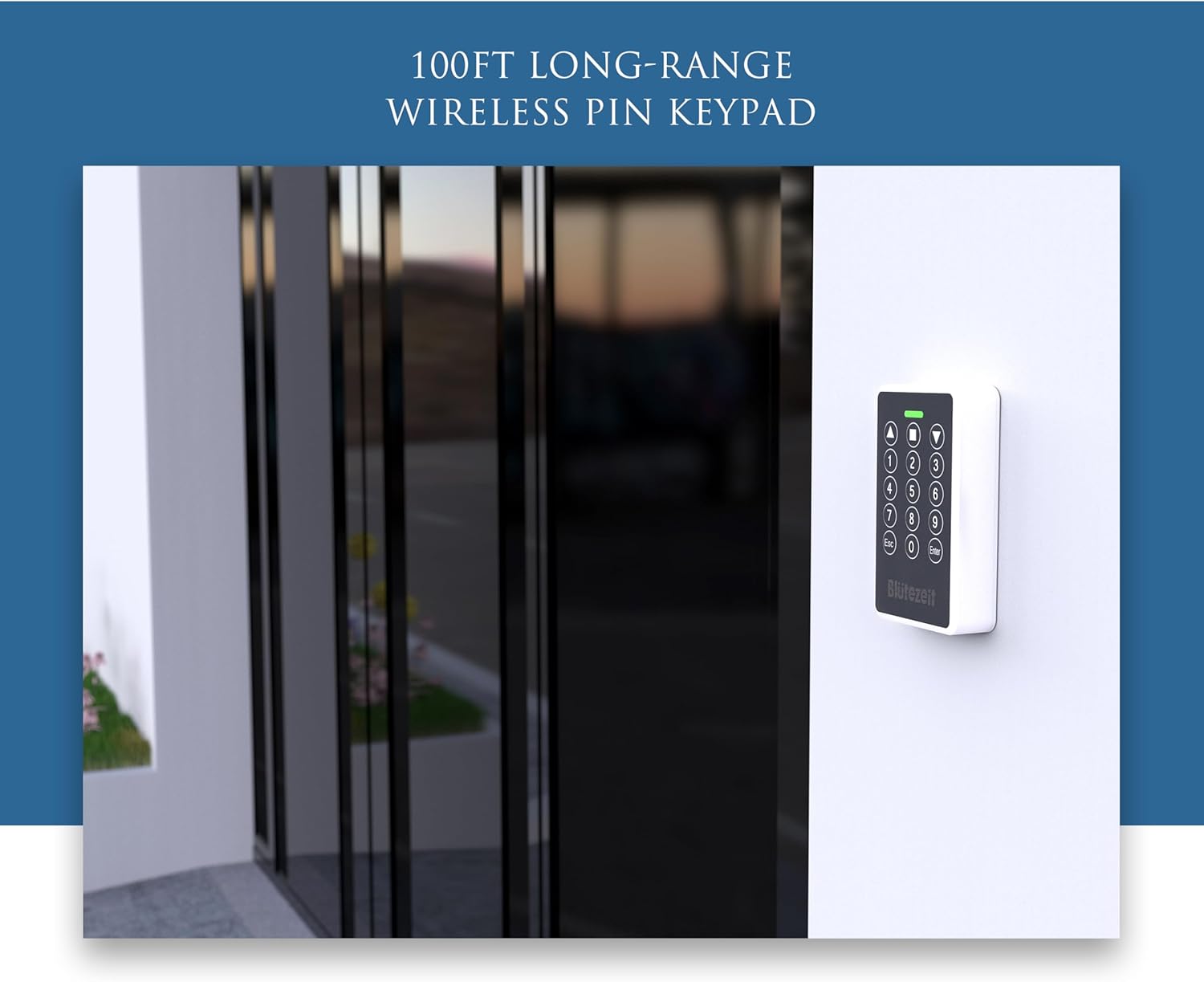
Image: The Blütezeit wireless PIN keypad securely mounted on a wall next to a gate, demonstrating a typical installation scenario.
4. Initial Calibration (Smart Auto-Set)
The MS600 features a Smart Auto-Set function to simplify calibration. After all components are installed and connected, follow the instructions in the main installation guide to initiate the auto-set process. This will automatically learn the gate's travel limits and optimize operation.
Operating Instructions
Using Remote Controls
Press the designated button on your remote control to open or close the gate. A single press typically initiates the gate movement. Pressing again during movement will stop the gate. Refer to the remote control programming section in the main installation guide for pairing new remotes.
Using the Wireless Keypad
- Enter your programmed PIN code using the numeric buttons.
- Press the "Enter" button.
- The gate will open or close.
To program or change PIN codes, refer to the keypad's specific programming instructions. The keypad supports 433MHz RF remote copy for seamless integration with compatible Blütezeit gate opener series.
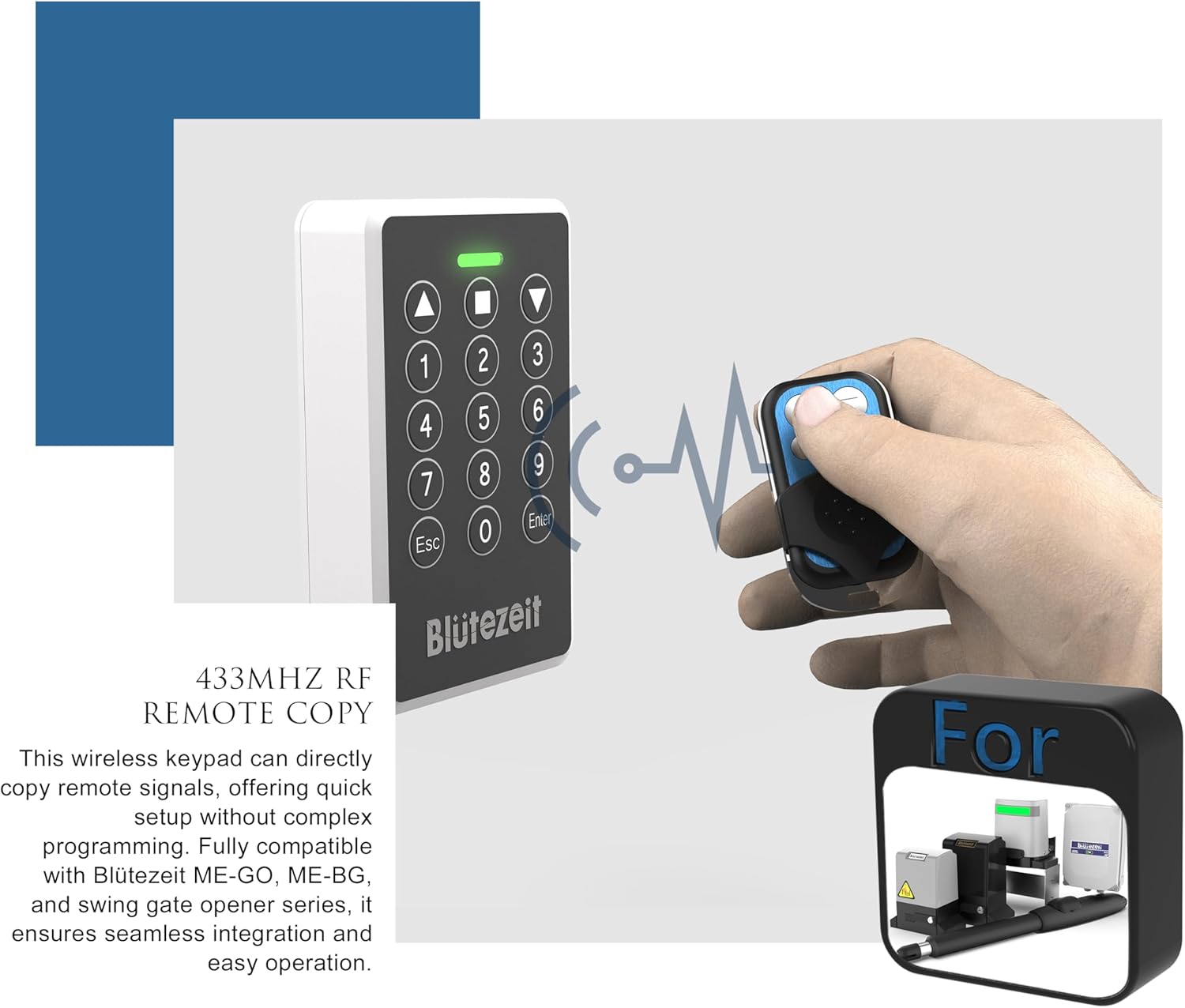
Image: The Blütezeit wireless PIN keypad shown alongside a remote control, illustrating its 433MHz RF remote copy capability for easy programming.
Manual Clutch Override
In case of power failure or emergency, the MS600 features a manual clutch override. Insert the emergency release key into the designated lock on the opener and turn it to disengage the motor, allowing the gate to be opened or closed manually.
Maintenance
Regular maintenance ensures the longevity and reliable operation of your gate opener system.
- Monthly: Inspect the gate and opener for any loose hardware, signs of wear, or obstructions. Ensure the gate moves freely without excessive friction.
- Quarterly: Clean the surface of the solar panel to remove dirt, dust, or debris that may reduce charging efficiency.
- Annually: Check the battery terminals for corrosion and ensure connections are secure. The built-in 24V lithium battery is designed for long life, but its performance should be monitored.
- Lubrication: Apply a suitable lubricant to moving parts of the gate hinges and opener arm pivot points as needed, following the gate manufacturer's recommendations.
Troubleshooting
| Problem | Possible Cause | Solution |
|---|---|---|
| Gate does not respond to remote/keypad. | Low battery in remote/keypad, power issue to opener, remote/keypad not programmed. | Replace remote battery. Check power supply to control box. Reprogram remote/keypad. |
| Gate stops mid-movement or reverses. | Obstruction detected, gate friction, low battery in opener. | Remove obstructions. Lubricate gate hinges. Check solar panel for adequate charging; ensure battery is charged. |
| Solar panel not charging effectively. | Panel dirty, insufficient sunlight, faulty connection. | Clean solar panel. Adjust panel angle for optimal sunlight. Check solar panel cable connections. |
| Keypad not working. | Keypad battery low, out of range, programming issue. | Replace keypad battery. Ensure keypad is within 100ft of control box. Re-program keypad. |
Specifications
- Model: Blütezeit MS600
- Gate Type: Single-Arm Swing Gate
- Max Gate Weight: 880 lb
- Power Supply: 24V DC (Built-in Lithium Battery)
- Solar Panel: 25W Monocrystalline
- Keypad Model: MWK30
- Keypad Rating: IP54 Weather-Resistant
- Keypad Range: Up to 100 ft (wireless)
Warranty and Support
For warranty information and technical support, please refer to the warranty card included with your product or visit the official Blütezeit website. Keep your purchase receipt as proof of purchase.
For further assistance, you may contact Blütezeit customer service through the contact information provided on their official website or through your retailer.


