
1. Introduction and Overview
The InnAIO T10 AI Translator is a cutting-edge device designed to facilitate seamless communication across language barriers. Featuring advanced AI capabilities, including voice cloning and real-time translation, it supports over 140 languages for business, travel, and daily use. This manual provides essential information for setting up, operating, and maintaining your device.
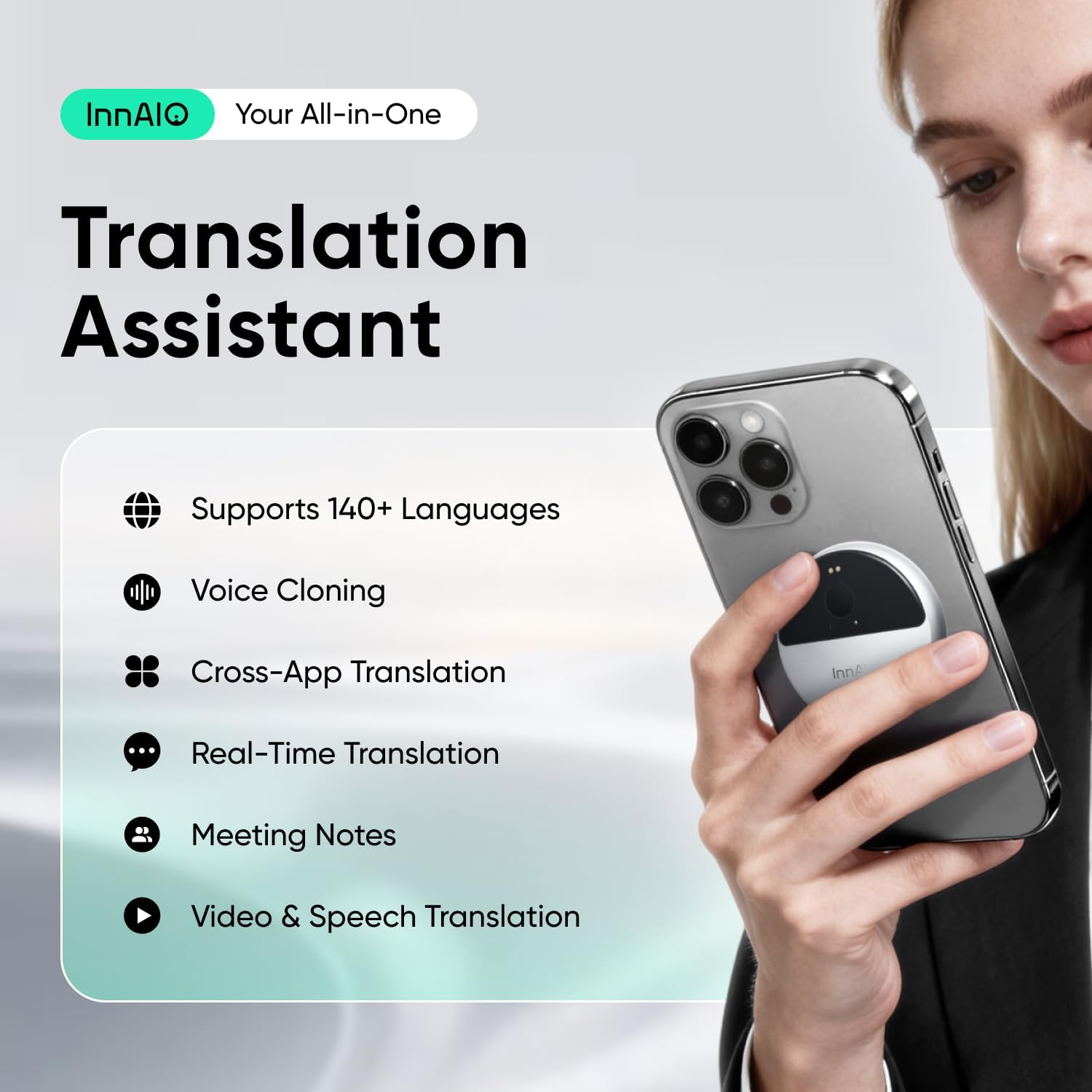
Image: InnAIO T10 Translation Assistant overview, highlighting key features like 140+ languages, voice cloning, cross-app translation, real-time translation, meeting notes, and video & speech translation.
2. Setup Instructions
To begin using your InnAIO T10 AI Translator, follow these setup steps:
- Charging the Device: Connect the InnAIO T10 to a power source using the provided USB-C cable. The device will indicate charging status.
- Powering On: Press and hold the main button until the indicator light illuminates.
- Pairing with Your Smartphone:
- Ensure Bluetooth is enabled on your smartphone.
- Open the InnAIO companion application (available for download on iOS and Android app stores).
- Follow the in-app instructions to search for and connect to your InnAIO T10 device. The device will typically appear as 'InnAIO T10' in the list of available Bluetooth devices.
- Confirm the pairing on both your device and smartphone.
3. Operating Instructions
3.1. Voice Cloning
The InnAIO T10 features proprietary voice cloning technology. After a brief 30-second sample, the device replicates your tone and accent, allowing translations to be spoken in your own voice. This ensures natural intonation and avoids robotic-sounding translations.
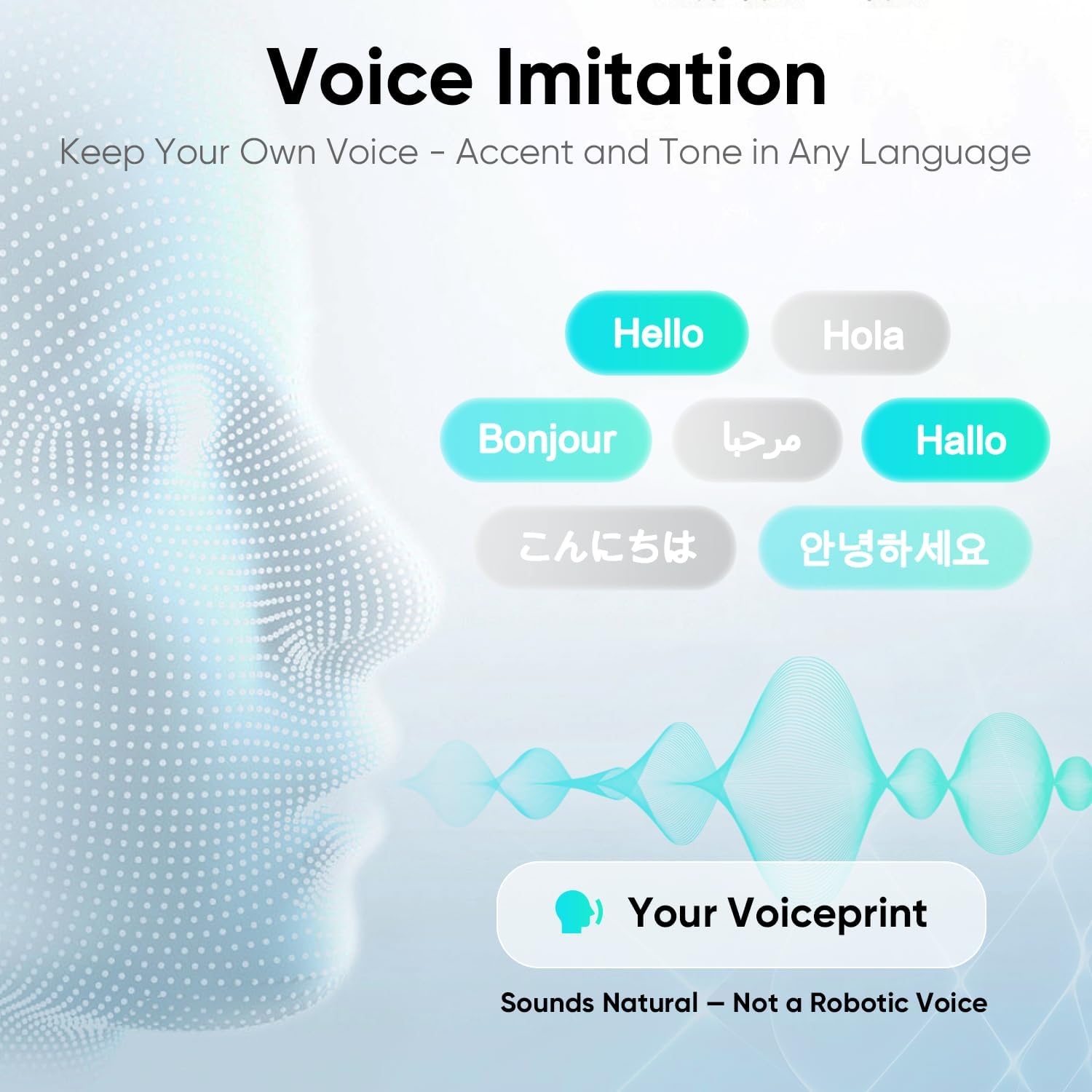
Image: Voice Imitation feature of the InnAIO T10, illustrating how it captures your voiceprint to translate in your own tone and accent.

Image: The InnAIO T10 device highlighted as the world's first voice-cloning translator, emphasizing personalized translation.
3.2. Real-Time Translation
Experience instant, highly accurate translations with the InnAIO T10. Powered by advanced AI models (GPT5 & LLaMA), the device delivers real-time translation with a 0.5-second latency and 98% accuracy across 140+ languages. Speak naturally, and instant subtitles will appear on your connected smartphone, similar to live captions.
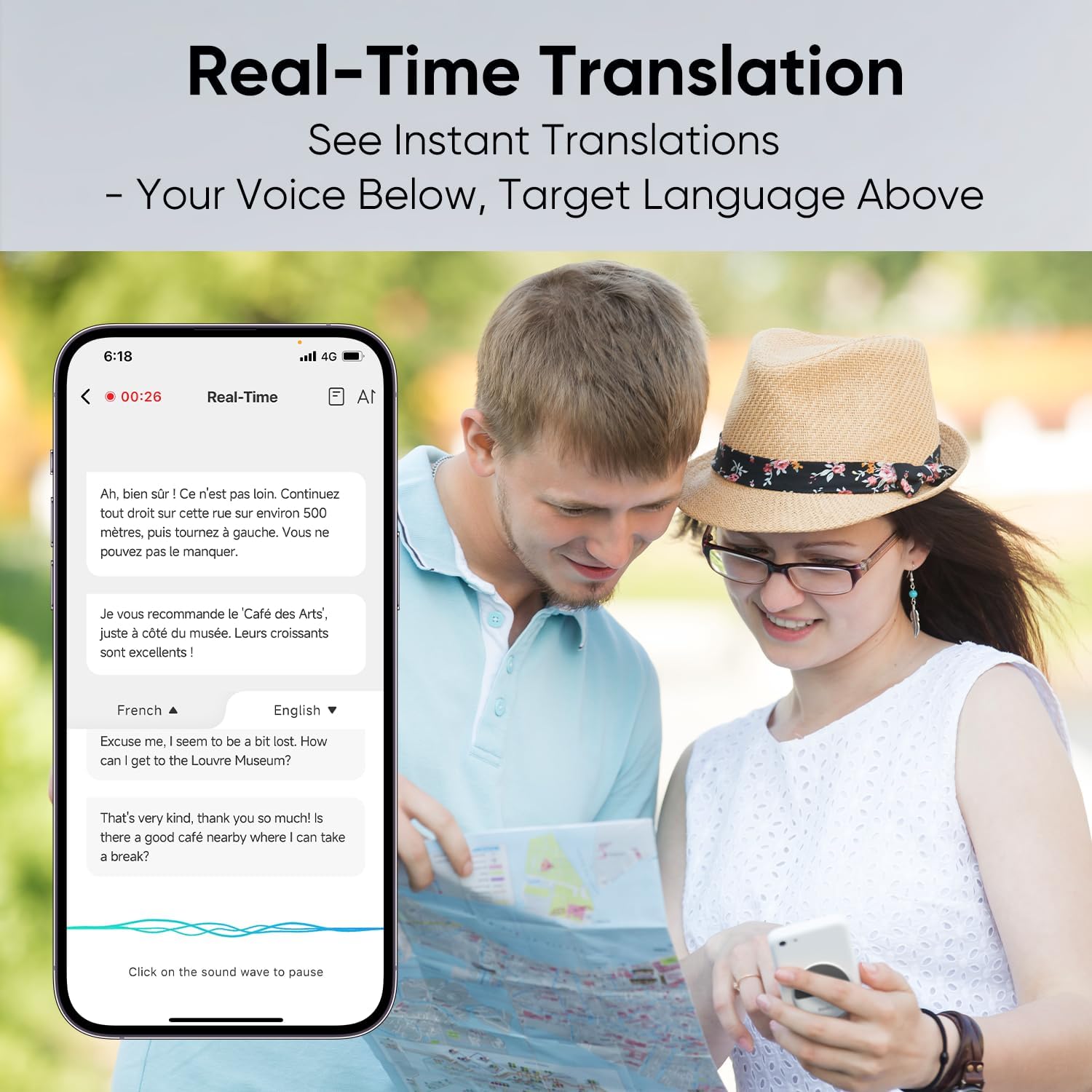
Image: Real-time translation in action, showing a smartphone screen with spoken text in the original language and its translation displayed simultaneously.
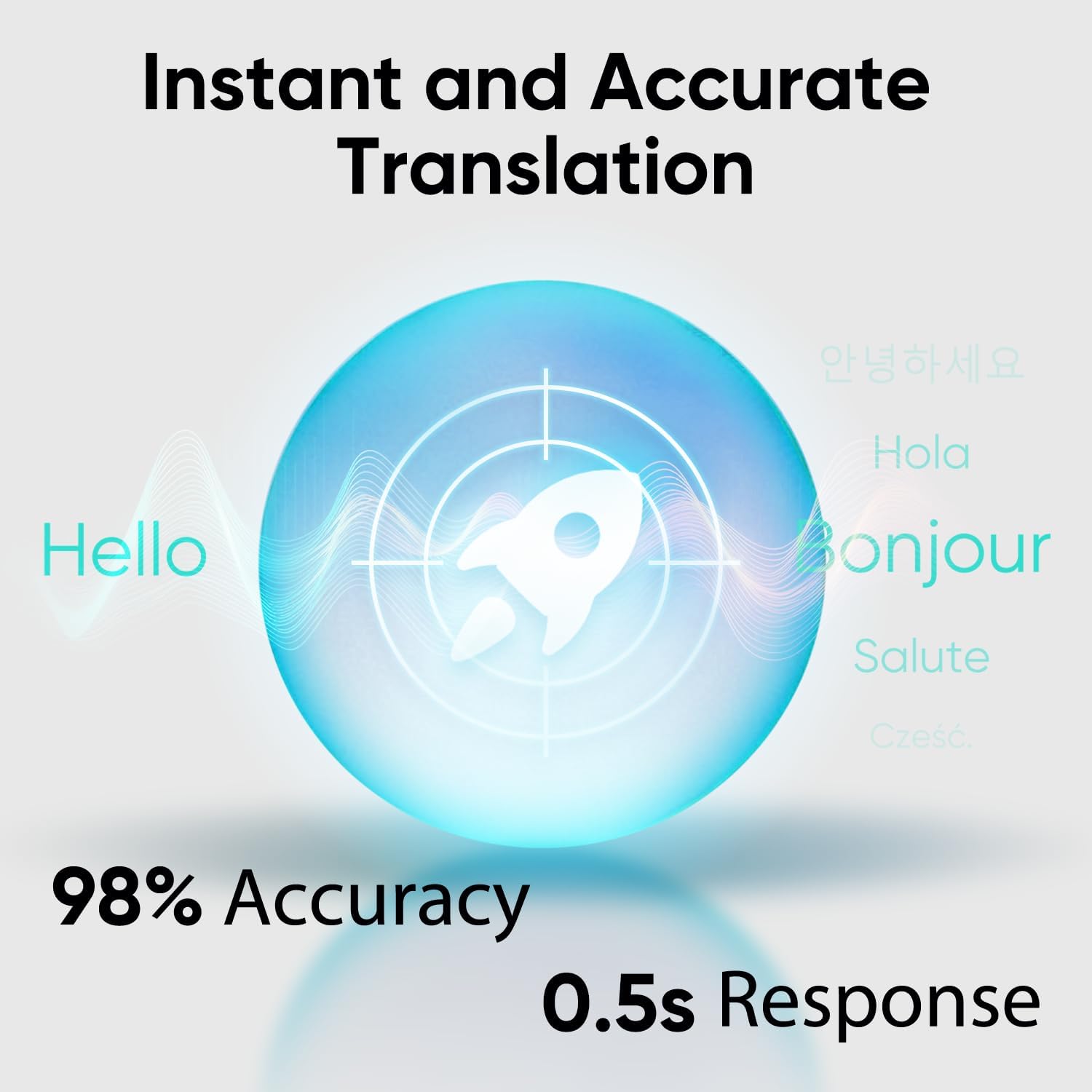
Image: Visual representation of the InnAIO T10's instant and accurate translation capabilities, highlighting 98% accuracy and 0.5-second response time.
3.3. Cross-App Translation
Translate seamlessly across popular social applications such as WhatsApp, Messenger, Instagram, and WeChat without needing to switch between apps or manually type. The device automatically converts your speech into the recipient's language and delivers it as voice or text, enabling fluid multilingual communication.
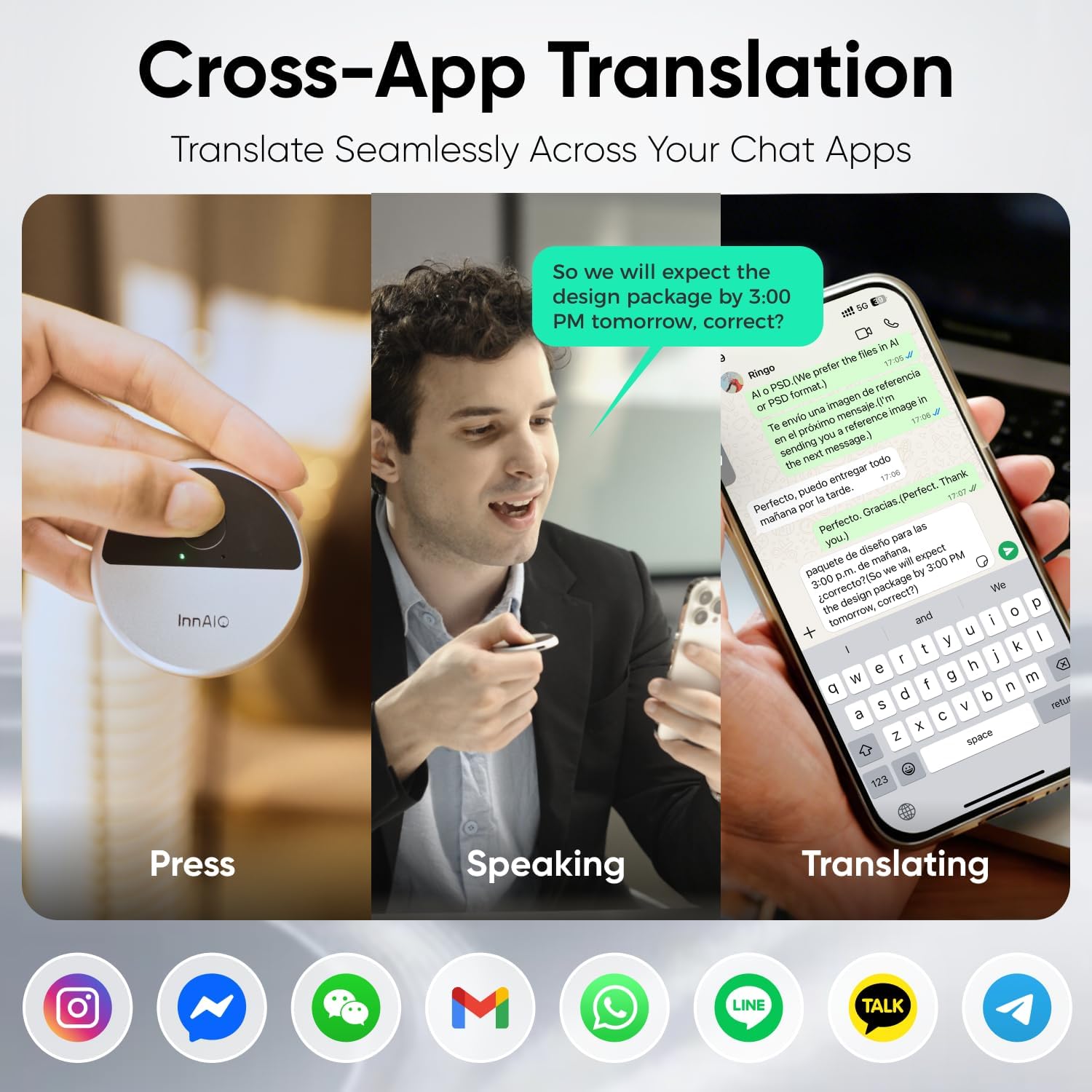
Image: Cross-App Translation process, demonstrating how the InnAIO T10 facilitates communication across various chat applications.
3.4. Video Call & Speech Translation
Communicate effortlessly during video or voice calls. Real-time subtitles appear on your smartphone screen, ensuring clear and smooth communication whether in a business conference or a personal chat.

Image: Video Call & Speech Translation in use, showing real-time subtitles on a smartphone during a video call.
3.5. Photo Translation
Translate text from images by simply taking a photo within the InnAIO app. This feature is useful for translating menus, signs, documents, and more with a single tap.
3.6. Meeting Minutes
The InnAIO T10 assists in capturing every detail during important meetings. It provides instant transcription and mind map summaries, helping you stay focused and professional. This feature ensures that all key points are recorded and easily reviewable.
3.7. Product Introduction Video
Video: This official product introduction video demonstrates various features of the InnAIO T10 AI Translator, including its design, Bluetooth connectivity, voice cloning, photo translation, face-to-face translation, real-time translation in meetings, and meeting minutes functionality.
4. Maintenance
To ensure the longevity and optimal performance of your InnAIO T10 AI Translator, please observe the following maintenance guidelines:
- Cleaning: Use a soft, dry cloth to clean the device. Avoid using abrasive cleaners or solvents.
- Storage: Store the device in a cool, dry place away from direct sunlight and extreme temperatures.
- Battery Care: For optimal battery life, avoid fully discharging the device frequently. Charge it regularly.
- Software Updates: Periodically check the InnAIO companion app for available software updates to ensure your device has the latest features and performance enhancements.
5. Troubleshooting
If you encounter any issues with your InnAIO T10 AI Translator, please refer to the following troubleshooting tips:
- Device Not Powering On: Ensure the device is fully charged. If the issue persists, try connecting it to a different power source or USB-C cable.
- Connection Issues:
- Verify that Bluetooth is enabled on your smartphone.
- Ensure the InnAIO T10 is within range of your smartphone (typically up to 10 meters).
- Try unpairing and re-pairing the device through your smartphone's Bluetooth settings and the InnAIO app.
- Restart both your smartphone and the InnAIO T10.
- Inaccurate Translations:
- Ensure a stable internet connection (Wi-Fi or mobile data) for optimal performance, especially for real-time and advanced AI features.
- Speak clearly and at a moderate pace. Avoid speaking over others.
- Check that the correct source and target languages are selected in the app.
- Voice Cloning Not Working: Ensure you have completed the voice sampling process as instructed in the app. Speak clearly during the sampling.
- App Not Responding: Close and restart the InnAIO companion application. If the problem continues, try reinstalling the app.
- No Audio Output: Check the volume settings on both your InnAIO T10 and your smartphone. Ensure the device is not muted.
6. Specifications
The InnAIO T10 AI Translator is designed with the following specifications:
- Model: T10
- Brand: InnAIO
- Weight: Approximately 30g (Ultra-Light, equivalent to 5 sheets of A4 paper)
- Connectivity: Bluetooth
- Charging: USB-C
- Battery Life: Up to 15 hours continuous operation, up to 100 days standby
- Translation Speed: 0.5s response speed
- Translation Accuracy: 98%
- Supported Languages: 140+ languages
- AI Engine: Powered by GPT5 & LLaMA
- Special Features: AI Voice Cloning, Real-Time Translation, Cross-App Translation, Video Call Translation, Photo Translation, Meeting Minutes (Instant Transcription & Mind Map Summary)
- First Available: October 16, 2025
7. Warranty and Support
For warranty information and customer support, please refer to the official InnAIO website or contact their customer service directly. Details regarding product registration, warranty claims, and technical assistance can be found through these official channels.


