
Introduction
Thank you for purchasing the ASHATA Camera MP3 Player. This device combines a portable music player with a video recorder and a 180° rotatable camera, offering versatile entertainment and recording capabilities. Featuring a 2-inch HD touch screen and Bluetooth 5.4 connectivity, it is designed for ease of use and portability. This manual provides detailed instructions to help you get the most out of your new device.
Product Overview
The ASHATA Camera MP3 Player is a compact device designed for multimedia playback and recording. It features a responsive touch screen, a rotatable camera lens, and a built-in clip for secure attachment during activities.
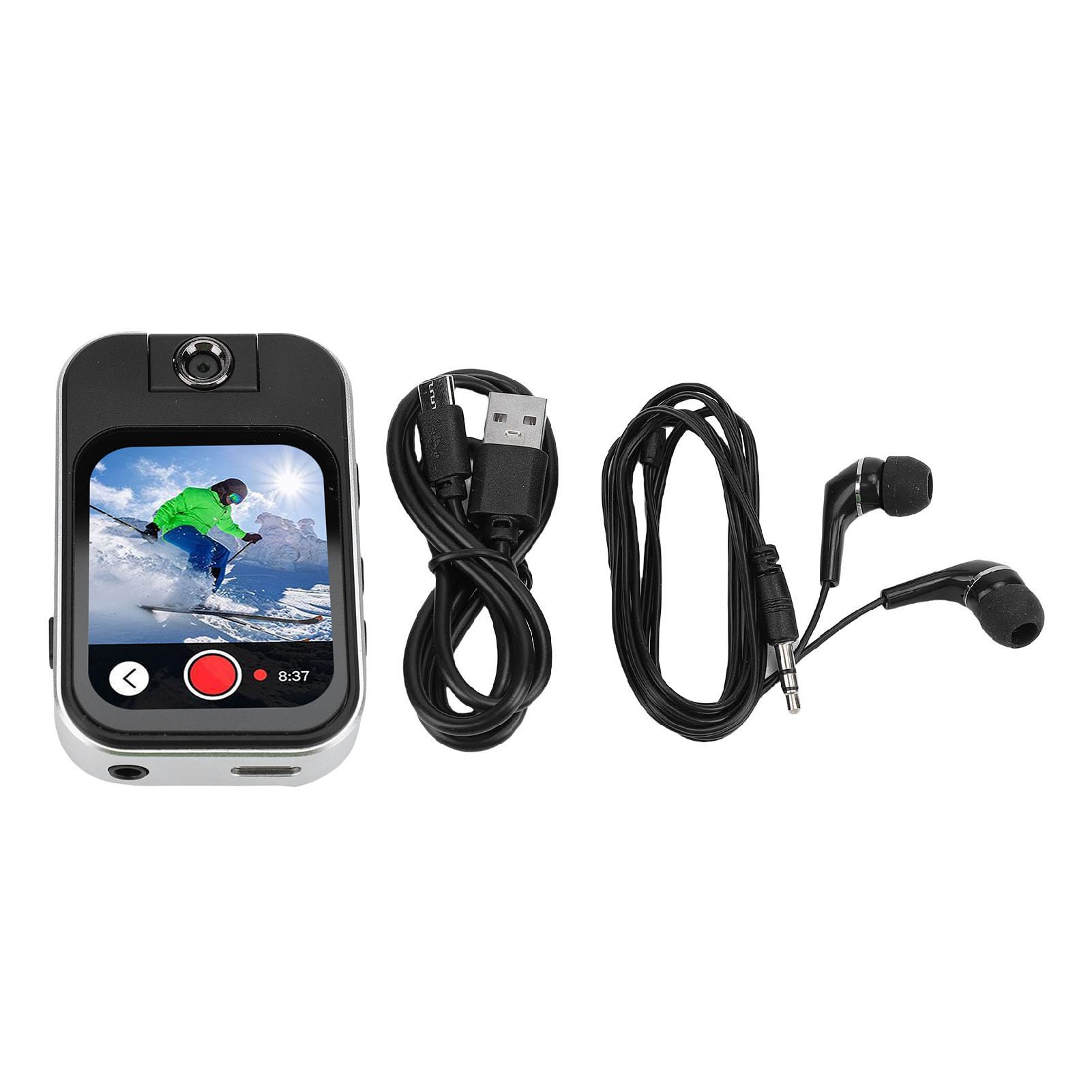
Image: Front view of the ASHATA Camera MP3 Player, showcasing its compact design.
Key Components:
- 2.02-inch HD Touch Screen: For intuitive navigation and control.
- 180° Rotatable Camera Lens: Allows for flexible shooting angles.
- Built-in Speaker: For audio playback without headphones.
- Built-in Clip: For attaching the device to clothing or gear.
- MicroSD Card Slot: For expandable storage up to 256GB.
- USB Port: For charging and data transfer.
- Headphone Jack: For private listening.

Image: Close-up of the MP3 player's 2.02-inch HD touch screen, indicating touch functionality.
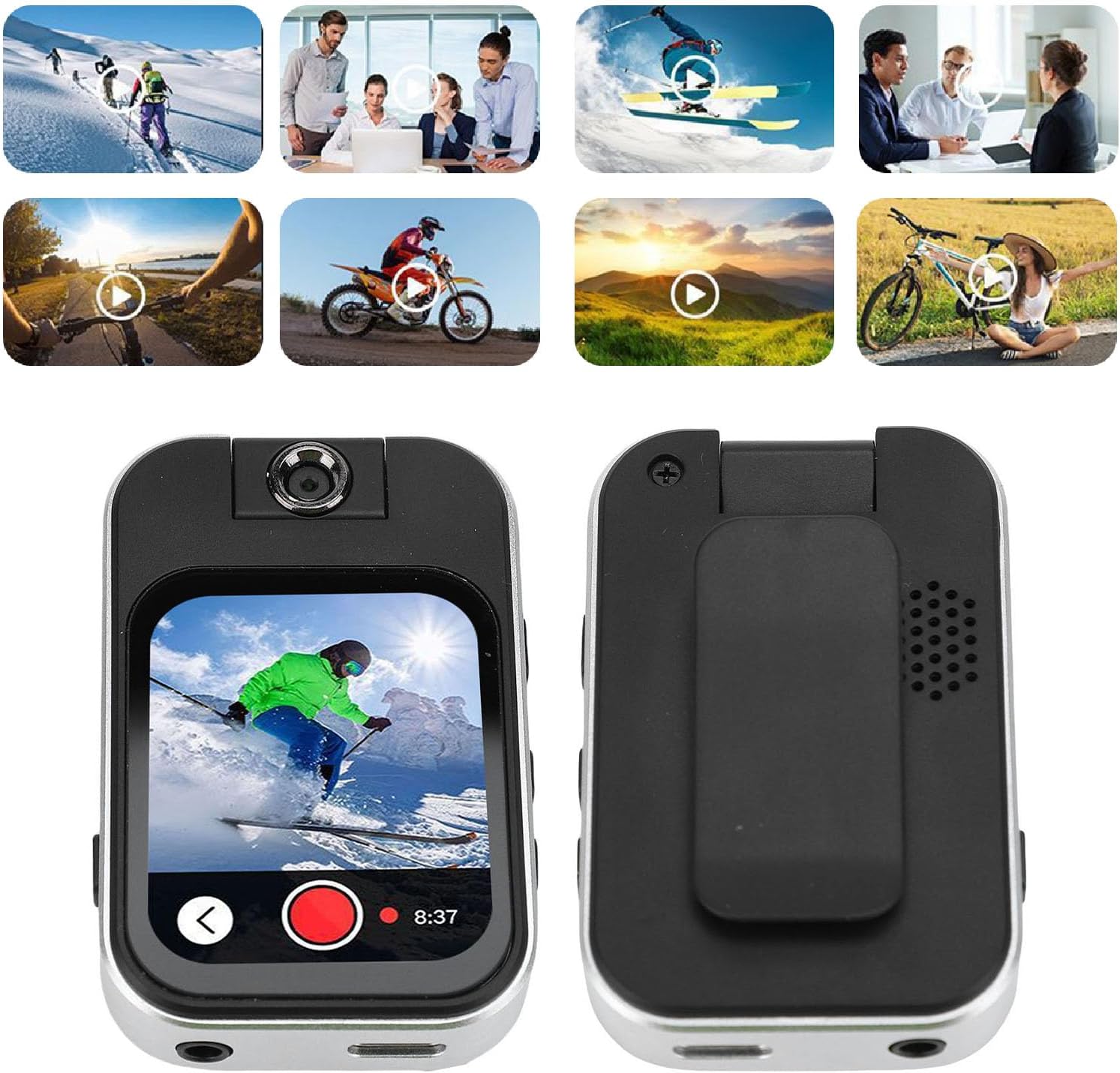
Image: Front and back view of the device, highlighting the built-in clip and speaker.
Setup
1. Charging the Device
Before first use, fully charge the MP3 player. Connect the included USB cable to the device's USB port and the other end to a power adapter (not included) or a computer's USB port. The charging indicator will show the charging status.
2. Inserting a MicroSD Card
The device supports MicroSD cards up to 256GB for expanded storage. Locate the MicroSD card slot on the side of the device. Gently insert the MicroSD card into the slot until it clicks into place. Ensure the card is inserted in the correct orientation.
3. Powering On/Off
To power on, press and hold the power button until the screen lights up. To power off, press and hold the power button until the power-off options appear on the screen, then select 'Power Off'.
Operating Instructions
Basic Navigation
The device features a 2.02-inch HD touch screen for navigation. Tap icons to open applications, swipe to scroll through lists, and use the back button (if present on screen) to return to the previous menu.
Music Playback
Tap the 'Music' icon to access your audio files. The player supports MP3, WMA, APE, FLAC, AAC, OGG, M4A, and WAV formats. You can browse by artist, album, or song. Use the on-screen controls for play, pause, skip, and volume adjustment.
Video Playback
Tap the 'Video' icon to play video files. The device supports AVI format (720p/30fps). Select a video from your storage to begin playback.
Camera Function
The built-in FHD 720P digital camera allows you to capture photos and videos. The lens can rotate 180° for flexible shooting angles.

Image: The MP3 player actively recording video with its FHD 720P digital camera.
- Taking Photos: Tap the 'Camera' icon. Frame your shot and tap the on-screen shutter button to take a picture. The device supports BMP/JPEG image formats.
- Recording Videos: In camera mode, switch to video recording. Tap the record button to start and stop recording. Recorded videos are in AVI format (720p/30fps).
- 180° Rotatable Lens: Physically rotate the camera lens to adjust your shooting perspective as needed.
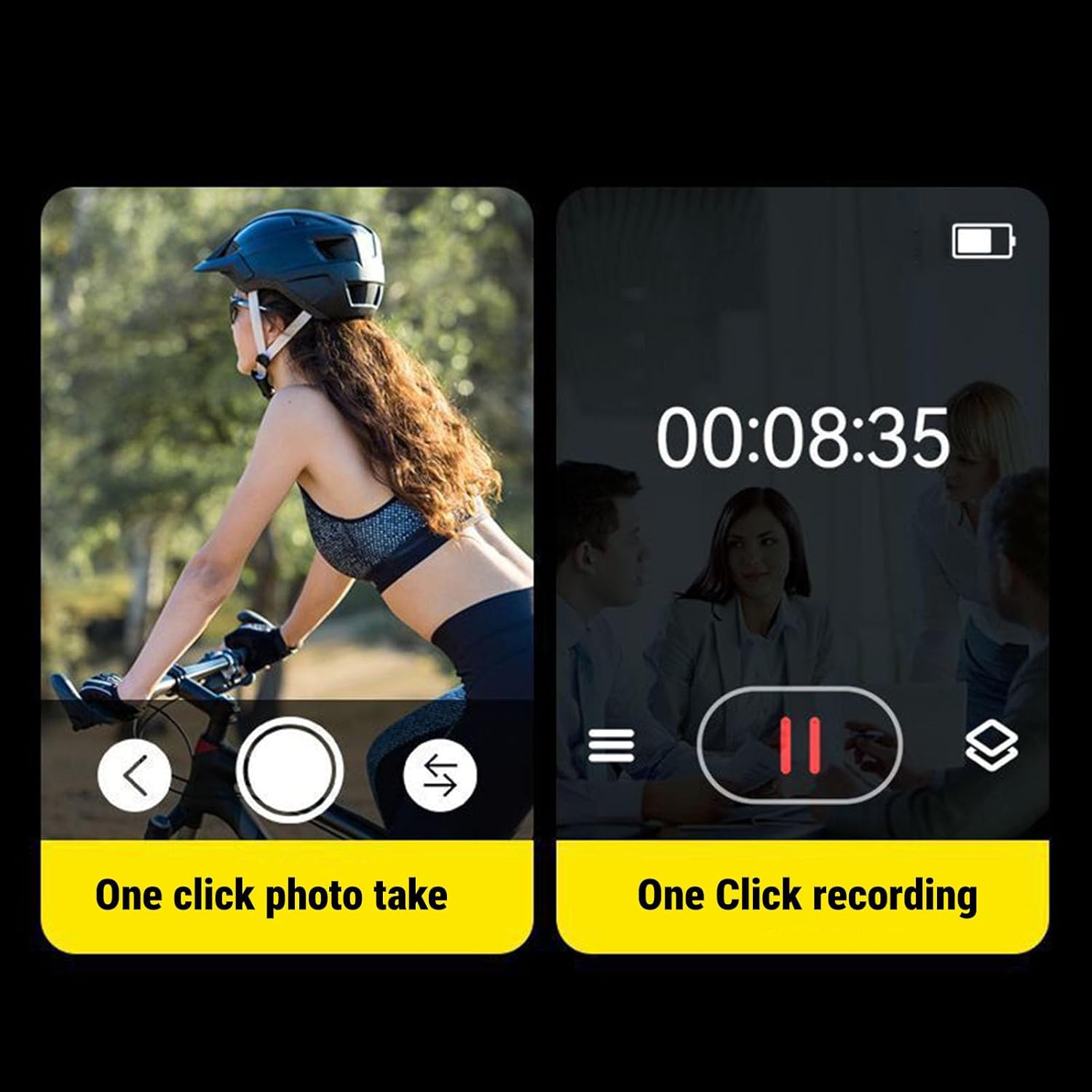
Image: Screen display showing options for 'One click photo take' and 'One click recording'.
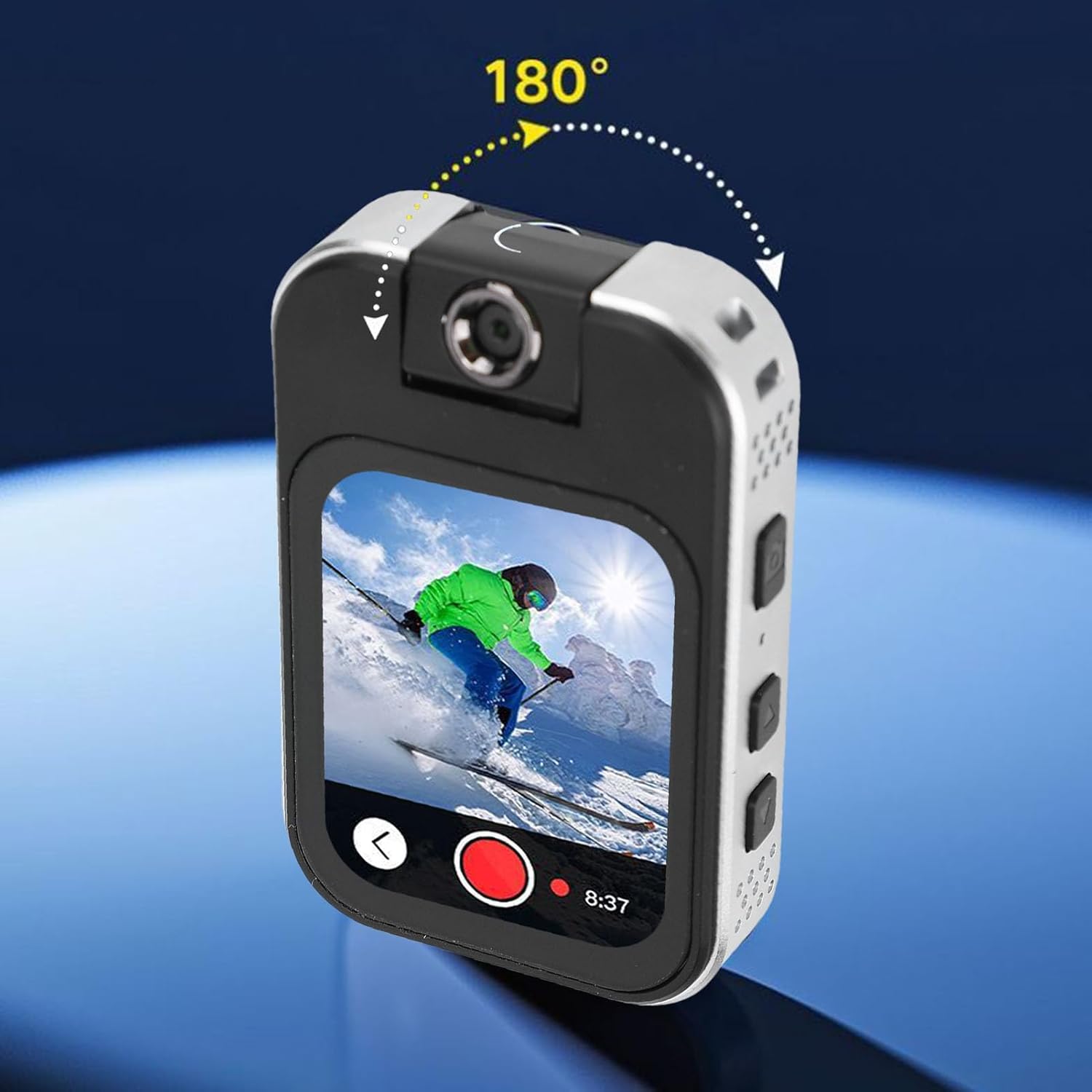
Image: The MP3 player with an arrow indicating the 180-degree rotation capability of its camera lens.
Bluetooth Connection
The device features Bluetooth 5.4 for stable wireless connections up to 20 meters. To pair with Bluetooth headphones or speakers:
- Go to the 'Bluetooth' settings on your MP3 player.
- Turn on Bluetooth.
- Ensure your Bluetooth headphones/speaker are in pairing mode.
- Select your device from the list of available devices to pair.
Voice Recording
Tap the 'Recorder' icon to use the built-in microphone for voice recording. Recordings are saved in WAV format. Use the on-screen controls to start, pause, and stop recordings.
E-book Reader
Access the 'E-book' application to read TXT format e-books up to 20MB. Navigate through pages using the touch screen.
Games
The device includes 7 puzzle games. Tap the 'Games' icon to select and play.
Other Features
The MP3 player also includes additional utility features:
- FM Radio: Listen to local radio stations.
- Calculator: Basic arithmetic functions.
- Alarm Clock: Set alarms.
- Calendar: View dates.
- Stopwatch: Time events.
- Dictionary: For quick word lookups.
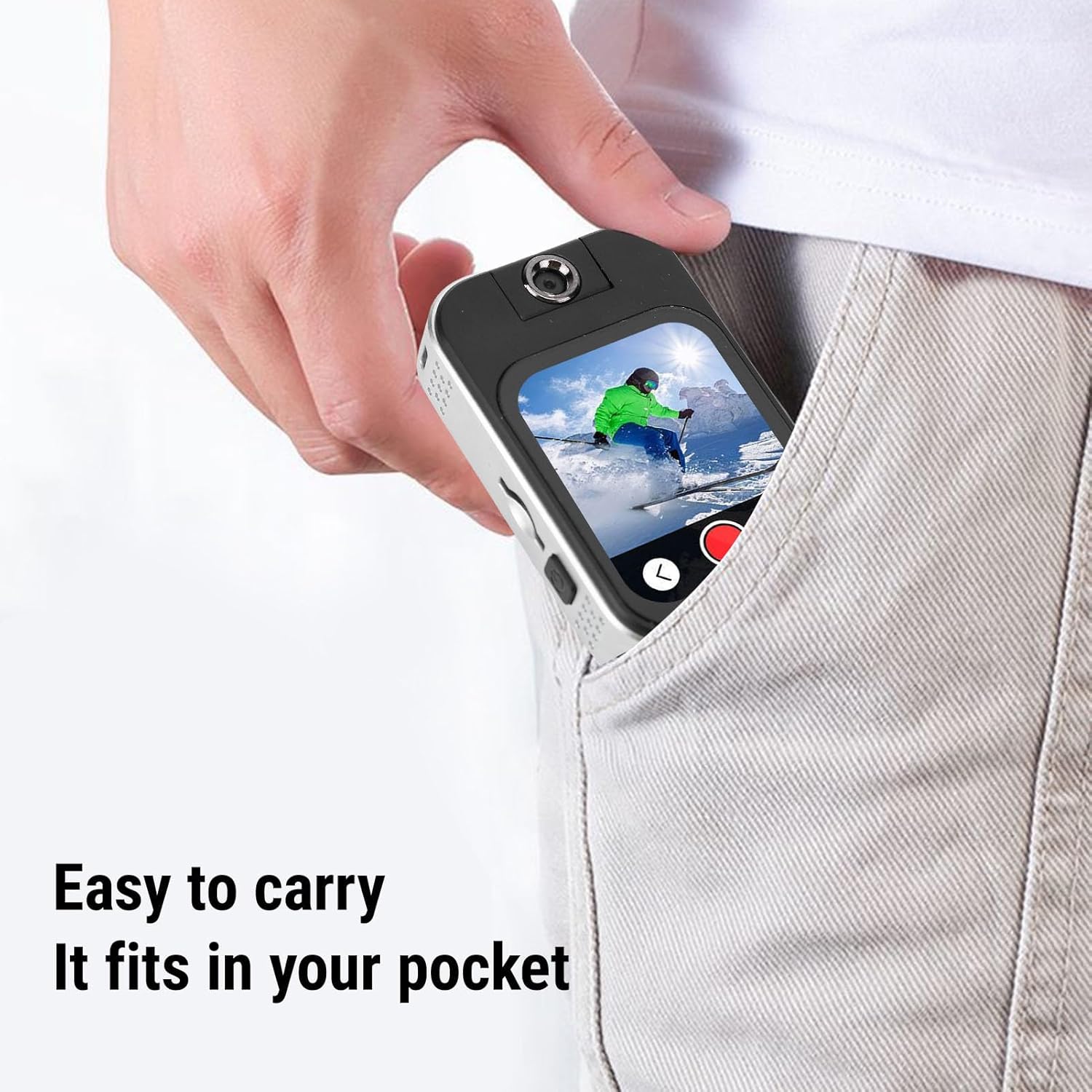
Image: Screen display showing various entertainment and utility icons, including Music, FM Radio, Picture Viewer, Video Playback, Calculator, Alarm Clock, Calendar, Stopwatch, Time, Dictionary, Novel, and Games.
Maintenance
Cleaning
Wipe the device with a soft, dry cloth. Do not use liquid cleaners or abrasive materials, as they may damage the screen or casing.
Battery Care
To prolong battery life, avoid exposing the device to extreme temperatures. Charge the device regularly, but avoid leaving it fully discharged for extended periods.
Storage
Store the device in a cool, dry place away from direct sunlight and moisture when not in use.
Troubleshooting
Device Not Turning On
- Ensure the device is sufficiently charged. Connect it to a power source and try again.
- Press and hold the power button for at least 10 seconds to perform a hard reset.
MicroSD Card Not Recognized
- Ensure the MicroSD card is inserted correctly and fully into the slot.
- Try reinserting the card.
- Check if the card is formatted correctly (FAT32 or exFAT recommended).
- Test with a different MicroSD card to rule out card issues.
Bluetooth Connection Issues
- Ensure both the MP3 player and the target Bluetooth device are in pairing mode and within range (up to 20 meters).
- Turn Bluetooth off and on again on both devices.
- Remove previous pairings and try to pair again.
Poor Audio Quality
- Check the volume level on both the MP3 player and connected headphones/speakers.
- Ensure the audio files are not corrupted.
- If using wired headphones, ensure they are fully plugged into the jack.
Specifications
| Feature | Detail |
|---|---|
| Item Type | MP3 Player |
| Display Screen | 2.02 inch HD Touch Screen |
| Built-in Battery | Lithium Battery 500mAh |
| Music Formats | MP3/WMA/APE/FLAC/AAC/OGG/M4A/WAV |
| Video Formats | AVI (720p/30fps) |
| Image Formats | BMP/JPEG |
| Recording Format | WAV (MIC Recording) |
| Bluetooth Mode | Bluetooth 5.4 Dual Mode Protocol |
| E-book Format | Supports TXT e-books up to 20MB |
| Games | 7 Puzzle Games |
| Expandable Storage | Max support 256GB MicroSD card (sold separately) |
| Manufacturer Model Number | ASHAT7et8u1h6wa |
Package Contents
The ASHATA Camera MP3 Player package includes the following items:
- 1 x ASHATA MP3 Player
- 1 x USB Cable
- 1 x Earphones
- 1 x User Manual (this document)

Image: Contents of the package, including the MP3 player, USB cable, and earphones.
Support
For further assistance or inquiries not covered in this manual, please refer to the product's official support channels or contact the retailer where you purchased the device.