
1. Introduction
The AprilAire E080 Pro 80-Pint Whole-House Dehumidifier is designed to effectively manage humidity levels in your home. This manual provides essential information for the safe and efficient installation, operation, and maintenance of your dehumidifier. Proper use ensures optimal performance and longevity of the unit.
This dehumidifier is ideal for basements, sealed crawl spaces, or whole-house applications up to 4,400 sq. ft., removing up to 80 pints of water per day. It features an interactive display for easy setup and control, and is designed for low maintenance with no messy water tray to empty.
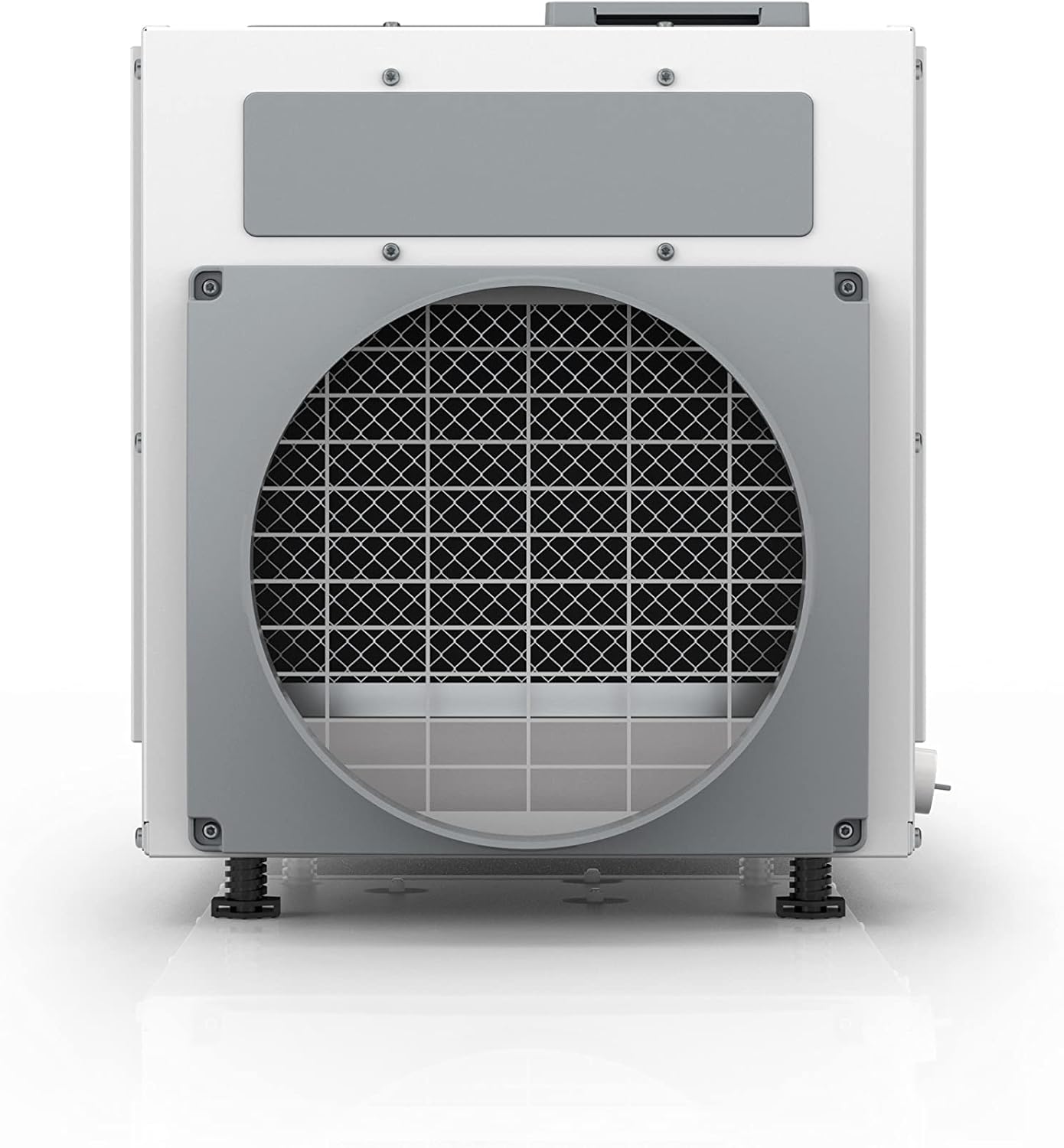
Figure 1: Front view of the AprilAire E080 Pro Dehumidifier.
2. Safety Information
WARNING: Read all instructions before using this appliance to reduce the risk of fire, electric shock, or injury to persons.
- Always disconnect power before servicing or cleaning the unit.
- Do not operate the unit with a damaged power cord or plug.
- Ensure the unit is installed on a level surface to prevent water leakage.
- Keep children and pets away from the unit during operation.
- Do not block air intake or exhaust vents.
- This appliance is not intended for use by persons (including children) with reduced physical, sensory or mental capabilities, or lack of experience and knowledge, unless they have been given supervision or instruction concerning use of the appliance by a person responsible for their safety.
3. Product Components
The AprilAire E080 Dehumidifier package includes the following items:

Figure 2: All items included in the AprilAire E080 Dehumidifier box.
- E080 Dehumidifier
- 10-inch Outlet Duct Collar
- 10-inch Inlet Duct Collar
- Backdraft Damper
- Torx Bit (T20)
- Leveling Feet
- Screws
- Barbed Drain Fitting
- 8-foot Power Cord
- Washable MERV 8 Filter (Model 5881)
- Installation and Operation Manual
4. Setup & Installation
Proper installation is crucial for the efficient operation of your dehumidifier. Refer to the detailed installation instructions provided in the included manual for specific steps.
4.1 Placement
The E080 is designed for installation in basements, crawl spaces, or as part of a whole-house HVAC system. Ensure the unit is placed on a stable, level surface. Leveling feet are provided for adjustment.
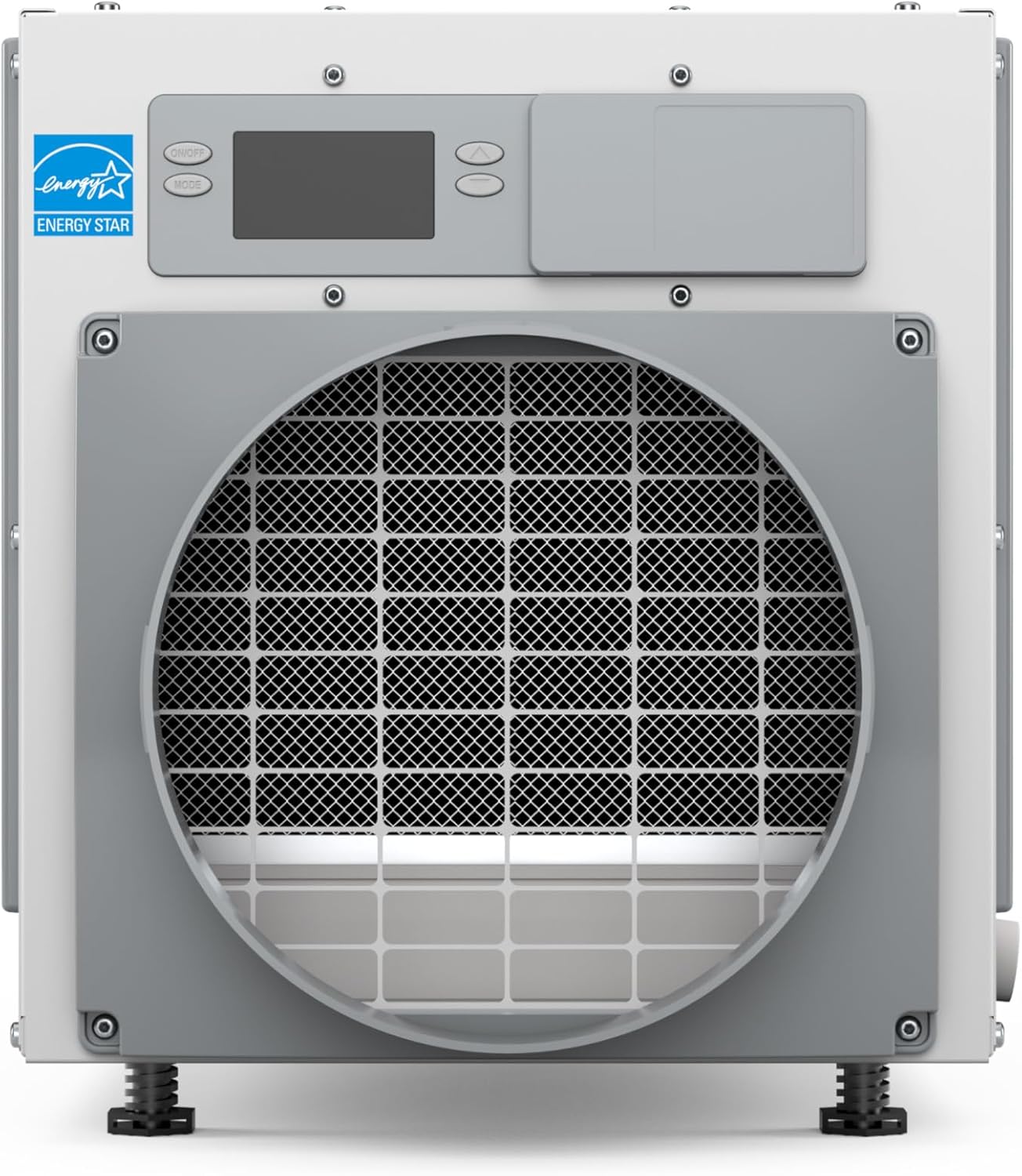
Figure 3: Dimensions of the AprilAire E080 Dehumidifier for planning placement.
4.2 Drainage
The E080 features continuous draining, eliminating the need to empty a water tray. Connect the provided barbed drain fitting to a suitable drain hose (not included) and route it to a floor drain or condensate pump. Ensure the hose has a continuous downward slope to prevent water backup.
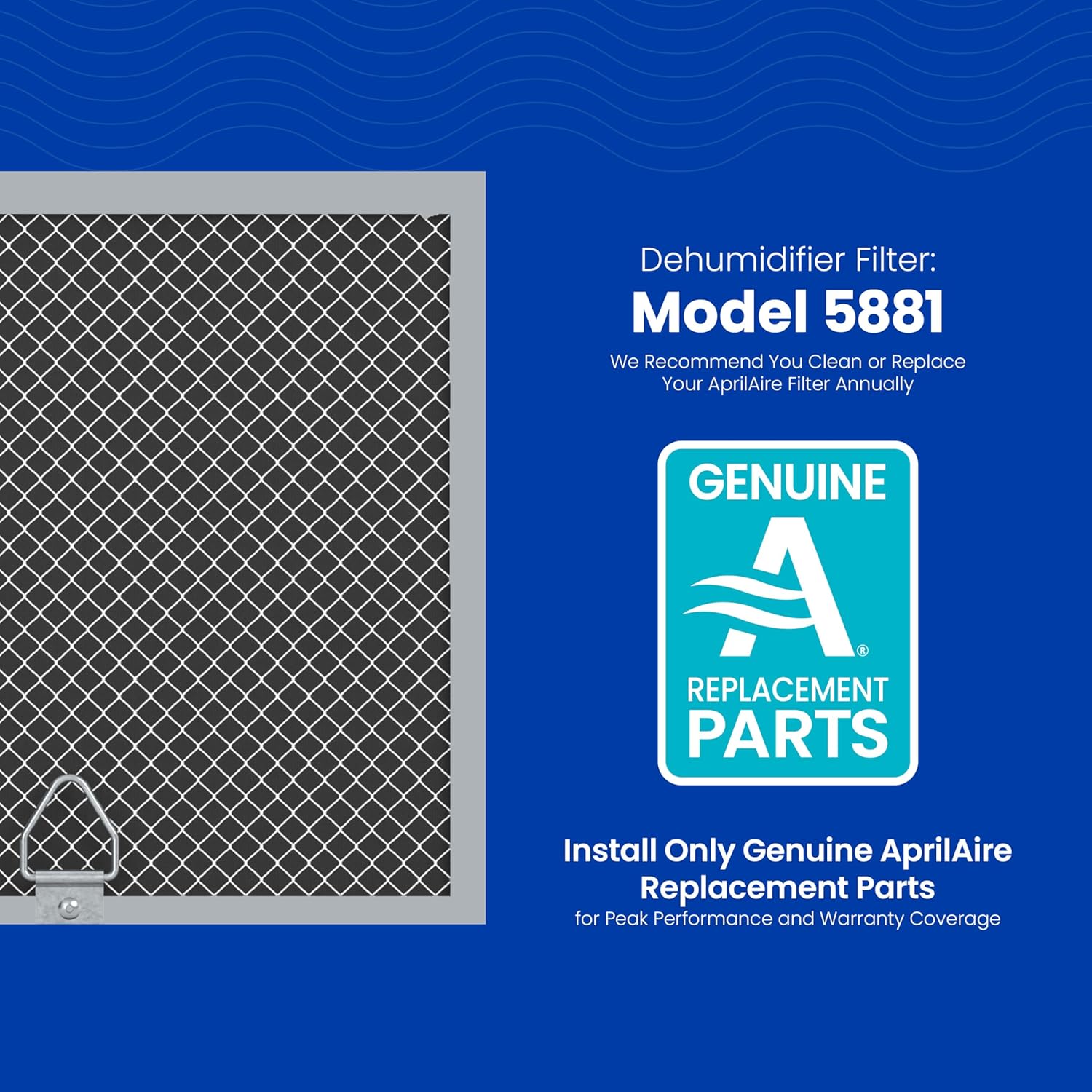
Figure 4: Detail of the continuous drainage connection point on the dehumidifier.
4.3 Control Panel Orientation
The control panel can be mounted on the top or front of the unit for convenient access, depending on your installation location.
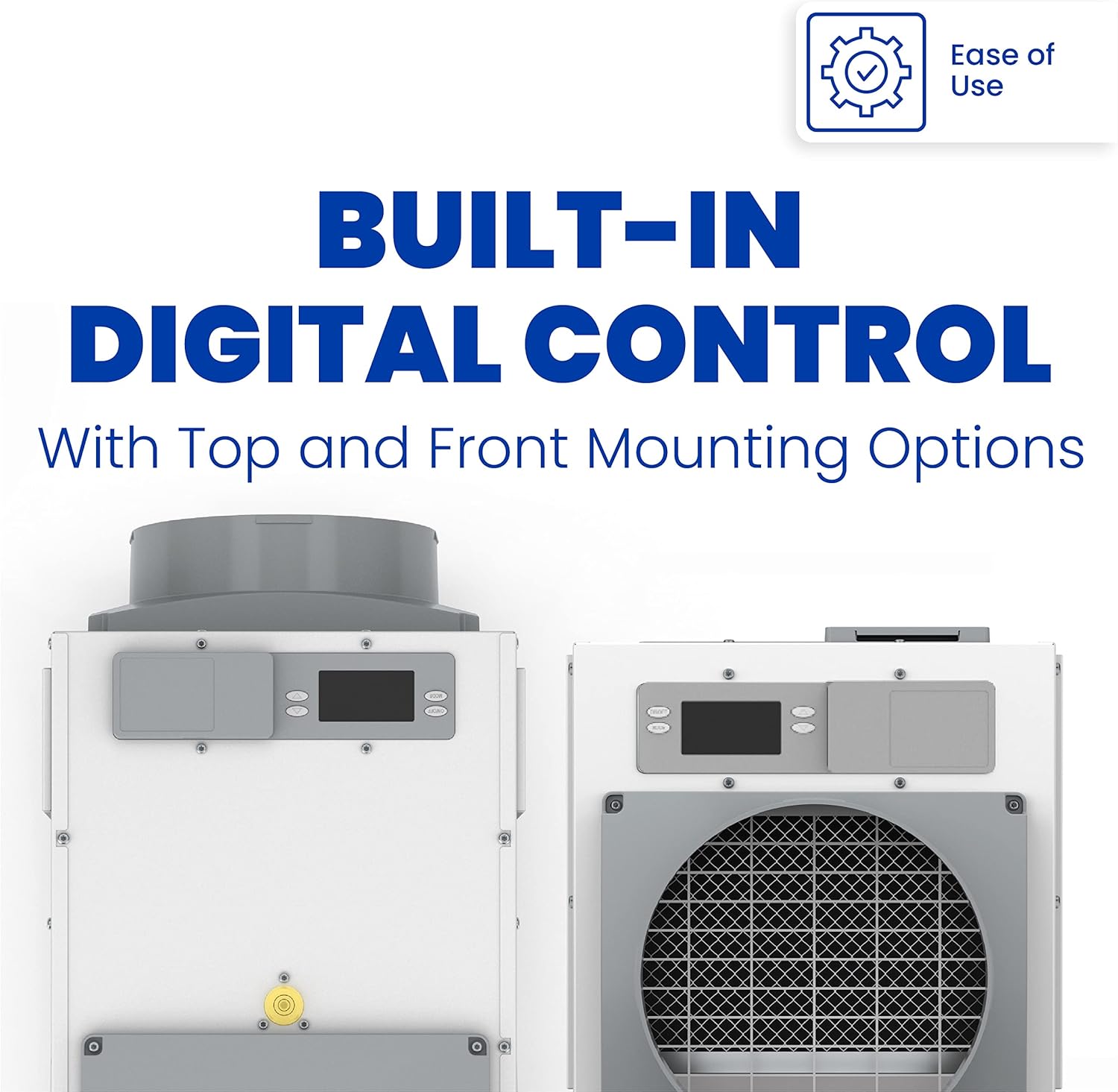
Figure 5: The digital control panel can be mounted on the top or front of the unit.
5. Operation
The AprilAire E080 Dehumidifier is designed for user-friendly operation with smart sensing technology.
5.1 Setting Desired Humidity
Use the interactive display to set your desired humidity level. The unit will automatically operate to maintain this set point. The dehumidifier will first run its fan for approximately 3 minutes to sample the air humidity. If the humidity is above the set point, the compressor will engage to begin dehumidification.
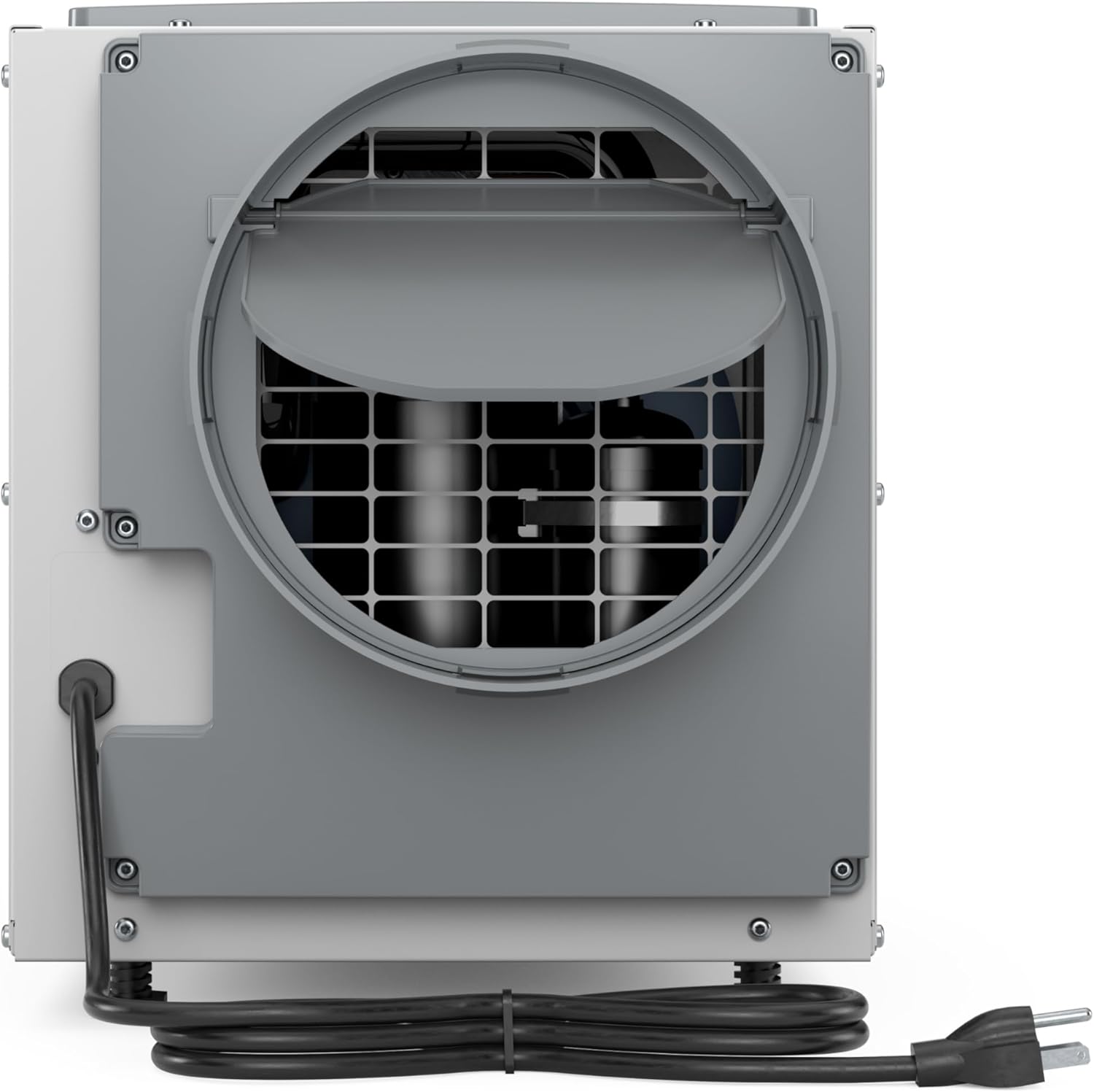
Figure 6: Digital control panel for setting humidity and monitoring status.
5.2 Remote Control (Wi-Fi Models)
For Wi-Fi enabled models, you can monitor and adjust settings remotely via a compatible application on your smartphone or tablet. Refer to the separate Wi-Fi setup guide for detailed instructions on connecting your device.
5.3 Operational Overview
Watch this video for a quick overview of AprilAire humidity and dehumidification solutions.
Video 1: AprilAire Humidity and Dehumidification Quick Overview. This video provides a brief explanation of how AprilAire dehumidifiers manage humidity in your home.
6. Maintenance
Regular maintenance ensures your dehumidifier operates efficiently and extends its lifespan.
6.1 Filter Cleaning and Replacement
The AprilAire E080 uses a washable MERV 8 filter (Model 5881). It is recommended to clean or replace the filter once a year to maintain optimal air quality and unit performance. Refer to the manual for instructions on accessing and cleaning the filter.
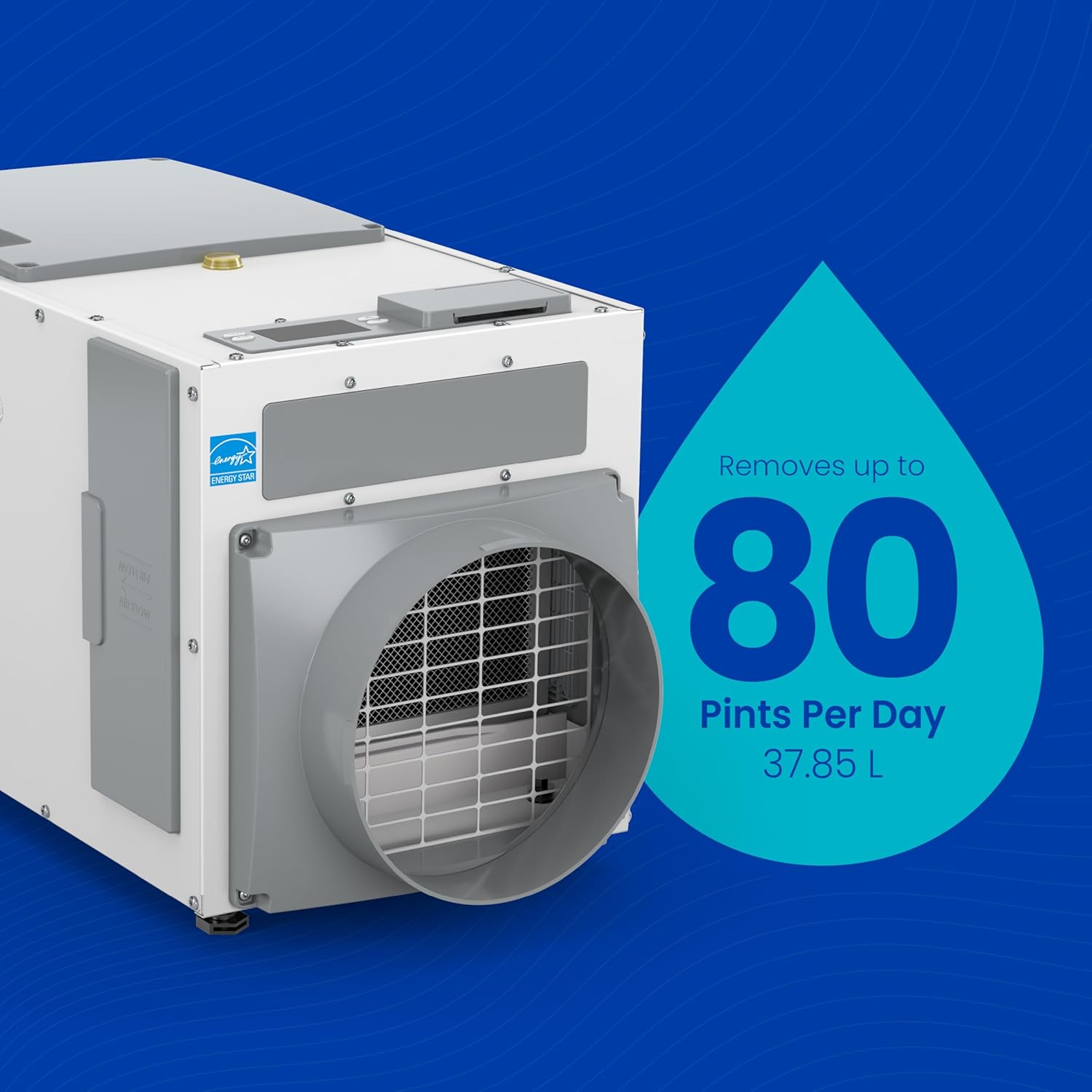
Figure 7: The washable MERV 8 filter (Model 5881) for the AprilAire E080 Dehumidifier.
6.2 Coil Inspection
The unit features corrosion-resistant aluminum coils, designed for durability. Periodically inspect the coils for any buildup of dust or debris. If necessary, gently clean them according to the instructions in the full manual.
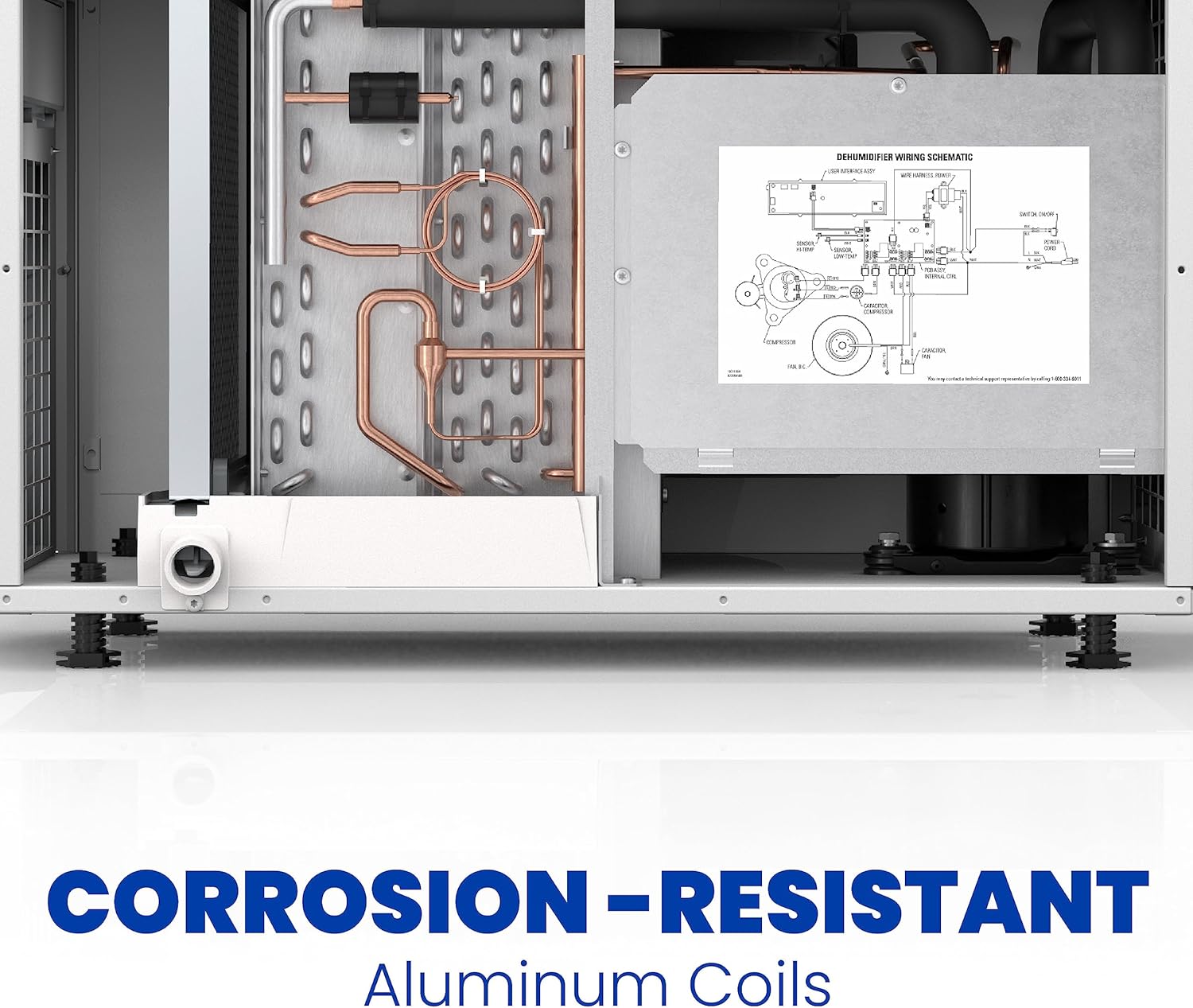
Figure 8: Internal view highlighting the corrosion-resistant aluminum coils.
7. Troubleshooting
If you encounter issues with your AprilAire E080 Dehumidifier, consult the following common troubleshooting tips. For more complex problems, refer to the complete installation and operation manual or contact customer support.
- Unit Not Turning On: Check power connection, ensure the unit is plugged into a functional outlet, and verify no circuit breakers are tripped.
- No Dehumidification: Ensure the desired humidity setting is lower than the current room humidity. Check that air intake and exhaust are not blocked. Verify the filter is clean.
- Water Leakage: Inspect the drain hose for kinks, blockages, or improper connection. Ensure the unit is level.
- Unusual Noises: Check for loose components or obstructions in the fan area.
- Error Codes: Refer to the diagnostic codes section in your full manual for specific error messages displayed on the control panel.
8. Specifications
| Feature | Detail |
|---|---|
| Brand | AprilAire |
| Model Name | E080 |
| Dehumidification Capacity | 80 Pints per Day |
| Coverage Area | Up to 4,400 Square Feet |
| Product Dimensions | 14"D x 26"W x 15"H |
| Item Weight | 63 Pounds |
| Voltage | 120 Volts (AC) |
| Wattage | 612 watts |
| Air Flow Capacity | 185 Cubic Feet Per Minute |
| Filter Type | Washable MERV 8 Filter (Model 5881) |
| Special Features | Adjustable Humidity Control, Anti-Spill, Automatic Defrost, Automatic Moisture Removal, Automatic Restart, Automatic Shutoff, Continuous Draining, Digital Display, Overheat Protection, Washable Filter |
| Manufacturer | Research Products Corporation |
| UPC | 686720006425 |
9. Warranty & Support
9.1 Warranty Information
The AprilAire E080 Dehumidifier is backed by a 5-year manufacturer's warranty. This warranty covers defects in materials and workmanship under normal use and service. For full details and terms, please refer to the warranty documentation included with your product or visit the official AprilAire website.
9.2 Customer Support
For technical assistance, troubleshooting, or warranty claims, please contact AprilAire customer support. Contact information can be found in your product manual or on the AprilAire website.